Users reporting boot failures after installing Thunderbolt software update
 AppleInsider Staff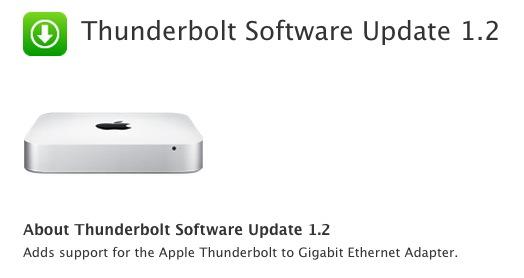
According to various posts on Apple's Support Communities webpage, the software update pushed out on Monday to bring compatibility for the new Thunderbolt Gigabit Ethernet Adapter has reportedly been causing a number of Macs to freeze and suffer boot errors.
It is unknown how widespread the problem is, though affected users are reporting kernel panic crashes or improper boots that force drastic action be taken before the Macs are once again operational. Remedies for the bug include a reapplication of the combo updater, restoring from a backup or a complete reinstall of OS X. As of this writing, only OS X 10.7.4 Lion users have experienced the issue.
A report from CNET has found that the Thunderbolt update applies to a single kernel extension called "IONetworkingFamily.kext" and is possibly carrying a bug that makes the connectivity kernel incompatible with Lion Macs. The report also noted the process of installing the new Thunderbolt software cannot be reversed since it is an update to an extension and not the installation of a completely new kernel.
While the problems persist Apple hasn't yet pulled the update from its Support Pages and the company hasn't issued a formal statement as to what may be causing the issue.








 Andrew Orr
 William Gallagher

 Mike Wuerthele
 Christine McKee
 Malcolm Owen
 Amber Neely