First look: iOS 6 Settings adds Do Not Disturb, quicker Bluetooth access
 Neil Hughes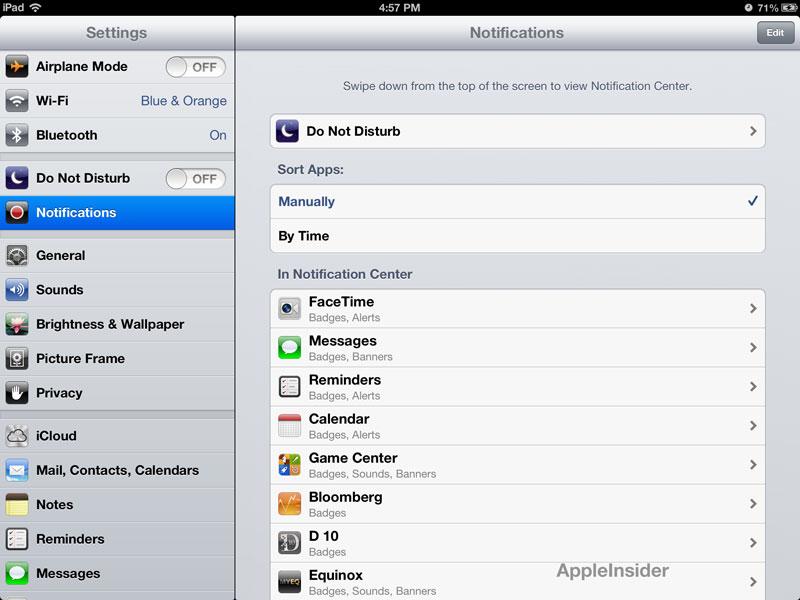
One much-requested feature in iOS has been the ability to quickly turn Bluetooth connectivity on or off, to conserve battery life. In previous versions of iOS, the Bluetooth switch was buried under Settings, General, but with iOS 6, Bluetooth is now located right under Wi-Fi.
Also under Settings is a new "Do Not Disturb" option. With this, users can choose specific hours where applications and notifications will not show up on their iPhone or iPad.
Do Not Disturb is completely customizable, and users can allow calls from certain people to come through even during the user-defined "off hours."
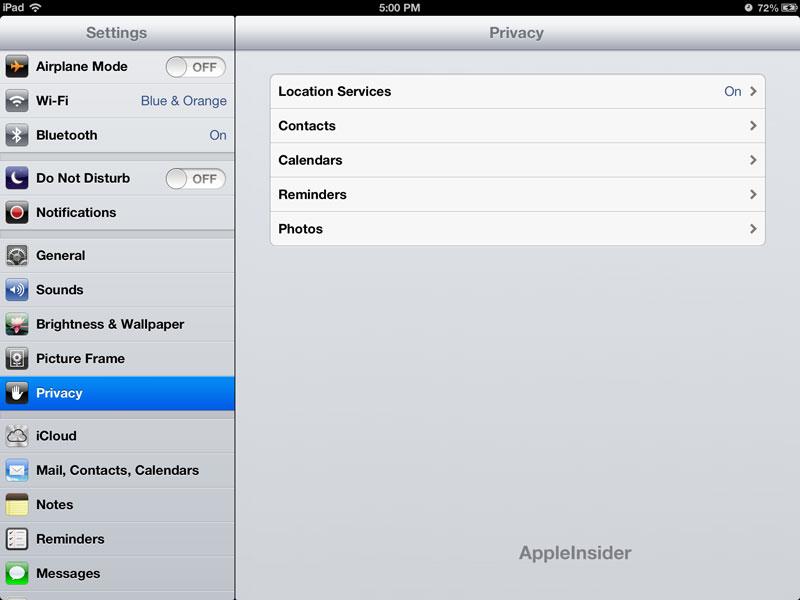
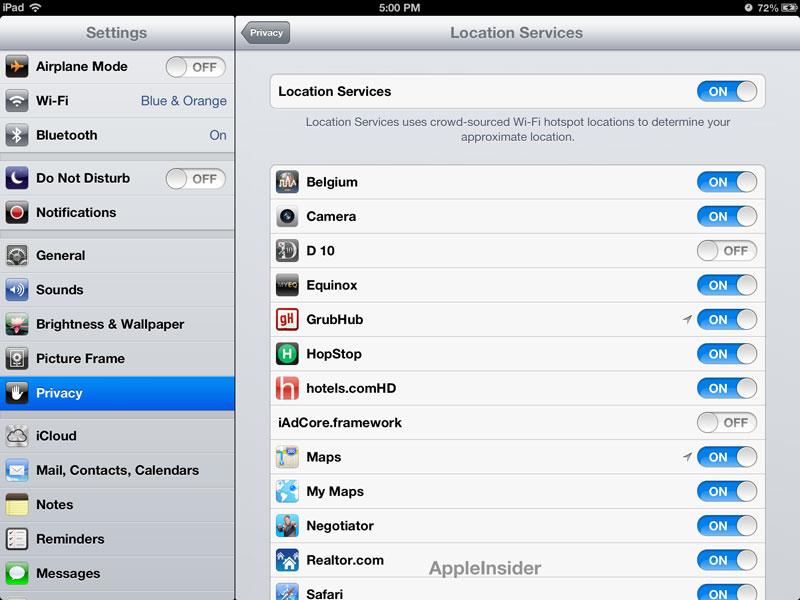
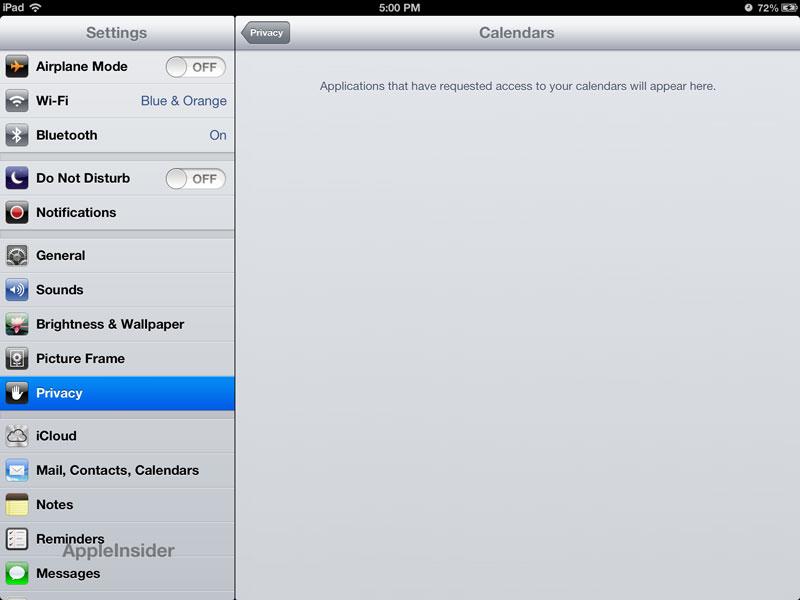
Another new addition to the Settings application is a "Privacy" option. Here, users can turn Location Services on or off, and can view what applications have access to contacts, calendars, reminders and photos.
In the first iOS 6 beta, the Privacy option replaces what was the Location Services option in previous versions of iOS. Now, Location Services are housed in the Privacy section.


 Andrew Orr
 Malcolm Owen
 Christine McKee
 Chip Loder

 William Gallagher





9 Comments
The 'do not disturb' feature looks impressively customisable. I particularly like the way it can be set to let calls through if the same person calls multiple times - that's good thinking.
Shame Airplane/3G/Wifi/Bluetooth toggles still aren't in the Notification Center. But it looks like there's a Do Not Disturb toggle in there, so that's something...
All the toggles should be quickly accessible. Of all the jailbreak things Apple has ripped off, why not SBsettings?
I like the "do not disturb" feature. It's like an enhanced "airplane mode" so I can still let important calls through but not be annoyed by drunk texts while I'm sleeping.
I'm disappointed we didn't hear anything about even some rudimentary improvements to enable some type of multi-user restrictions.
Something as simple as a passcode locked folder where I can put my apps that I don't need the children or friends accessing.
(though single app mode helps, but a little too basic)
The 'do not disturb' feature looks impressively customisable. I particularly like the way it can be set to let calls through if the same person calls multiple times - that's good thinking.
Shame Airplane/3G/Wifi/Bluetooth toggles still aren't in the Notification Center. But it looks like there's a Do Not Disturb toggle in there, so that's something...
I don't see anything regarding email in there though and I'd love to not have work emails coming to me after hours or on the weekends.