Inside iOS 5: Update apps in place within iOS App Store
 AppleInsider Staff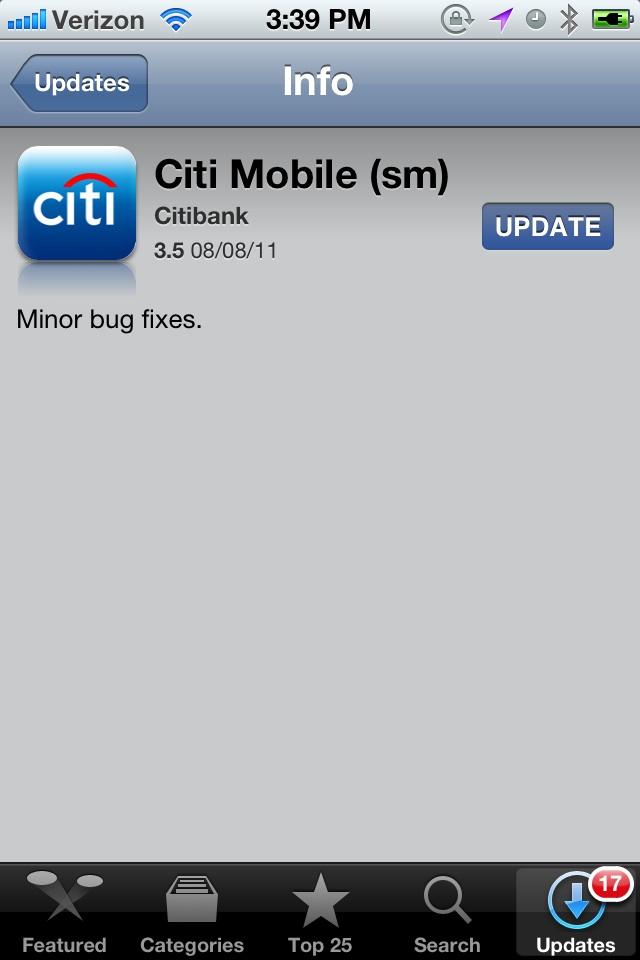
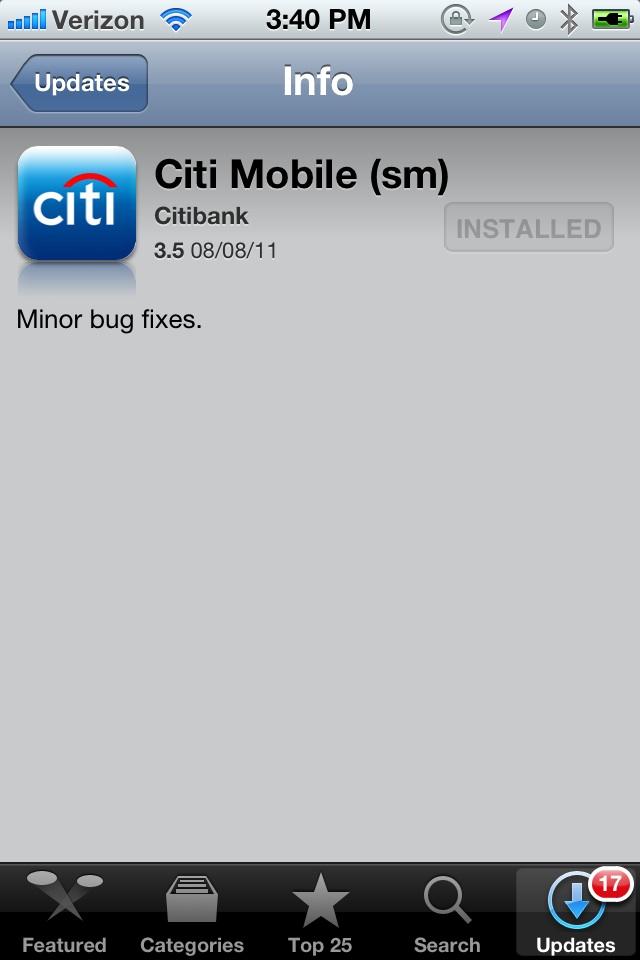
After navigating to app that needs to be updated within the App Store Updates page, simply clicking the Update button will now result in the app being updated behind the scenes. Once finished, the button will convert into an Installed label.
This process also works from the Purchased list, which lists all apps you have ever bought from the App Store. Apps that are not installed are listed with an iCloud icon that enables you to "install from the cloud," and previously installed apps are listed as such.
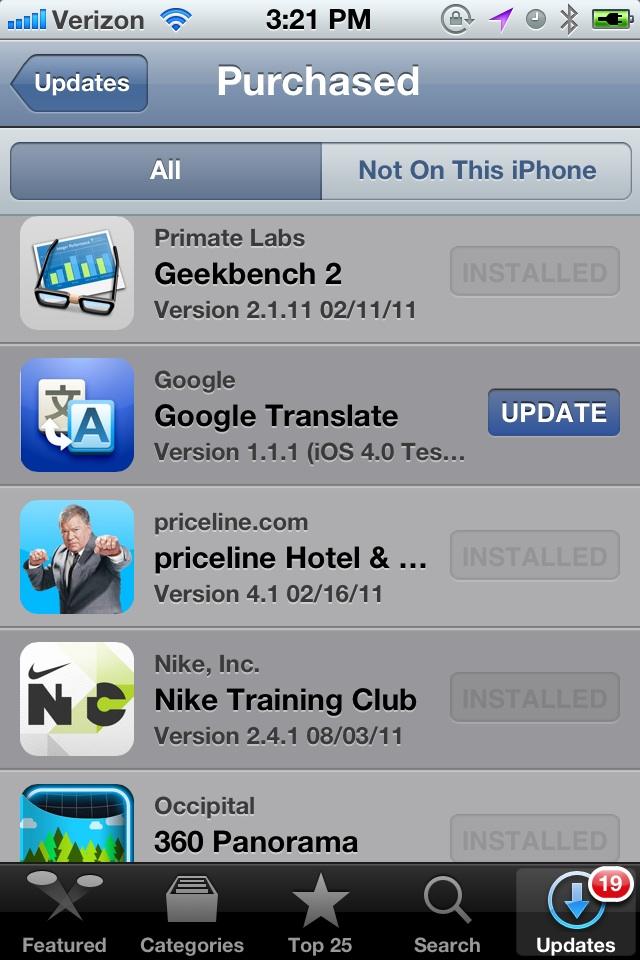
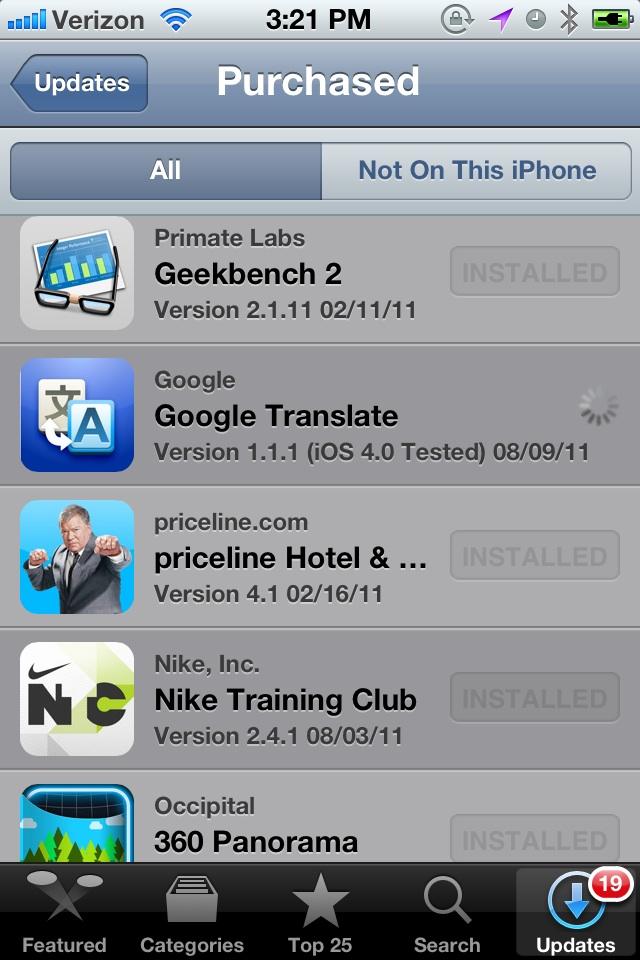
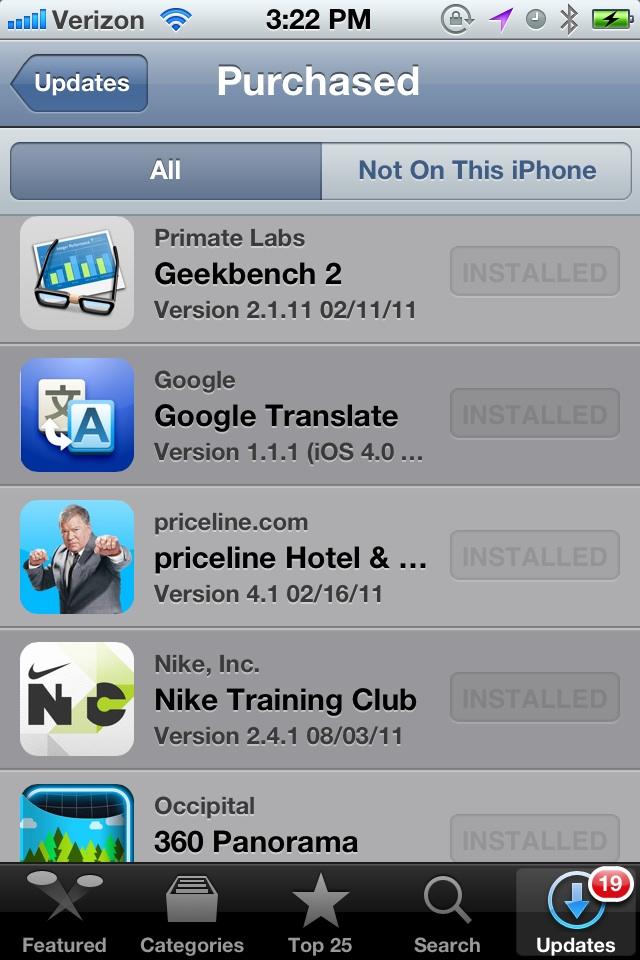
However, apps that have a pending update are now given the same Update button, and clicking it will similarly update the app in the background, without dropping the user out of the App Store.
Users can still opt to bring all their apps up to date by clicking on the Update All button, which does return the user to the Home screen, where each app update in installed in sequence.







 Mike Wuerthele
 Malcolm Owen
 Chip Loder

 William Gallagher
 Christine McKee
 Michael Stroup
 William Gallagher and Mike Wuerthele