Mountain Lion brings new iOS-like file handling, iCloud App Library features
 Daniel Eran Dilger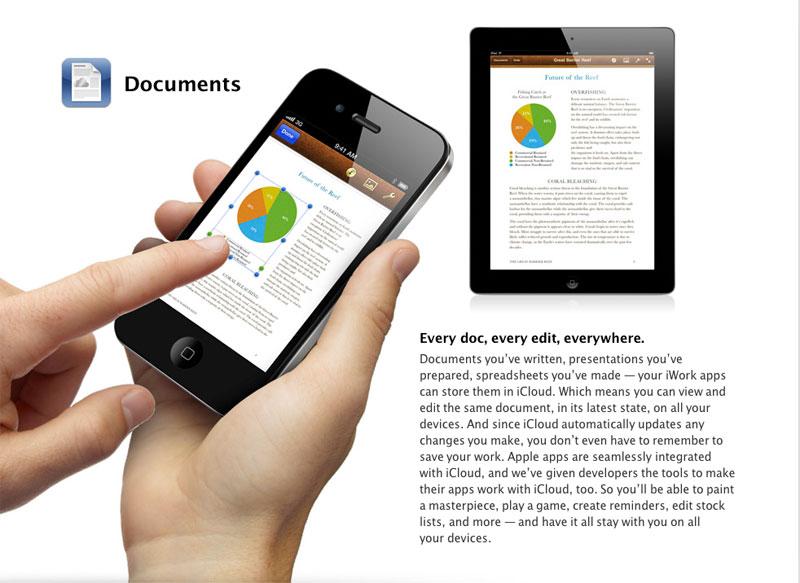
After introducing Auto Save and Revisions to OS X Lion, along with initial support for iCloud, the next major release of OS X dramatically changes how users can interact with documents.
Mountain Lion borrows the streamlined, graphical presentation of documents from iOS, where users select documents in apps like Apple's iWork without navigating through a hierarchical file system. In iOS, an app's documents are stored within the app's sandbox, and each app can only see their own documents.
iCloud works the same way, storing an app's Documents & Data unique to that app, a security measure that prevents rogue apps or malware from deleting, accessing or modifying data they are not authorized to use. Apple refers to this convention as an "App Library."
Currently, iOS 5 versions of iWork already take advantage of iCloud documents. In OS X Mountain Lion, apps will be able to take broader advantage of the same type of documents integration, paving the way for a new version of iWorks that accesses documents from the App Library the same way Mountain Lion's other apps do.
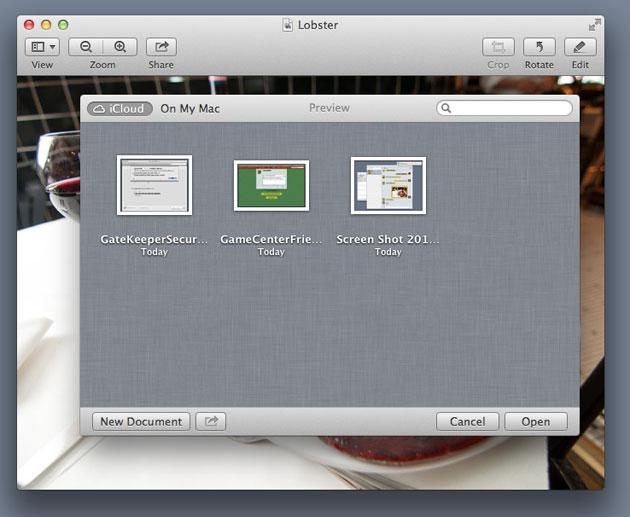
In Mountain Lion, Apple presents a new file dialog with two options: the conventional file system under "On My Mac," and an App Library, an iOS-like depiction of the app's own iCloud files, portrayed similar to iOS apps, with the same ability to be organized into "Folders."
A graphic published by PCWorld depicts how this appears within the Preview app, with various iCloud documents from Preview's cloud based App Library appearing on a linen background similar to the Templates selection of iWork apps.
Apple is also refining how related document handling features, such as Auto Save, Duplicates, Versions and Time Machine, work, making it simpler for users to work with files.
In Mountain Lion, Auto Save can now automatically create and save new iCloud-based documents in apps that support the cloud service. When users Duplicate a file, it will be easier to give the duplicate a unique name. And when users activate Time Machine with a file selected, the system will now present that documents Versions rather than a more general view of all their backups.











 Malcolm Owen
 Chip Loder

 William Gallagher
 Christine McKee
 Michael Stroup
 William Gallagher and Mike Wuerthele