Series of YouTube videos show off Apple's Snow Leopard
 AppleInsider Staff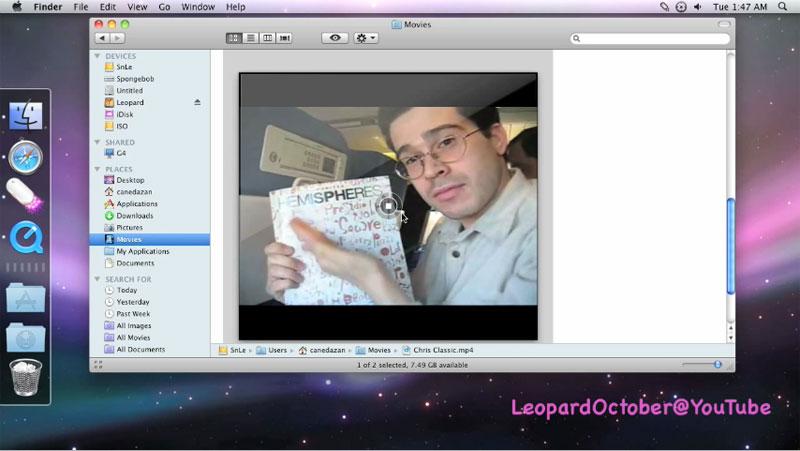
All of the videos, as well as some screenshots, can be seen over at the user's YouTube page. Many of the videos must be accessed directly through the video file sharing site, as they cannot be embedded externally. For the most part, the videos highlight features and technologies that have been been disclosed and discussed.
For example, the first video provides an overview of advances to Snow Leopard's Finder, such as the "Put Back" option for returning items placed in the trash to their original location, high-resolution icons, nested folder navigation via a Stack's grid view, super-sized QuickLook movie previews, and the new universal keyboard shortcut preference pane.
Click to view this video at YouTube.
Another video shows how to assign applications to individual Spaces and also dives into demos of some of the more advanced text services that were detailed previously, such as text substitutions.
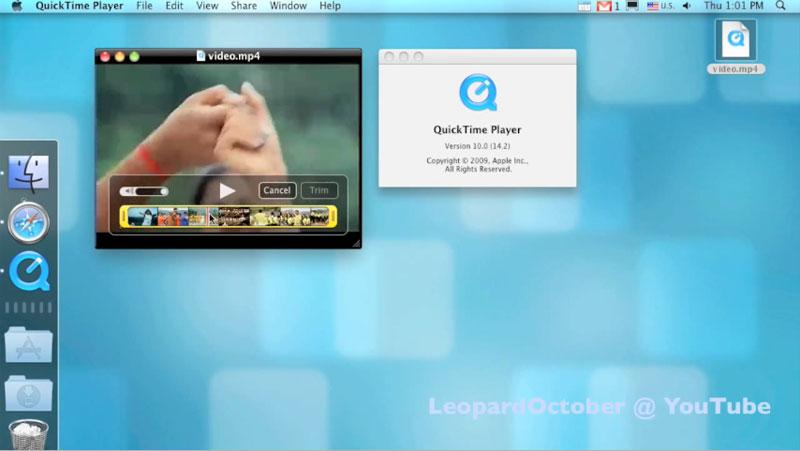
Also covered previously was the new interface for QuickTime X Player, which can be seen in the below video, complete with new trim controls and borderless playback. The player is also used to demonstrate Mac OS X 10.5 Leopard's startup video in the following clip.
Click to view this video at YouTube.
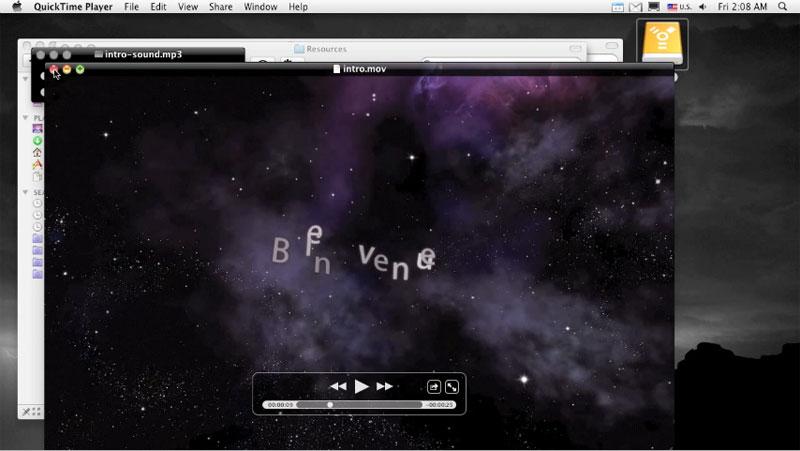
Click to view this video at YouTube.
A fifth video shows a PDF being viewed as jumbo-sized QuickLook icons while a sixth details some new search-related preferences.
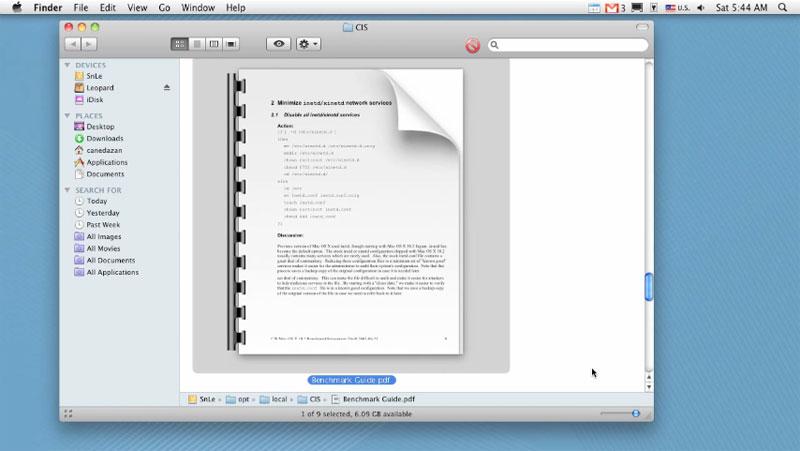
Click to view this video at YouTube.
LeopardOctober's YouTube page was brought to our attention by the folks over at MacMagazine.com.br.










 William Gallagher
 Chip Loder
 Andrew Orr
 Marko Zivkovic
 David Schloss

 Malcolm Owen