Apple Services
/
Apple Creator Studio



All about Apple Creator Studio
Table of Contents
Apple Creator Studio is a subscription bundle that consists of Apple's professional apps and productivity tools. It provides users access to all of the apps with additional features that are exclusive to the bundle.

The subscription is yet another play at improving recurring revenue for Apple Services and a direct competitor to others in the space, namely Adobe. While it isn't quite as robust as Adobe's Creative Cloud packages, it is a core sampling of useful tools that should be enough for most users.
Individually, these apps cost a pretty penny, and many were once one-time purchases or exclusive to the Mac. Now, most are universal apps powered by the single subscription.
Apple Creator Studio: A six app bundle with premium content add ons
The Apple Creator Studio is being treated as a separate entity from the original apps with distinct Liquid Glass icons. Subscribers will gain access to exclusive features and additional Apple Intelligence tools versus the older versions.
 Apple Creator Studio has six apps and three app add ons
Here are all of the apps included in the bundle:
- Final Cut Pro
- Logic Pro
- Pixelmator Pro
- Motion
- Compressor
- MainStage
Apple also mentioned that the iWork suite, Pages, Keynote, and Numbers, would gain additional features for Apple Creator Studio subscribers. The three apps will remain free and available to all Apple users, so they are technically not included in the bundle.
This collection of tools can give users the ability to create entire movies from scratch, down to the poster art and music themes. Of course, most won't be making the next Hollywood blockbuster, but instead will be editing their next YouTube video, TikTok, or home movie.
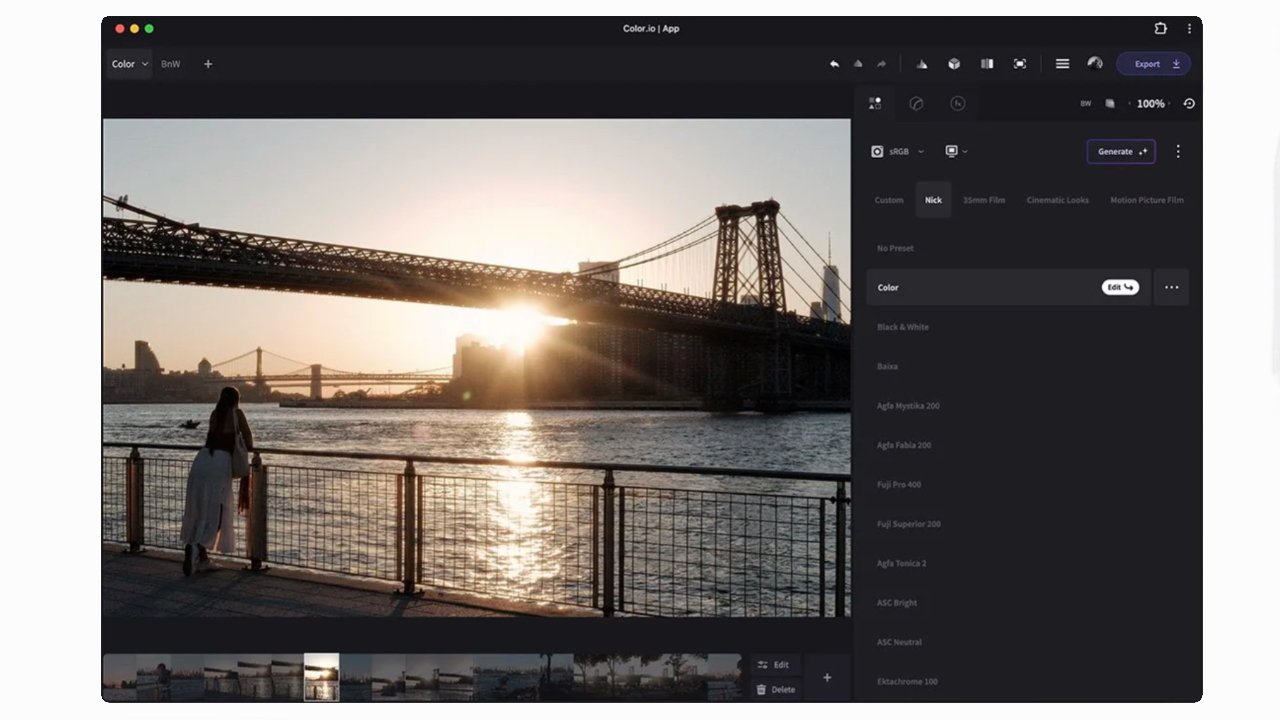
This also marks the first time Pixelmator Pro is available on iPad. The bundle subscription is the only way to get access to the app at launch.
How to subscribe to Apple Creator Studio
Apple Creator Studio arrived on January 28 for $12.99 per month or $129 per year, available via the App Store. All new subscribers get a one month free trial.
 Pixelmator Pro comes to iPad via the Apple Creator Studio subscription
Education pricing makes it much more affordable at $2.99 per month or $29.99 per year. The subscription is eligible for family sharing, so up to five additional family members can access the apps if they're part of your Apple Family.
The one-time purchase versions of the apps are still available on the Mac. Final Cut Pro is $299.99, Logic Pro is $199.99, Pixelmator Pro is $49.99, Motion is $49.99, Compressor is $49.99, and MainStage is $29.99 on the Mac App Store.
If an individual purchased all of these apps separately, that would add up to $680, which is equal to 5 years of Apple Creator Studio. In addition to those Mac apps are the available iPad equivalents and iWork add ons, so the total bundle is an even greater value that may increase over time with additional apps or services.