
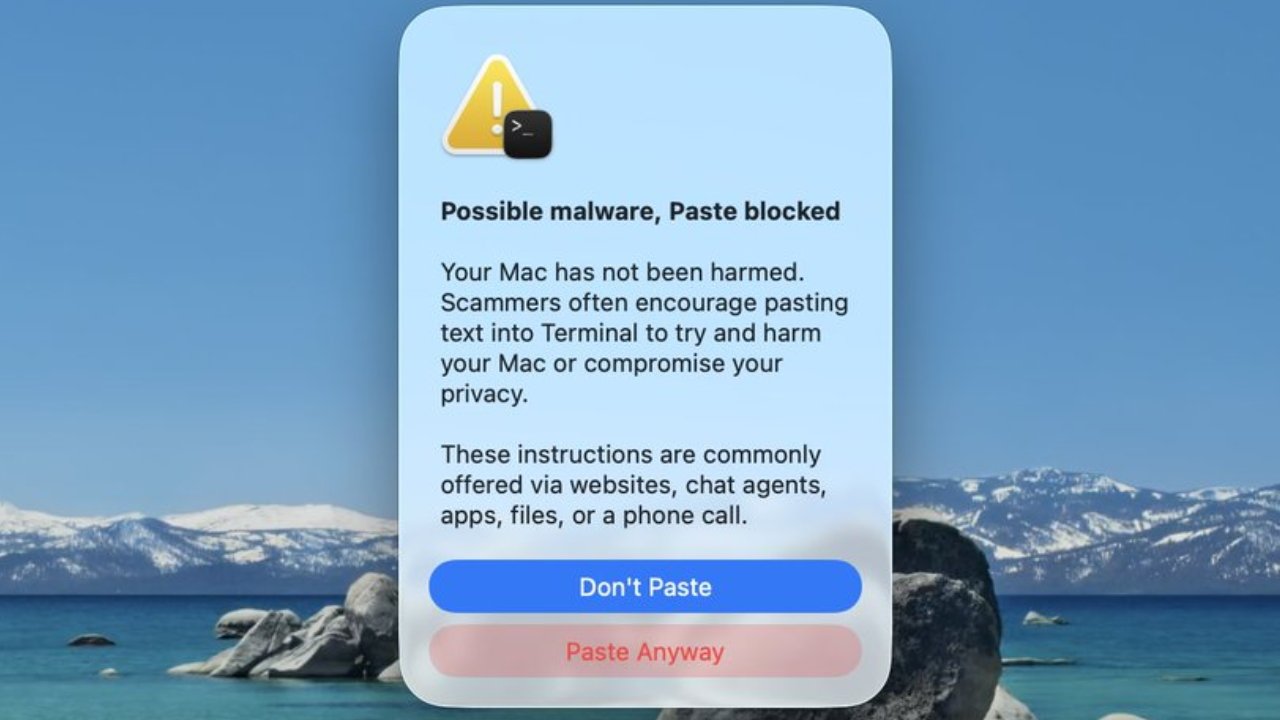
In a small but very welcome move, Apple has added a message in Terminal in macOS 26.4 that warns when a user tries to paste an instruction that might be malware.
Terminal is the command-line app that the giant majority of users never even know about, but is extremely useful for customizing Macs. It has such deep-rooted access to the Mac, though, that it can be dangerous.
Usually the danger comes from either inexperienced users typing the wrong commands — or scammers telling them to paste in certain instructions. If a user does that, they bypass all of Apple's security and basically hand the keys over to the scammers.
Now, however, Apple has introduced a specific warning to macOS 26.4 about Terminal. As spotted by X user Mr Macintosh, it's warning against pasting — but it isn't yet working for everyone.
New warning in macOS Tahoe 26.4
— Mr. Macintosh (@ClassicII_MrMac) March 25, 2026
You will now be warned when you paste terminal commands from Safari or other apps, flagging anything that could harm your Mac.
I'm really glad Apple added this. It's a small but helpful change that protects users. pic.twitter.com/Gecbt3KKdD
The warning is part of macOS 26.4, which was released publicly on March 24, 2026. But it appears to be a test for, as clearly welcome as it is, it isn't present in every installation of macOS 26.4.
AppleInsider has not been able to replicate it, for instance. So there is something curious about all of this, and so far Mr Macintosh appears to be the only person who has spotted it.
Consequently it could yet be a hoax, yet if it is, Apple should listen. This is such a good and simple idea that Apple should make it universal.
One problem with it not being reproducible everywhere is that it's also not possible to determine precisely how it works. The warning definitely appears when a user pastes a suspicious instruction into Terminal.
"Possible malware, Paste blocked," says the warning. Having a capital P on Paste looks odd, but the rest of the warning text is typical Apple in its simplicity.
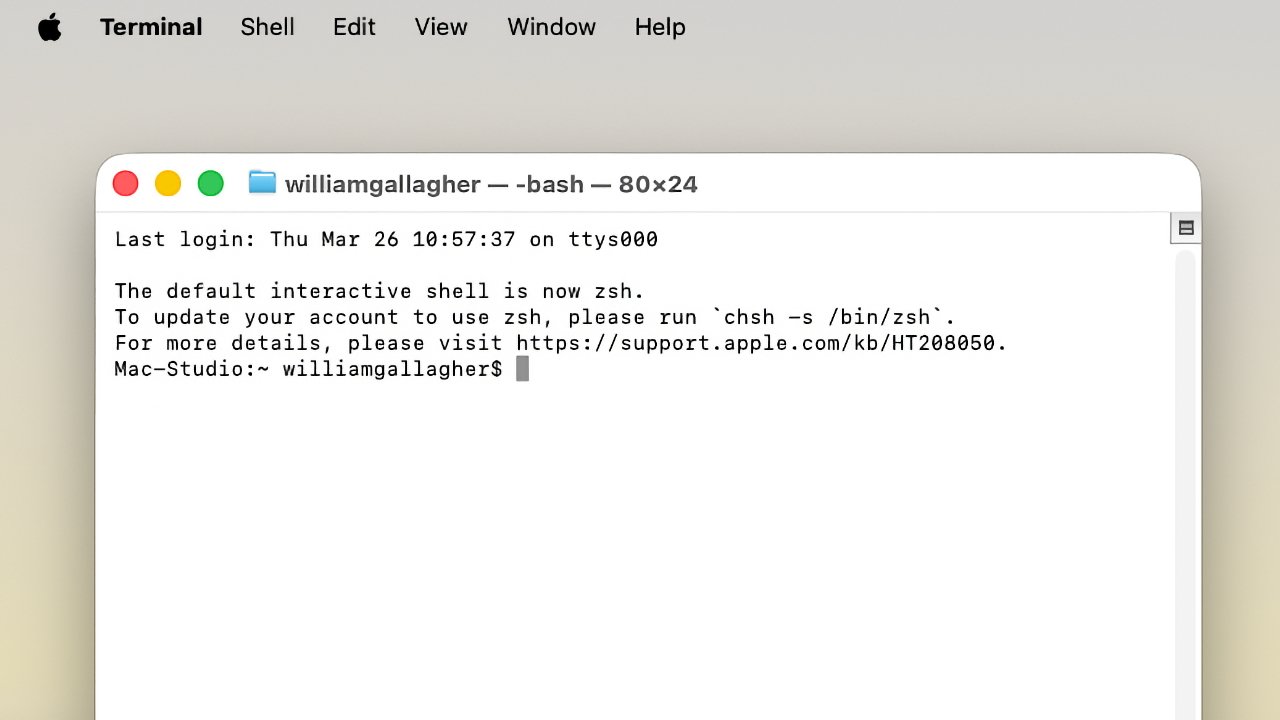
Terminal is an app that lets users type in commands to control their Mac.
"Your Mac has not been harmed. Scammers often encourage pasting text into Terminal to try and harm your Mac or compromise your privacy," it says. "These instructions are commonly offered via websites, chat agents, apps, files, or a phone call."
The user can then choose to click a Don't Paste or a Paste Anyway button.
It's not at all clear whether this warning appears regardless of what a user is pasting into Terminal. It's probable, based on that warning text, that it's only shown if the instruction on the clipboard fits certain conditions.
According to this X user Mr Macintosh, though, if you do get the warning, then it only appears once. That would be fine for experienced users who would therefore not be forever having to click that Paste Anyway button.
But for users new to Terminal and being tricked into using this unfamiliar app, it would surely be better to have the warning appear every time.
Nonetheless, as long as there are bad actors trying to trick users into installing malware through Terminal, such a warning is a good idea.


