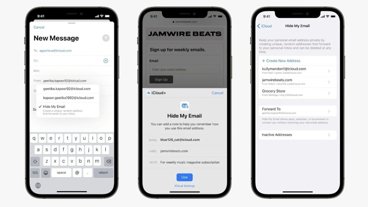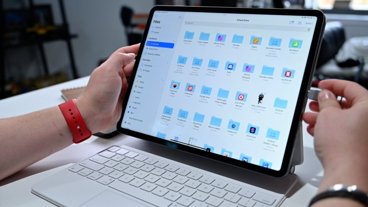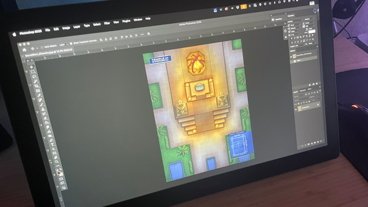
Astropad is expanding beyond drawing tools with Workbench, a remote desktop app designed to control a Mac from anywhere, with a focus on managing AI-driven workloads.
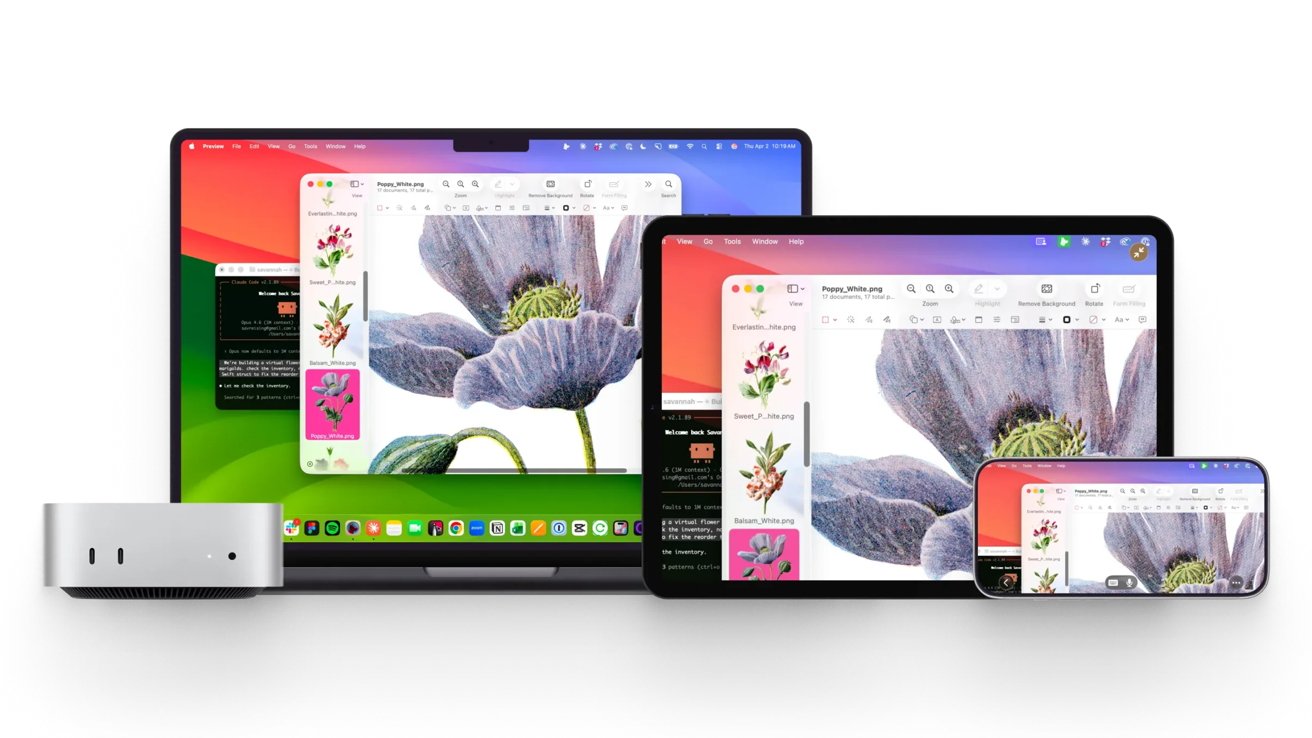
Astropad has introduced Workbench, a remote desktop system designed exclusively for Apple devices, including Mac, iPad, and iPhone. Workbench offers comprehensive remote control, enabling users to engage with apps, navigate macOS, and manage system processes in real time.
The new remote access app supports native input methods like Apple Pencil, touch gestures, and keyboard input, all optimized for low latency and high-quality visuals. To use Workbench, users need macOS 15 or newer, and iOS 26.
The launch comes as Apple Silicon systems increasingly support demanding tasks beyond traditional desktop applications.
Astropad is targeting AI workflows and headless Macs
Astropad frames Workbench as a remote desktop for the AI era, with features that suit this technological shift. It monitors and controls Macs running background jobs like AI agents, automation tasks, and long-running processes that usually operate unattended.
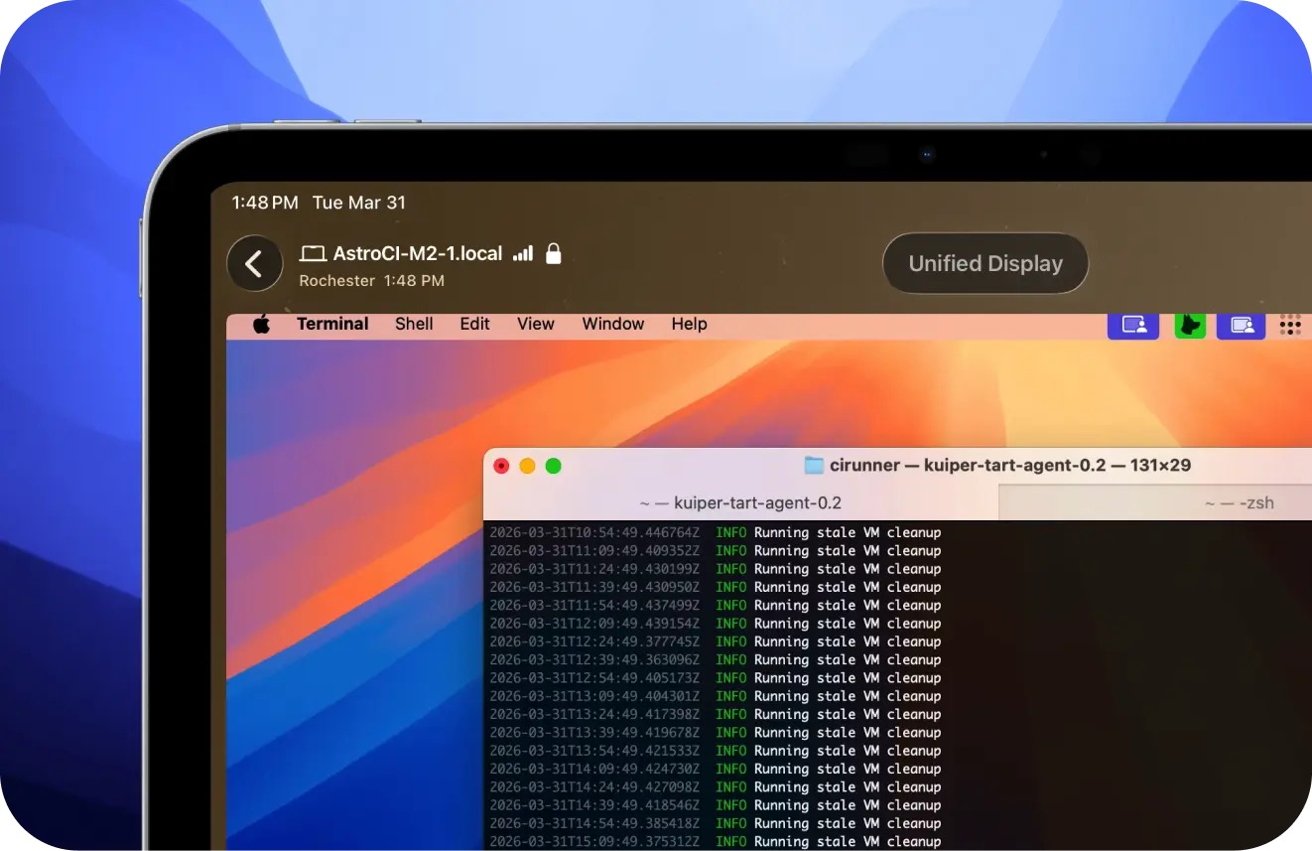
Astropad frames Workbench as a remote desktop for the AI era. Image credit: Astropad
Workbench is designed for setups like a Mac mini configured as a dedicated compute node. In such environments, users must check logs, restart jobs, and make adjustments without direct access.
As users rely on Apple Silicon machines for local AI processing and automation, remote visibility into these systems is crucial. Developers and enthusiasts now view Macs as always-on systems, not just desk-bound devices.
Apple hardware has advanced to the point where on-device AI workloads are feasible, particularly on efficient machines like the Mac mini. However, Apple lacks a native remote management tool specifically designed for this purpose.
Performance and Apple-specific integration are the differentiators
Astropad's "Liquid" technology, used in Luna Display and Astropad Studio, delivers low-latency, high-quality streaming with Retina support and adaptive codecs. It preserves color accuracy and responsiveness, crucial for creative work and precise system control.
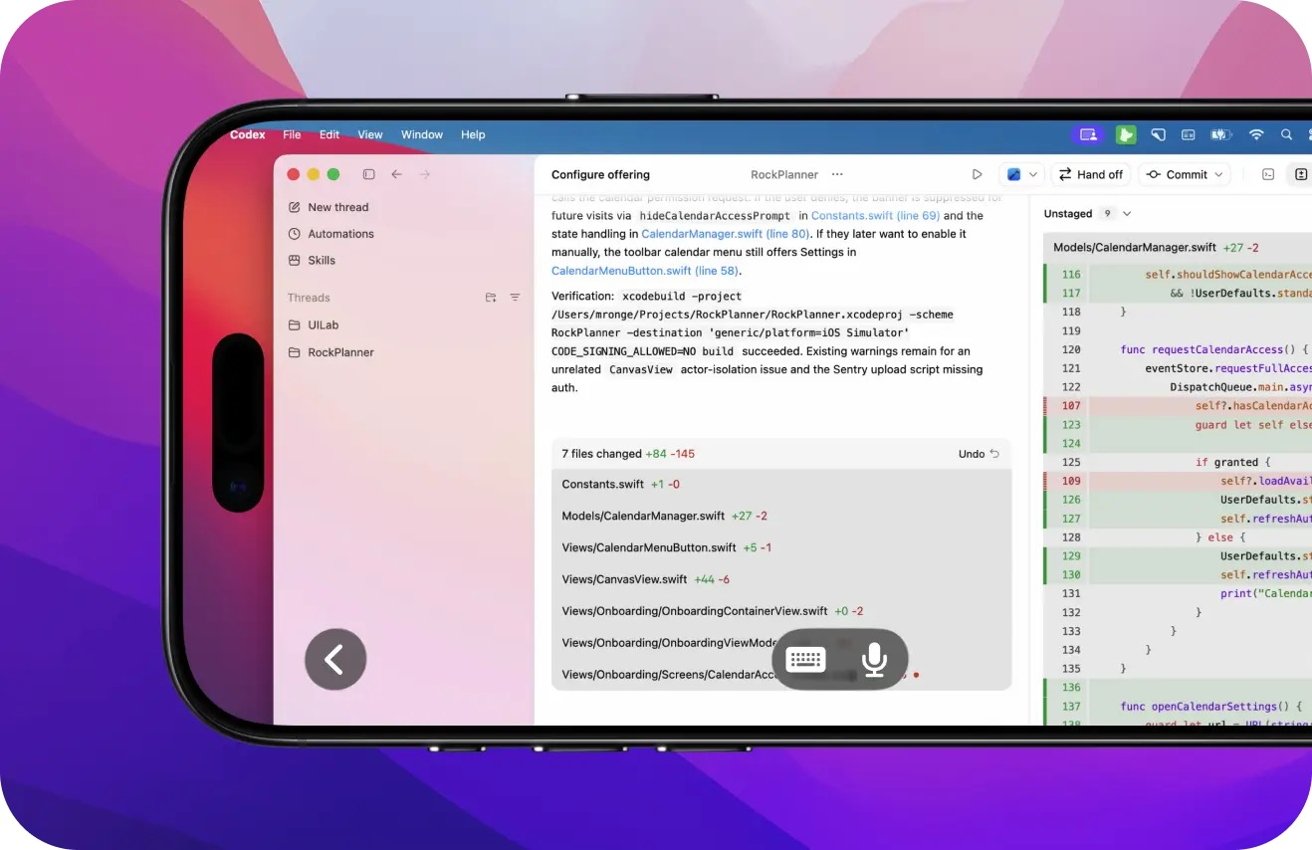
Apple hardware has advanced to the point where on-device AI workloads are feasible. Image credit: Astropad
Smooth scrolling, zooming, and interaction reduce friction typical of remote desktop tools.
Workbench transforms iPhone and iPad into full input devices, offering Apple Pencil precision and speech-to-text commands. Users can dictate commands, navigate interfaces, and interact with apps.
Security and connectivity are ensured through a global relay network with end-to-end AES-256 encryption. There is no need for manual port forwarding or complex network configuration.
Workbench targets a specialized use case, unlike TeamViewer and macOS screen sharing. Built for Apple hardware, low latency, and locally run AI workloads, its adoption depends on users' shift to always-on systems.
Astropad Workbench has a free tier with 20 minutes of usage per day. A paid plan is available for $10 monthly or $50 annually.