Google released a Gemini macOS app that brings its AI onto the desktop, but after I tried it, I found that it works more like a quick-access tool than a fully integrated assistant like Siri.
The app runs on recent macOS versions and lets users summon Gemini instantly with a keyboard shortcut. Users can analyze on-screen content with permission and work with files, images, and documents without leaving their current app.
Google frames the release as a way to keep people "in flow" while they work. The broader goal is to position Gemini as a persistent layer across macOS instead of a standalone tool.
The app introduces what Google has been developing as "desktop intelligence," where the assistant can interpret what's on screen and respond in context. Gemini can reference open content instead of relying on pasted text or separate prompts.
Users can share a window or their full display to guide how the assistant responds. Gemini can then summarize documents, explain code, or generate content based on what is already open.
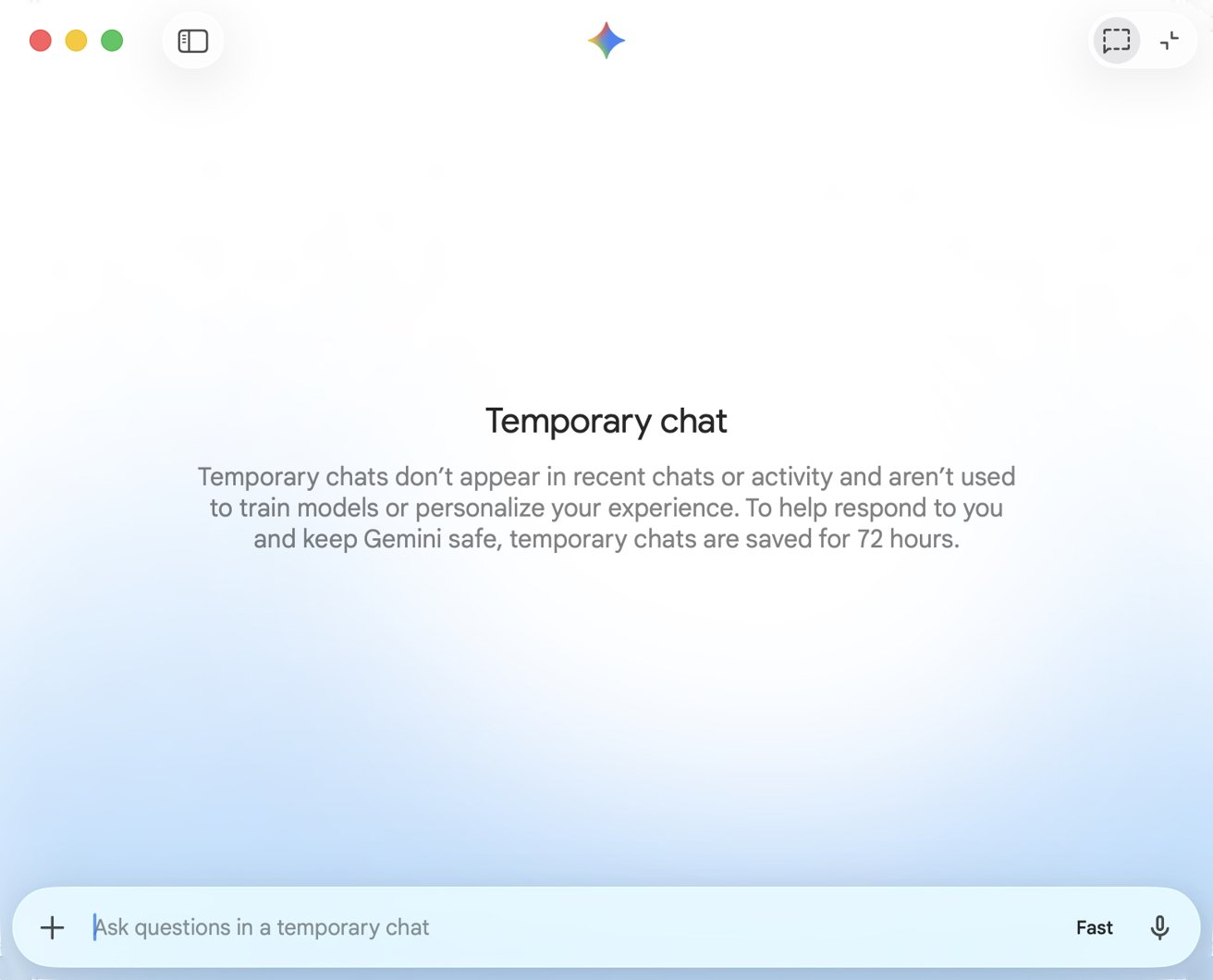
Opening a temporary chat in Gemini
The feature set builds on the platform's broader multimodal capabilities, which already handle text, images, and more. Google is extending those tools into a desktop environment where multitasking and window management play a larger role.
In actual use, the Gemini Mac app centers on speed and direct input. The Option + Space shortcut works consistently, pulling up a lightweight window that stays out of the way until you need it.
Most interactions come from typing prompts, pasting text, or uploading files. It otherwise feels like a regular chatbot experience, no matter which LLM you use. You type, upload, and paste.
Gemini pushes deeper into the desktop workflow
Google is following OpenAI's approach where assistants are becoming persistent overlays instead of destinations inside a browser tab. Although, that's to be expected for chatbots.
However, Google is pushing further by emphasizing screen-level awareness and real-time context. The focus brings Gemini closer to how operating systems themselves manage and interpret user activity.
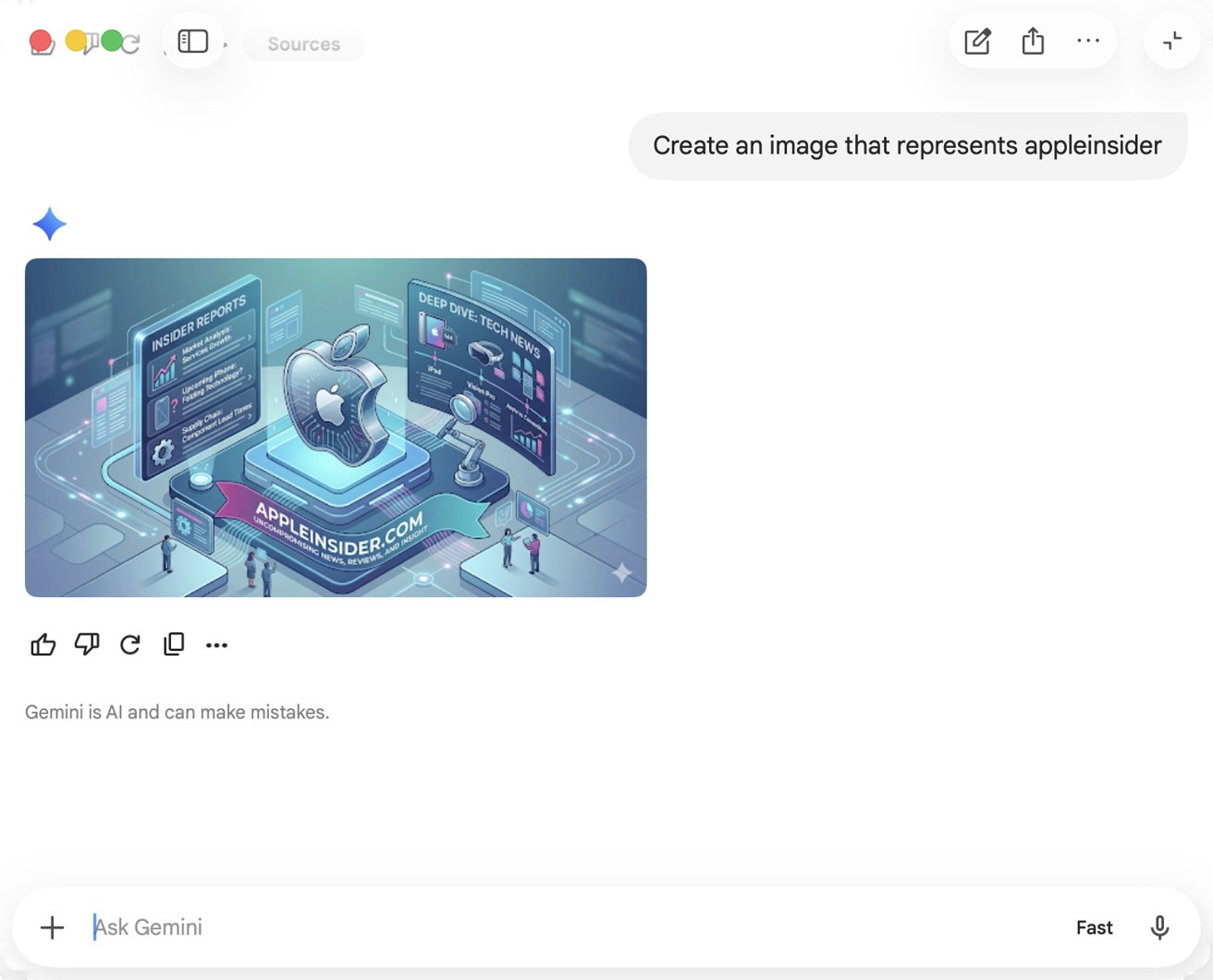
Gemini can produce images, but they're generally terrible and obviously AI-generated like this one
The company has been building toward that model through incremental updates. Features include live camera input and screen sharing tied to Gemini's multimodal system.
Google sees macOS as the next battleground for AI assistants, especially as users juggle multiple apps and documents.
The release arrives as Apple continues expanding Apple Intelligence across its platforms with a focus on deeper system integration and contextual awareness. Apple is building its approach directly into the operating system.
Apple controls the underlying platform, including privacy controls and system permissions that determine how apps access on-screen content. The structure gives the company an advantage in shaping how far third-party assistants can go.
Google's strategy makes sense in the short term as it reaches users across platforms, but it relies on Apple's continued access. If Apple tightens controls or expands its screen-aware features, third-party assistants like Gemini could face limitations not faced by built-in tools.
The Gemini Mac app doesn't drastically alter the assistant's capabilities, but it shifts its location. Google believes constant presence and contextual awareness will make Gemini the go-to help for users, even on a platform it doesn't own.