The 2026 Super Bowl is streaming on NBC and Peacock, but Apple users have multiple ways to watch. Here's how to stream Super Bowl LX on iPhone, iPad, Mac, and Apple TV.
Super Bowl LX will take place on Sunday, February 8, with NBC holding exclusive U.S. broadcast rights. Peacock serves as the primary streaming platform, which has direct implications for how the game can be watched across Apple devices.
For Apple users, the practical questions are straightforward — which devices are supported and which apps actually work. You'll also want to know if watching requires a paid subscription or a TV provider login.
If you plan to watch Super Bowl LX on an iPhone, iPad, Mac, or Apple TV, AppleInsider breaks down the options. Our guide covers official streaming services, live TV replacements, mobile-only solutions, and over-the-air viewing methods that remain viable in 2026.
Each option is evaluated based on device compatibility, authentication requirements, cost, and expected video quality. The guidance applies to viewers in the United States using legitimate broadcast or streaming sources and watching the game live.
Watch Super Bowl LX on Peacock
For most Apple users, Peacock is the most direct way to watch the 2026 Super Bowl live. NBC's streaming service will carry the full broadcast, including pregame coverage, halftime, and postgame programming, without requiring a cable or live TV login.
Unlike some previous Super Bowls, you'll need a paid Peacock Premium subscription to watch the game live. However, Apple now offers a discounted bundle with Apple TV+ and Peacock, which can help lower the overall cost for subscribers.
Native apps are available for iPhone, iPad, and Apple TV. Mac users can stream through Peacock's website using a modern browser such as Safari or Chrome. Once signed in, the experience closely resembles a traditional live television feed.
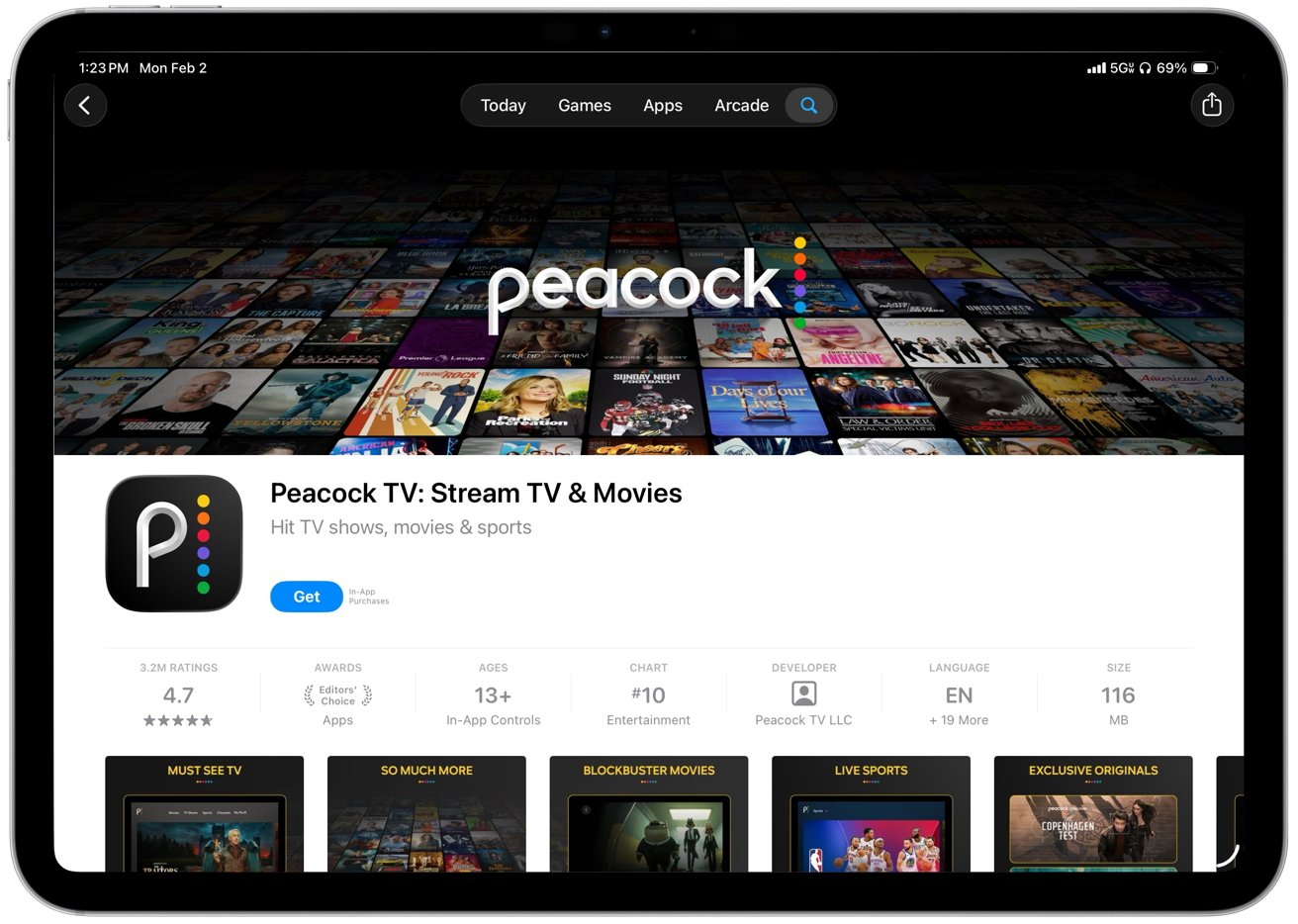
Watch Super Bowl LX on Peacock
Peacock is well suited for viewers who don't already pay for cable or a live TV streaming service. The platform operates independently of TV provider credentials, making it a single-subscription solution.
A single Peacock account can be used across multiple Apple devices, allowing viewers to switch between an iPhone, iPad, or Apple TV without changing setups.
Watch Super Bowl LX using the NBC app or NBC Sports app
Viewers who already pay for cable, satellite, or a live TV streaming service can watch the 2026 Super Bowl through NBC's own apps without adding another subscription.
NBC offers two closely related apps — the NBC app and the NBC Sports app. Either can stream the live Super Bowl broadcast. On iPhone and iPad, both apps are available through the App Store.
On Apple TV, the NBC Sports app is typically used. On a Mac, the stream is accessed through NBC's website using a supported web browser.
You'll need a valid TV provider login to get started. When you're watching, the app or website will ask you to pick your provider and sign in with your cable, satellite, or live TV streaming details.
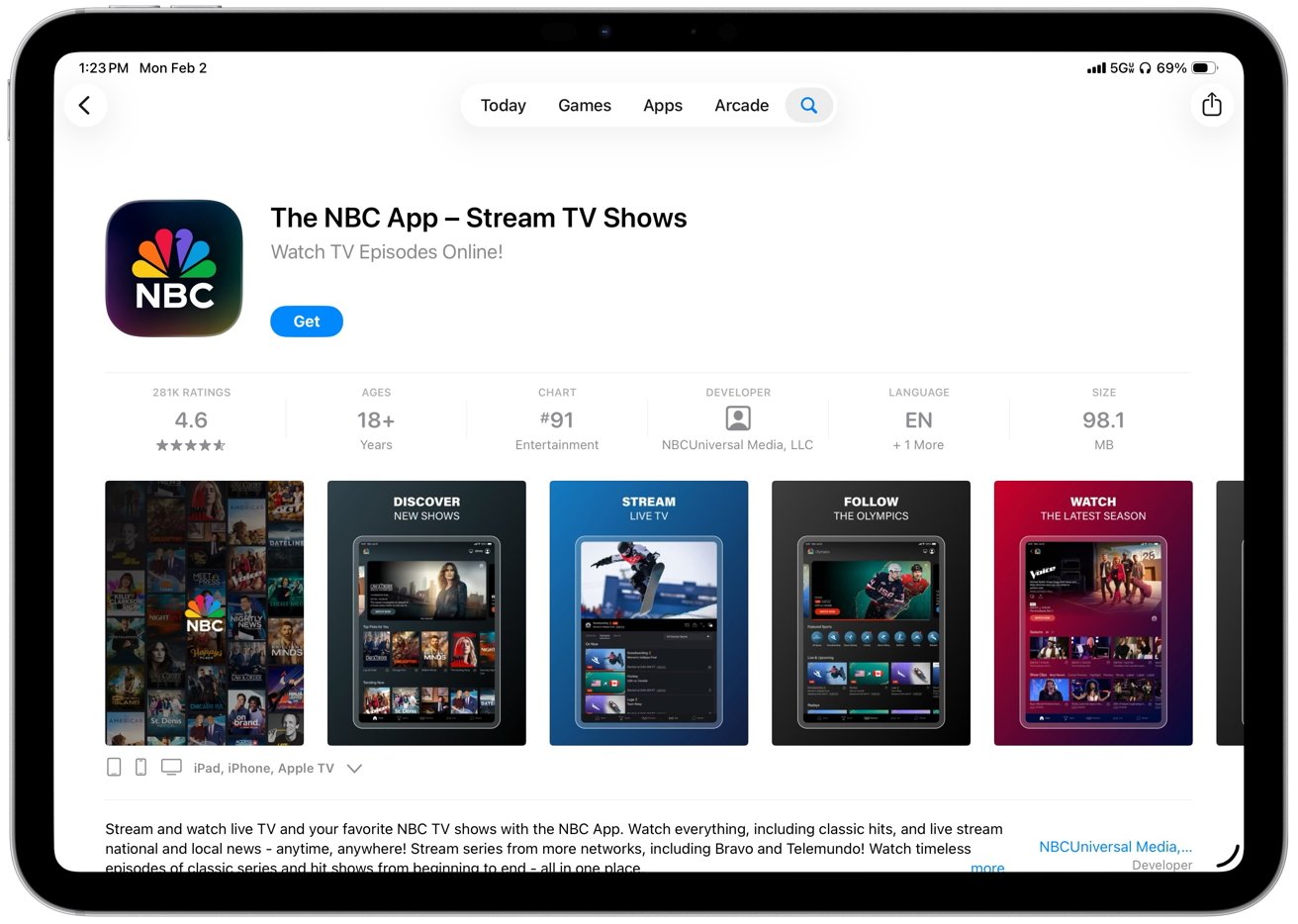
Watch Super Bowl LX on NBC
Services such as YouTube TV, Hulu + Live TV, and similar cable replacements qualify as TV providers as long as they carry the local NBC affiliate. Once authenticated, the stream mirrors the standard NBC broadcast feed.
Watch Super Bowl LX on iPhone and iPad with the NFL app and NFL+
The NFL's official app provides another way to watch the Super Bowl on Apple devices, but it is limited to mobile platforms. Live streaming through the NFL app is available only on iPhone and iPad and requires an NFL+ Premium subscription.
NFL+ Premium allows subscribers to stream live local and primetime games, including the Super Bowl, directly within the NFL app. On iPhone or iPad, viewers can sign in, select the live game, and watch without a TV provider login or Peacock subscription.
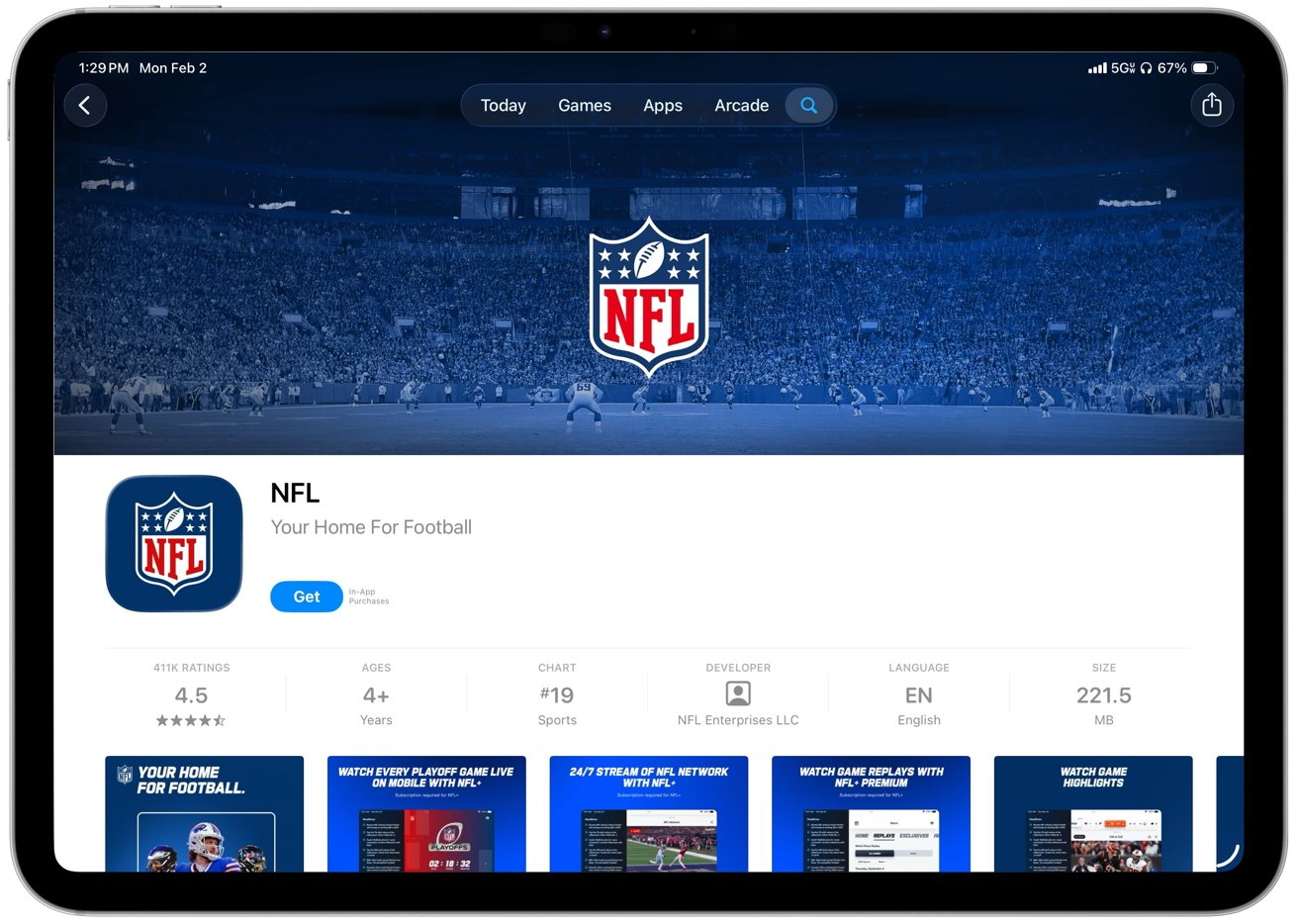
Watch Super Bowl LX on NFL
Live streaming is not supported on Apple TV or macOS through NFL+. The restriction is platform-based rather than account-based.
On Apple TV, the NFL app requires a TV provider login to access live content. On the Mac, live games are not available due to the NFL's digital rights agreements.
As a result, NFL+ should be considered a mobile-only option. It's suitable for watching on a phone or tablet when other viewing methods are unavailable.
NFL+ Premium offers full-game replays and condensed versions that you can watch later on devices like Apple TV and Mac. However, you won't be able to watch live games with this subscription.
Watch Super Bowl LX with live TV streaming services
Live TV streaming services provide an alternative to cable and single-network apps for watching the Super Bowl on Apple devices. Services including YouTube TV, Hulu + Live TV, fuboTV, DirecTV Stream, and Sling TV Blue carry NBC in most U.S. markets and allow subscribers to stream the game live.
These services support the Apple ecosystem through native apps on iPhone, iPad, and Apple TV, with browser-based viewing available on the Mac. After signing in, the Super Bowl appears on the NBC channel just as it would on a traditional TV guide.
For existing subscribers, this approach means you don't have to install separate network apps or manage extra logins. Plus, many services offer cloud DVR features, letting you pause or rewind live broadcasts, which Peacock doesn't always provide for live events.
Live TV streaming services typically cost more than Peacock, and local NBC availability varies by region. Viewers should confirm that their service carries the local NBC affiliate and be aware of device limits or simultaneous stream restrictions.
Watch Super Bowl LX on Mac and Apple TV using an over-the-air antenna
For viewers who prefer not to pay for a subscription, over-the-air television remains a viable option. NBC is broadcast free over the air in most U.S. markets, and with the appropriate hardware, Apple devices can receive the signal in high definition.
Macs and Apple TVs don't include built-in TV tuners, so watching over-the-air broadcasts requires an external tuner and an antenna. The antenna receives the local NBC signal, and the tuner converts it into a stream that can be viewed on macOS, iOS, or tvOS devices.
Once configured, the setup behaves like live television without authentication requirements, DRM restrictions, or recurring costs.
Network-based tuners offer the most flexibility. Devices such as the SiliconDust HDHomeRun Flex 4K or HDHomeRun Flex Duo 2V connect to an antenna and a home network, then stream live TV to Macs, iPhones, iPads, and Apple TVs.
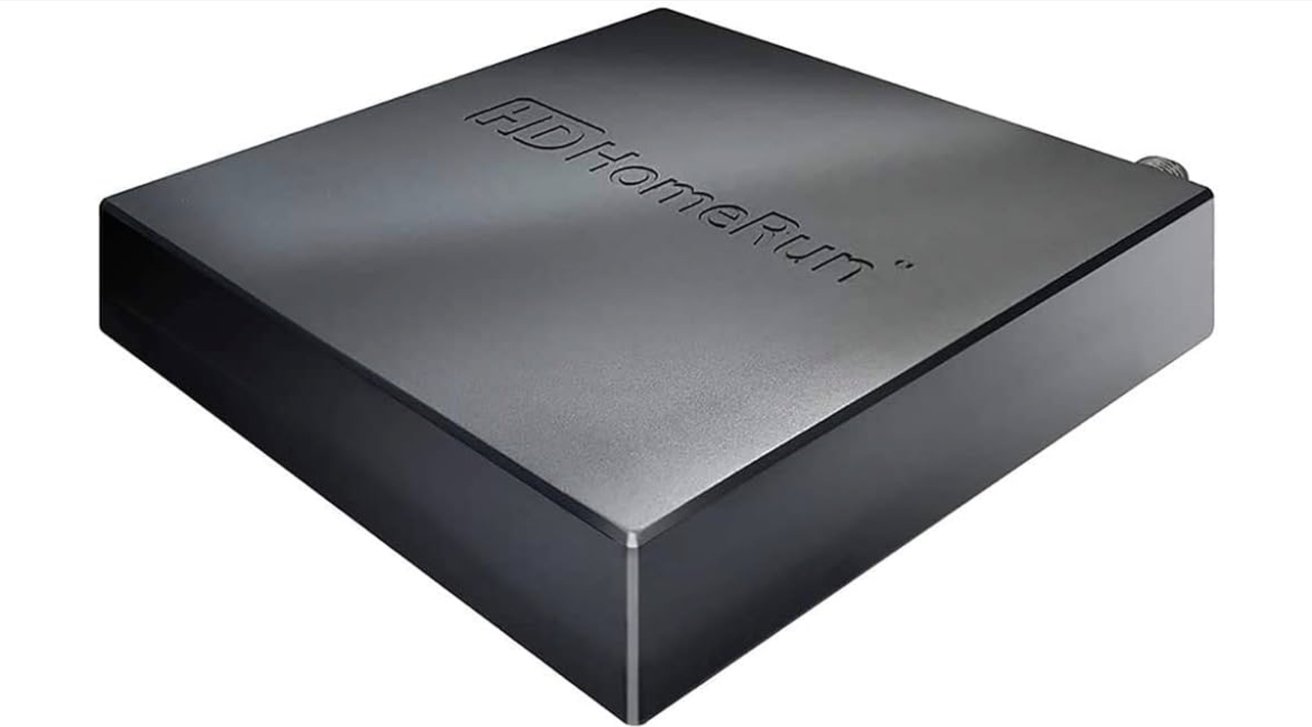
SiliconDust HDHomeRun Flex 4K
On a Mac, viewing is handled through dedicated apps or, in some cases, a browser interface. On Apple TV, some apps like Channels provide a traditional TV-style viewing experience.
USB tuners provide a Mac-only alternative. Products such as the Geniatech EyeTV U6 or compatible MyGica tuners connect directly via USB and use bundled software to scan for channels and display live TV.
Over-the-air broadcasts are often less compressed than streaming video, which can result in cleaner motion and fewer artifacts during fast-paced gameplay. Latency is also lower, meaning the broadcast typically appears earlier than internet streams.
This approach requires upfront hardware purchases and testing to ensure reliable NBC reception. Video quality will generally be standard HD rather than true 4K, even in areas with newer ATSC 3.0 broadcasts.
Still, for viewers who value reliability and zero recurring costs, antenna-based viewing remains a dependable option.
Final thoughts on watching the 2026 Super Bowl on Apple devices
Watching the 2026 Super Bowl on Apple hardware is more constrained than in some previous years, but the available options are clearly defined. Peacock is the most direct solution for most viewers, offering guaranteed access across iPhone, iPad, and Apple TV without a TV provider login.
For viewers who already pay for cable or a live TV streaming service, NBC's apps and bundled services remain effective alternatives. Over-the-air viewing continues to offer a no-subscription path for those willing to set up the required hardware.
In 2026, free, frictionless streaming won't be the norm anymore. You'll have to decide whether to pay for access, log into an existing subscription, or stick with over-the-air TV.
It's a good idea to test out apps or hardware beforehand. Don't assume things will be the same as in previous years to ensure a smooth viewing experience on game day.