
Microsoft is stripping editing features from its 365 Copilot app on iOS, forcing users to rely on standalone Word, Excel, and PowerPoint apps starting September 15, 2025.
The 365 Copilot app for iPhone will no longer support editing documents, spreadsheets, or presentations beginning September 15. The same change will roll out to iPad over the following weeks.
That means anyone who tries to open a Word document, Excel spreadsheet, or PowerPoint slide in Copilot will see a banner prompting them to install the standalone apps.
The company is framing the change as a "streamlined file preview experience."
Users are unlikely to view it as a win, and we certainly don't think it is. Before the change, iOS users could open and edit files within the Microsoft 365 app itself.
It wasn't the full desktop Office suite, but it offered enough features for everyday needs like formatting, formula entry, and converting a .docx file into a .pdf. For basic editing, it was convenient.
Why Microsoft is doing it
Microsoft says the move is about making Copilot the hub for previews and AI interaction, while the standalone apps handle editing. The company is betting users want to ask questions of Copilot, generate summaries, and create drafts with natural language prompts.
Instead of tapping an edit button in Teams, Outlook, or OneDrive on iOS, users will now be redirected to download Word, Excel, or PowerPoint separately. Copilot will remain for reading, summarizing, and AI-generated "Create" workflows.
But the generated content won't be editable inside the app itself. On paper, Microsoft is separating AI tools from editing software. In practice, it creates a mess.
The 365 Copilot app will look like a viewer with chat features, while the standalone apps will do the heavy lifting. The trouble is Microsoft already has a consumer-facing Copilot app, plus the 365 Copilot brand.
Both can summarize and create documents. Neither is especially clear about what happens when you try to actually edit them.
Users are left juggling multiple apps with overlapping features and inconsistent workflows. It's not the first time Microsoft has split its services in a way that feels awkward.
For iPhone and iPad owners, the impact is straightforward
Office itself went through a rebrand to Microsoft 365, as Windows Latest points out, only for Copilot to take over the name. Now, an app that once handled quick edits is being reduced to previews, while the standalone apps add another layer of friction, and monetization, for Microsoft
Impact on iOS users
For iPhone and iPad owners, the impact is straightforward. If you only need to check a file, Copilot will suffice. But if you want to tweak even a single line in Word or adjust a figure in Excel, you'll need the standalone apps.
It's not a storage-friendly approach. Instead of one app handling multiple file types, you'll need three heavyweight downloads.
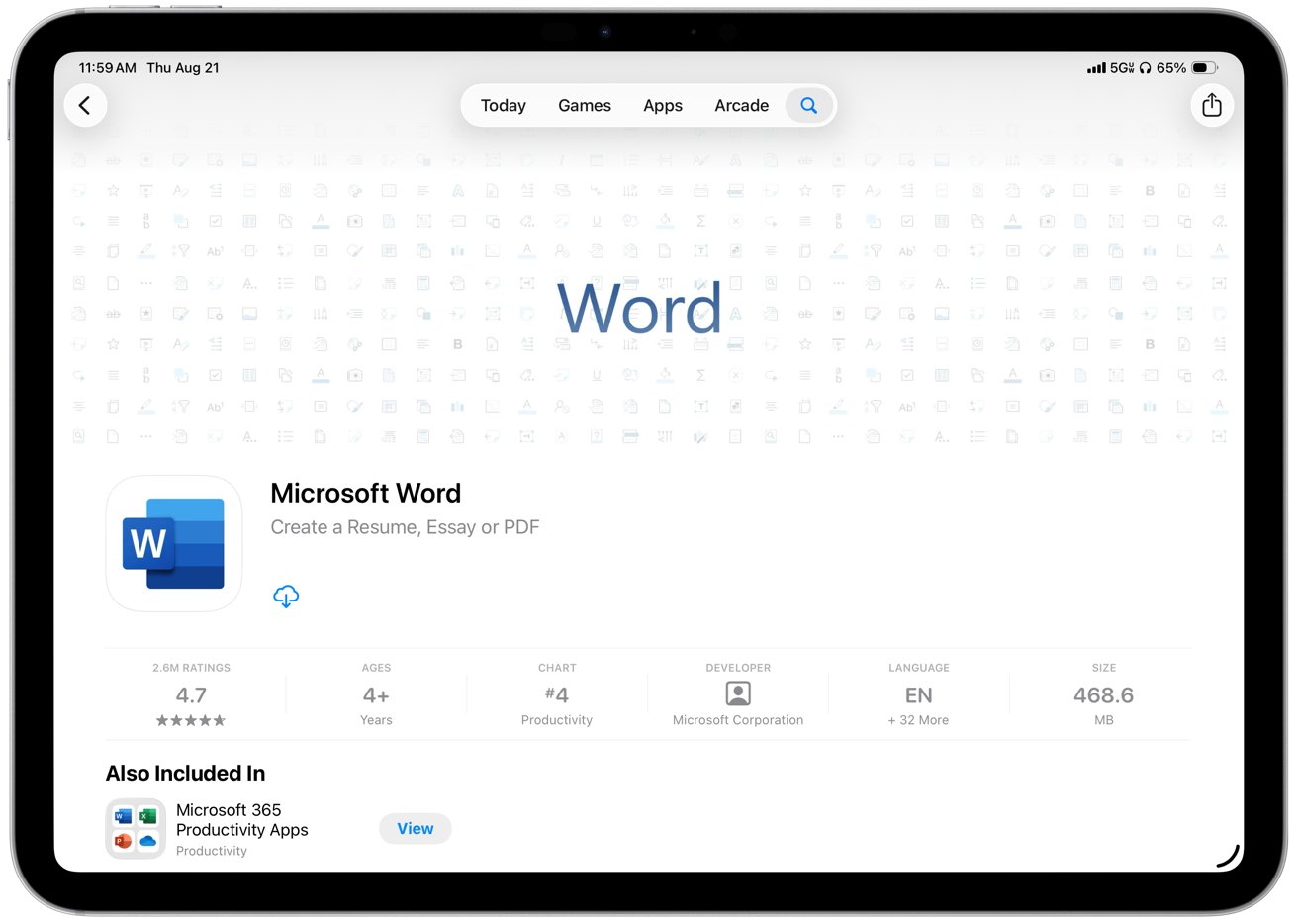
Word for iPhone alone is nearly 500 MB, and PowerPoint isn't far behind. For students, professionals, and small businesses that depend on quick edits, the update adds hurdles without adding much value.
Copilot isn't being pitched as a productivity app anymore, but as an AI interface layered on top of other tools. That might please investors chasing the AI boom, but it complicates life for regular users.