

The new flagship Level Lock Pro is hugely upgraded from the original, especially for Apple Home users who want to tap to enter their homes.
The first Level Lock Plus shipped in 2022. The 2025 Level Lock Pro has a few internal upgrades and new features for those looking for the most capable smart lock.
Unlike every other smart lock on the market that hangs on the front or back of your door, the Level Lock Pro is entirely hidden, living inside your door. Instead of a big plate on the front or the back of the door, the Level Lock Pro just... looks like a not-smart lock, in brushed nickel or matte black.
There's everything you need to get started in the box, other than a screwdriver. It ultimately took about 10 minutes for me to complete my installation.

Unlike other smart locks, the installation is exactly the same as a $20 keyed lock from Home Depot.
Level Lock Pro review: Installation and setup
Installation and setup of the newly upgraded deadbolt is exactly the same as the last model. It all starts with fully removing your prior deadbolt from your door and the old strike plate.

Level Lock Pro review: Everything you need is in the box
I then screwed the deadbolt into the edge of the door, on the wall-facing side. Next, I inserted the motor and locked it into position.
Level Lock Pro review: The motor is inserted and connected to the deadbolt
With the internals ready to go, the exterior-facing mechanism of the lock is slid through the motor and attached to the internal plate. I then placed the knob onto the plate, where it magnetically locked.
All that is left to do is install the strike plate on the door frame and insert the included CR2 battery into the end of the deadbolt. You should hear a chime, letting you know your lock is ready to go.
I then moved to the Level app to complete the on-boarding. The app quickly walked me through various steps to assign the lock to my home, give it a name, and update the firmware.

Level Lock Pro review: Add the lock through the Level app
The final step of the setup in the Level app is to complete a calibration. With that done, I added it to Apple Home — but you don't have to do this if you don't want.
If you're reading AppleInsider, you probably want to, though.
Level Lock Pro review: Methods of entry
It seems like a race these days to see how many ways companies can come up with to unlock your front door.
Of course, you have the Level app, Apple Home, and other Matter-connected ecosystems. These are a given for smart locks.

Level Lock Pro review: Two NFC keychain fobs are included in the box
Level also includes two physical keys if you're old-fashioned or want a physical means of unlocking it. Then you have two NFC key fobs that can go on your keychain.
Otherwise, you can touch the rim of the exterior keyhole on the interior to lock or unlock, toss it in different automations like geofencing, or use Apple Home Key.
There's also the Level keypad, available as an add-on purchase. This, of course, makes the install not as simple or as unobtrusive as a normal lock.
I will say, I ended up disabling the touch-to-lock functionality. This works by touching the outside part of the lock on the inside of the house.

Level Lock Pro review: The deadbolt installed on the end of a door with the Level logo
Whenever I walked into my home and closed the door, I inevitably ended up brushing my forearm against the lock, making contact with this touch-sensitive surface. This would cause the deadbolt to engage while the door was open and smack into my door frame as I swung the door shut.
Your mileage may vary. My doorway is tight, and it just doesn't lend itself to this feature.
Level Lock Pro review: Apple Home, Home Key, & Matter
For Apple users, what is most compelling here is support for Apple Home and Home Key, all by way of Matter. It connects locally with Bluetooth, but it also supports Matter over Thread.
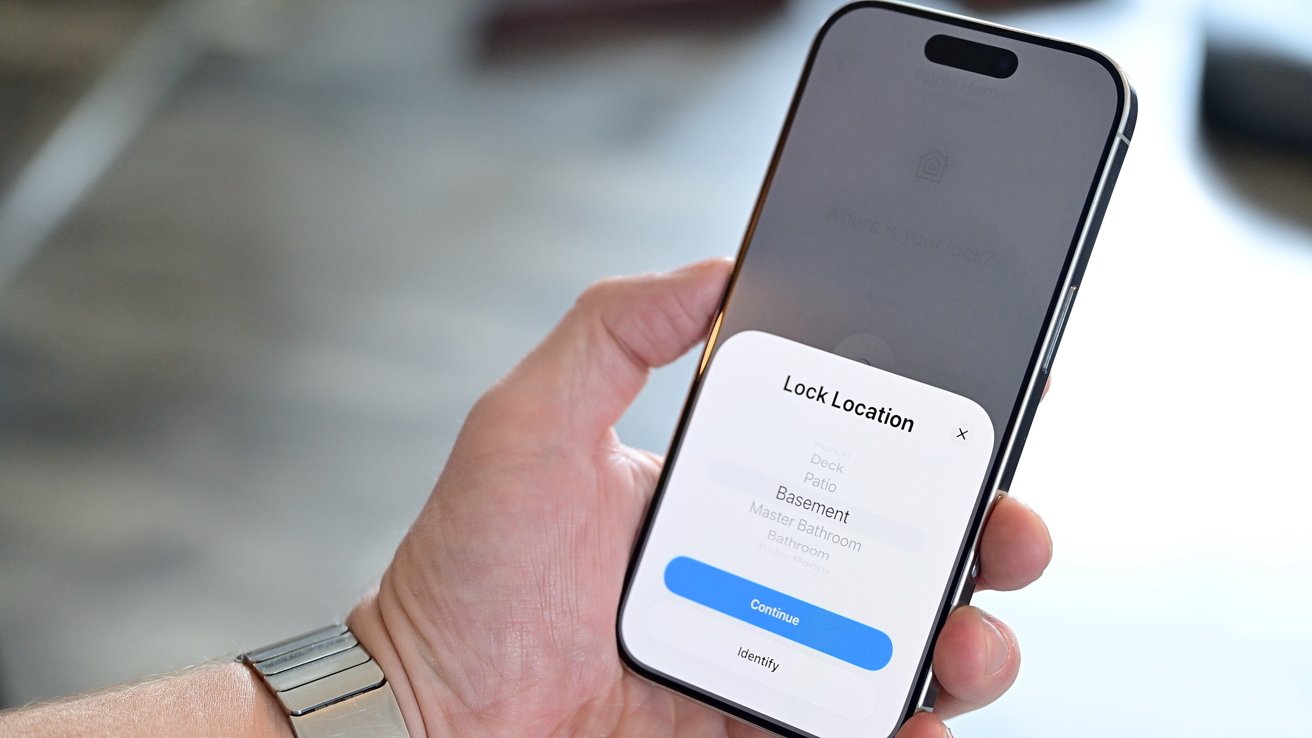
Level Lock Pro review: The lock can be added to Apple Home via Matter
This is great because if you have an Apple Home Hub — such as an Apple TV or HomePod — you don't need the Level Connect model for remote connectivity. Those also can support Thread, which makes for better battery results and reliability.
Adding it to Apple Home is seamless, built right into the onboarding process. You assign the lock to a room, a name, and enable any of the suggested automations that Apple suggests.
In my testing, I set up the Level Lock Pro on the front door, which was easily within range of my new Apple TV 4K with Thread. Thread is also present in iPhone 15 Pro and iPhone 16 Pro, allowing direct control over the new low-power connectivity standard.
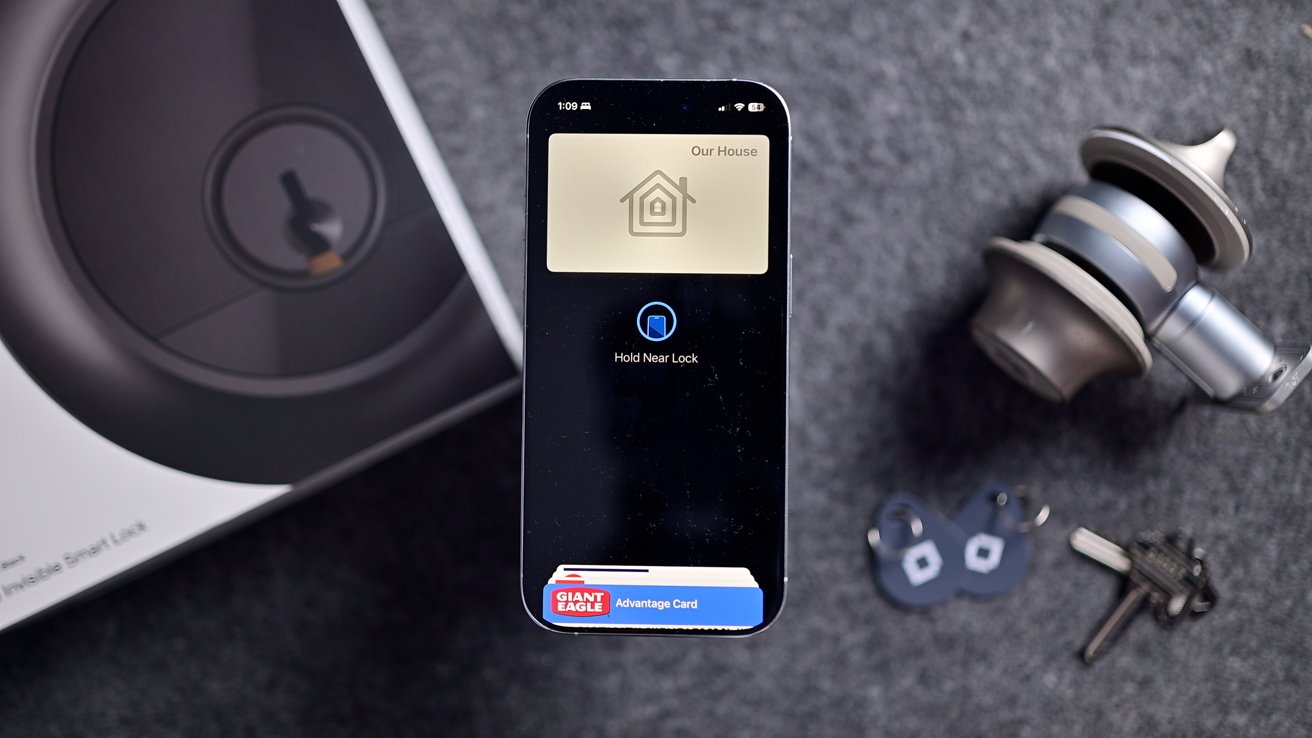
Level Lock Pro review: Your house's key is added to the Wallet app
Home Key is also a huge win here, as it is still found in only a select few smart locks thus far. Apple partnered with Level on the launch of Home Key in the prior Level Lock Plus.
Apple's Home Key operates via NFC. You simply bring your phone or watch near the lock, and it authenticates automatically and grants you access.
Fun fact — it even works if your phone battery dies. Express Cards give you access to select NFC cards in your Wallet for a few hours after your phone battery depletes and your phone shuts off.
Level Lock Pro review: New features for Level Lock Pro
Up until now, everything on the Level Lock Pro feels familiar. All of the setup, methods of entry, and quirks could have been lifted from my last review on the now-discontinued Level Lock Plus.
There are a number of changes, though, in the pro model that I want to get into. And in true Level fashion, all of them are invisible.
The only wholly new feature here is door sensing. The Level Lock Pro can tell you if your door is open or closed.
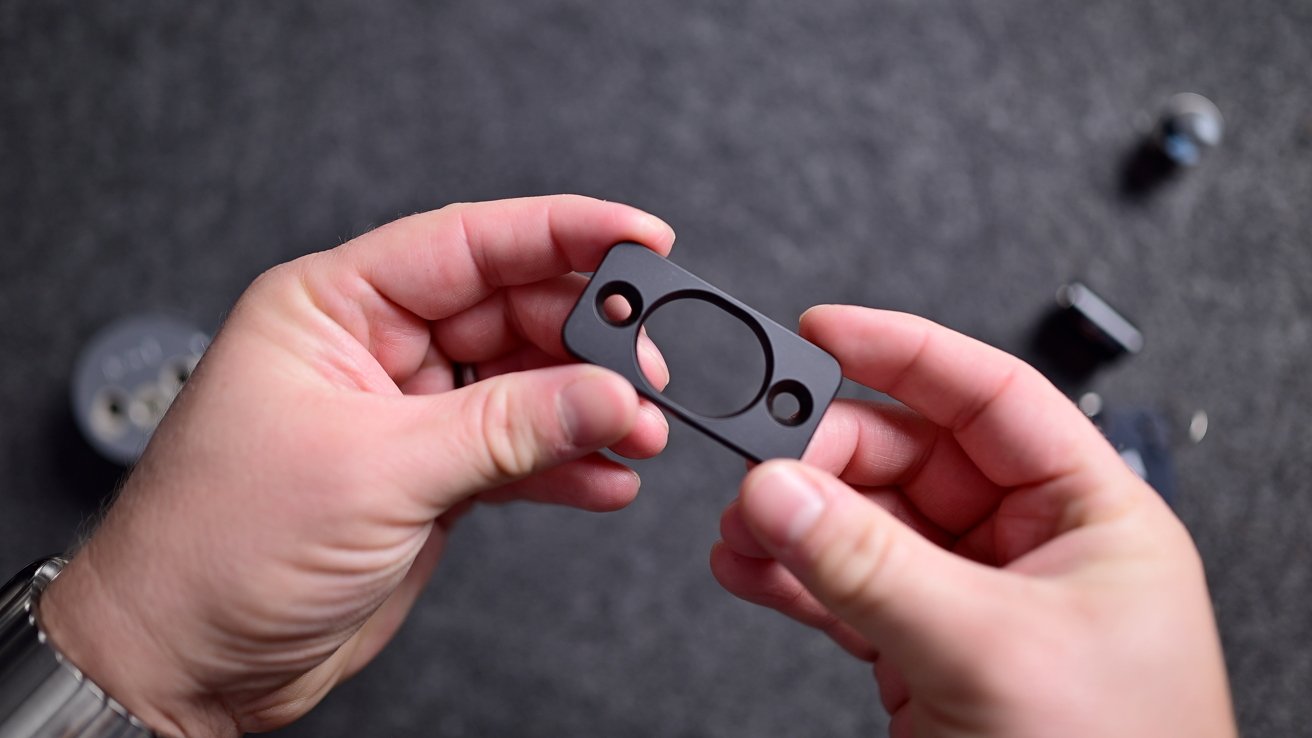
Level Lock Pro review: The strike plate has hidden magnets used in door status detection
This feature uses special magnets that are embedded in the strike plate included with the lock. When you finish the installation and perform the calibration, the lock detects the magnets.
I love this because there is no extra little sensor or magnet you have to put on your door frame somewhere. I've had multiple sensors come off my door, so it's very cool to see one completely hidden and reliable like this.
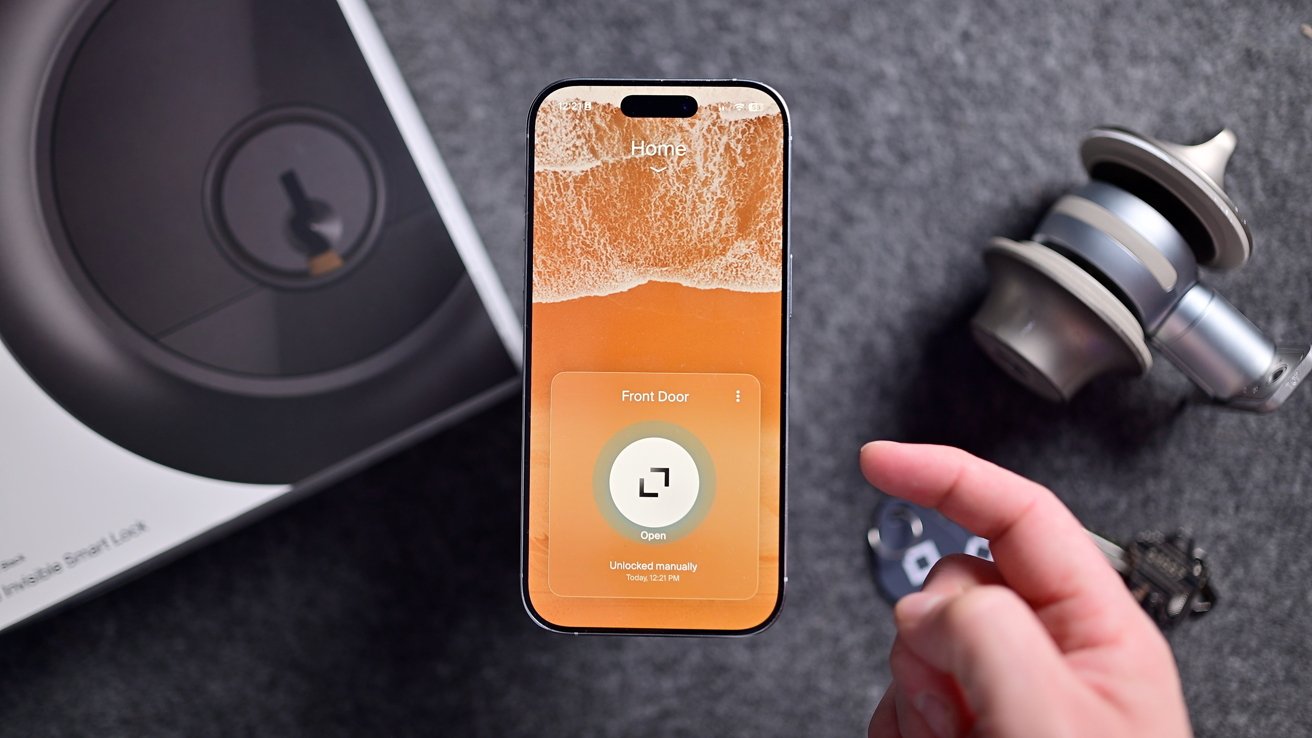
Level Lock Pro review: The Level app shows open status
When the door is open, it will show in the Level app. You can also get an alert if the door has been open for a duration.
Unfortunately, this information is not passed through to the Home app. Level is reporting the open/close status as part of the lock's Matter profile.
Apple currently does not support that attribute for smart locks. This means while the data is there, it is not being shown or referenced in the Home app.
Other ecosystems, like Google Home, do support door status for locks, and it's up to Apple to implement it for Apple Home users as well. The good news is that there will be no Level update for this to work.
Once Apple adds support for this to the Home app, the Level Lock Pro door status will instantly appear. As of iOS 26 developer beta 8, this attribute is still not available for door locks, but hopefully will be down the line.
If it does get added to Apple Home, you'd be able to create other automations around it, such as turning on the porch light if the door is opened after 8 p.m.
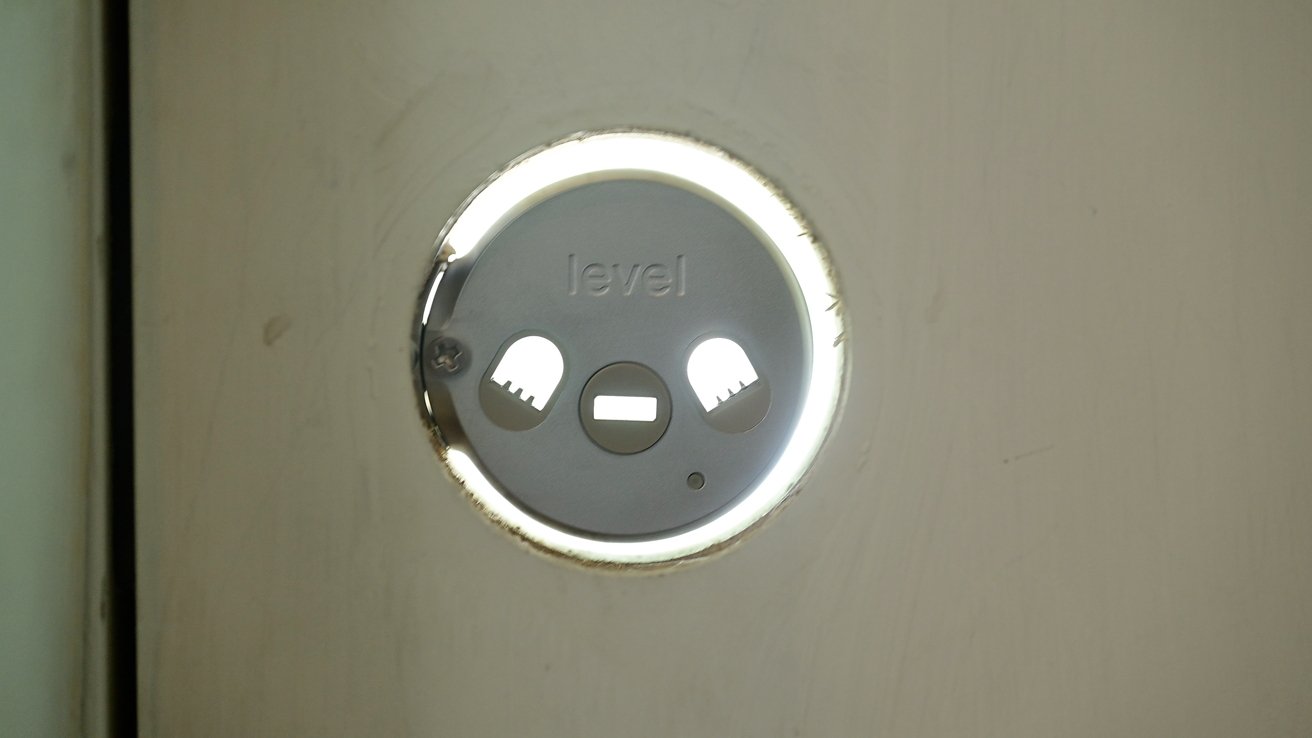
Then we have the new motion sensor. An infrared sensor has been hidden behind a piece of glass on the exterior of the lock.
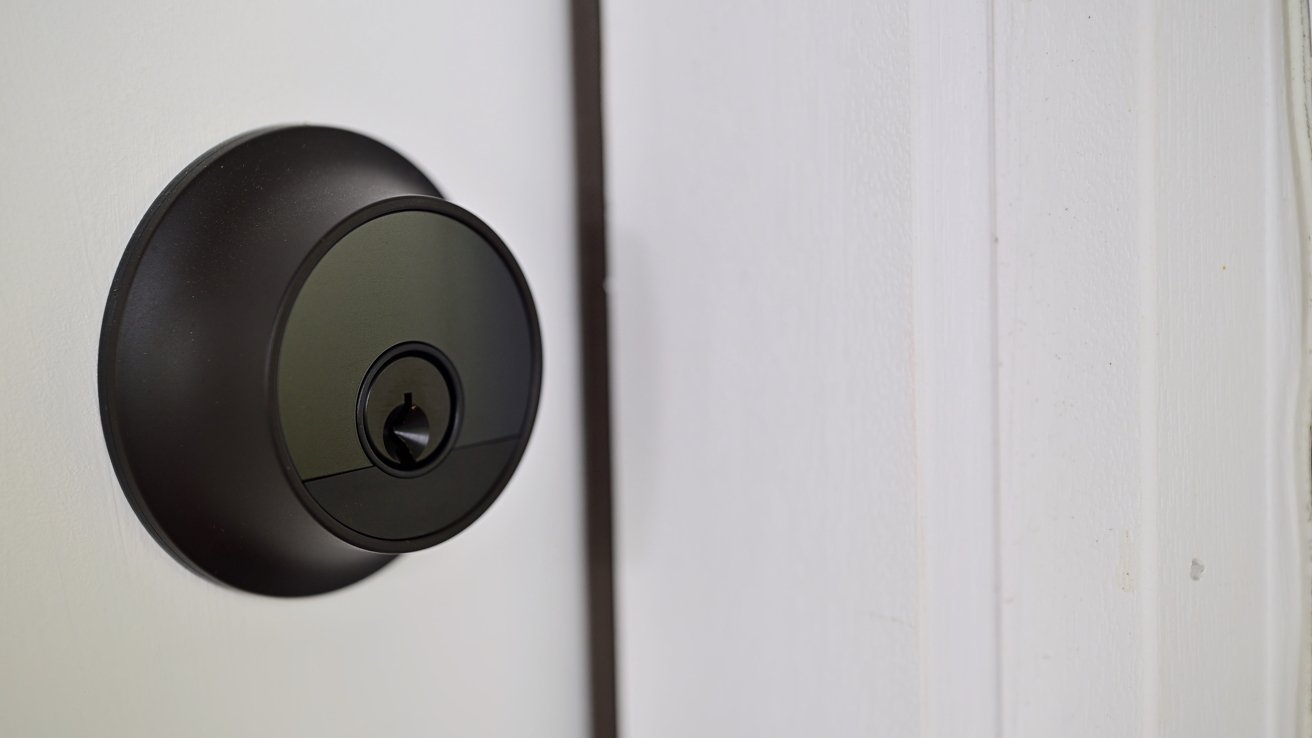
Level Lock Pro review: The outside has a secret PIR motion sensor to save on battery
This allows the lock to turn off unnecessary electronics, such as the NFC module, until someone approaches the lock. Once someone is in front of the lock, it knows it needs to prepare and turns on the NFC reader.
Once again, this will result in a substantial increase in battery performance for Apple users. Home Key is not very power efficient, and this helps it.
The last of the changes is that it is built on a new hardware infrastructure. Not the motor — that's unchanged — but the electronics.
It's a new platform set to future-proof the lock for the new models down the line. One of its biggest changes is separating the Bluetooth stack from the Thread and Matter stack on the new dual-core microprocessor.
When Bluetooth was combined with Matter before, it could sometimes result in time-out delays, unresponsiveness, or excessive battery usage. This should solve those. The new model also has more RAM and more storage, paving the way for new features in the future, or potentially even other new models.
The Level Lock Plus was always reliable for me. Going from the Level Lock Plus to this one, I wasn't sure how much of a difference there would be.
This new hardware platform noticeably boosts performance. From Home Key recognition to voice commands, it's now so fast that tapping it feels almost instant.
Level Lock Pro review: Where is Aliro?
While talking about future-proofing, we have to talk about Aliro. Aliro, for the unfamiliar, is a new standard backed by Apple and being developed by the Connectivity Standards Alliance — the same group that develops Matter.
Just as Apple contributed the HomeKit framework for the creation of Matter, it is helping aid in the development of Aliro as an open standard as well. It will work across ecosystems in the same way Matter does.
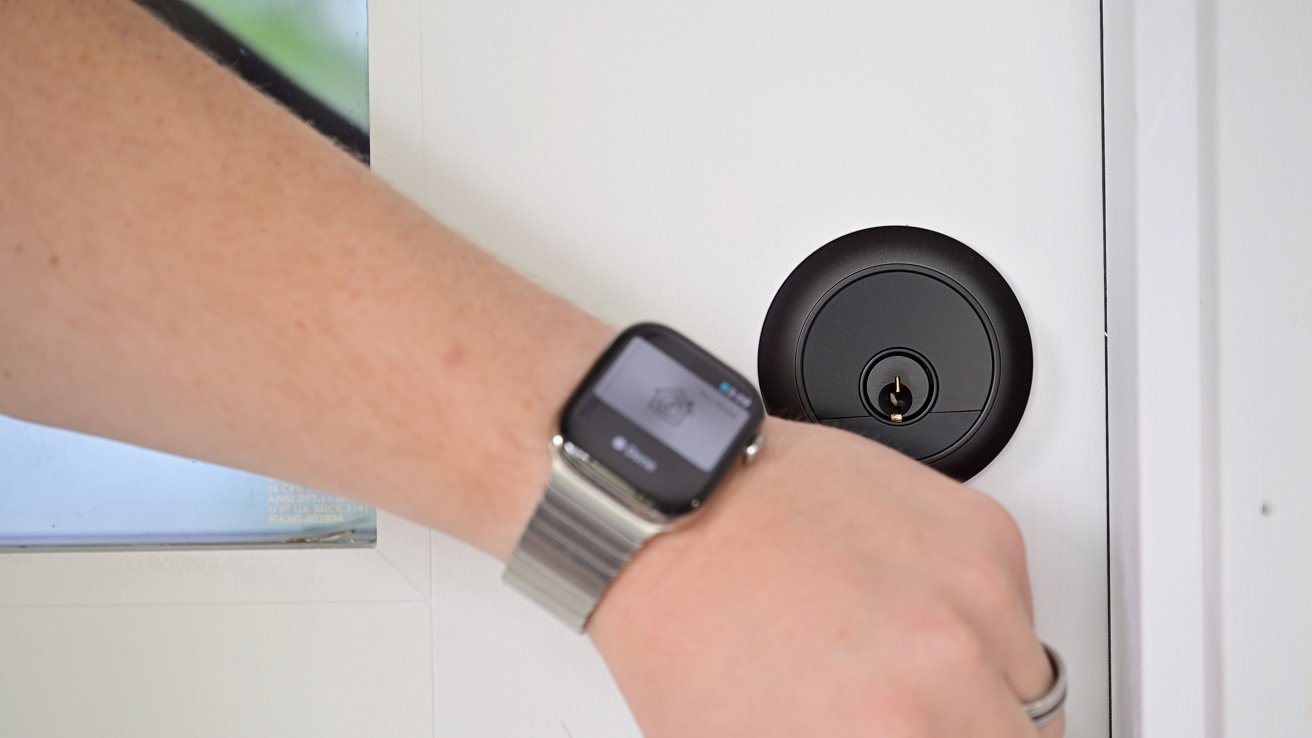
Level Lock Pro review: Unlocked your door with Apple Home Key
Ultra-wideband is used to automatically unlock a lock as a user approaches. UWB is far more reliable and far faster than Bluetooth-based auto-unlock that relies on your location and a prayer.
Instead of constantly monitoring your location and using that to trigger the unlock with a shaky Bluetooth connection, it can just wait for your approach.
Unfortunately, while Apple pledged support in 2024, the Aliro standard has yet to be finalized. There's still no timeframe on it, which does make it hard to recommend buying a lock now or waiting.
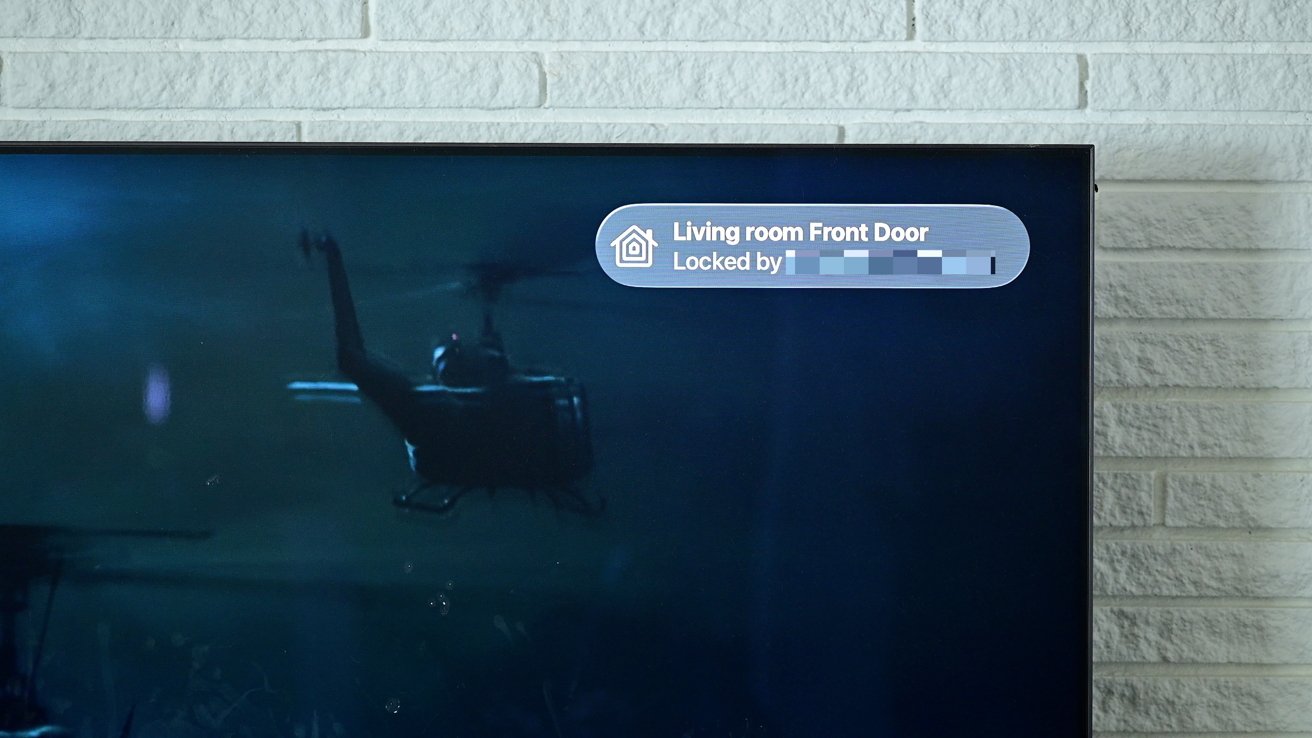
Level Lock Pro review: Apple TV showing the Level Lock Pro status
Considering we may not get our first Aliro lock until 2026 at the earliest, it may be worth buying one in the meantime. Level confirmed that while the internal platform may be robust enough, it will require a new antenna to support.
That means if Level adopts Aliro, you'll need yet another new model. The only exception would be if Level offers a hardware upgrade kit, but a new model is more likely.
Level Lock Pro review: Should you buy the Level Lock Pro?
The new Level Lock Pro is a great smart lock for Apple users. Its use of Thread and Home Key is hugely beneficial for speed, security, and reliability.
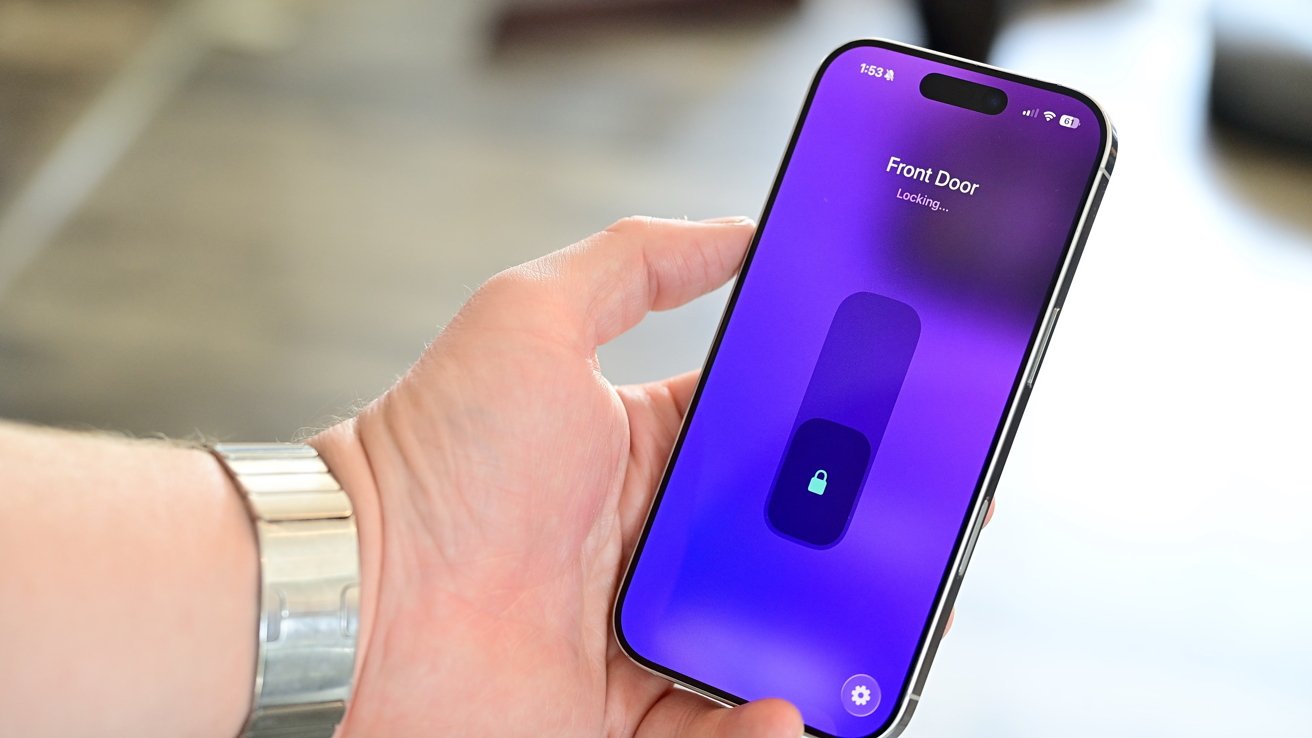
Level Lock Pro review: Unlocking the front door with my iPhone
During my time with the Level Lock Pro, not once did it go offline or fail to respond when I issued a command. It was perfect to include in my "goodnight scene" with my thermostat, shades, lights, ice maker, fans, and more.
If you have a Level Lock Plus, the pro model is admittedly not a must-have upgrade. The bullet points can be summed up as slightly faster with door-sensing capabilities.
There's obviously a bit more to it than that, as I've expanded on here, but that's what it looks like at a high level. So only upgrade if you want the best-of-the-best smart lock without settling.
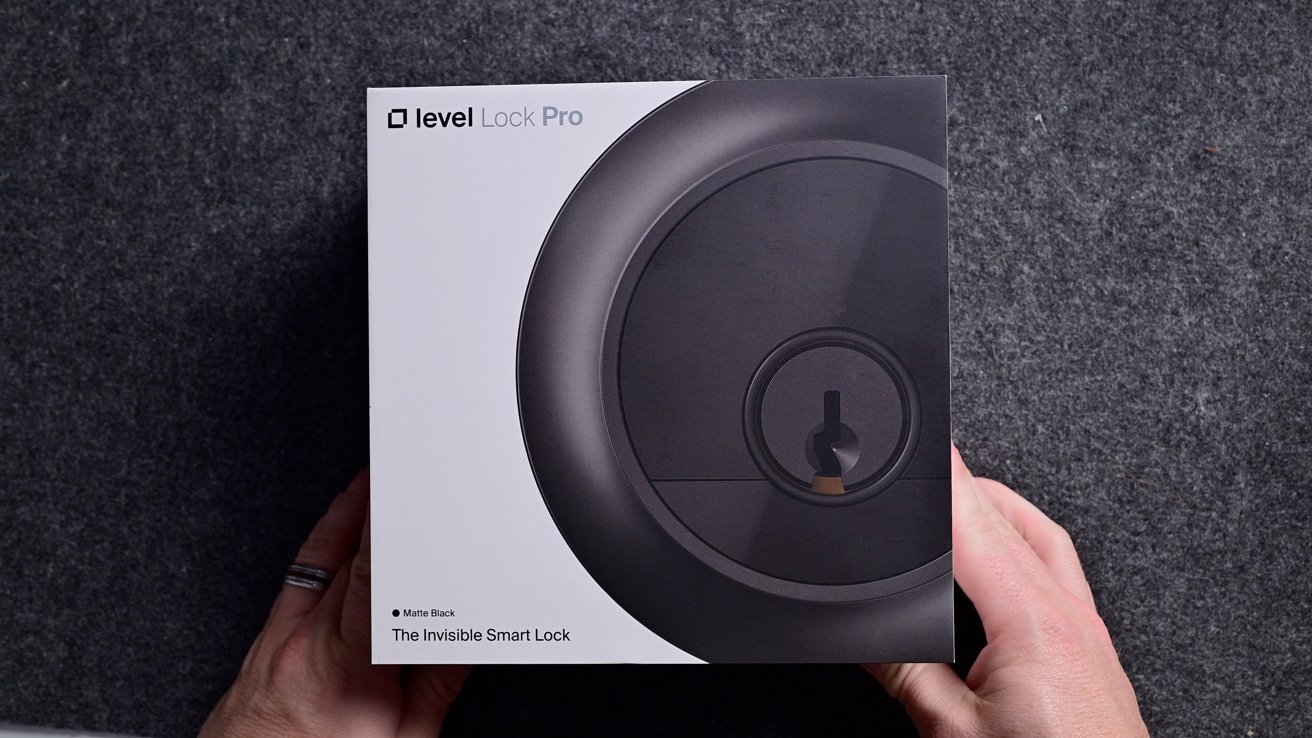
Level Lock Pro review: Checking out the new flagship Level Lock
Otherwise, if you're in the market for a smart lock, this is the best Level Lock yet. I'm very excited to see how it lasts long term, too, especially that battery life.
I love the idea of having a smart lock that doesn't look like a smart lock. And that, Level Lock Pro delivers in spades with next-level performance.
Level Lock Pro review: Pros
- New hardware platform with better processor, storage, and RAM
- Support for Apple Home, Home Key, Matter, and Thread
- Invisible design
- Hidden door sensing
- Easy setup and installation
Level Lock Pro review: Cons
- Apple doesn't support door status in Home app
- No potential for UWB Aliro upgrade
- Not cheap
Level Lock Pro rating: 4.5 out of 5
Where to buy Level Lock Pro
The Level Lock Pro is available to order now on the Level website for $349.