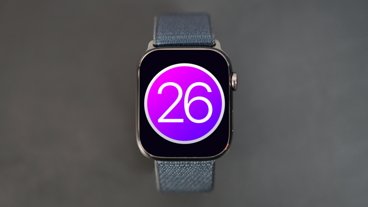
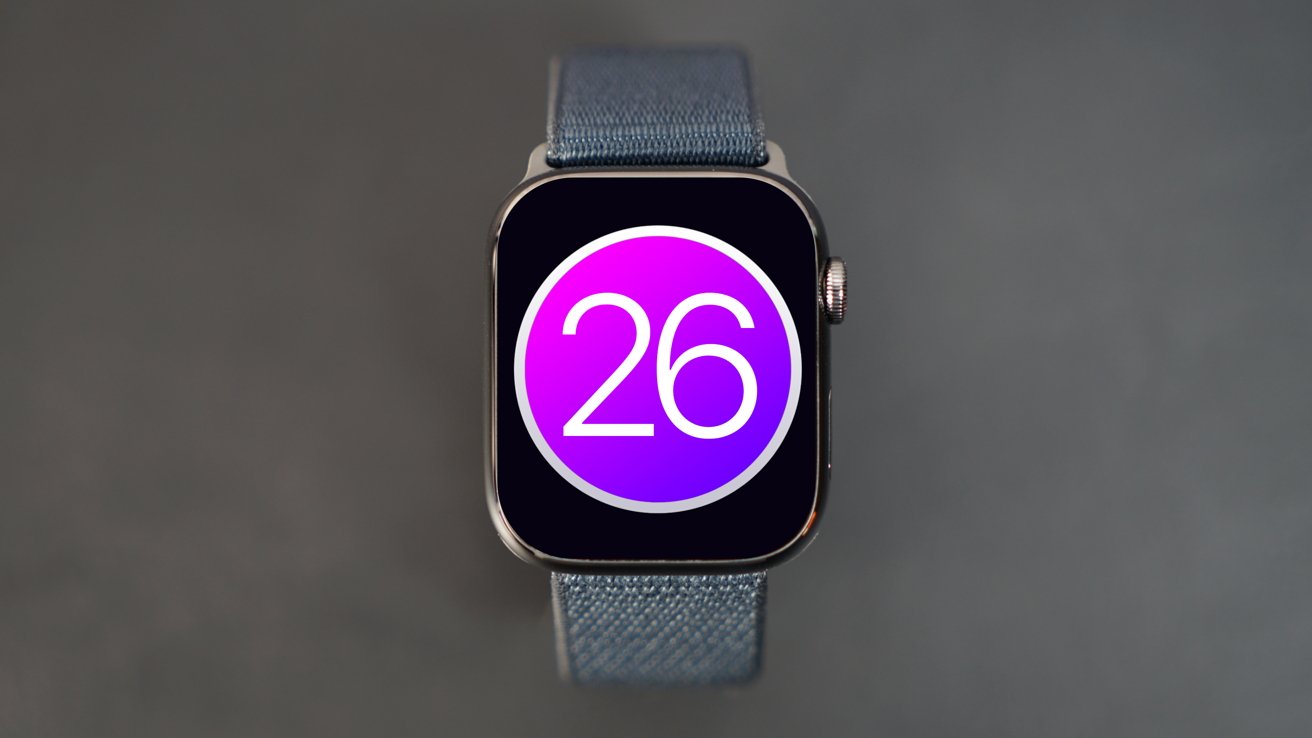
The watchOS 26 update has been fine, if uninspiring, in the year since its introduction, but all eyes will be on what comes next in the hope that Apple can woo Apple Watch owners with something new.
No company can indeed release stellar software updates every year. And the lack of mindblowing new features perhaps speaks to a maturation of the Apple Watch as a whole. The watchOS 26 update isn't a bad one, after all.
With a Liquid Glass redesign and a handful of key new features, watchOS 26 is a worthwhile upgrade for any Apple Watch owner. But the days of a laundry list of new additions are behind us, replaced by features few were calling for, and even fewer are likely using a year after watchOS 26's June 2025 introduction.
Where that leaves watchOS 27 remains to be seen. This review is being written in the weeks before its unveiling at WWDC 2026.
But Apple Watch owners the world over just want one thing, and they're unlikely to ever get it. I'm, of course, talking about third-party watch faces.
As we wait to see if 2026 is the year that changes, let's take a look at watchOS 26 before we move on.
Liquid Glass comes for us all
I'll preface this by saying I'm not as down on the whole Liquid Glass thing as some people are. It won't win any design awards, but I've grown to not hate it, even if liking it is still a step too far.
On the Apple Watch, the Liquid Glass effect isn't quite as pronounced. We can likely thank the smaller display for that. But the telltale translucent buttons are present, and Smart Stack and Control Center have a new look for better or worse.
I'd argue that Liquid Glass on the Apple Watch is something of a non-event. It's there, sure, but it isn't in your face like the iPhone or the Mac.
Apple's big hitters
When it announced watchOS 26, Apple leaned on a handful of features to tell the story of the update. They included:
- Sleep Score
- Hypertension notifications
- Workout Buddy
- Wrist Flick
- Notes
Let's get the easy ones out of the way first. Notes brings the familiar Apple Notes app to the Apple Watch. It's incredibly frustrating that this didn't debut before 2025, but here we are. It's fine, and handy for reading shopping lists when you're at the store, for example.
Next, we have hypertension notifications. Continuing the Apple Watch's focus on health, this is a no-brainer and one that has the potential to save lives.
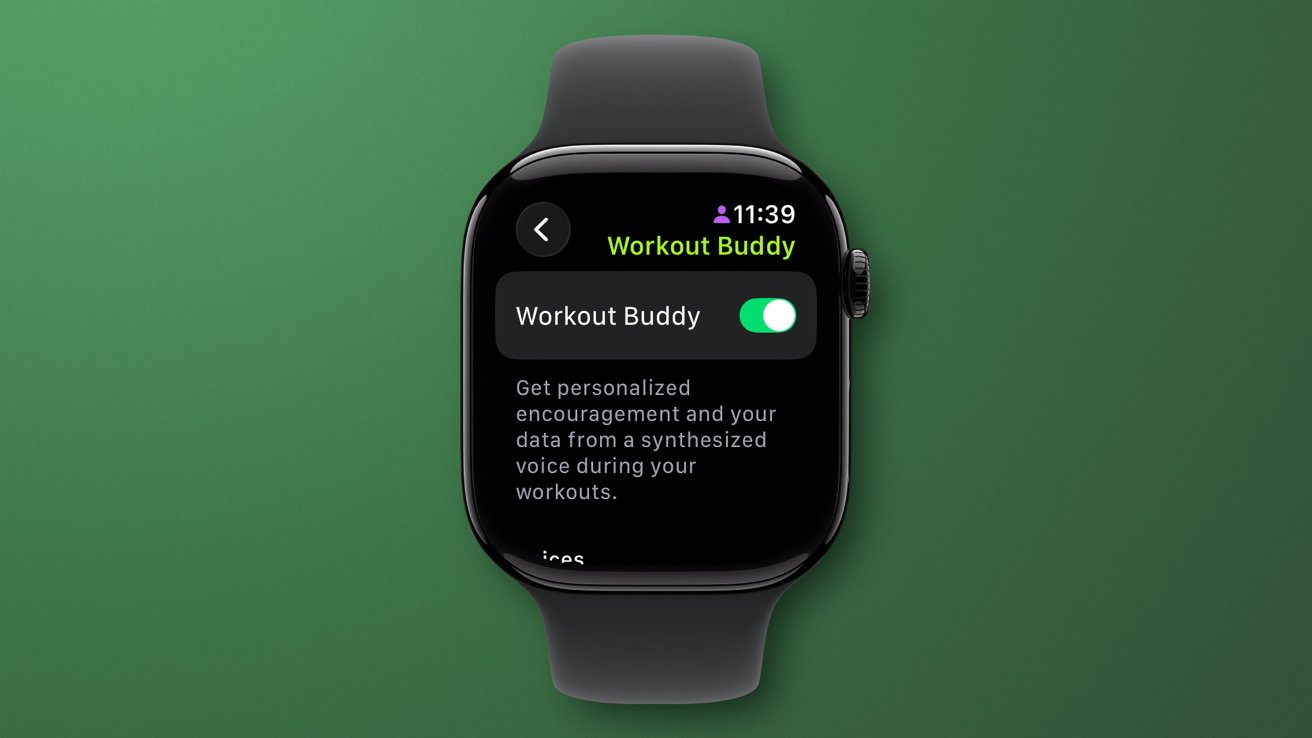
watchOS 26 review: Workout Buddy gets personal
With watchOS 26, an Apple Watch uses its optical heart sensor to analyze pulse signals and heart patterns over 30 days to flag signs of hypertension. Hypertension is the medical term for high blood pressure, also known as the silent killer. If you receive a notification, you should get it checked out by a doctor.
Wrist Flick is a feature that allows Apple Watch owners to turn their wrist away and then back in a single gesture. It's used to dismiss notifications, timers, and the like.
Wrist Flick is a useful feature, but I'd suggest that a vanishingly small number of people know it exists. Even fewer remember it after a few days.
A few years ago, Wrist Flick would have been a feature found in the footnote of a press release. The fact that it got stage time at all is telling.
This all leaves us with Sleep Score and Workout Buddy. The former replaced countless apps that already did something similar, but not for those who wanted cold, hard sleep data.
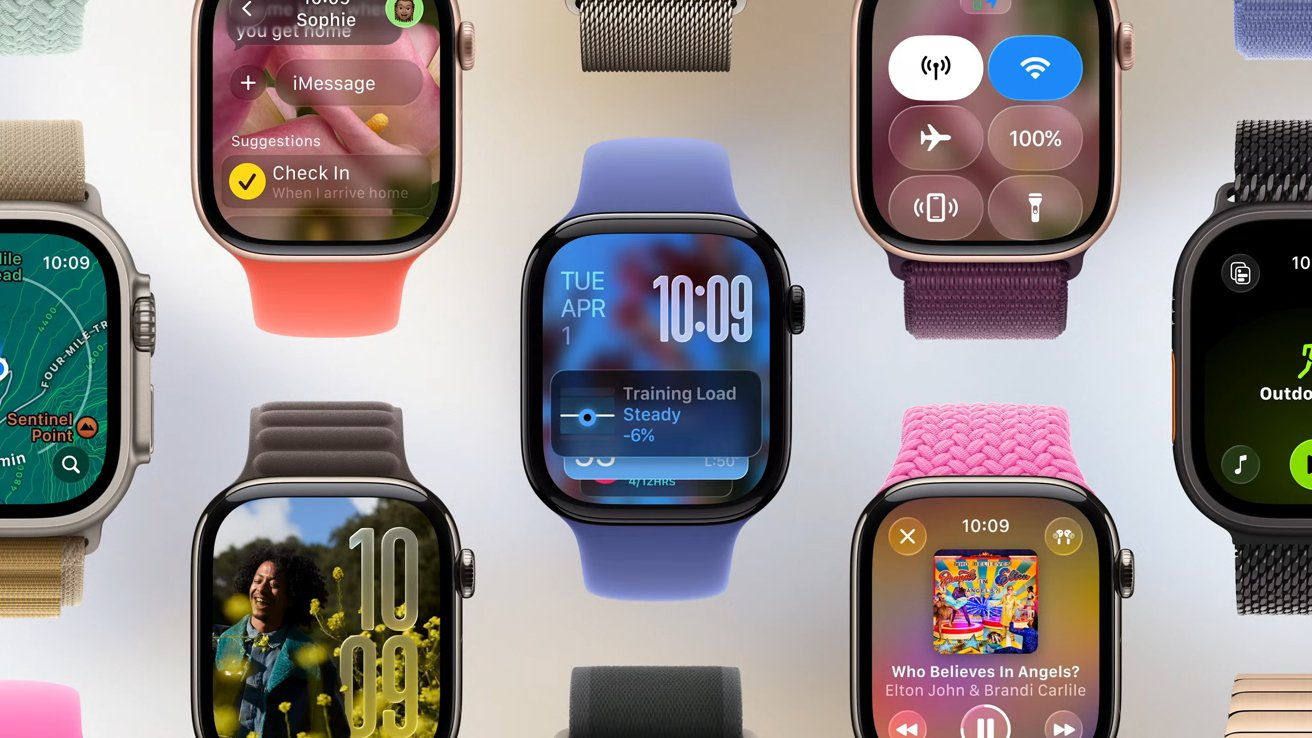
watchOS 26 review: Apple Watch never had it so good
The latter was designed to act as a workout buddy (hence the name) that would help motivate Apple Watch owners during workouts. But many found it to be too chatty, while others lambasted the fact that it only supported 11 workout types. And that's if you count indoor and outdoor versions of the same workout as two, not one.
There were more watchOS 26 changes, but these were the big hitters. Unfortunately, Apple struck out with too many of them.
Apple's smarter smart watch
Apple also chose watchOS 26 to try to make the Apple Watch smarter than ever. Smart Stack is at the core of this, proactively surfacing suggestions based on the current context.
"With improved prediction algorithms that fuse on-device data and trends from your daily routine, the Smart Stack now delivers a gentle prompt when it has a suggestion that's immediately useful to you," Apple's watchOS 26 page explains. When Smart Stack works, it works well. It'll provide quick access to features when they're needed, sharing information when it's useful.
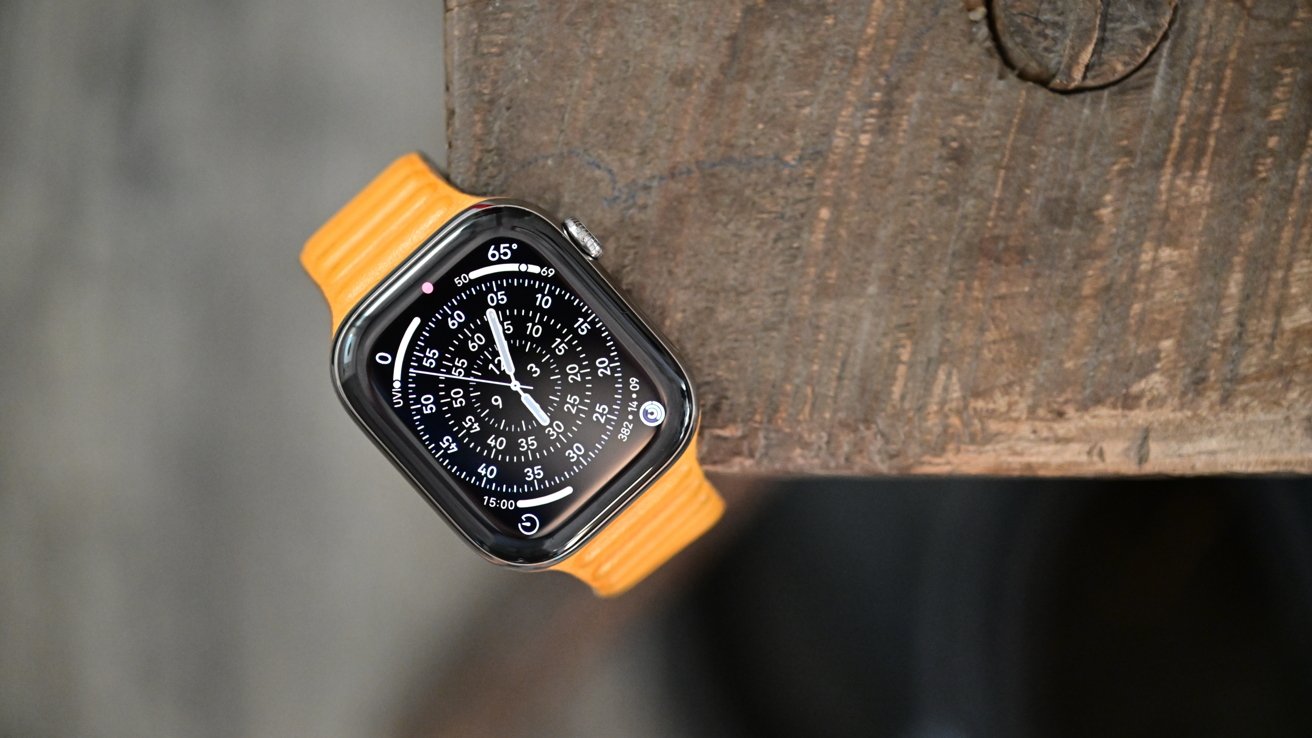
watchOS 26 review: Apple added some new watch faces
For the most part, Smart Stack works just fine. It has never replaced the need to launch apps, as I'd hoped, but it's a worthwhile addition even if it doesn't always take its cues from the correct context.
Other features worth calling out include Live Translation in Messages, although the real-world use of such a feature is debatable. It makes for a great demo, though.
As has become the norm, Apple added some new watch faces to the mix with watchOS 26. Flow is the artsy addition with Liquid Glass numerals. Exactograph is for more precise timekeeping, while Waypoint is specific to the Apple Watch Ultra.
watchOS 26, the best to ever do it
All of this is to say that watchOS 26 is the best version of watchOS yet. Some of the new features are handy, even if they won't change the way you use your Apple Watch.
It's watchOS, just more. There's nothing here to change the game or make anyone rush out to buy an Apple Watch. Over a decade after Apple's first smartwatch, those days may be done.
But I come back to something I mentioned earlier. Something that would surely give the Apple Watch-curious the impetus they need to pick one up.
Yes, I'm talking about custom, third-party watch faces again. Something Apple Watch owners and potential buyers have been crying out for. Bring that feature to watchOS 27, and it will become an instant install for Apple Watch owners everywhere.
It's an easy win, Apple. It's time.
watchOS 26 review - Pros
- A slight visual refresh
- New watch faces are always welcome
- More health and fitness additions
watchOS 26 review - Cons
- Apple Watch deserves custom third-party watch faces
- No must-have feature upgrades
- watchsOS feels increasingly stangnant
Rating: 3 out of 5
The Apple Watch may be a victim of its own success here. Its watchOS software has come on leaps and bounds in recent years. But that leaves Apple with little new to add, and the big changes its customers want simply aren't in the cards. I get the feeling watchOS needs a big new hardware change to really stretch its legs. A square Apple Watch or built-in camera tech, for example.