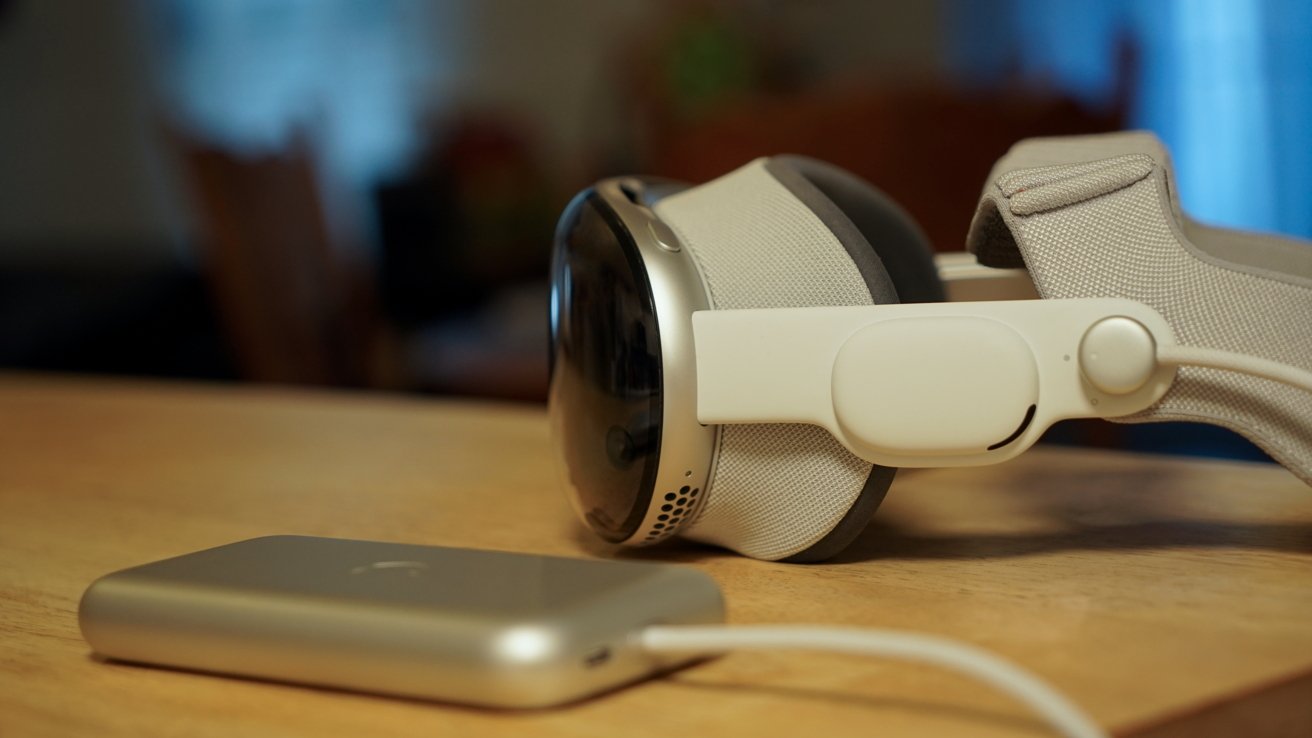
Apple Vision Pro isn't a priority product for Apple's teams, and it shows in the development of visionOS 26. Bug fixes, minor adjustments, and nearly zero feature additions define the year.
When visionOS 26 was revealed, it was clear that new hardware would be crucial for the platform. Then the M5 model arrived, and it was better, but nothing else changed in the time since.
I'm sitting here typing this on the Apple Vision Pro connected to a Bluetooth mechanical keyboard and Apple Magic Trackpad. It's been over two years since I used the original model, and yet, it still feels magical.
I understand some people are already trying to wash their hands of the product and call it dead. Those that own it may even treat it as old news or some kind of forgotten party trick.
For me, Apple Vision Pro stands as a preview of what could come later, and at the foundation of that preview is visionOS.
The problem is that visionOS foundation is just shaky right now, and not really that well maintained.
visionOS 26 review: frozen in time
The problem is one that's been there since the product's inception. Apple loves to show off this beautifully crafted piece of hardware that is capable of high-resolution software interactions in mixed reality.
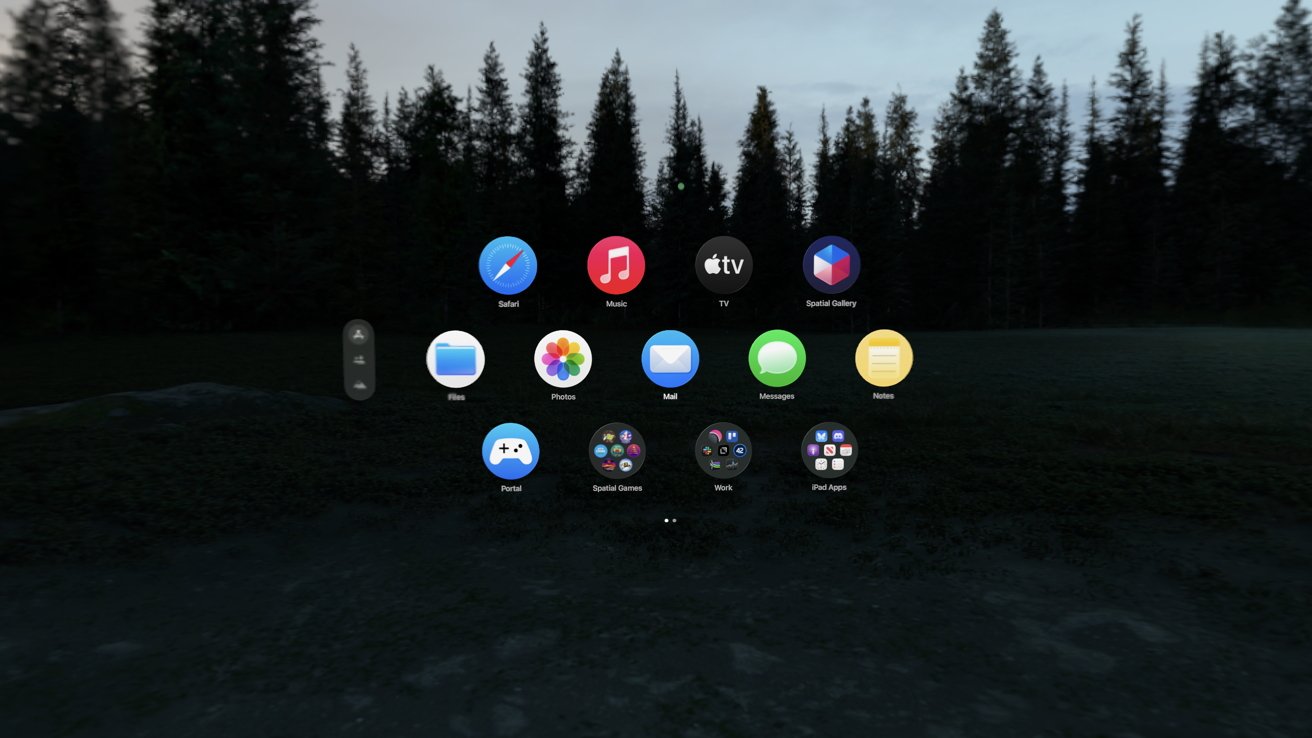
visionOS 26 review: Organizing the Home View with folders is a welcome addition
However, that's where the enthusiasm ends. Updates to visionOS primarily arrive during WWDC each year, and very little is added after that.
First-party apps that got the visionOS native treatment have basically stalled in development. The list of Apple-compatible apps brought from iPad to Apple Vision Pro hasn't changed since the product was revealed in 2023.
It's not that I expect Apple Vision Pro to get the same treatment as iPhone, but the near radio silence is deafening. Immersive Content seemingly falls out of the sky with little fanfare, gaming continues to be virtually nonexistent, and developers have little interest in developing for the platform.
Almost all of these issues arise from one central issue: Apple isn't evangelizing the device the way it should. The company should have a team dedicated to going to developers and asking what it would take to get their apps natively on the platform.
If it's money, and the app is popular elsewhere, offer an incentive package. Make it happen.
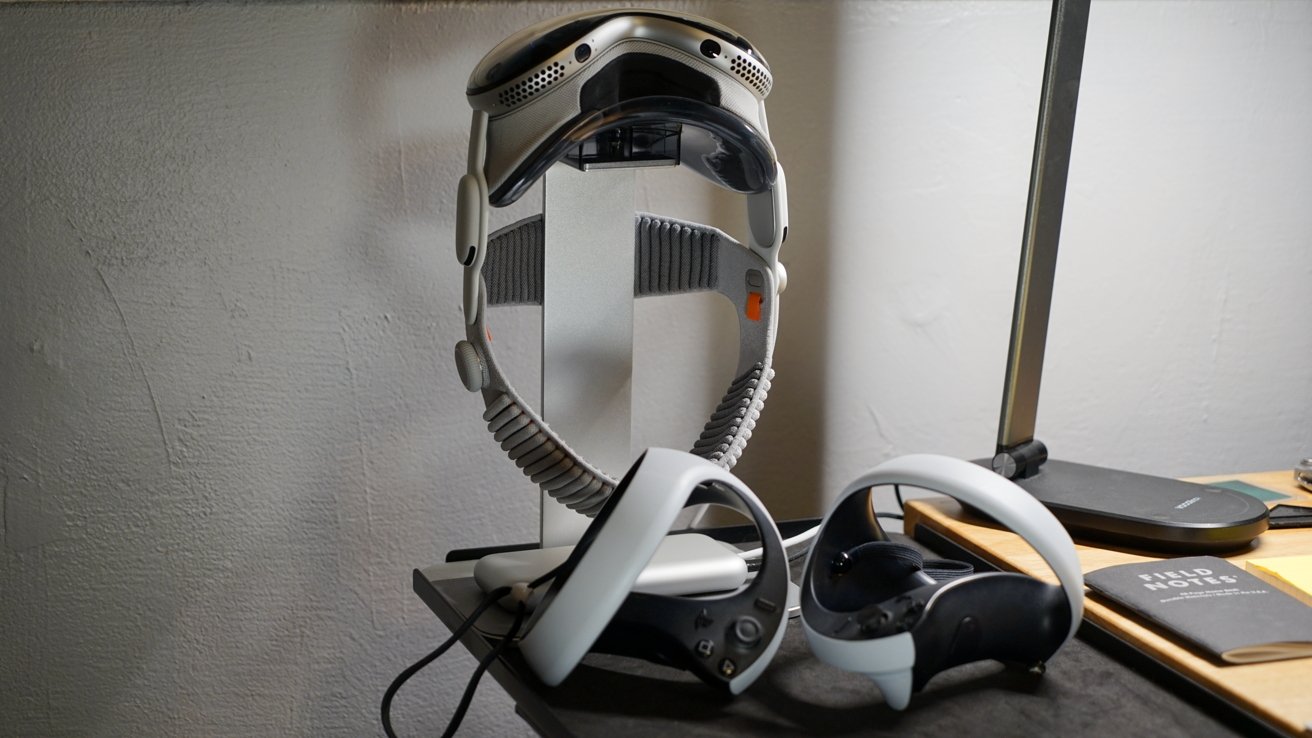
visionOS 26 review: features like PSVR2 controller support mean little if developers don't adopt them
Instead, we see developers increasingly shrug at Apple Vision Pro because targeting the platform will never be financially viable. Building a native application for Apple Vision Pro would struggle to even pay for the $3,500 headset, let alone subsidize future updates.
So, as we enter WWDC 2026, that's what is on my mind. The hardware is excellent, the native software that is available is stunning, but that isn't enough on its own.
Apple needs to convince developers, and what better place than a worldwide developer conference. I know AI will be the focus of the event, but Apple needs to use at least some of the time to push Apple Vision Pro forward.
Otherwise, we'll be frozen in time until the next hardware iteration, which will be late 2028 at the earliest.
visionOS 26 review: M5 only helps so much
The good news is that Apple Vision Pro doesn't need a hardware iteration at the moment. Sure, thinner and lighter would be great, but the M5 is more than enough to drive visionOS, apps, and games today.
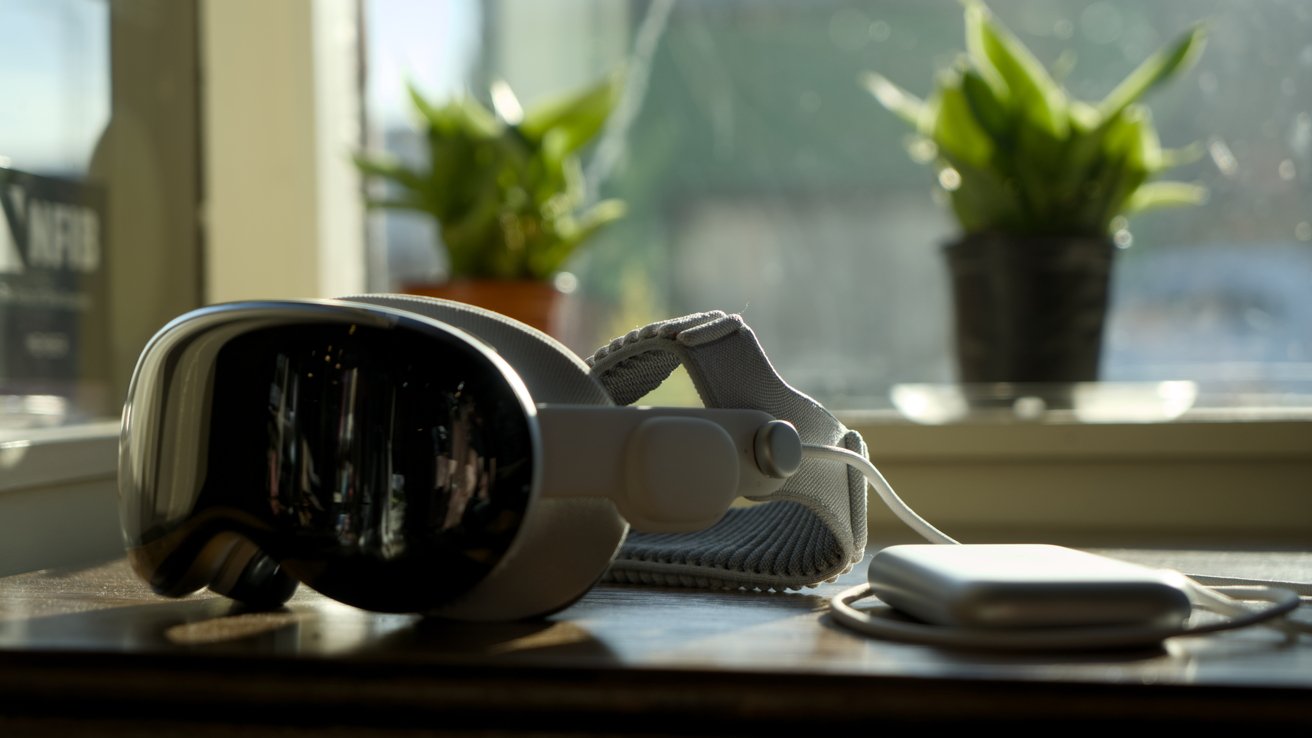
visionOS 26 review: Apple Vision Pro with M5 is a needed improvement for visionOS 26 features
I currently have six apps, seven widgets, and a partial immersive view of Jupiter open. Everything is still responsive and easy to navigate, and there's room to add more if I wanted.
One of the issues I encountered with visionOS 26 on an M2 version of Apple Vision Pro was buffering widgets. If a photo frame or weather widget was slightly out of frame, it would have to load in as I turned my head to look at it.
Now, with M5, I almost never see a widget loading. I don't walk around my home and wait for physical photos to load, so it breaks immersion to wait for the virtual ones. I do wish Apple would match texture and brightness of virtual objects to the environment more.
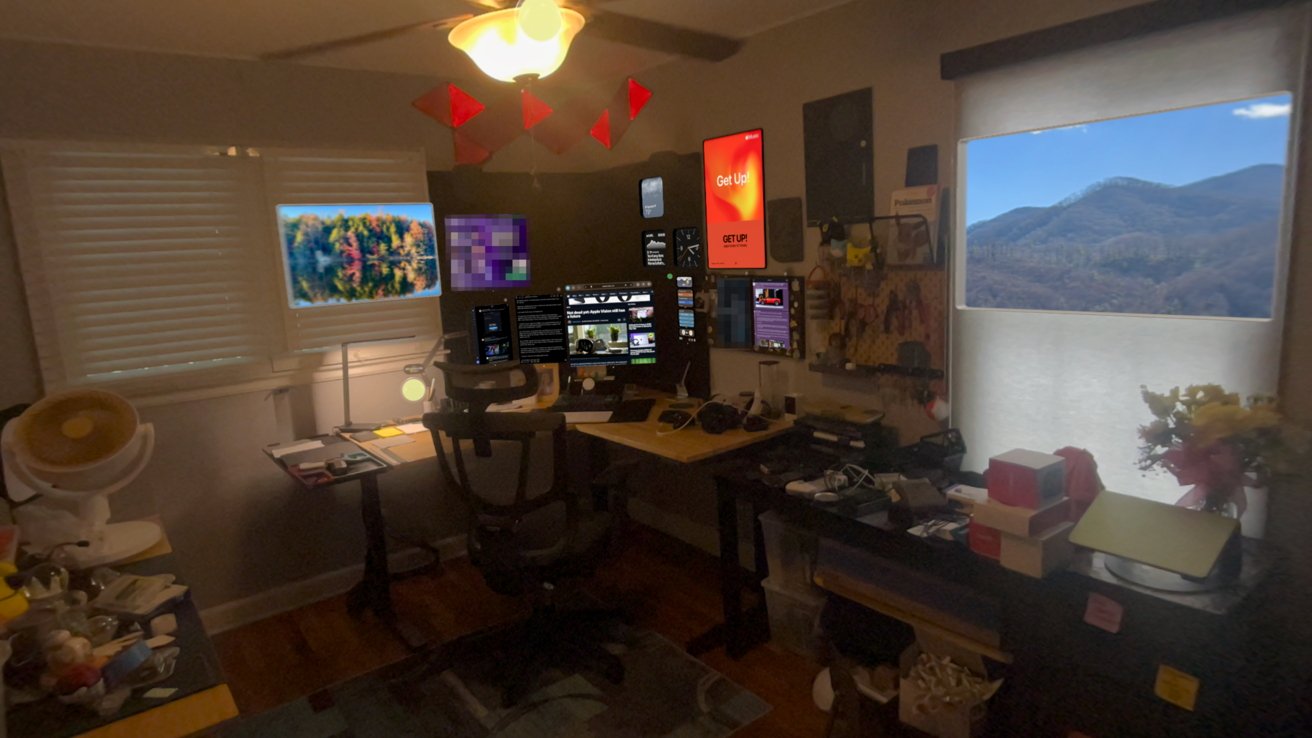
visionOS 26 review: widgets galore
The ability to lock windows to surfaces also means I'm keeping more open at any given time. These windows and widgets persist, even after a restart, so it's like they're truly part of my space.
However, a look into the widget gallery is yet another reminder of how little developer support exists on the platform. The list of apps I have downloaded that support widgets is small, and apps that are built to be widget-based apps aren't in the widget picker.
Then the App Store shows how few developers have bothered with widgets. Apple's own promotional link only has a few apps that amount to sticky notes and clocks.
visionOS 26 review: low hanging fruit for OS 27
There are other oddities in the visionOS platform, and they have nothing to do with the M5 or performance.
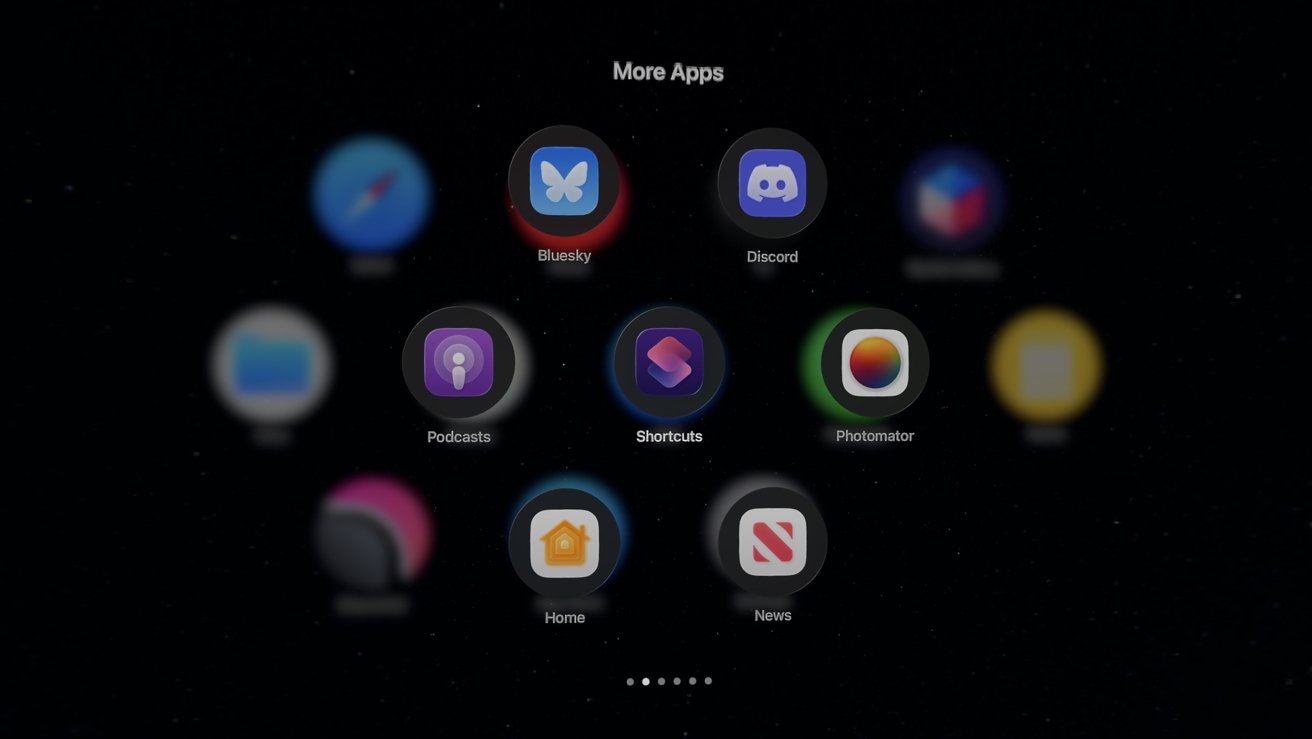
visionOS 26 review: iPad compatible apps need to go native, at least those from Apple
Find My still isn't available in any form on Apple Vision Pro. My primary use case for it on the device would be to see my family and friends' locations in the Messages app.
I can AirPlay my view to an Apple TV or other device, but I can't control the music currently playing on a HomePod. The entire concept of whole-home audio doesn't exist on Apple Vision Pro.
Even if I navigate to a HomePod in the Apple Home app, I can't view or control playback. If I command Siri to play music in my office, it replies that it can't manage that here.
Spatial computing is meant to offer less friction between the user and their environment. What I'd like to see is the Apple Music poster widget show what's now playing in the room it is placed in.
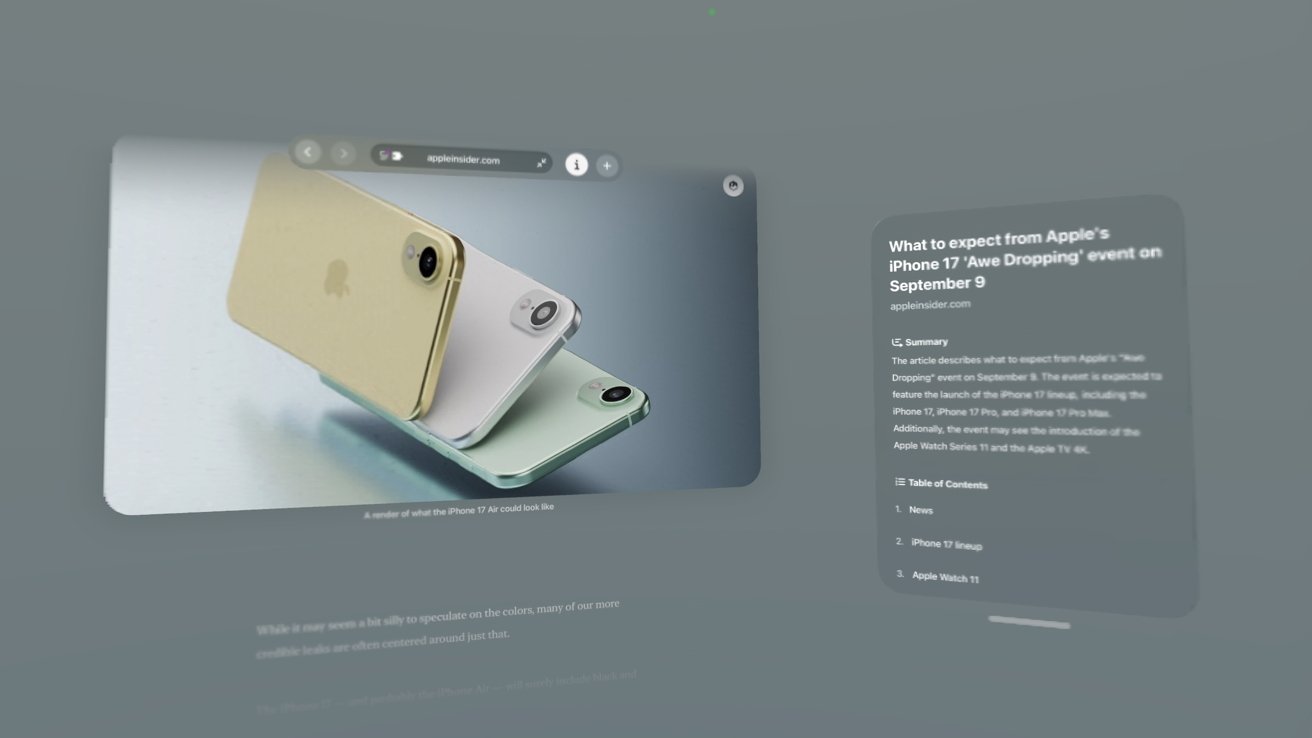
visionOS 26 review: spatial browsing is an interesting concept but needs more work
Heck, show me the now playing music and controls when I look at a HomePod. Given all the technology at play, it theoretically is possible.
The Apple Creator Studio is also missing on Apple Vision Pro. If I want to use Pixelmator Pro, I have to use Mac Virtual Display to launch it on my less powerful Mac mini with M4.
I hope some of these issues are addressed during WWDC 2026.
visionOS 26 review: Finding a killer app
One of the repeated complaints I've heard about Apple Vision Pro and the visionOS platform is its lack of a "killer app." I find the concept a bit silly considering that none of Apple's platforms have a single central feature that attracts users.
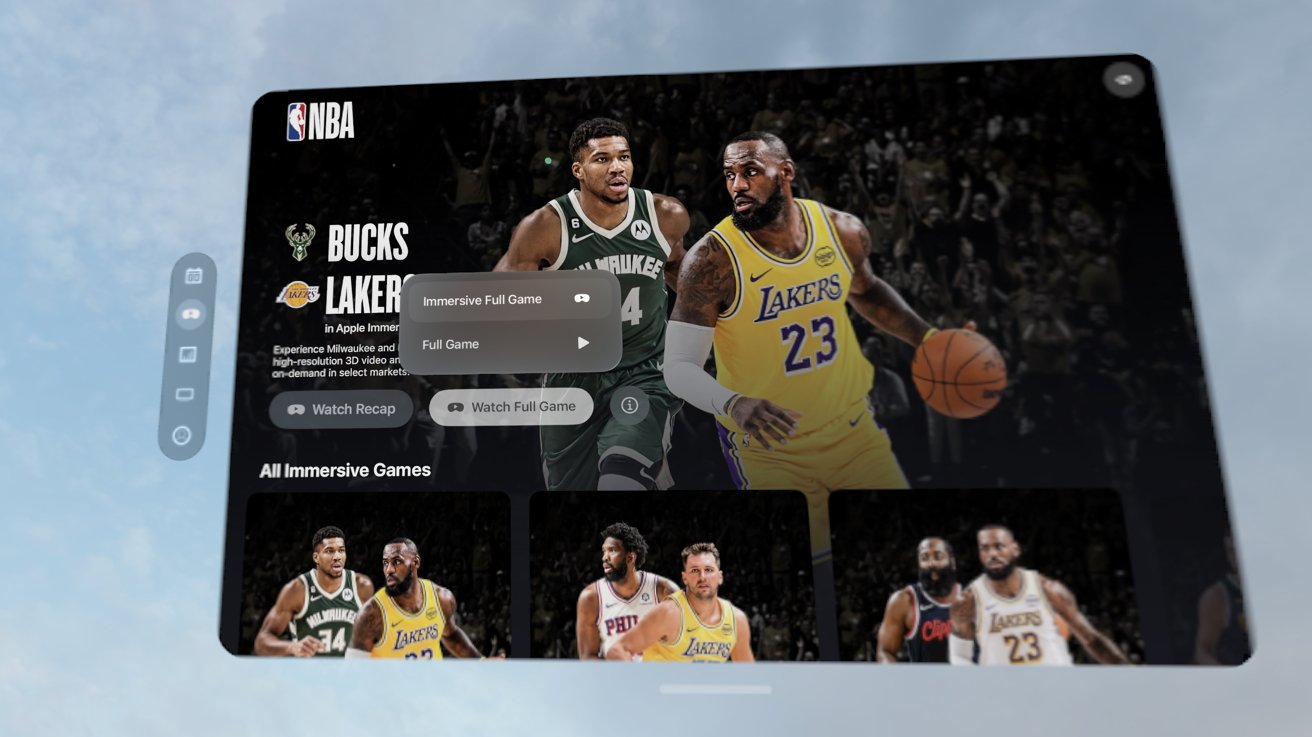
visionOS 26 review: immersive video, especially sports streams, may be the closest thing to a killer app on Apple Vision Pro
Defining a killer app for each platform is actually quite a difficult exercise, as it changes depending on who you ask. Some might say social media is a killer function of iPhone, while others might say games or photography.
Apple Watch is a fitness device for some and a notification engine for others. iPad can be a book, a sketchpad, a laptop, or gaming console.
The idea that Apple Vision Pro needs a killer app is strange. Like Apple's other platforms, it's great at a lot of things and how it is used will depend on the individual.
Gaming
For other headset devices like the Oculus from Meta, gaming has been the driving force for sales. While productive tools exist on those platforms, they're more afterthoughts than anything.
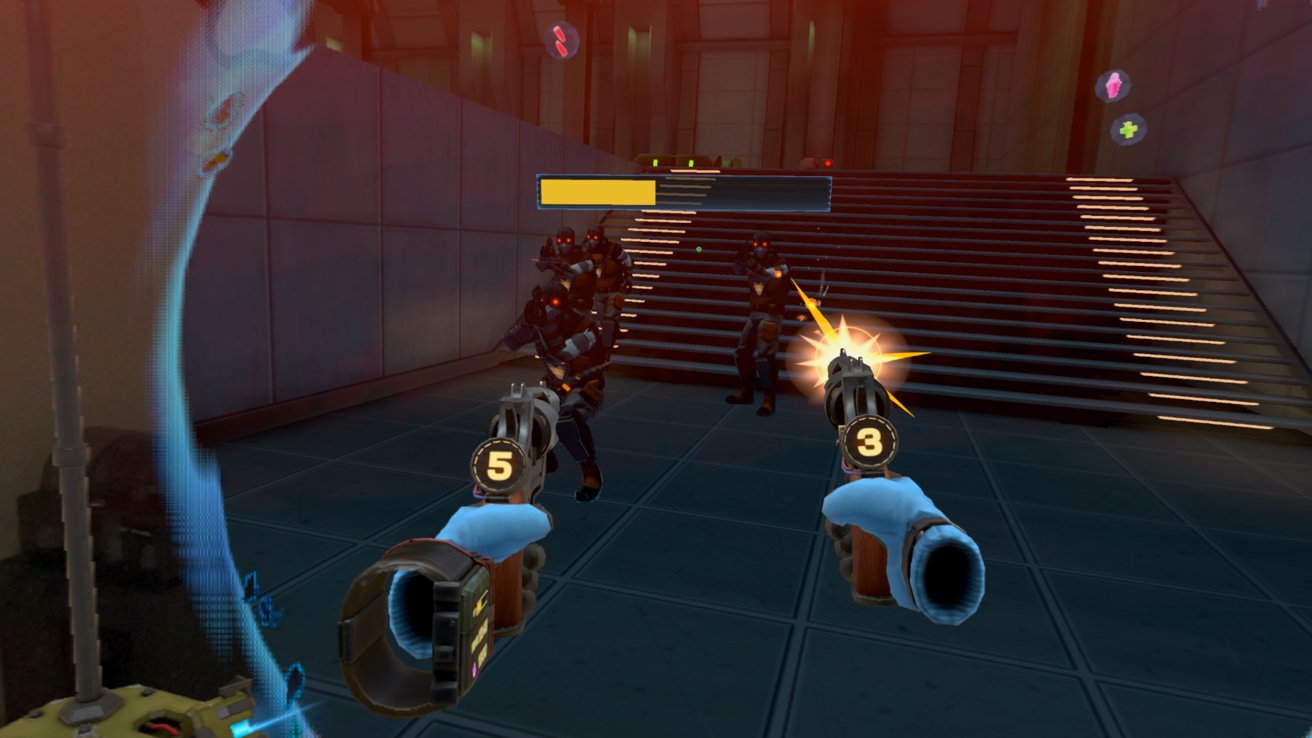
visionOS 26 review: gaming is alive and well on Apple Vision Pro, but the selection is limited
Given the size of the native App Store in visionOS, gaming is proportionally sized, so far. I have seventeen spatial games installed on Apple Vision Pro. Most are from Apple Arcade, but a couple are purchased directly from the App Store.
None of the games would win awards, but they're entertaining and take great advantage of Apple Vision Pro as a platform. From hand gestures for driving in a kart game to using PSVR2 controllers in a first-person shooter, there is quite the variety of games.
Though, of course, it is a paltry collection compared to what is available on the wider market. It isn't that gaming isn't possible and fun on Apple Vision Pro, it's that the devs aren't there.
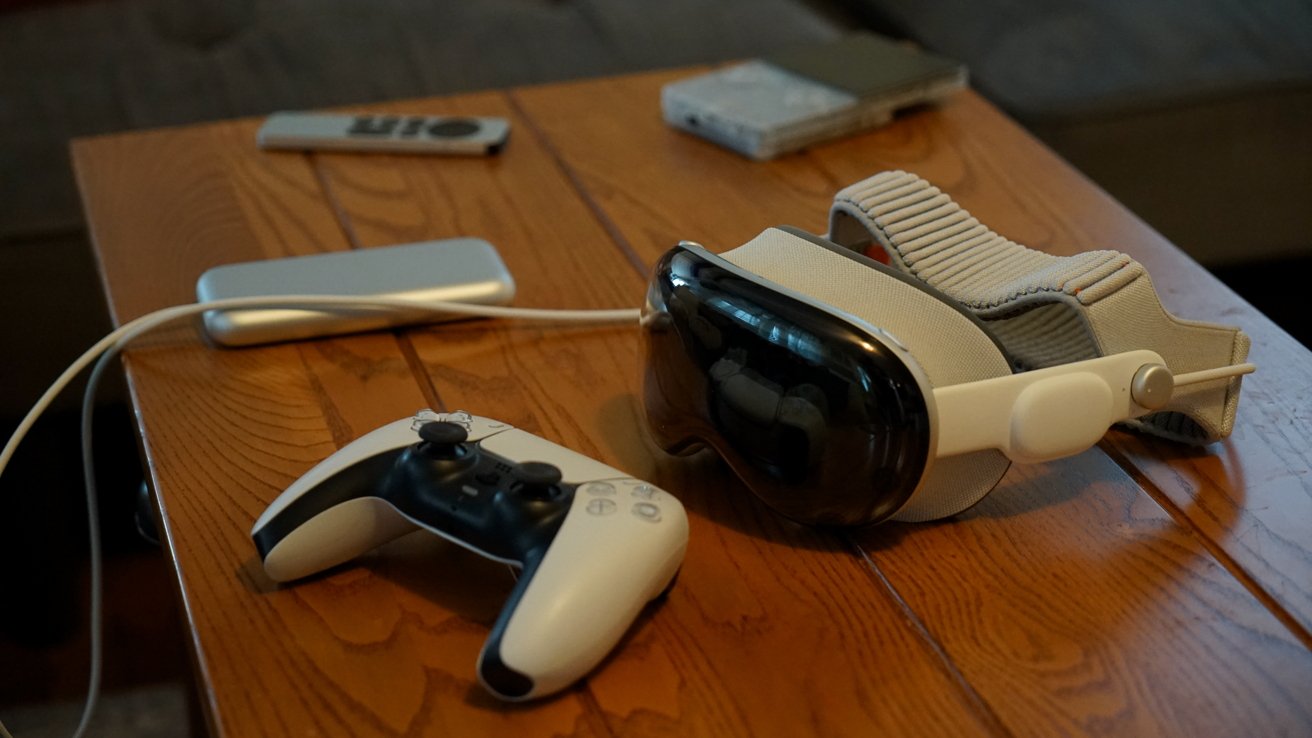
visionOS 26 review: some iPad games work great on Apple Vision Pro with a controller
I'd love to see Capcom in the WWDC keynote showcasing Resident Evil 7 built for Apple Vision Pro. The real get would be Beat Saber, but it seems neither Meta nor Apple are interested in getting the game to the platform.
The games that do exist face other issues. We got Job Simulator but it hasn't been updated in over a year and thus doesn't support PSVR 2 controllers.
Crossy Castle is a fun game from the Crossy Road developers, but it also isn't being updated. The iPhone/iPad version of the game has a Bluey expansion that isn't available in the Apple Vision Pro version.
Gaming, thankfully, isn't limited to what can run on the device. There are many options to get games to Apple Vision Pro like streaming via GeForce Now, playing from a local PC, or remote play from a console.
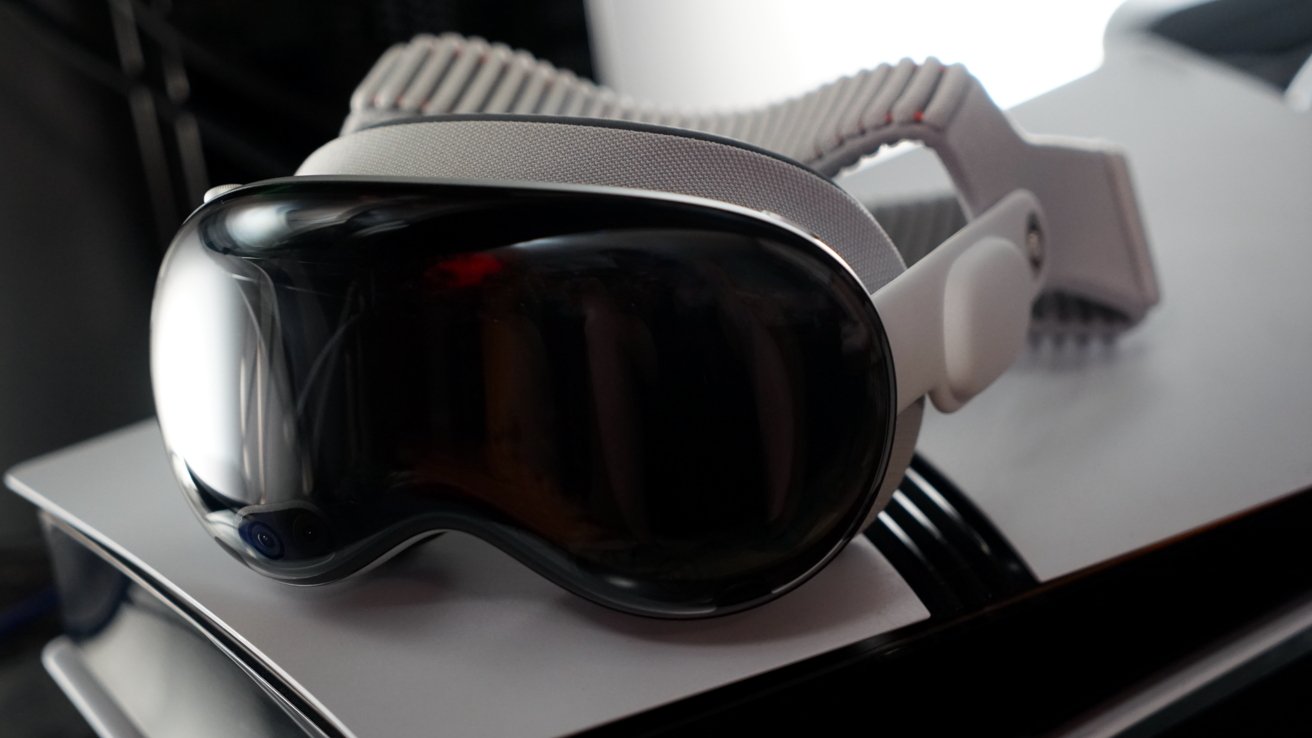
visionOS 26 review: Apple Vision Pro and PlayStation 5 Pro make a good combination
I've been using Portal to stream to the Apple Vision Pro, and since it is native software, it has some really interesting abilities. It's how I've been playing Minecraft on the headset, but with stereoscopic 3D generated live by the app, upscaled to 4K.
I'd love to see Minecraft native on the platform, or even as an iPad-compatible app, but Microsoft has no interest in that.
Apple did introduce PSVR2 controller support with visionOS 26. While the games that support it are few and far between, I'm glad the option is there. Let's hope for more support in the coming year.
Media playback
Because of the high-resolution displays, Apple Vision Pro is uniquely positioned to be an entertainment headset. Sure, you can watch video on Oculus or PSVR2, but the resolution is low enough to encounter motion sickness and the "screen door" effect.
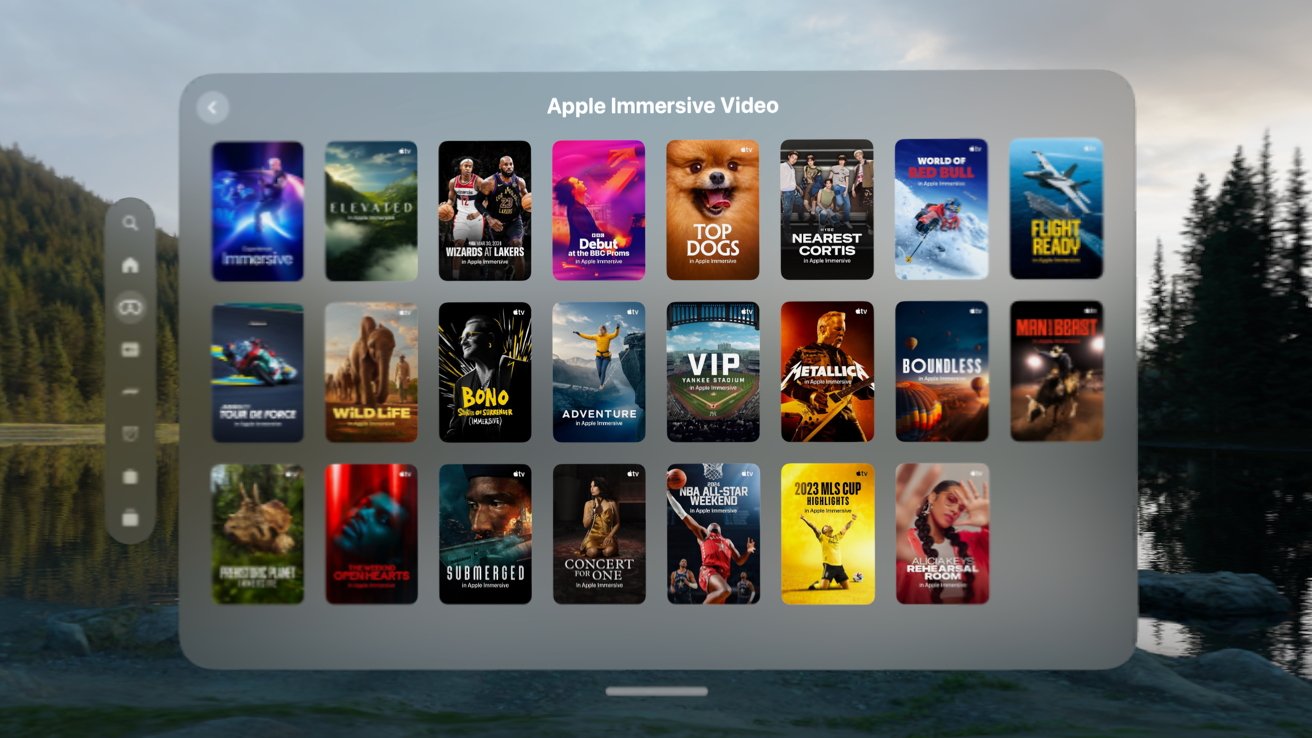
visionOS 26 review: the list of Immersive Video grows each month
As someone that owned several kinds of 4K 3D TVs back in the day, I can honestly say Apple Vision Pro is the best way to watch 3D content. Period.
I remember when I was in the Navy, I researched portable media viewing products, and one was the Sony Personal 3D Viewer. It played 3D movies natively because you'd get one side of the 3D in each eye.
I never bought one, but it was a wearable 3D display that connected via cable to an external HDMI box where you'd connect a PS3 for 3D Blu-ray and games . Apple Vision Pro turns that entire product into a series of apps.
Sure, 3D movies are great on the platform, but Immersive Video is the true winner here. Even though Apple's rollout of such content is glacial, each one is a peek into a different universe from a whole new perspective.
Productivity tools
Finally, there's the productivity aspect of Apple Vision Pro. I can put the headset on and see my virtual workstation in seconds.
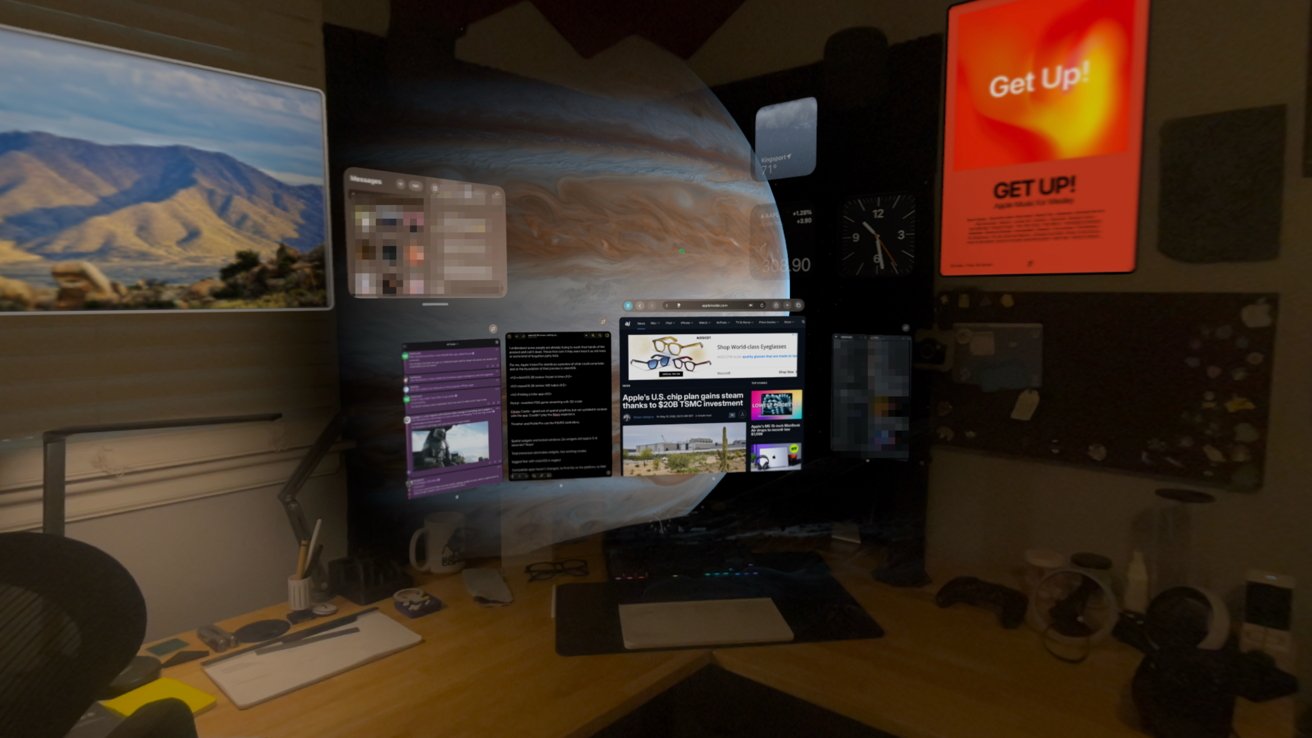
visionOS 26 review: being productive on Apple Vision Pro is possible, as long as the apps you need are available
I'm writing this review from inside the headset via an iPad-compatible app called Drafts. There aren't any good writing tools native to Apple Vision Pro yet that I'm aware of, and besides, it would be tough to give up Drafts.
I can write, edit, upload, and publish from Apple Vision Pro. As I've mentioned, the biggest limitation in my workflow today is the inability to edit and create images.
Pixelmator Pro is either on my iPad Pro or Mac mini, but not on Apple Vision Pro. I can jump into the Mac mini via Mac Virtual Display, but it isn't an ideal solution.
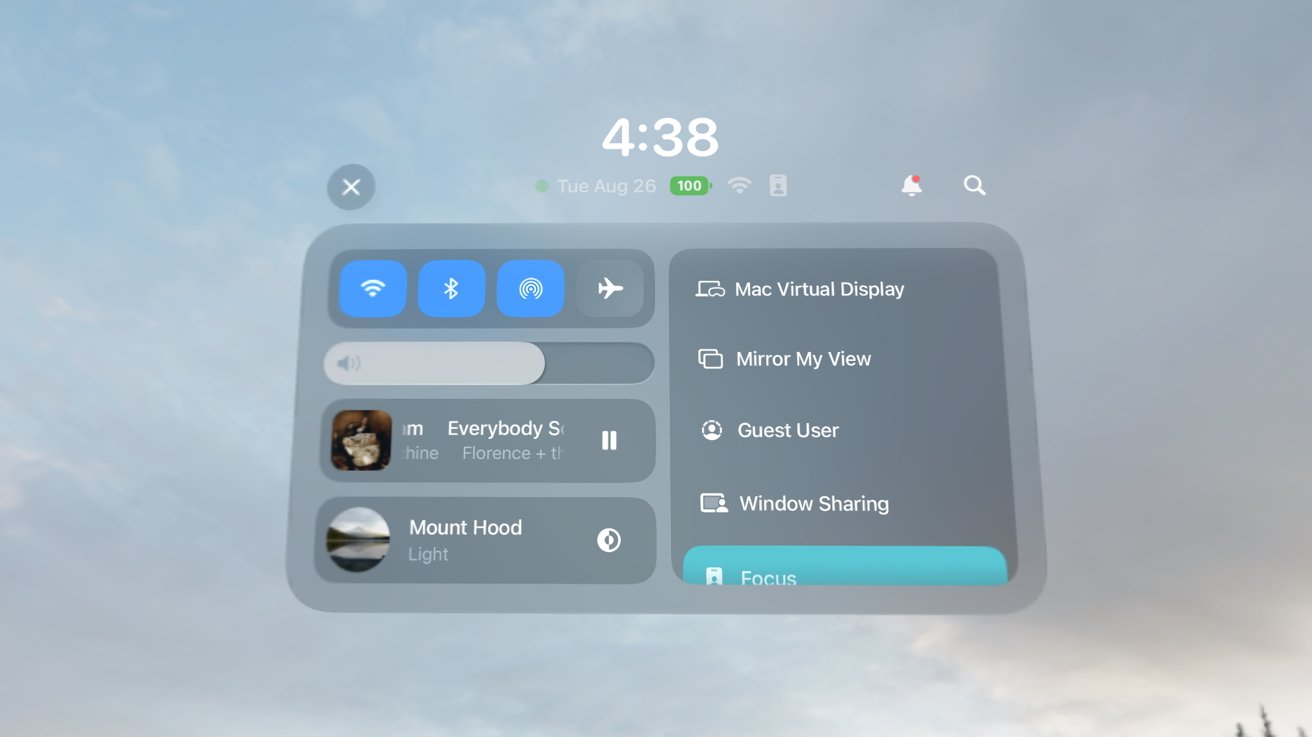
visionOS 26 review: I have to swap over to Mac Virtual Display to use Pixelmator Pro
If I need an image and I'm working in Apple Vision Pro, I often take it off and make the image on iPad. That doesn't happen often though, since I generally work in Apple Vision Pro on long-form writing.
Outside of my little professional use case, there are many more. Apple Vision Pro has appeared in engineering environments, surgical rooms, and in movie studios.
There is no doubt that Apple Vision Pro is a capable production platform.
Multi-faceted
Of the three elements I've mentioned here, it is difficult to pick what Apple Vision Pro's "killer app" is or should be. It's great at gaming, media playback, and productivity tasks just like any other Apple platform.
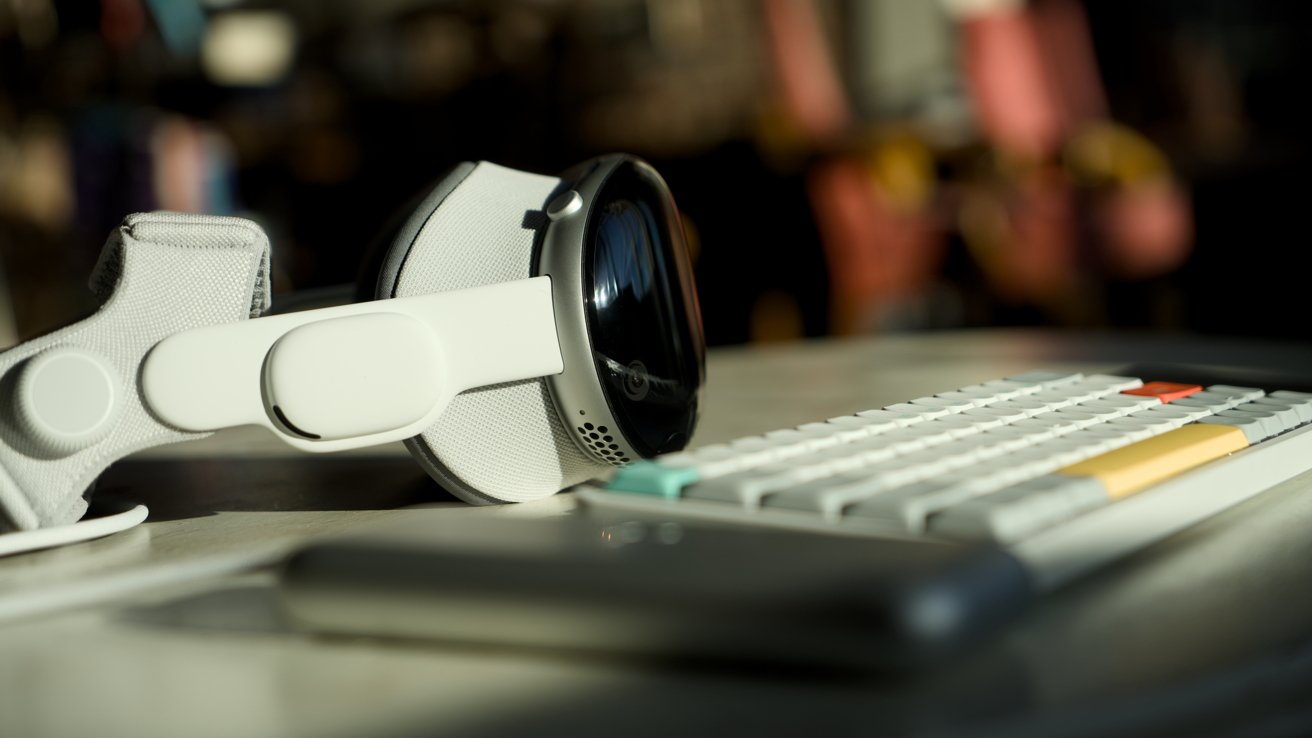
visionOS 26 review: Apple Vision Pro doesn't need a killer app, it needs developers
I say let the device speak for itself. The problem isn't so much what it can or can't do, but developers willing to build for the platform.
visionOS 26 helped expand all three of these elements with things like PSVR2 controller support, expanded media format support, and shared spatial environments for productivity tools.
Apple Vision Pro is still expensive and relatively heavy, and a killer app isn't going to change that. I do hope visionOS 27 can continue to expand on these three pillars of the platform.
visionOS 26 review: other new features
Let's end this review with a list of features that did arrive with visionOS 26. I didn't spend much time on each individual feature here because I already did so in my original review.
Here's what else was new when visionOS 26 launched that I haven't directly covered so far:
- Spatial Scenes in Photos
- Spatial browsing in Safari
- Shared Spatial Environments
- New Persona
- Native 360, 180, and wide field-of-view video support
- Jupiter environment
- Save eye and hand setup to your iPhone
- Apps in folders
- Unlock iPhone while wearing Apple Vision Pro
- Look to scroll
- New Control Center
- Game controllers remain visible even when immersed
Spatial was the name of the game for visionOS 26. I've barely tapped into the Spatial Browsing feature, but it sure does remind you it exists on every compatible website.
I never used my new Persona nor did I use a Shared Spatial Environment. The remaining updates are excellent quality-of-life updates, but don't need to be addressed directly here in this one-year-later review.
I hope that visionOS 27 can offer a similar length list of new changes and updates, though I have a feeling Apple Intelligence will own the show this time around.
visionOS 26 was exemplary of a good annual update
I may have my complaints, but visionOS 26 is an excellent upgrade overall. visionOS 2 was a half-step as the first OS update that arrived only months after launch.
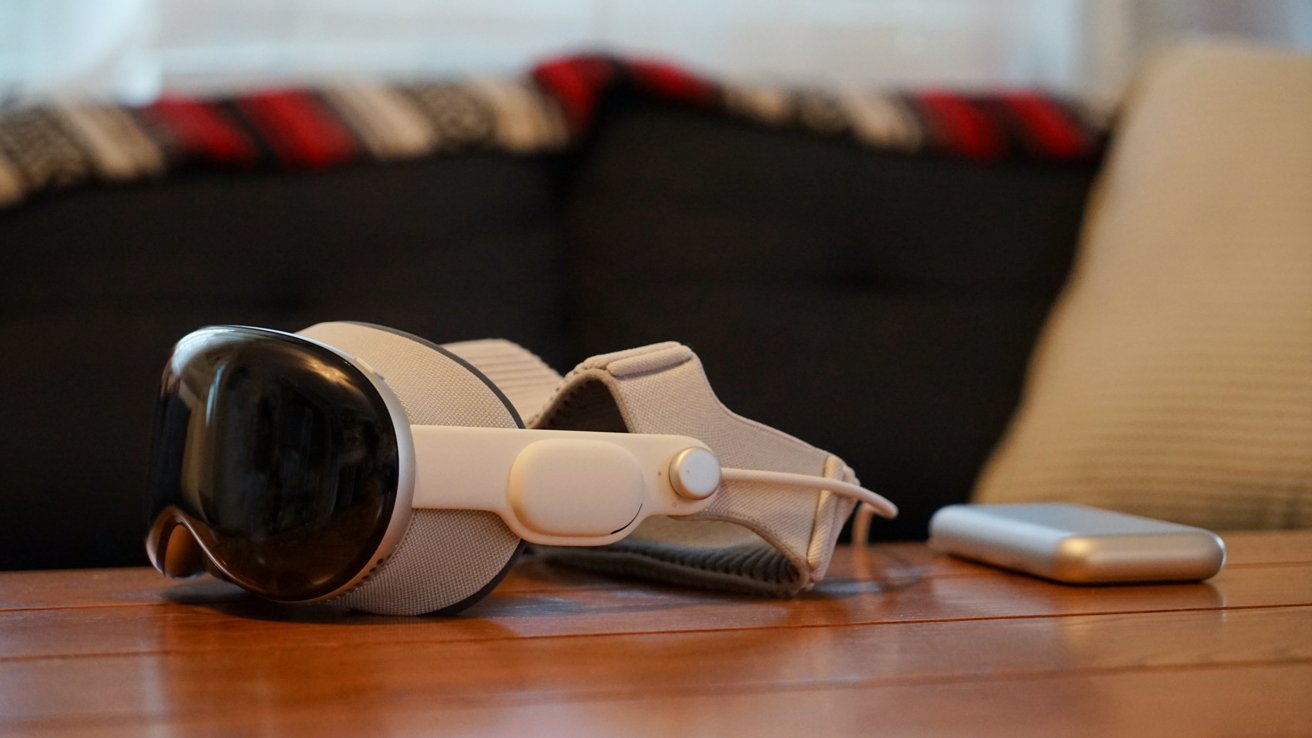
visionOS 26 review: it's time for another big update cycle
visionOS 26 was the first update with a full year of development behind it, and it delivered. Clearly needed quality-of-life updates were added while enhancements prepped the platform for M5.
What I hope for visionOS 27 is more of the same, but with more attention throughout the year. We should be able to get excited about a major upgrade in visionOS 27.2 instead of having to wait for visionOS 28 for anything new.
I believe spatial computing and Apple's work on artificial intelligence go hand in hand. Both platforms had their starts in the Apple Car, and each feeds into the other in obvious ways.
The more a computer can "understand" the world around the user, the user's voice, and how a device is used, the better spatial computing can be. Apple Intelligence is going to focus on proactive interactions with the user, which could greatly benefit Apple Vision Pro users.
visionOS 26 review: Apple Vision Pro will benefit from Apple Intelligence advancements
Since developers can't really make money on Apple Vision Pro and aren't bothering with implementing much, I have a radical suggestion. Perhaps, if it can be done ethically, Apple should borrow a page from Google's upcoming features.
Imagine being able to generate a spatial widget with a voice command. Built-in vibe coding with clear limits on what can be built powered by on-device Apple Foundation Models.
If it's possible, I'd be interested in seeing something like that in visionOS 27. At the least, I hope Apple Vision Pro isn't a forgotten platform during the WWDC keynote.
My biggest fear for the platform is neglect.
visionOS 26 review - Pros
- Spatial widgets are great, especially with M5
- PSVR2 controller support is awesome when devs support it
- Organizing Home View is a big finally
- Gaming continues to expand, if slowly, on the platform
visionOS 26 review - Cons
- Compatible iPad app list still hasn't changed
- No Find My, Contacts app, categories in Mail, etc.
- Developer support still the biggest issue with visionOS
Rating: 2.5 out of 5
The visionOS 26 release brought some must-needed changes to the platform, but Apple stopped doing that after the very first release. A year later, nearly nothing has changed.
Apple needs to show the platform some love with visionOS 27.