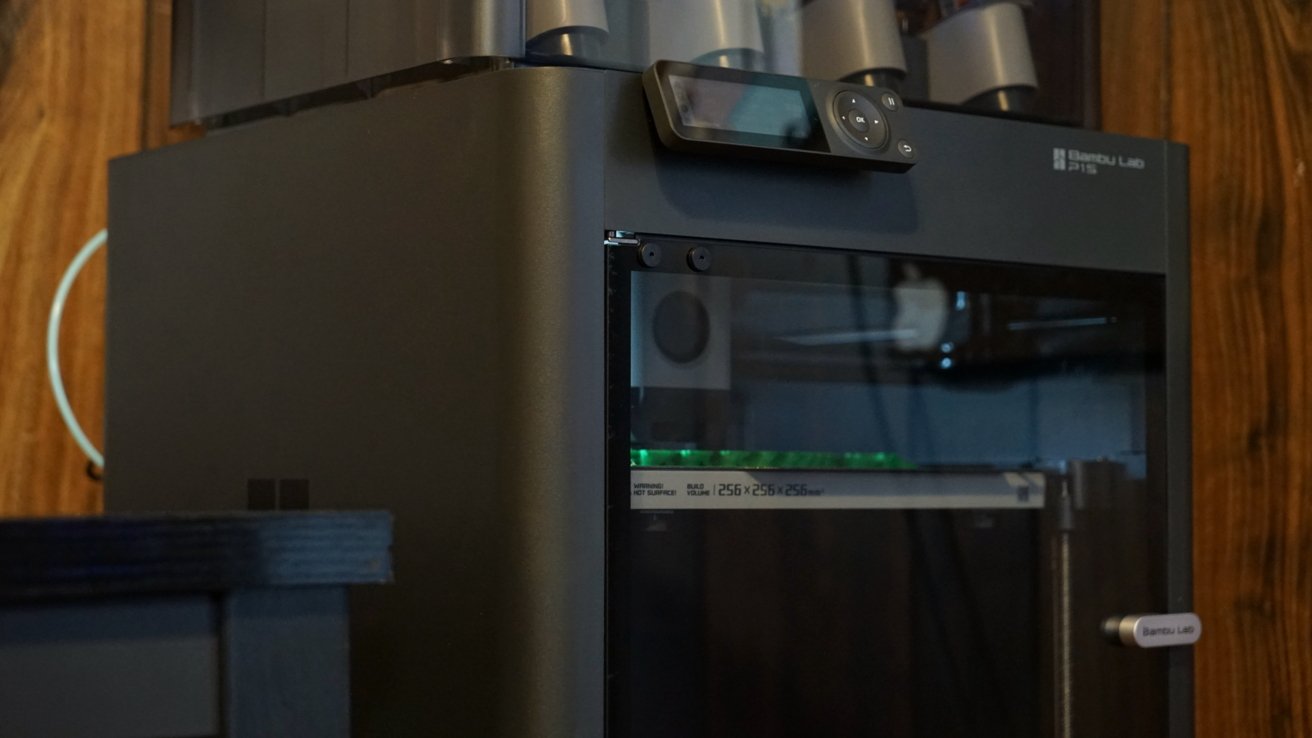
The Bambu Lab P1S 3D Printer is about as easy as this hobby can get, with simple setup, one-button printing from an app, auto-leveling, and a four-spool AMS, it'll be hard to stop printing.
I'm still a 3D printing novice that has only dabbled in the space since I tested the Flashforge AD5X. That was a good starter printer, but I've moved up a tier to the Bambu Lab P1S, and it's tough to look back.
One of the first things I learned about 3D printing was that the filament needed to be stored somewhere dry. The lack of an Automatic Material System, or AMS, was a big sticking point for the AD5X, even though it did have four spools built in for multi-color, it wasn't enclosed.
The fact that the Bambu Lab P1S came fully enclosed with a side and top glass door, an AMS, and a few sample spools to get started was enough to get me excited about this new machine. After a brief setup and leveling, I started printing off several objects, one after another.
Let's get into what makes the Bambu Lab P1S a superior system for my uses.
Bambu Lab P1S 3D Printer review: Design
I'm a fan of how Bambu Lab has designed its 3D printer. If I understand correctly, this new model has identical specs and a similar design to the P1P it replaces, but the enclosure is included this time, plus some other changes.
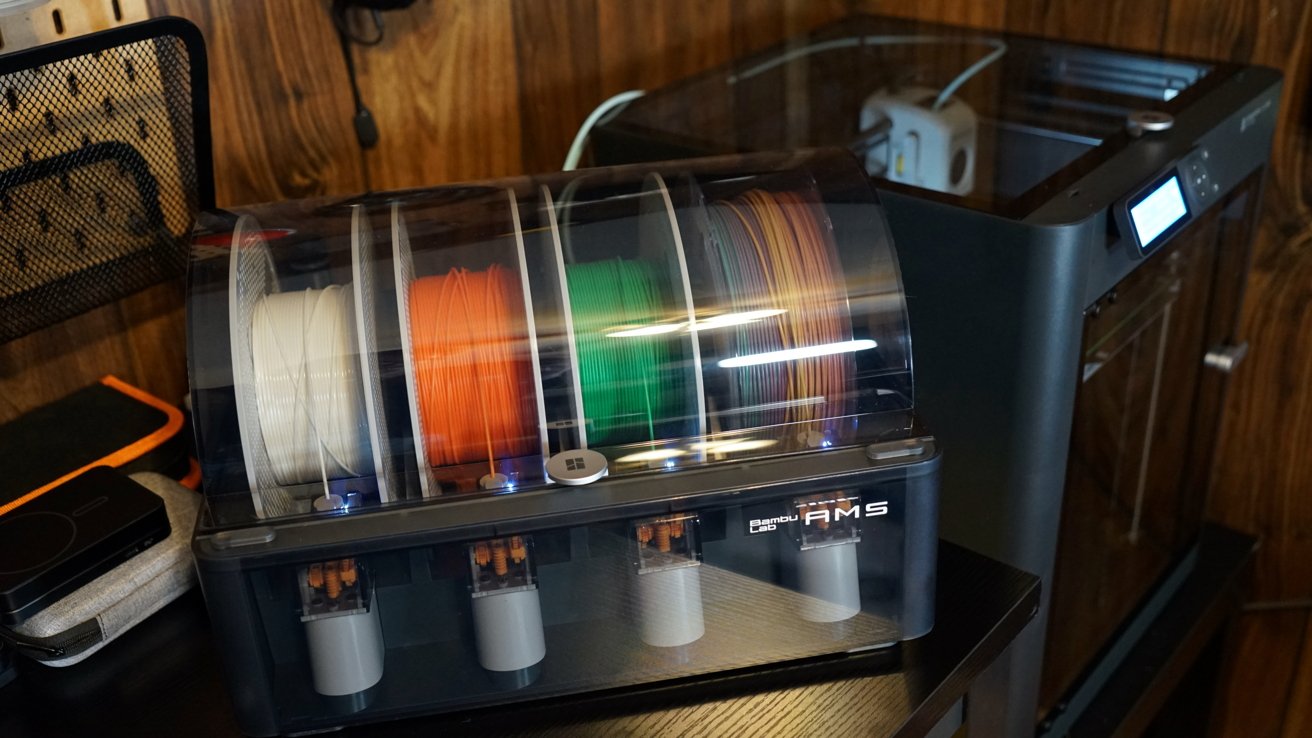
Bambu Lab P1S 3D Printer review: the optional AMS makes multi-color printing easy
The optional AMS, which was included in the combo set I am testing, can sit next to or on top of the 3D printer. Since the space I use for the printer is quite small, I elected to keep the AMS on top.
The design is much less industrial-looking thanks to the enclosure. I like that there's a light that shines within the enclosure to make it easier to view a print job, and the enclosure keeps everything tucked away nicely.
There is an attachable spool included, but it sits external to the machine and isn't necessary with the AMS. I decided to leave the spool attachment off and rely solely on the AMS.
The back of the unit has a connection for the AMS, and everything fits together with little effort. Each of the spools feeds into the extruder, and a quick pull by the machine checks what the filament is and automatically populates the filament type and color within the software.
There's a small controller and display, but I've never used it except to check print progress. I manage everything through the iPhone app.
One of my first prints was the all-important poop box since every print will result in some garbage the 3D printer fanbase calls "poop." When performing multi-color prints, it amasses quickly.
Bambu Lab P1S 3D Printer review: Features and specs
The maximum print size is 10 inches in height, length, and depth. That can lead to some decently sized items.
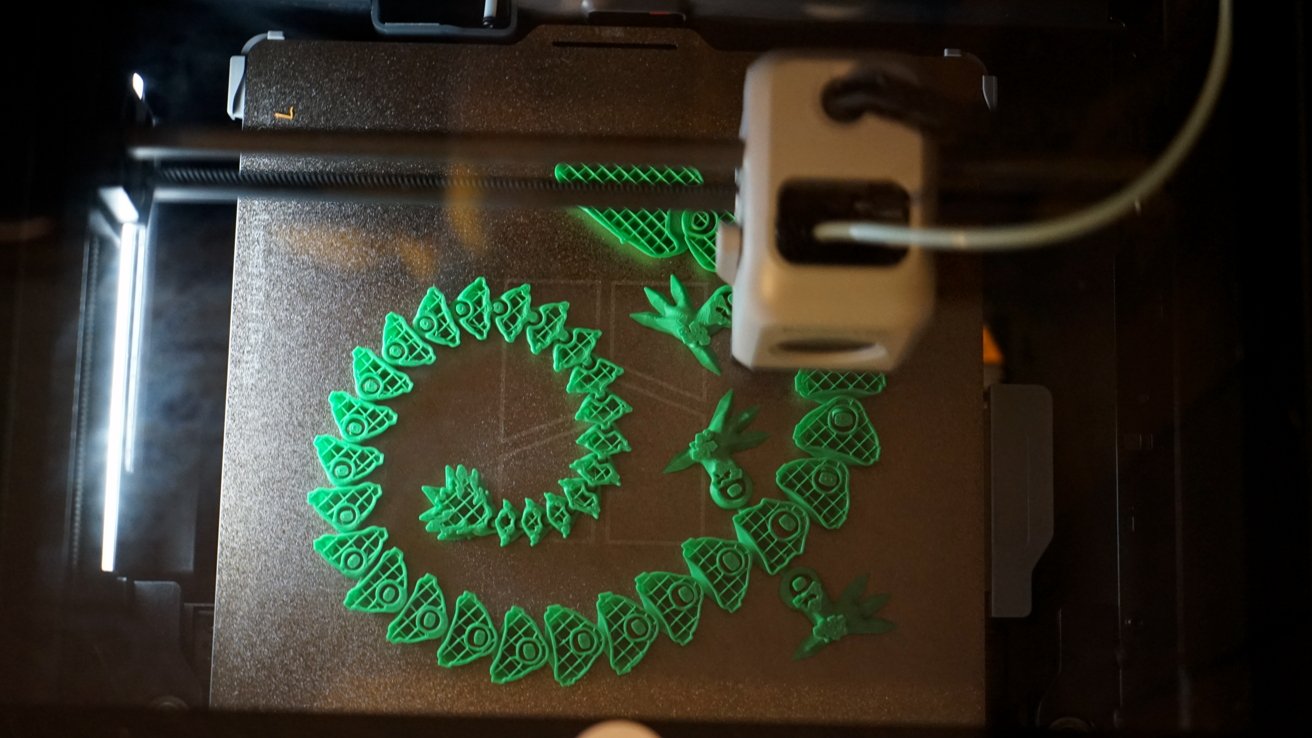
Bambu Lab P1S 3D Printer review: print anything up to large 10-inch objects
The tool head can move at 500 mm/s and accelerate at 20 m/s^2. The defaults are slower than the max speed, and selecting faster speeds can ruin a model, but the option is there if desired.
The included nozzle is 0.4mm, which is standard. The max hot end temperature is 572 F, and the max build plate temperature is 212 F.
The enclosed space, active cooling on the parts, and a cooling fan for the build area mean high-temperature builds are possible. I only tested standard PLA, but the ability to use higher temperature filaments is interesting.
Compatible filaments include PLA, PETG, TPU, PVA, PET, ABS, and ASA. The unit is also listed as capable of supporting PA or PC, but they are less ideal materials.
The included AMS enables up to four colors to be used in a single print. You can chain four AMS units together for an incredible 16-color print, but that would produce a lot of waste too.
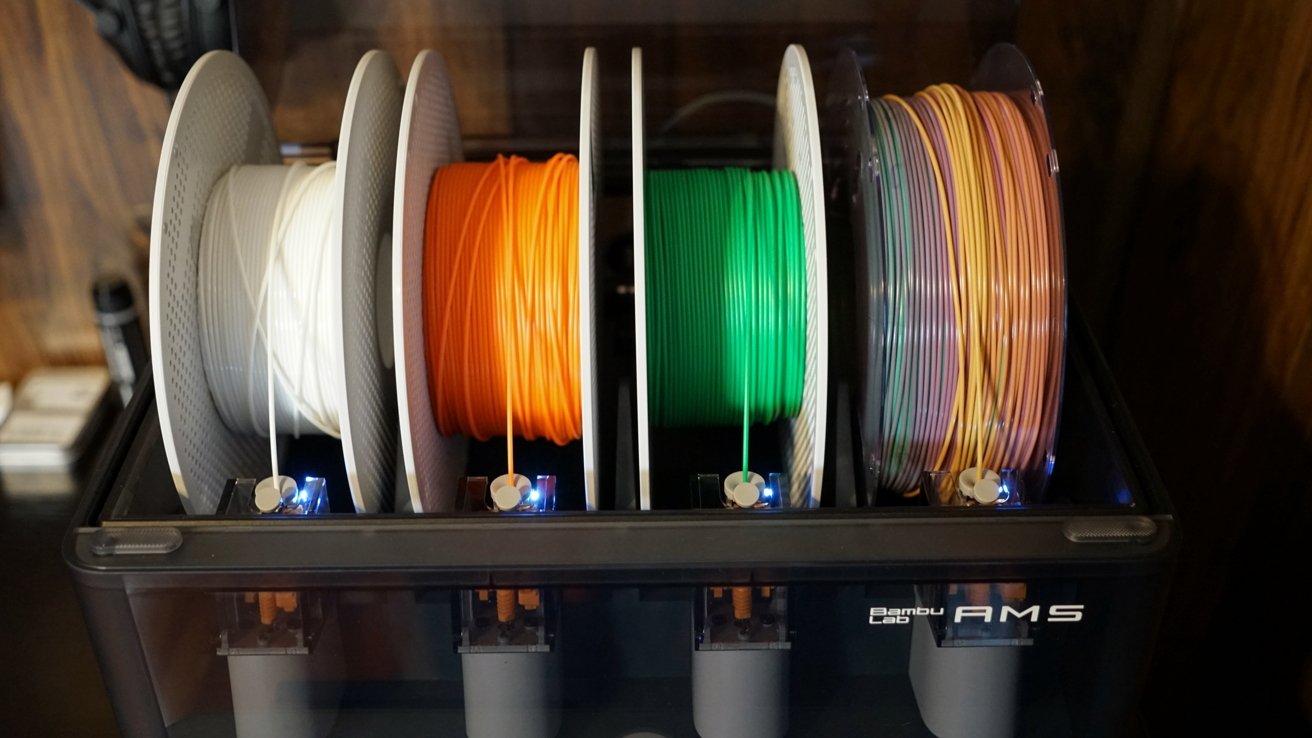
Bambu Lab P1S 3D Printer review: chain four AMS together for 16-color prints
Even the most simple multi-color jobs will end up with a lot of waste, there's no way around it. Luckily, the filament is relatively inexpensive, and the end result of multi-color prints is quite nice.
That said, I prefer printing multiple single-color parts and interlocking them. It saves a lot of waste but can result in a less finished look.
There's also a built-in 720p camera that can be viewed at any time from the app, and it can optionally record a timelapse of a 3D print to an SD card. The connection doesn't seem fast enough for a proper live view, but the resulting timelapse is silky smooth.
The Bambu Handy app
I'm glad that I can manage print jobs entirely from my iPad or iPhone. I have a Mac, but it's not my main computer, and I use it seldomly, so having the software where I am is nice.
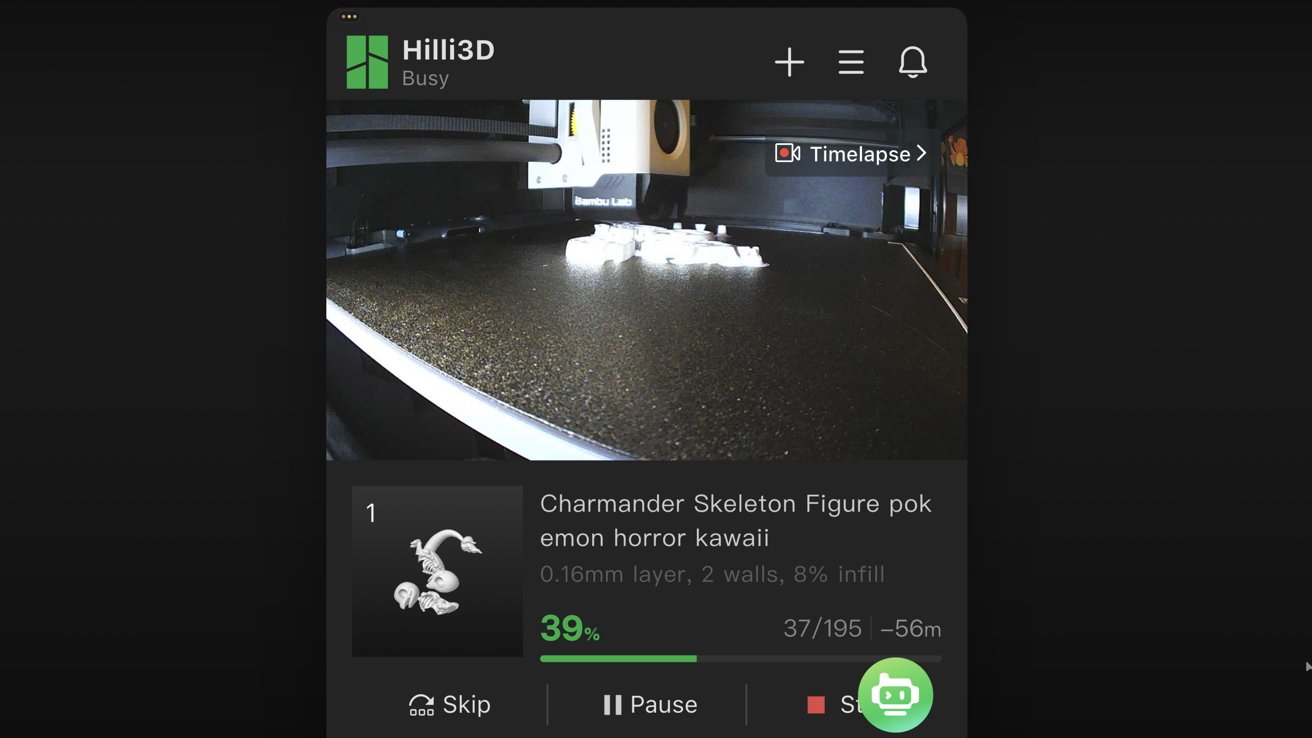
Bambu Lab P1S 3D Printer review: the Bambu app provides a live view of your print
It's not that the Flashforge printer didn't have an iPhone app, it just didn't let me manage printing from it. I could see progress but not send it print jobs.
The Bambu Handy app lets you browse available models from creators, save and organize those models, and set up a print job. It's not a full slicer, but if you need that capability, Bambu has an app for desktop as well.
Since the Bambu P1S 3D Printer comes with a built-in camera, the app lets you view a live feed of what's being printed. However, the camera's recording rate is 0.5fps, so it's not a continuous stream.
That slow frame rate is used to capture a speedy timelapse of your print. You can toggle timelapse capture for every print, and the recorded video is saved to the included microSD card.
My only issue with the app is that some creators upload AI-generated images of supposed prints. I'm not sure why they do this other than to trick users into wasting filament on projects that either will fail or will look considerably different upon completion.
I would hope that Bambu Lab did a better job moderating such content, but otherwise, the app is solid. It's not essential, but I do wish there was a native iPad app, but the iPhone app works fine on iPad as well.
Using the Bambu Lab P1S 3D Printer
I never had a complaint about the Flashforge printer's quality, and the same can be said of the Bambu Lab's. Every print that completes is of good quality and print resolution that exemplifies a solid print job.
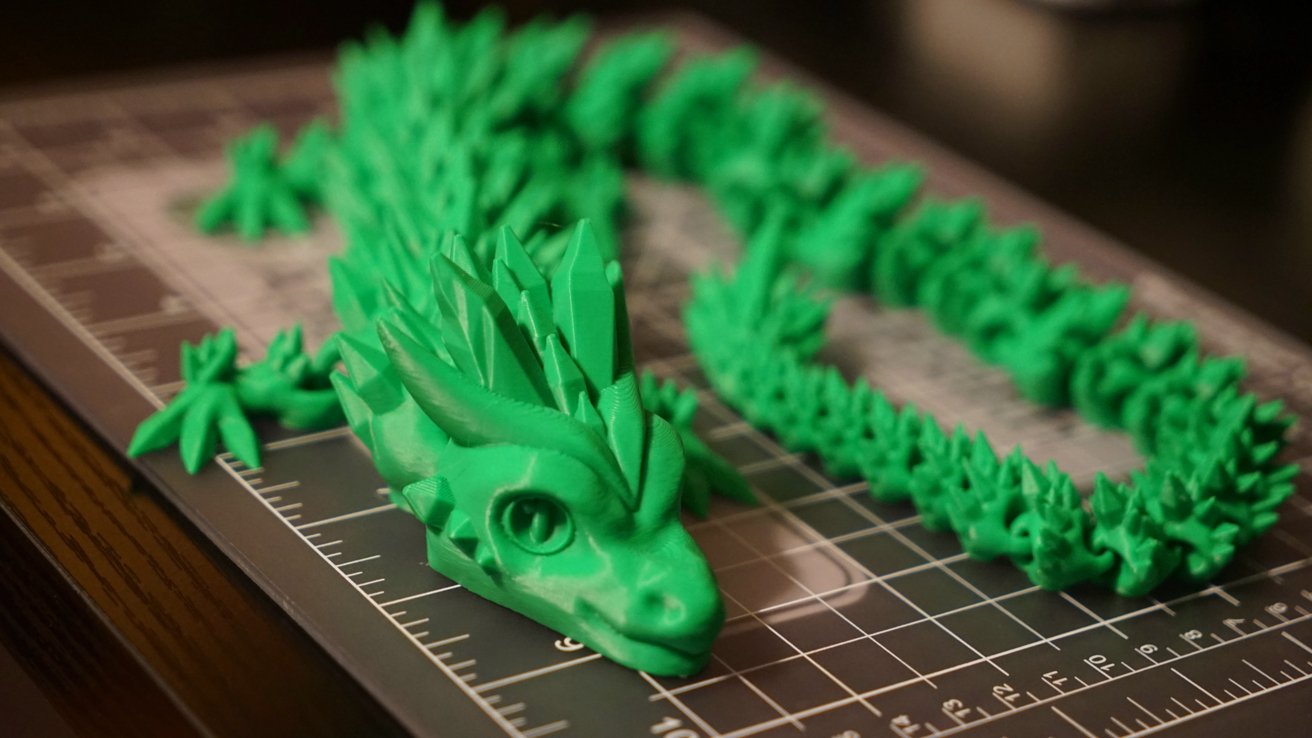
Bambu Lab P1S 3D Printer review: quality prints with a single button press
Of course, some of the quality can be attributed to the specificity of the model provided by the 3D printing community. The tool itself is good, but the print job has to be reasonably specced.
I like that the enclosure includes an activated carbon filter to keep some of the nasty exhaust inherent from 3D printing from escaping into my office. That plus the enclosure made me much more confident in printing even when I was in the room.
The audio levels of a print job never exceeded 55 decibels. It's a scratchy, vibrating sound, but quiet compared to the 60 to 75 decibels I'd hear from the AD5X.
I can pop in my AirPods Pro or play music from the HomePods to easily drown out the audio.
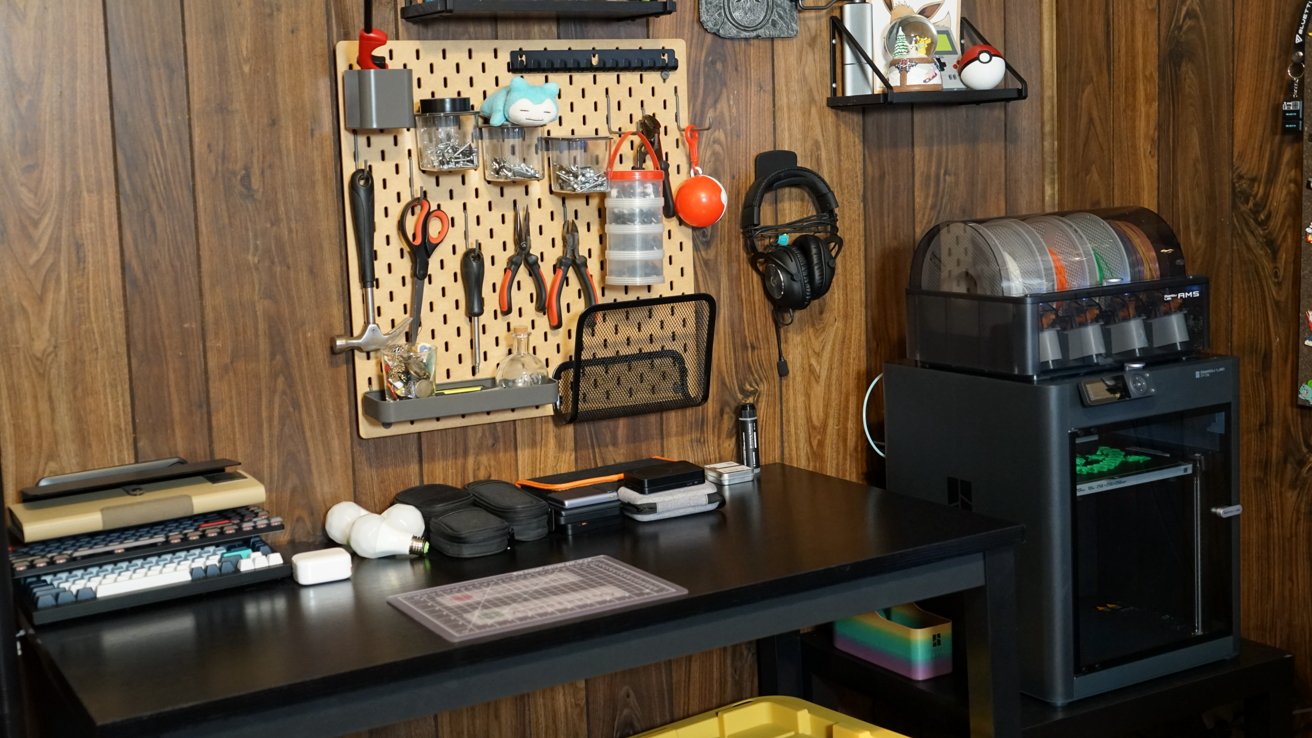
Bambu Lab P1S 3D Printer review: a printer that isn't an eye-sore
My experience with the Bambu Lab P1S has been much more positive. I have used it more since I'm comfortable having it run in my office thanks to its included filter, enclosure, and quieter operation.
Overall, this is a better machine, not because of its specs, but because of its build quality, feature set, and app connectivity. It mostly matched the specs of the other printer I tested, but specs aren't everything, as the quality of the parts and how they operate matter more in these kinds of machines.
The Bambu Lab P1S has a much higher MSRP, but it's discounted, likely for the holiday season, and its current price makes it a steal. If you've got the money, this is the 3D printer I'd recommend for any beginner looking for a product that's plug and print.
Bambu Lab P1S - Pros
- Minimal setup, easy to use
- Printing available directly from the iPhone app
- Print up to 16 colors at once with additional AMS
- Easy to clean and replace nozzle
- Includes enclosure, operates at a manageable noise level, and has a carbon filter for fumes
Bambu Lab P1S - Cons
- No Ethernet for direct network connections
- Multi-color printing leads to a lot of waste, though this is inherent to any multi-color print
Rating: 4.5 out of 5
I'm quite happy with the Bambu Lab P1S. Using it explains why Bambu is such a big name in the 3D printing space.
There are definitely higher-end printers, but they require more expertise to take advantage of. There are also lower-end models, but they've got annoying compromises.
This printer fits right in the middle as a good price for feature pairing.
Where to buy the Bambu Lab P1S 3D Printer
Get the Bambu Lab P1S 3D Printer from the Bambu Lab website for $599, discounted from the $1,124 regular price. This is the combo pack that includes the AMS.