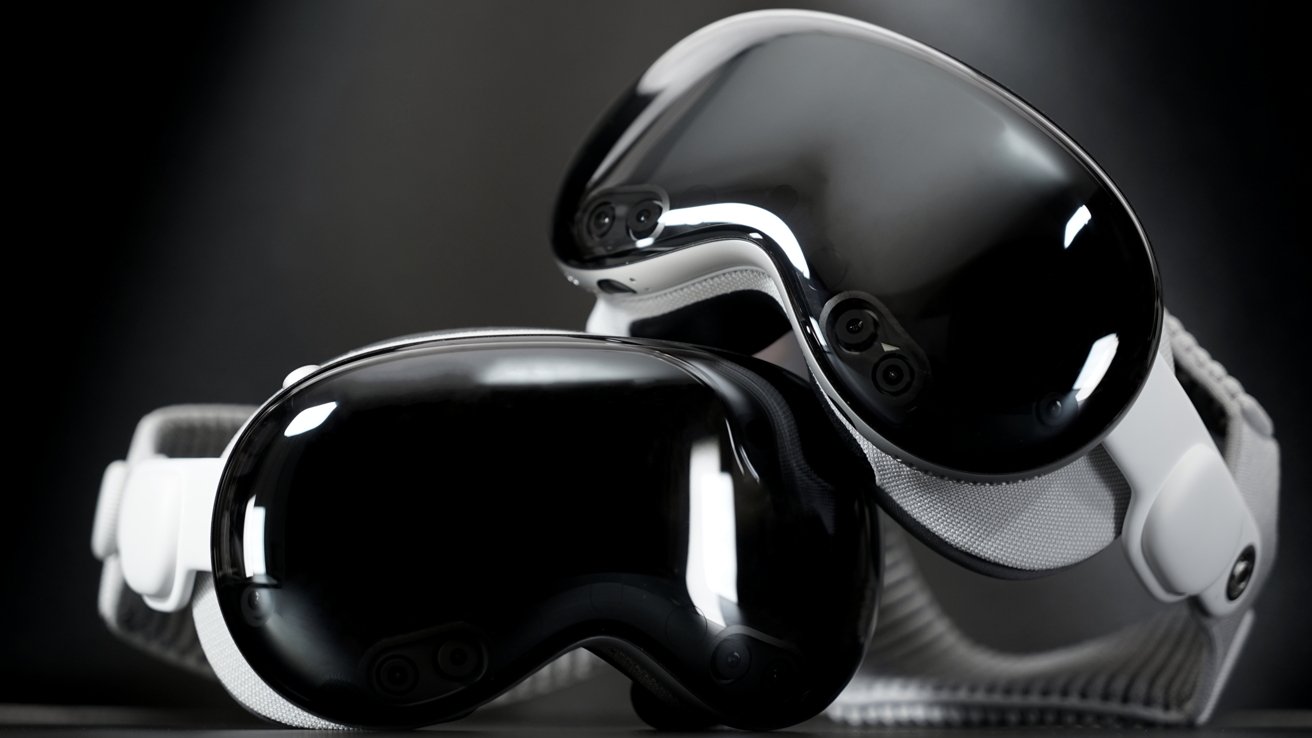
Nvidia's recent update to GeForce Now enables a better gaming experience on Apple Vision Pro than any other headset. Here's what's changed with the game streaming service.
While you can play games on the Apple Vision Pro, it is also possible to play PC games on the headset too. However, with services like Nvidia GeForce Now, you can do it without needing a PC in the first place.
In the latest updates to the service, Nvidia has made it better for Apple Vision Pro users to play games piped through their Internet connection from servers. The update added a higher resolution and a much faster refresh rate.
And, it makes Apple Vision Pro a better stream target than Meta's headsets.
What is GeForce Now?
Nvidia GeForce Now is a game-streaming service, allowing for the remote play of games from Nvidia's servers.
The idea is for users to request to play from a catalog of games on the service. The game itself is rendered on Nvidia's servers, and a low-latency video stream is sent out to the user's device.
The player's actions from their keyboard, mouse, or controller is sent back over the Internet to the server, which applies them to the game.
The key benefit is that users of the service have access to what is effectively an expensive gaming PC. One that can be accessed on a variety of devices.
GeForce Now has a variety of plans available, including a free "Basic Rig" that is ad-supported, limited to 1080p 60fps for an hour a time, with limited specifications too. It also has a queue, which means you'll be waiting a few minutes before playing.
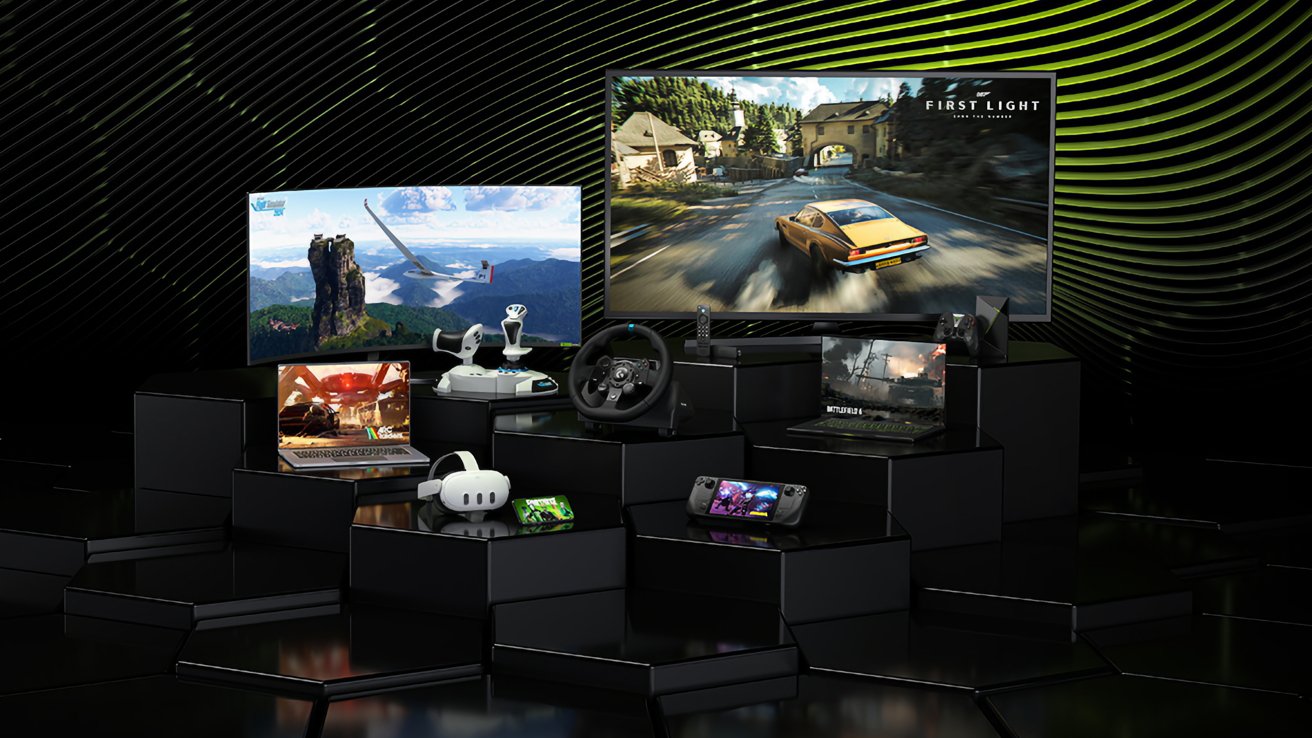
GeForce Now works on many platforms, including the Apple Vision Pro
The paid plans, starting from $9.99, do away with ads, while also upping the resolution, the session time allowance, and the specifications of the graphics card of the virtual gaming PC.
For those who pay for the Ultimate plan, which is $19.99 per month, they can have 8-hour gaming sessions at up to a 5K resolution, and at up to 360fps in some games. The graphical performance is further improved with DLSS 3 and DLSS 4 multi-frame generation support.
GeForce Now and Apple Vision Pro
Support for the Apple Vision Pro was introduced to GeForce Now in January 2025, as part of a general VR headset expansion.
On most platforms, you can play using Nvidia's dedicated app for the service. However, for Apple's mobile platforms and the Apple Vision Pro, it's instead all handled through Safari.
It functions like gaming through a browser on a desktop, but via the Apple Vision Pro instead. You still get the same experience as a PC or Mac would, but in a hovering display.
That said, while you are using the service with a VR-capable headset, you cannot play VR games on the Apple Vision Pro using it. Instead, it's the virtual big-screen experience.
When using the Apple Vision Pro, you need to use a supported Bluetooth controller. Obvious choices include the Sony DualShock and Microsoft Xbox controller series, which are fully compatible with Apple's ecosystem.
You must also have a stable and fast connection to the Internet to benefit from streaming, at a minimum of 15Mbps for a basic 60fps 720p video feed. The faster the connection, the better the resolution and, depending on the plan, frame rate.
The latest updates
Nvidia's update to 2.0.83 adds a number of features that will be beneficial to Apple Vision Pro users in particular.
For a start, Nvidia has increased the frame rate for VR headsets to a maximum of 90 frames per second. This allows up to 1,400p gaming at that frame rate on Pico and Meta Quest devices, but it goes up to 4K 90fps for the Apple Vision Pro.
Of course, to achieve that, you need to be paying for the most expensive plan and have a sufficient Internet connection. Nvidia recommends a 55Mbps connection for 4K 90fps on an Apple Vision Pro, which must also be manually enabled within the service's streaming settings.
Also of interest to Apple Vision Pro users will be the expanded H.265 streaming support, due to it functioning through a browser. It will be rolling out over the coming weeks, Nvidia explains, with the change able to improve streaming efficiency and visual quality for users.
Other changes in the 2.0.83 update includes more control over quality settings when network conditions fluctuate, expanded HOTAS support for flight sims, and a new customizable in-game overlay shortcut for gamepad users.
Not the only option
While GeForce Now has its uses, especially if you don't have a beefy gaming PC in the first place, there are other options available for those who do happen to own one.
There are projects like ALVR and iVRy that allow for wireless streaming from a gaming PC to the Apple Vision Pro. It's a system that also enables VR gaming, which Nvidia's platform does not.
The addition of Nvidia CloudXR support for the Apple Vision Pro also promises more options for VR game streaming from a PC in the future, so long as developers support it.