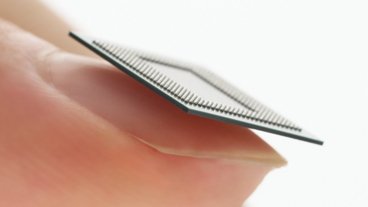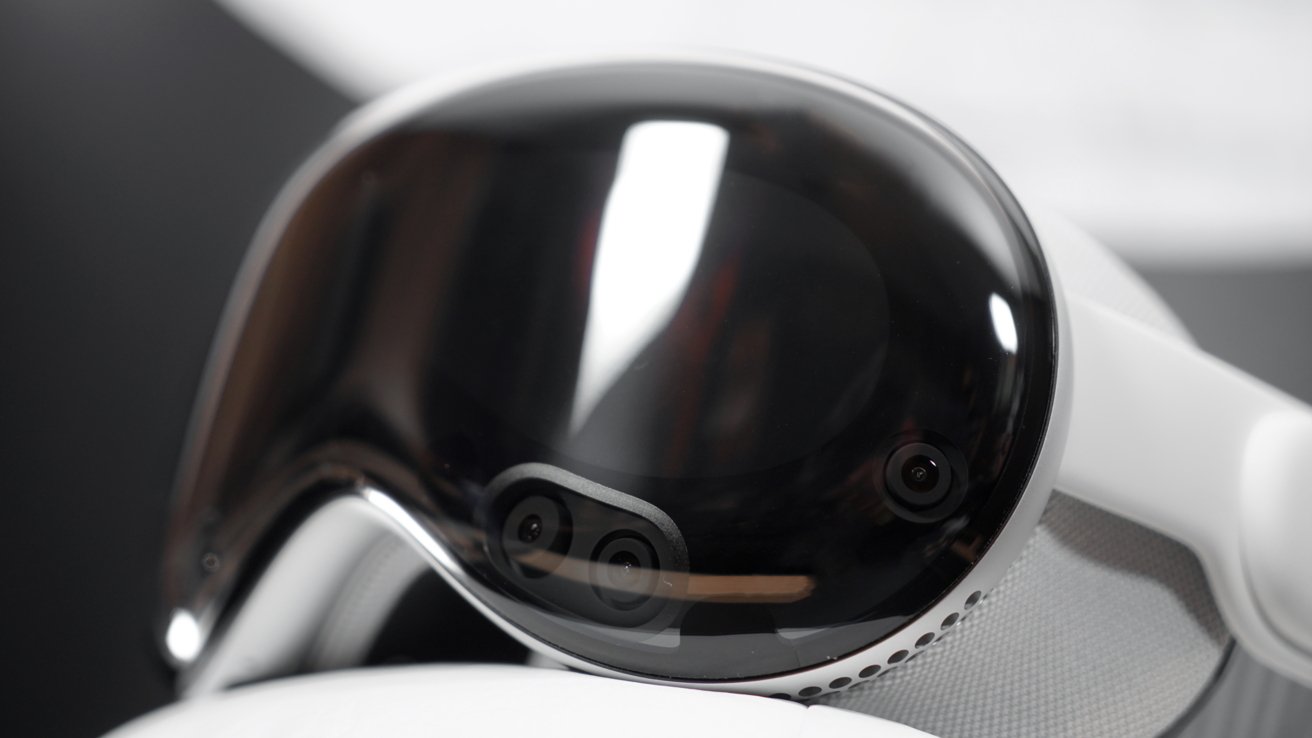
Apple is pushing the limits of Apple Vision Pro with visionOS 26, showing that it isn't holding back, but that impending M5 model may be necessary sooner rather than later.
Apple may not have been first to mixed reality computing, what Apple calls spatial computing, but it debuted many interaction paradigms and UI styles that have since become commonplace. With each iteration of visionOS, Apple has leaped ahead with new concepts and upgrades that make spatial computing more intuitive and, at times, invigorating.
There's not much app-wise to challenge the Apple Vision Pro and M2 beyond gaming and graphics applications today. However, visionOS 26 makes the operating environment much more complex, so more advanced hardware can only help keep things running smoothly.
Spatial widgets are the star of the show, and absolutely represent the biggest bottleneck for the hardware. Foveated rendering might help here, but then there's the issue of refreshing widgets when the user turns their head.
I understand this is a bit of an odd place to start a review, but note that AppleInsider has never reviewed visionOS directly. We've discussed the releases and used the hardware as a vehicle to discuss visionOS, but this will be the first review of the operating system.
visionOS 26 stands as an interesting update because it is the first one released after a full year of development with the product in the wild. visionOS 2 was announced mere months after shipping Apple Vision Pro and its operating system, so it was incredibly iterative.
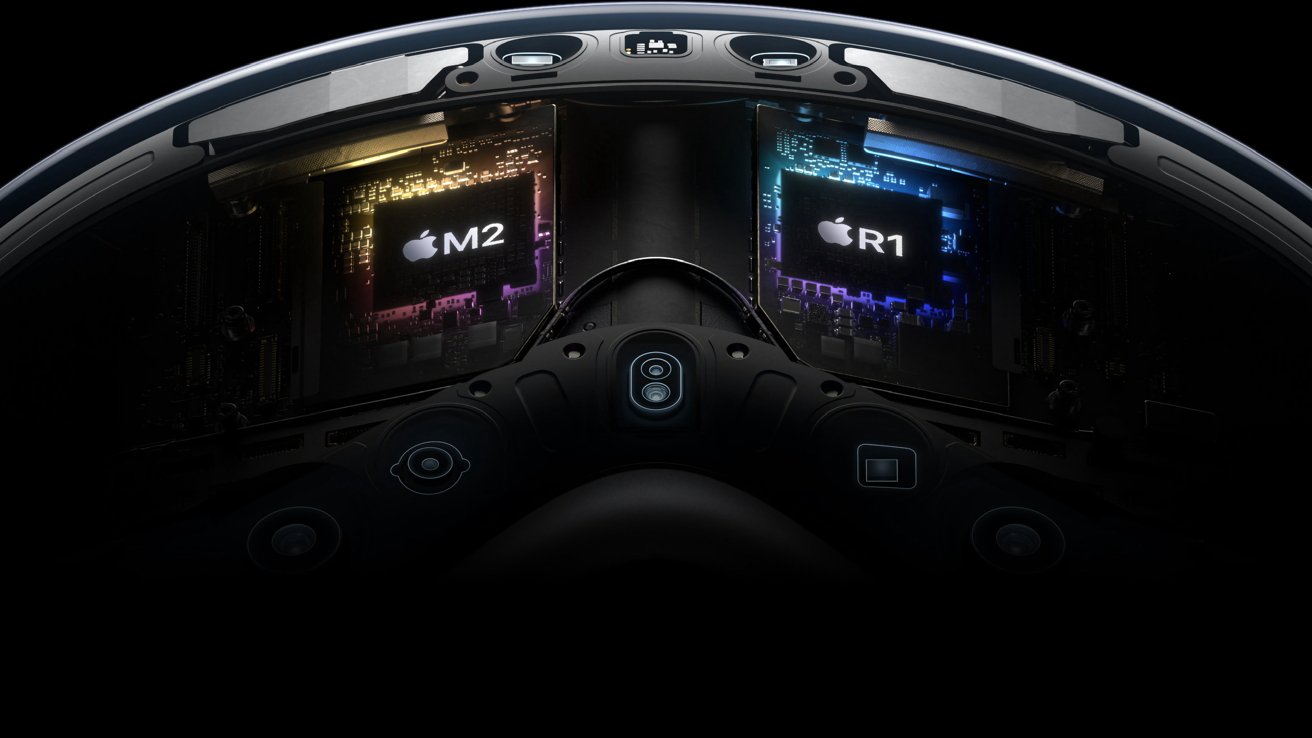
visionOS 26 review: The M2 and R1 are in need of an update. Image source: Apple
Apple Vision Pro isn't being held back by the M2, but the edge cases are starting to show up. I'm used to reviewing iPadOS, which has never come close to taxing the incredible power of the hardware.
However, spatial computing is a different beast. It isn't confined by a physical piece of glass, so it has to do more work understanding the user's location in 3D space.
The M2 was new when Apple Vision Pro was revealed in June 2023, but was instantly outdated by the time it launched in February 2024. Now, with the M5 on the horizon, a hardware update is increasingly needed.
So, that's the focus of my visionOS 26 review. I'm excited by how visionOS has evolved in two short years, so let's dive into the new features and what they mean for the future of Apple's Vision platform.
visionOS 26 review: spatial widgets
If there was ever a sign of Apple's next generation of Apple Vision Pro being on the horizon, it's spatial widgets. These are an excellent tool, but they make the user want to pepper them everywhere.
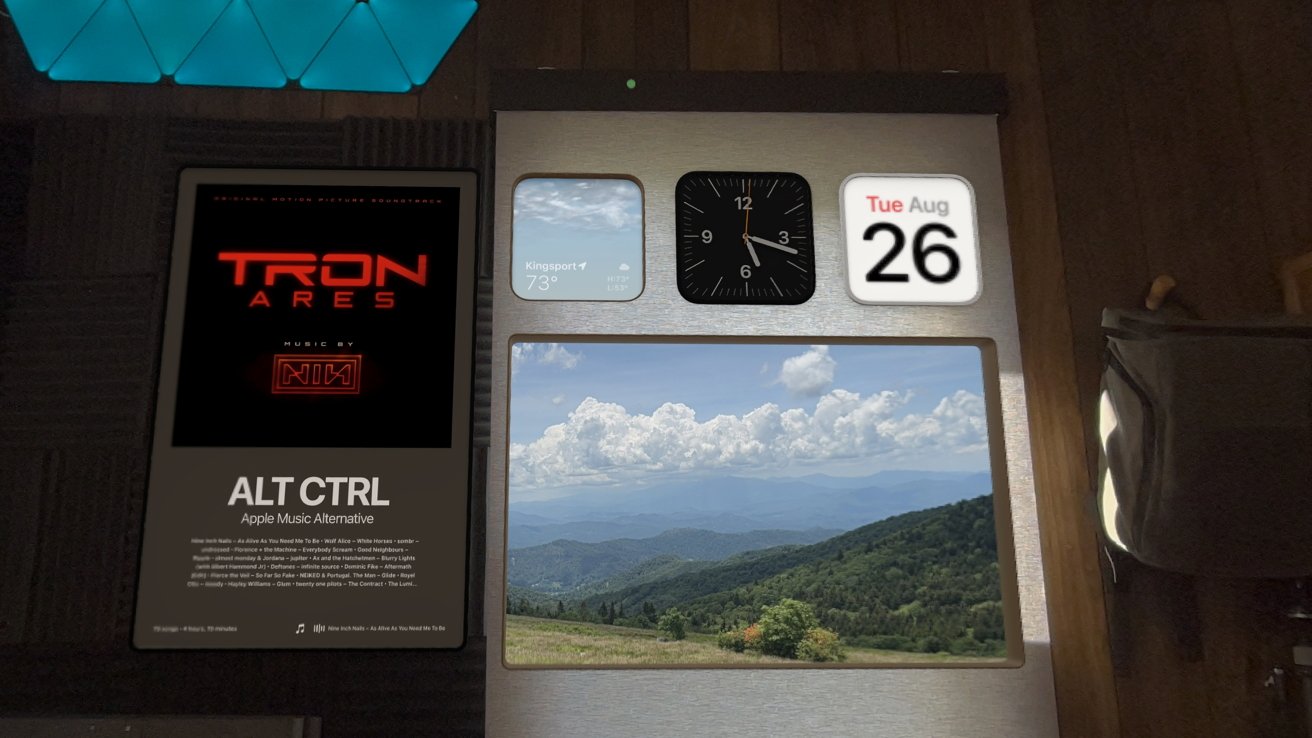
visionOS 26 review: Spatial Widgets introduce a new kind of object
And that's what I've experienced during the beta season with a limited selection. Now, with visionOS 26 available to the public, developers can start releasing their third-party spatial widgets.
I hope apps like Plant Daddy get onboard, or HomeUI. I want permanently locked widgets on every HomeKit device and plant in my home.
However, that's the issue. There's just not enough operational overhead to keep all of these things in memory all the time.
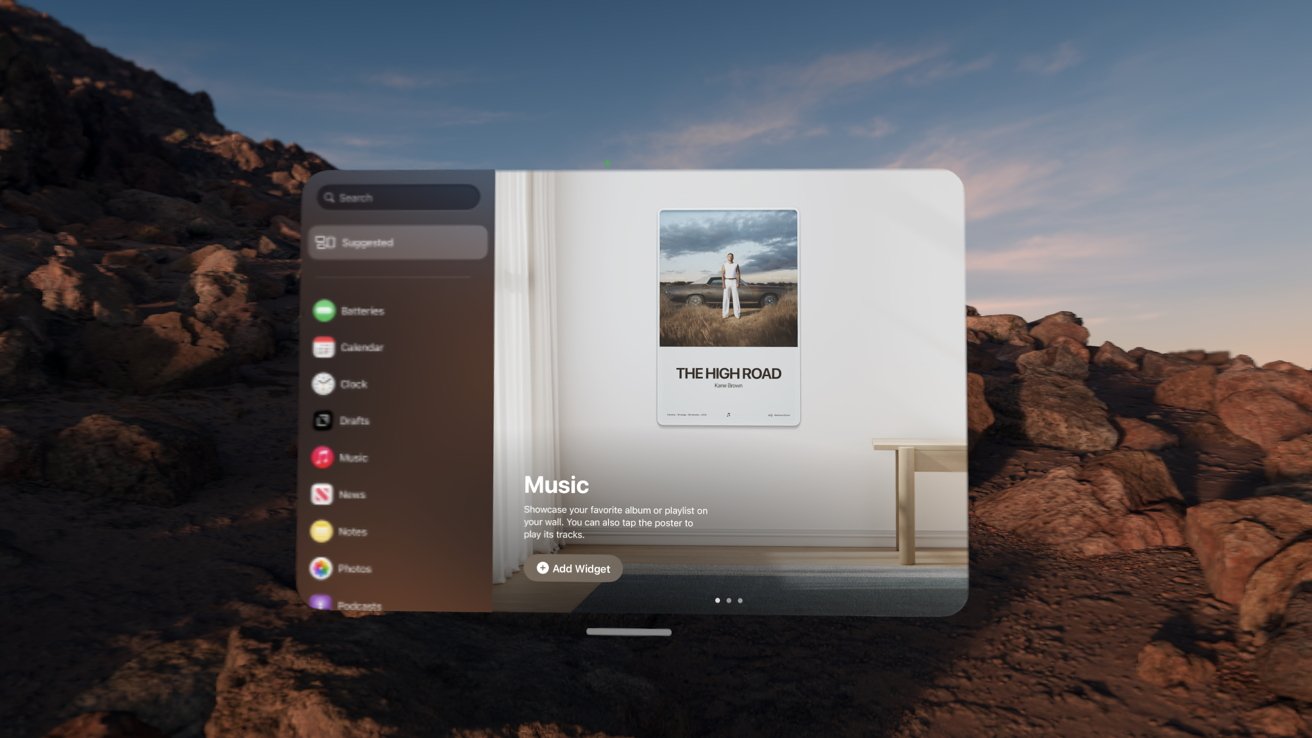
visionOS 26 review: Only Apple apps and compatible iPad apps offer spatial widgets at launch
Of course, that's a ridiculous expectation even if M5 were available today. Foveated rendering already keeps the load down by only fully rending what is in the user's direct line of sight.
If you didn't know, foveated rendering is what makes Apple Vision Pro screenshots appear fuzzy around the edges. Now apply that same logic to not fully loading or refreshing widgets that are outside of the wearer's periphery.
While it helps keep the overhead low on the M2, it also means a less satisfactory experience for the user. While writing this review on a Drafts window I locked to my Studio Display, I turn my head 90-degrees and see the widgets in the above image refreshing.
It's never more than a short count to 3 or 4, but it's noticeable. Imagine if you had to wait on your family photos to render while walking around your home — it's not ideal.
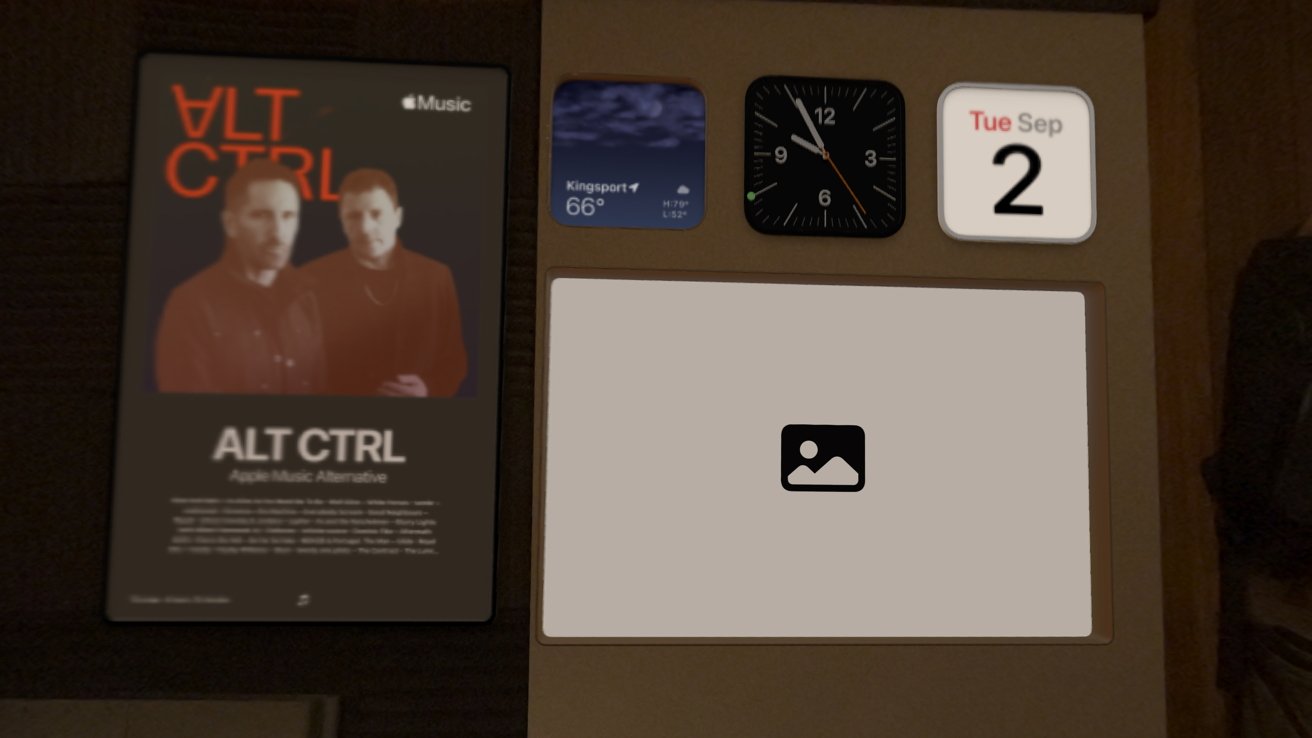
visionOS 26 review: you can sometimes catch your widgets loading
I'm not certain that M5 or more RAM would change things, or if I'm experiencing something associated with the beta software, but it's clearly early days for spatial widgets. The eventual goal of these kinds of widgets is to have them blend in with the real world seamlessly, so they're only going to get more computationally intensive.
Apple has already given us some interesting widgets that take on a kind of spatial skeuomorphism. Photo widgets act like posters or windows, while the Apple Music widget looks like a concert promotion with an artist setlist.
It'll be interesting to see how developers take advantage of the new widget ecosystem. We've not seen it yet, but it seems objects, not just windows, can be set as widgets.
At the least, objects can be locked to horizontal surfaces the same way windows can be to vertical ones. I'm happy with the implementation so far, even with the refreshing times, but more can be said once developers release updated apps.
visionOS 26 review: Spatial scenes
One of the hallmark features of Apple Vision Pro was the ability to convert any 2D photo into a spatial photo. There were no requirements, like it being portrait, or even being of a person, it just worked.
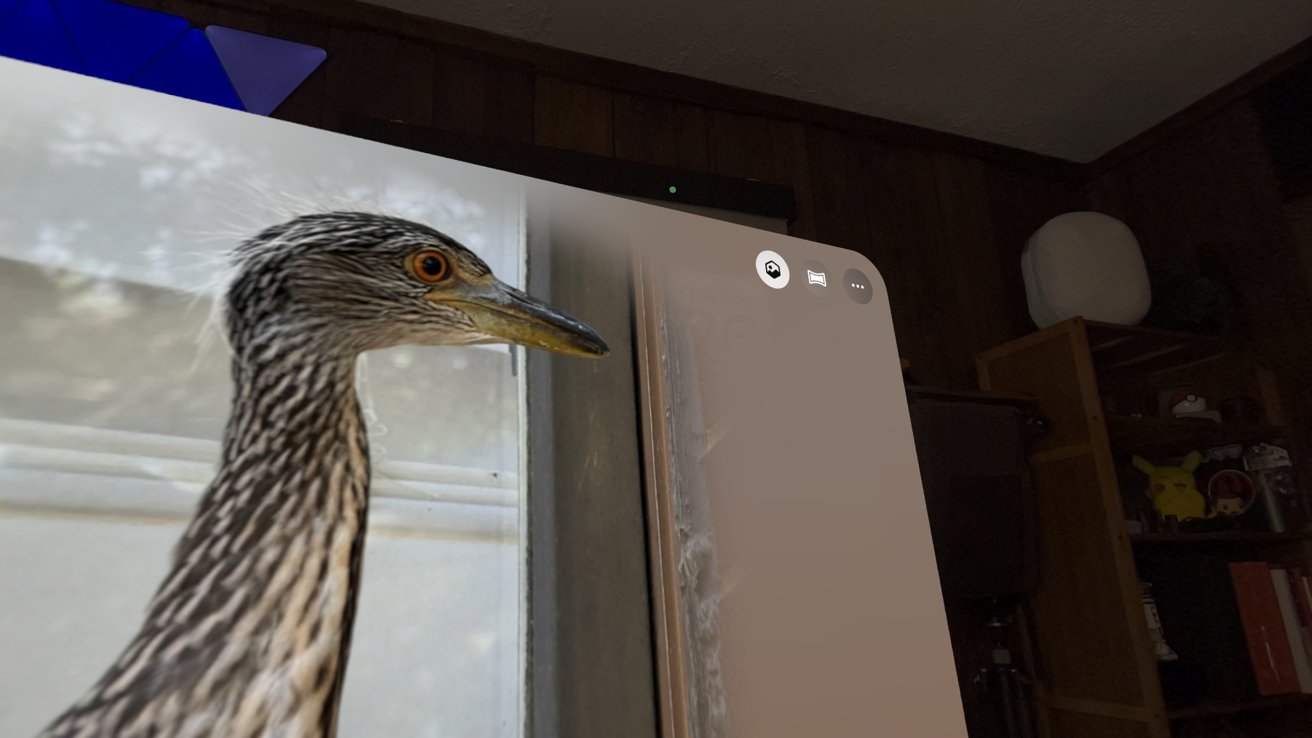
visionOS 26 review: Transform photos into spatial scenes
That has expanded with visionOS 26 and the entire Apple ecosystem to something called spatial scenes. To be clear, spatial photos and conversions still exist on Apple Vision Pro exclusively, but spatial scenes are available on any device.
The scenes seem to take the concept one step further by adding a bit of an interactive element to the 3D image. Moving your head around a photo lets you peek around the objects, and sometimes, even behind them.
It's not filling in the gaps behind objects with AI, though that's an obvious next step in the future. For now, areas that aren't visible in the original photo are just blurry bits.
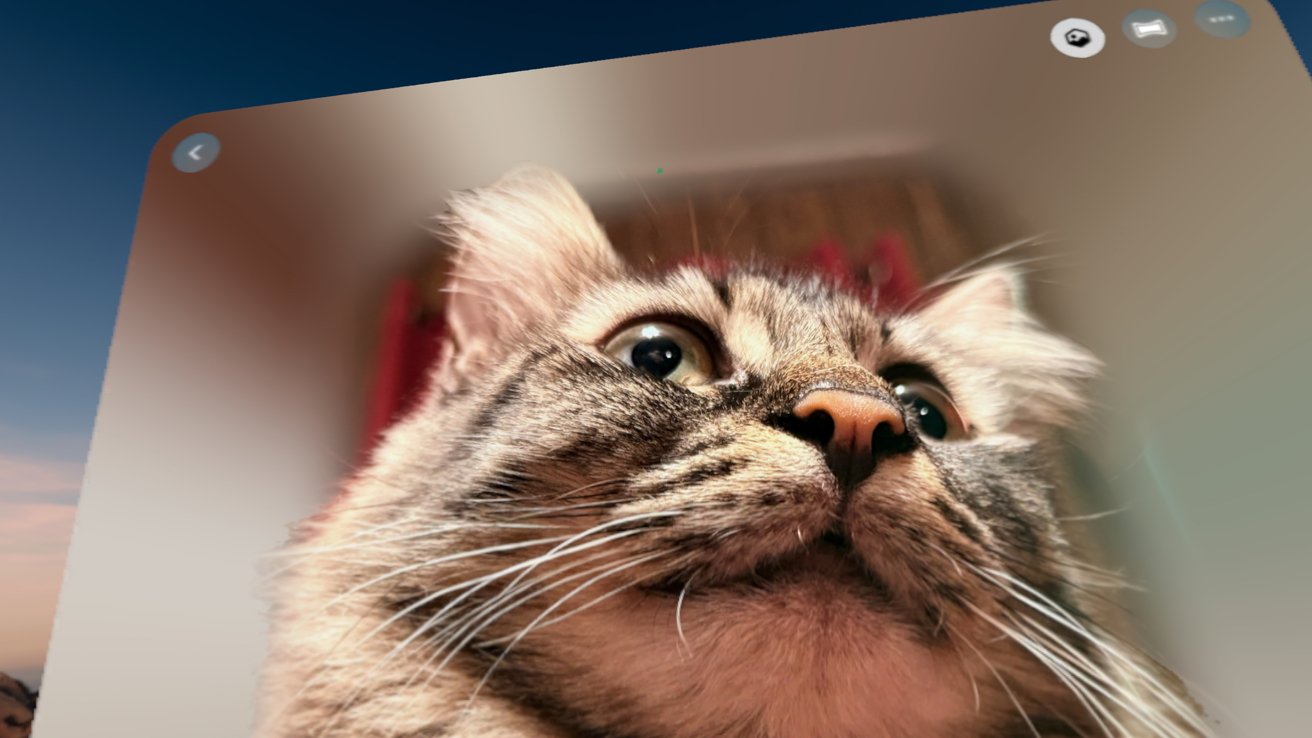
visionOS 26: Areas 'behind' objects in scenes are just blurry messes
Spatial photos and converted ones are quite compelling, and I still like them on their own, but spatial scenes take it a step further. It adds a bit of life to the photos in a way that Live Photos did when they debuted.
It's just as fun to see how a photo is transformed as a scene as it is to see when one breaks. Sometimes, adding a bit of depth completely transforms an image in ways that are almost always surprising.
The next obvious step with this technology is video. It's tough to say if we'll see it anytime soon, but basic 3D conversion for our filmed 4K video would be interesting, if possible.
visionOS 26 review: Multitasking, organization, customization
Apple made several quality-of-life upgrades to how visionOS works and presents itself to users. There are a few windowing updates, new ways to share, and a big finally for the Home View.
Locking windows
First, windows can be locked to flat surfaces, but not all flat surfaces. It's a bit hit and miss determining exactly which surfaces register as prominent enough to count.
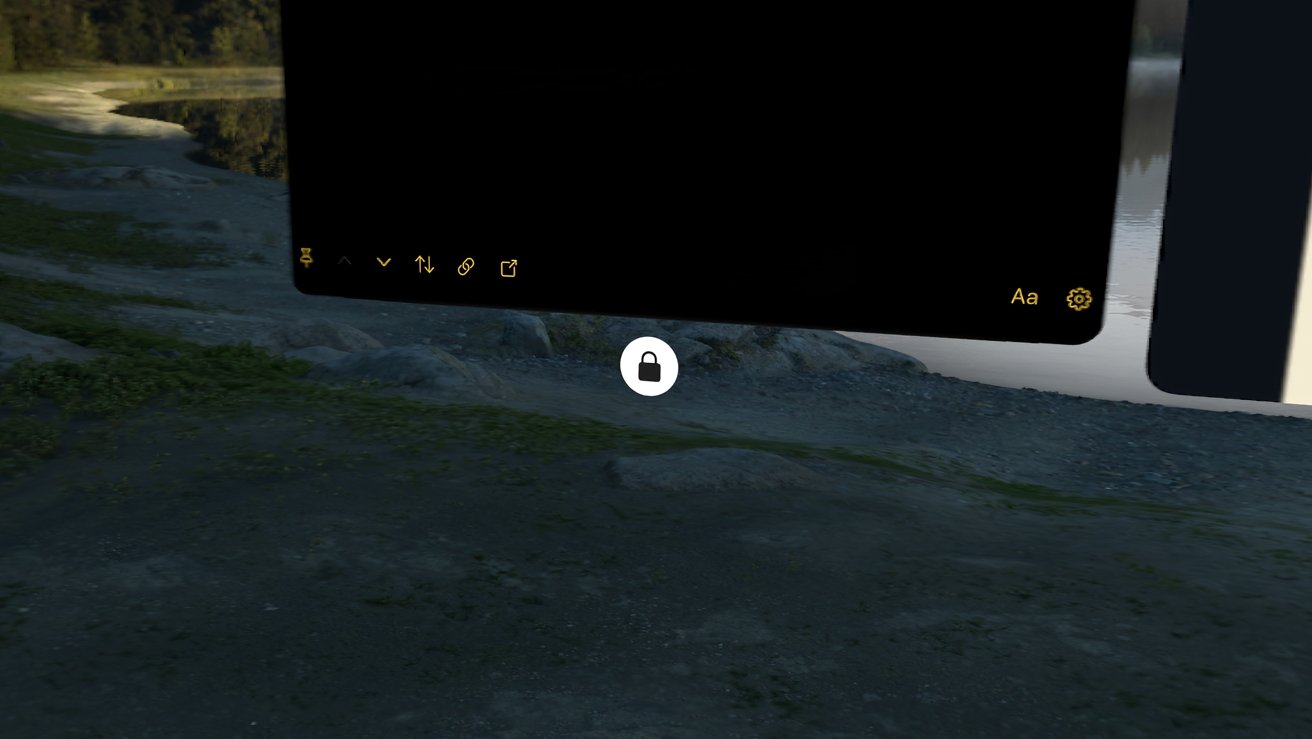
visionOS 26 review: Lock windows to flat vertical surfaces
Walls, windows, mirrors, and more are obvious enough for the Apple Vision Pro to detect. However, things like monitors, televisions, and picture frames can sometimes be used as well.
Locked windows and spatial widgets represent a change in how Apple seems to expect users to interact with visionOS. Previously, it seemed as if the default interaction standpoint would be within immersive environments.
Now, I feel like being fully immersed at Yosemite takes away from certain productivity standpoints. Sure, I'm only seeing app windows at that point, which reduces distraction, but if I want additional data and references via widgets, that can be an impediment.
So, now more than ever, it seems that the two modes are very distinct in how they are expected to be used.
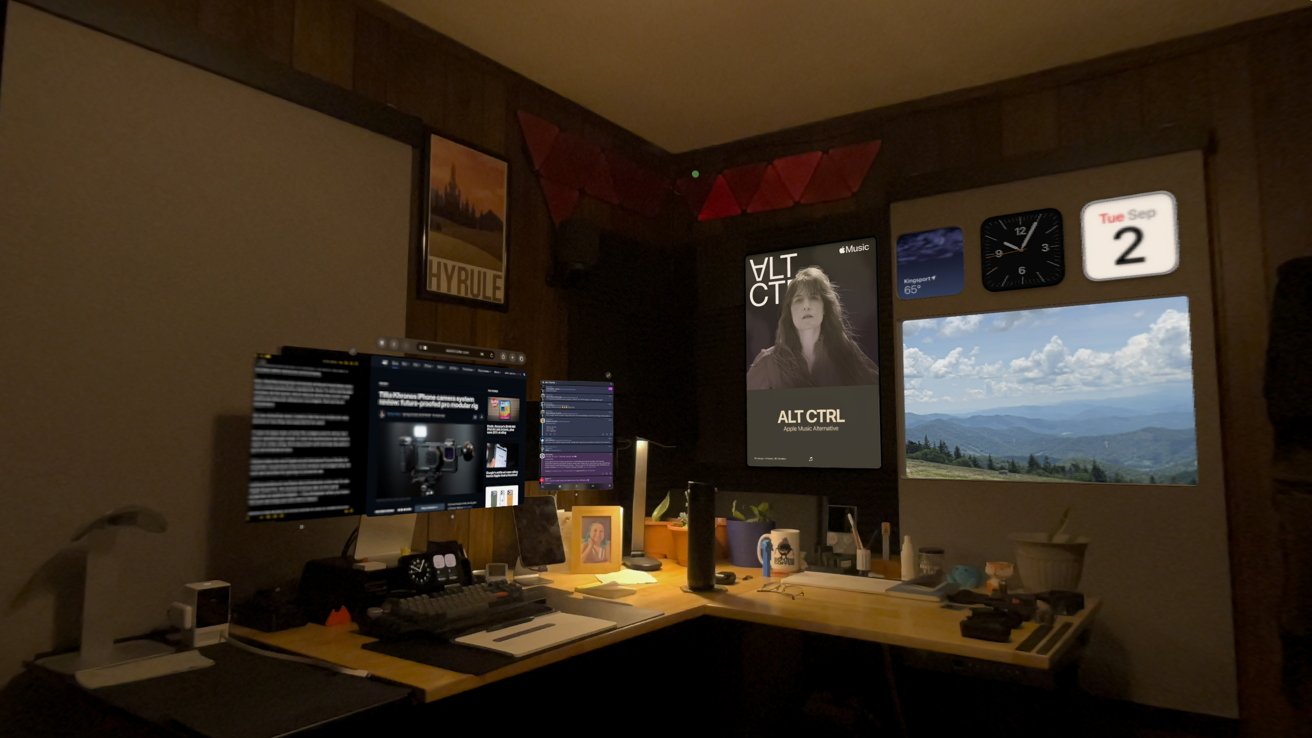
visionOS 26: Widgets are only visible in passthrough mode
If I want to keep track of what the widgets want to show me, I stay in passthrough mode. If I want to buckle down and read a report or write a long-form document with minimal disruption, I go to an immersive view.
It does make me wish Apple would introduce Focus Modes to visionOS. I would love to have one window and widget setup for work and another for gaming or personal use.
Locking windows to surfaces also introduces a new way to use Apple Vision Pro. The locked windows take on the same properties as spatial widgets — they disappear when you leave the room and stay put even after a reboot.
Windows left floating in space remain in view no matter how far you get from them in your home. They feel a bit unmoored in that way, and it seems that Apple wants to incentivize users to lock windows to certain spaces.
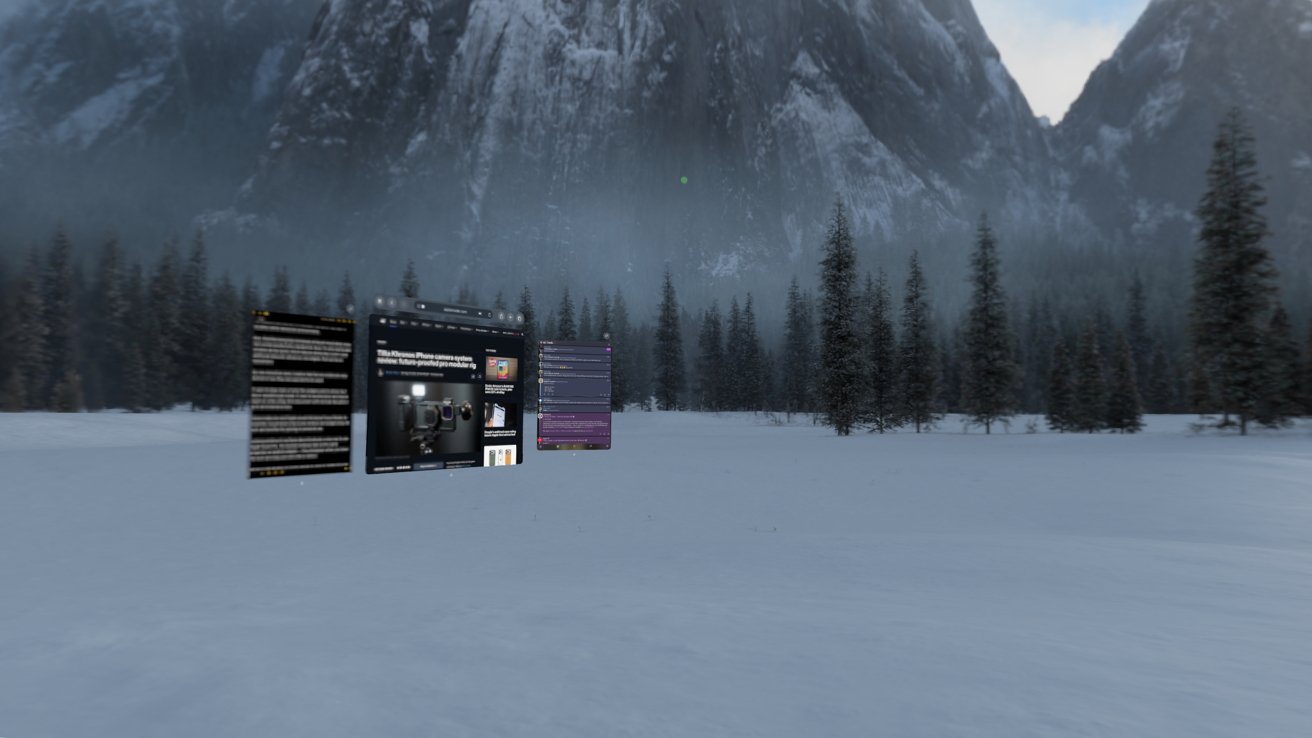
visionOS 26 review: Widgets disappear in immersive views, while locked windows disappear when leaving a room
However, if you have Safari pinned to a wall in your office then head to the living room, open the Home View, then tap Safari, it summons the locked window. There is a workaround, but it isn't obvious.
Keeping with the example, if you'd like to have a locked Safari window in your office and one you can summon when wondering around your home, you'll have to create a new window first. With Safari open, tap and hold on the tab management icon in the top right, then open a new window.
This new window will always be summoned when you tap the Safari icon instead of the locked window. But as long as it is open and not locked to a surface, it's visible from around your home — not the best workaround.
The ability to lock windows to surfaces, along with spatial widgets, represent a new form of multitasking and customization to visionOS. It's still early days for the platform, and it is clear Apple is feeling things out as it goes.
Sharing windows and experiences
Down at the base of any app window will be a new button opposite of the close button — a share window button. It's odd that this is permanently in view even if you never use it.
Tapping on the button brings up the option to start a FaceTime call and share that app window. Nearby people are also selectable if their devices are nearby and unlocked.
If someone else has a second Apple Vision Pro, you can share windows or immersive experiences with them. Games may be possible, but for now, expect to watch media together or collaborate on a document.
Control Center
Control Center used to be quite the hassle, especially since finding it took a kind of eye rolling gesture. visionOS 2 made it easier to access, but visionOS 26 makes it much more useful.
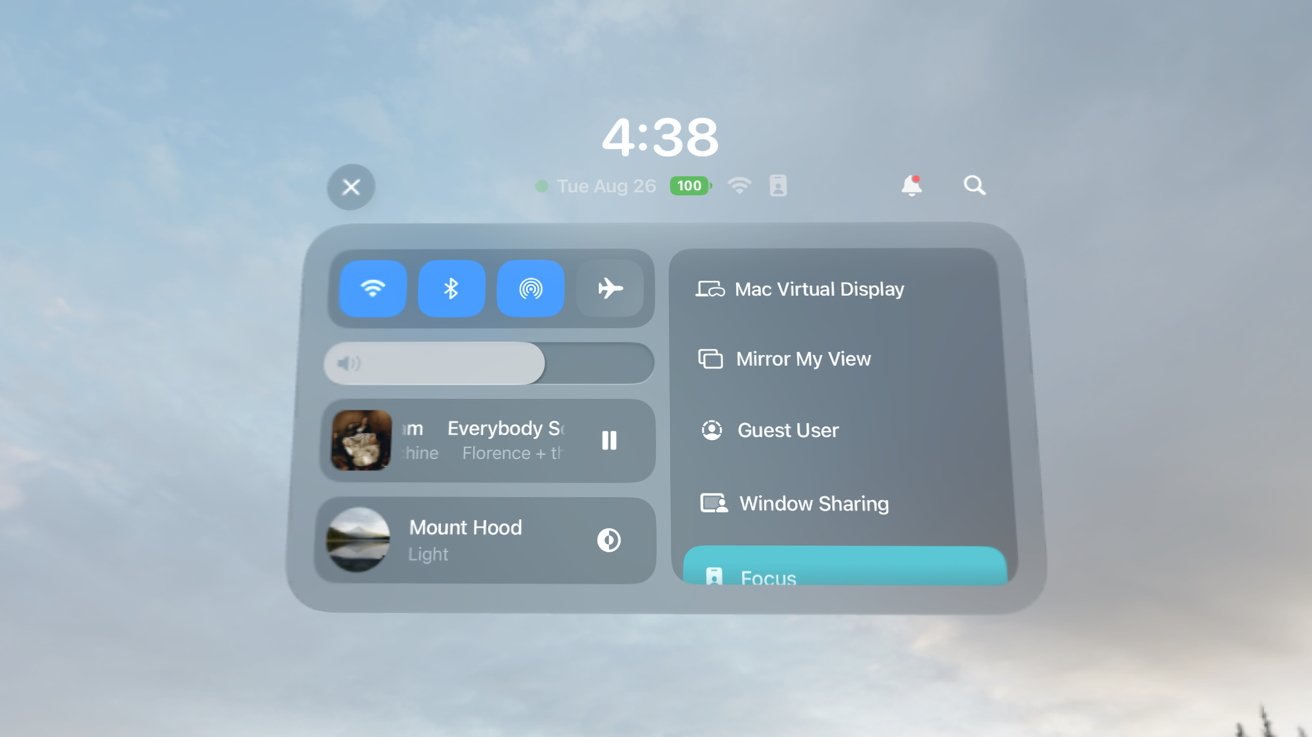
visionOS 26 review: Control Center is revamped with a single-page design
Instead of a bunch of tabs with hidden options, everything is situated into one large Control Center window. I'm not sure why Apple felt the need to keep the UI tiny and tabbed before when Apple Vision Pro offers an infinite canvas, but it's better now.
The top left shows familiar controls for Wi-Fi, Bluetooth, AirDrop, and AirPlane Mode. Then there's the volume slider, Now Playing widget, and controls for the immersive environment.
The right column shows a scrollable list of system functions like activating Mac Virtual Display, Mirror My View, Focus settings, and screen recording.
It still feels odd that Apple is rethinking Control Center at all. It should just take on the customizable views available on other operating systems, just with a spatial twist.
Either way, at least it's more functional with visionOS 26.
Home View Folders
One other addition to the system is the ability to create folders on the Home View. While Apple Vision Pro doesn't have a lot of apps compared to other platforms, it's easy to get several pages very fast.
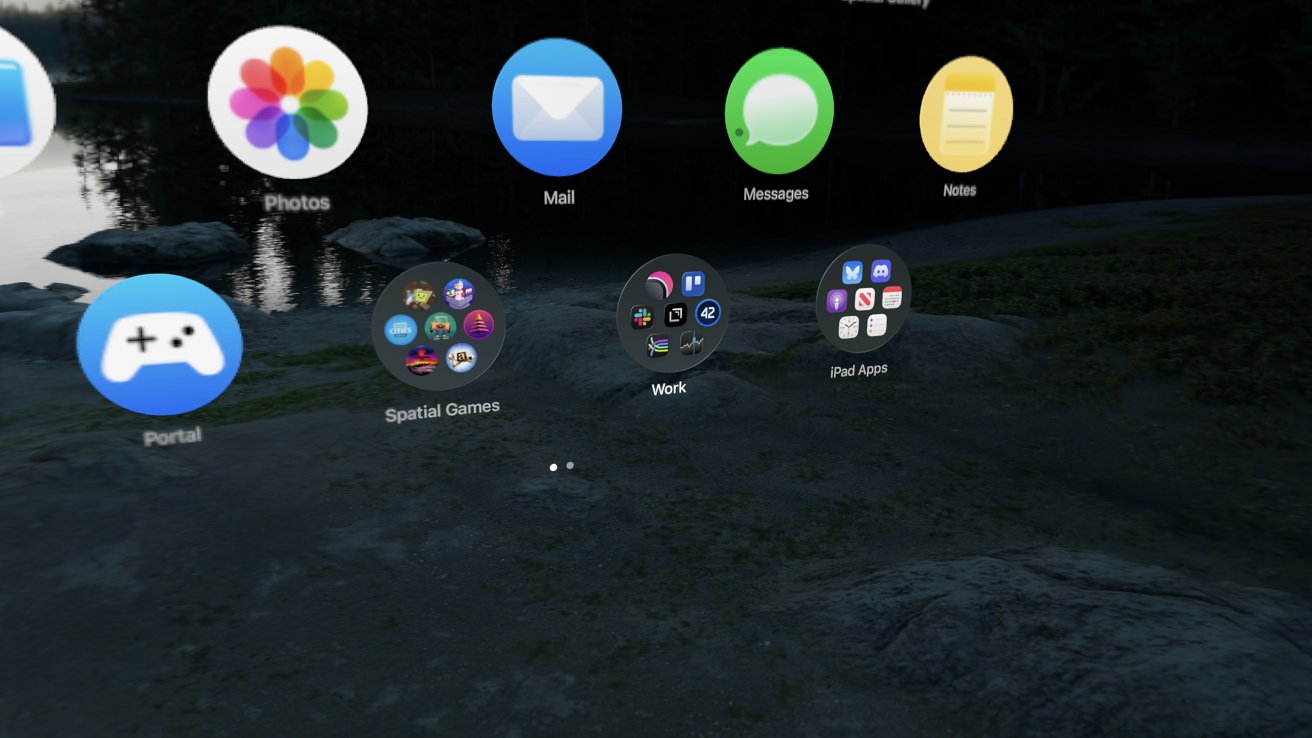
visionOS 26: Home View gets folders
Folders and app organization work similar to how it does on iPhone. Press and hold to enter wiggle mode, then stack icons to create a folder.
It is a much-needed update for visionOS that makes navigating apps more sane. Now if only Apple could get more native apps for the platform.
visionOS 26 review: Spatial browsing
There are a lot of features with the word "spatial" in their name. The last in visionOS 26 is spatial browsing. It's basically reader mode built for Apple Vision Pro.
A panoramic glyph will appear in the Safari address bar, generally when the feature will actually work, but that isn't always the case. Basically, content that can be shown in reader view will actually take on this new full-screen viewing mode.
It's technically an immersive view, though there's no environment in play. Even if you're in an immersive environment already, Safari will boot you out of it and replace it with a blob of color situated behind the Safari window.
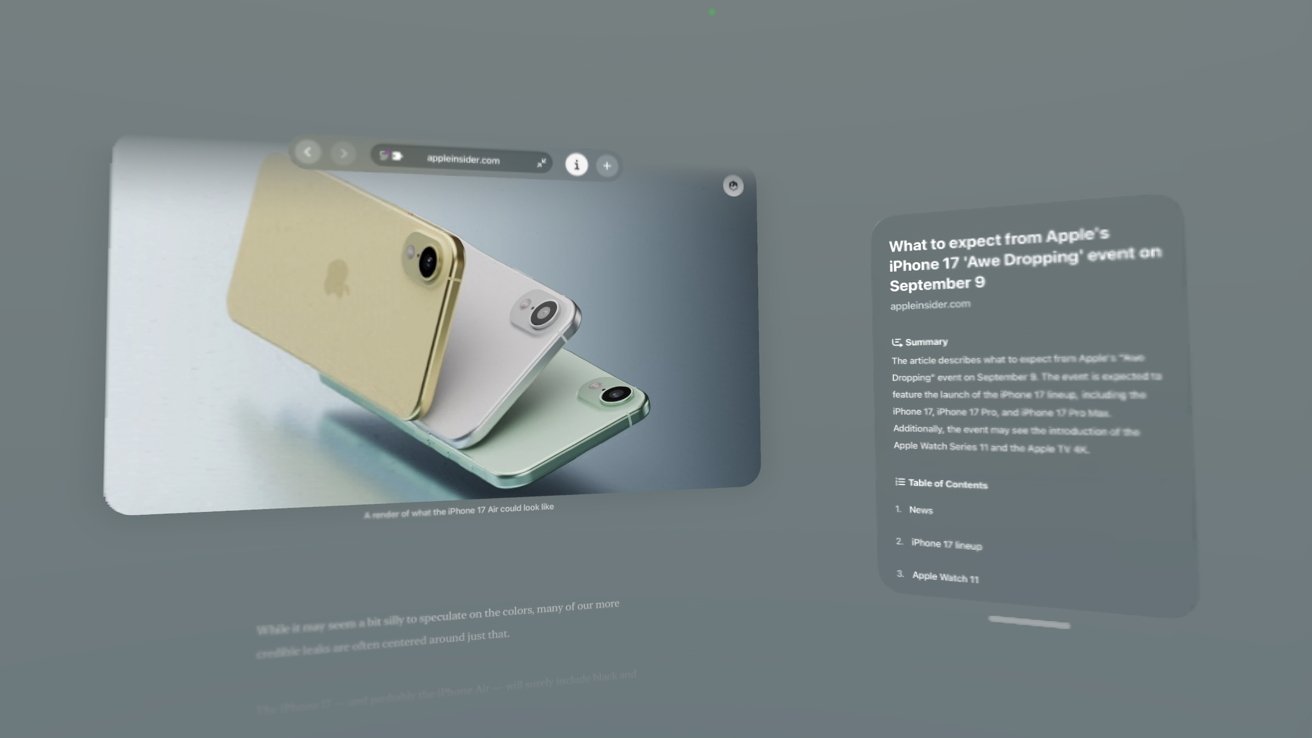
visionOS 26: Spatial browsing is early days, but is an interesting concept
The color blob changes based on the content being viewed, but not too abruptly. The size of the blob can be changed with the Digital Crown, but you can't become fully enveloped in the immersive blob.
The content itself is transformed, kind of. It displays in a full-screen view in the Safari window with everything stripped out — identical to reader mode. The only difference here is, as you scroll past images, they go blurry and get converted into a spatial scene.
The effect is quite interesting if you're browsing an image-heavy article or blog. I tested this on some of my personal posts, and images of pets seem to turn their head as you scroll past them.
I'm not sure why Apple did this other than to experiment with a new way to browse. There doesn't seem to be a way to make this better for users from the web dev side of things, but some articles play better than others.
Apple's Newsroom has some particularly interesting examples that work well. The US investment announcement, for example, had some really good photos with a lot of depth that converted well.
I'm not sure I'll spend a lot of time browsing in this new mode, but I'll be keeping an eye on it. Like with the Apple News format, perhaps Apple can tell web devs how to improve their sites for spatial browsing.
visionOS 26 review: New Personas
I've already discussed the new Persona upgrade, so I don't feel the need to spend much time on it here. They're much better, and a sign of Apple's vision for the 3D avatars, but they've got room to grow.

visionOS 26: New Personas are more life-like, but still need work
I'd like to see Personas pop up in more places beyond simple video call avatars. Give us the ability to adjust clothing, hair, and even makeup so we can present the ideal or even aspirational versions of ourselves.
Something like a blend of Memoji and Persona would be interesting.
For now, we've got better avatars that can pop up in FaceTime or Zoom for us with plastic-looking hair and emotive faces. Let's see where they go next.
visionOS 26 review: PSVR2 controller support
I would love to tell you about using PSVR2 controllers with visionOS 26, but as of this publication, I can't. No apps have been updated to take advantage of them as far as I can tell.
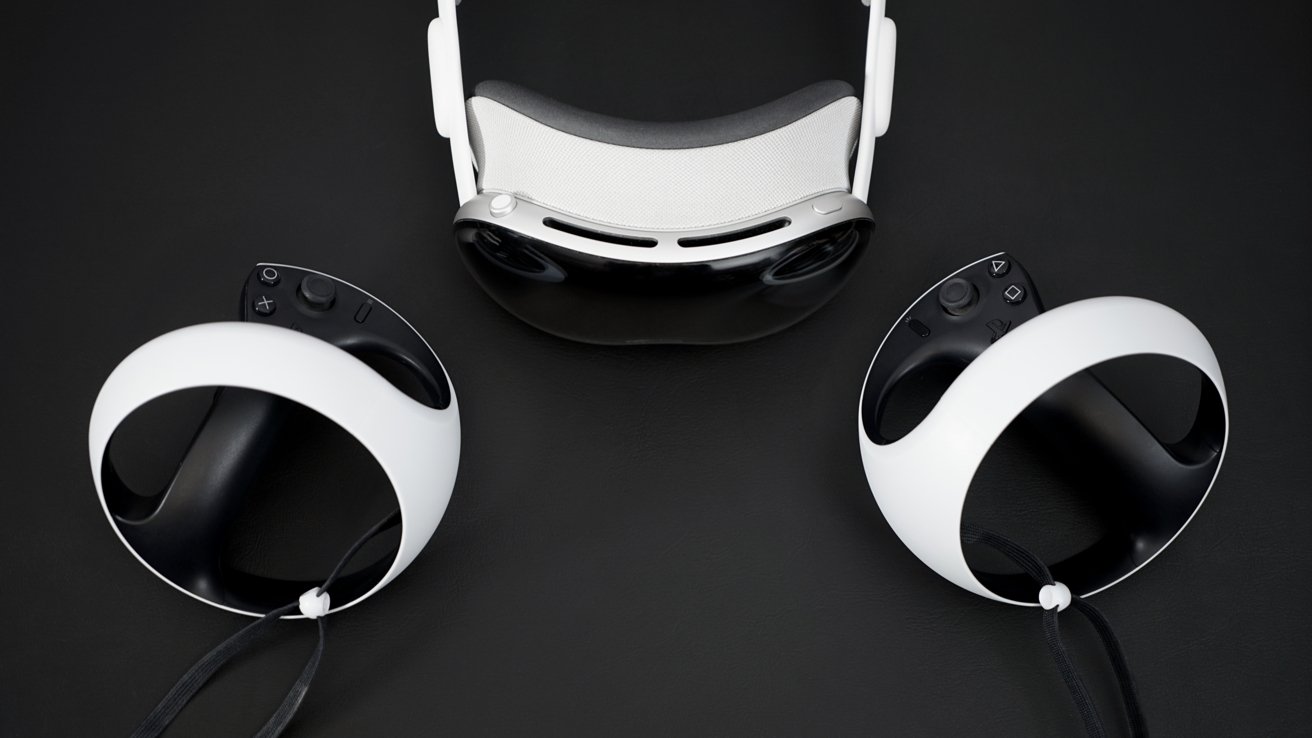
visionOS 26: Developers will have to adopt controller support
That said, support is here and I'm excited for it. However, this ties back to my earlier concerns about the current state of the Apple Vision Pro hardware and its use of the M2.
The fully immersive VR gaming titles available for Apple Vision Pro today are not exactly the most graphically challenging games. I would be surprised if Apple manages to get something like Resident Evil 7 running on the platform.
Perhaps the Apple Vision Pro with M5 will have a bigger gaming angle. In the meantime, we can only hope that game makers adopt the new controllers for proper haptics and additional controls.
And maybe, even if it seems improbable at this point, Apple can get Meta to bring Beat Saber to the platform.
visionOS 26 review: Other new features
Unless I'm mistaken, visionOS 26 is a pretty surface-level update. Everything I've discussed is what's new to the platform with a few small exceptions.
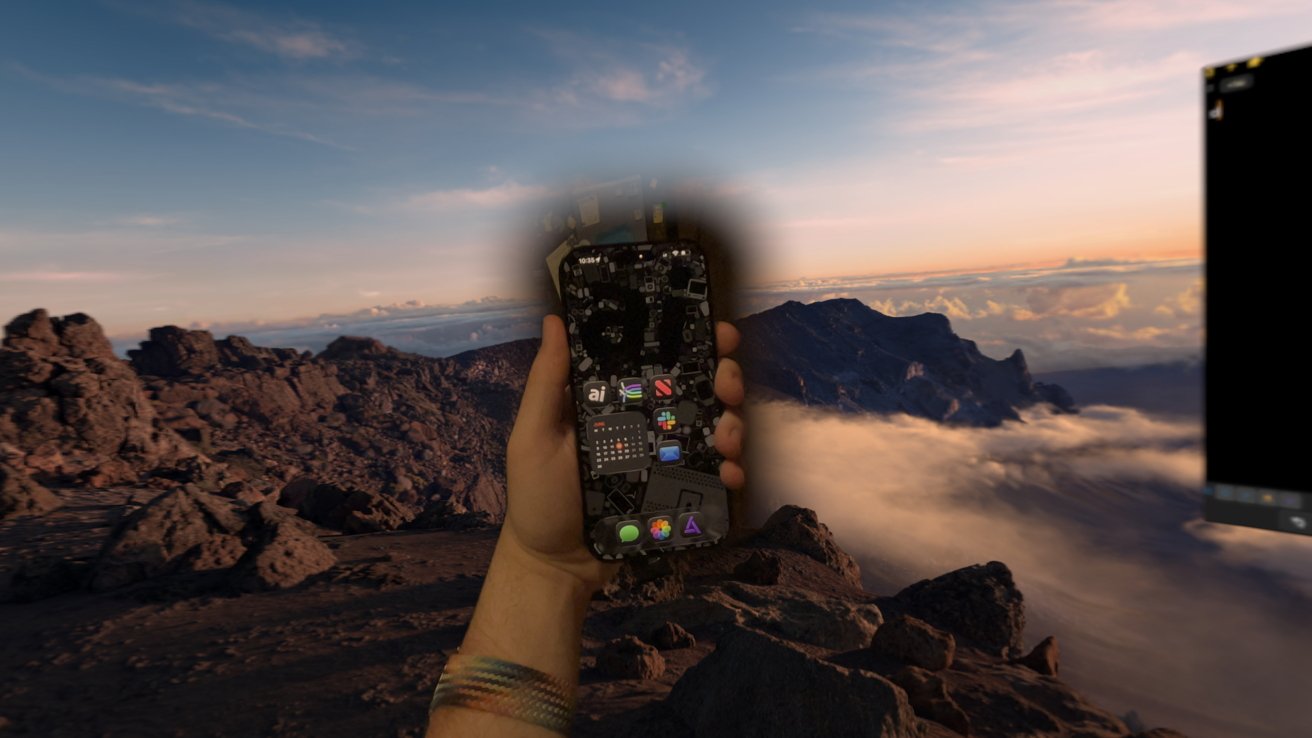
visionOS 26: Unlock your iPhone with Apple Vision Pro
Users can save their eye and hand setup data to iPhone for easier guest mode setup. Also, there's this new look to scroll feature that kind of works, but your results may vary.
The Jupiter immersive environment still hasn't released as of this publication. And new content is possible, if not already here, thanks to native support for 180-degree, 360-degree, and wide field-of-view video.
We're entering year two of Apple Vision Pro in 2026 and I'm happy with the progress we've made so far, even if it's a bit slow. visionOS 26 is proof Apple is paying attention to the platform, but I'm afraid it may fall into the same trap as another platform Apple once heralded as the future of computing.
Apple can't let visionOS become another iPadOS
As an iPad-first user, I can say my biggest fear regarding visionOS as a platform is neglect. Apple may not have set out to make iPadOS a separate entity, but once it did, it should have committed to making it stand out as a macOS alternative.
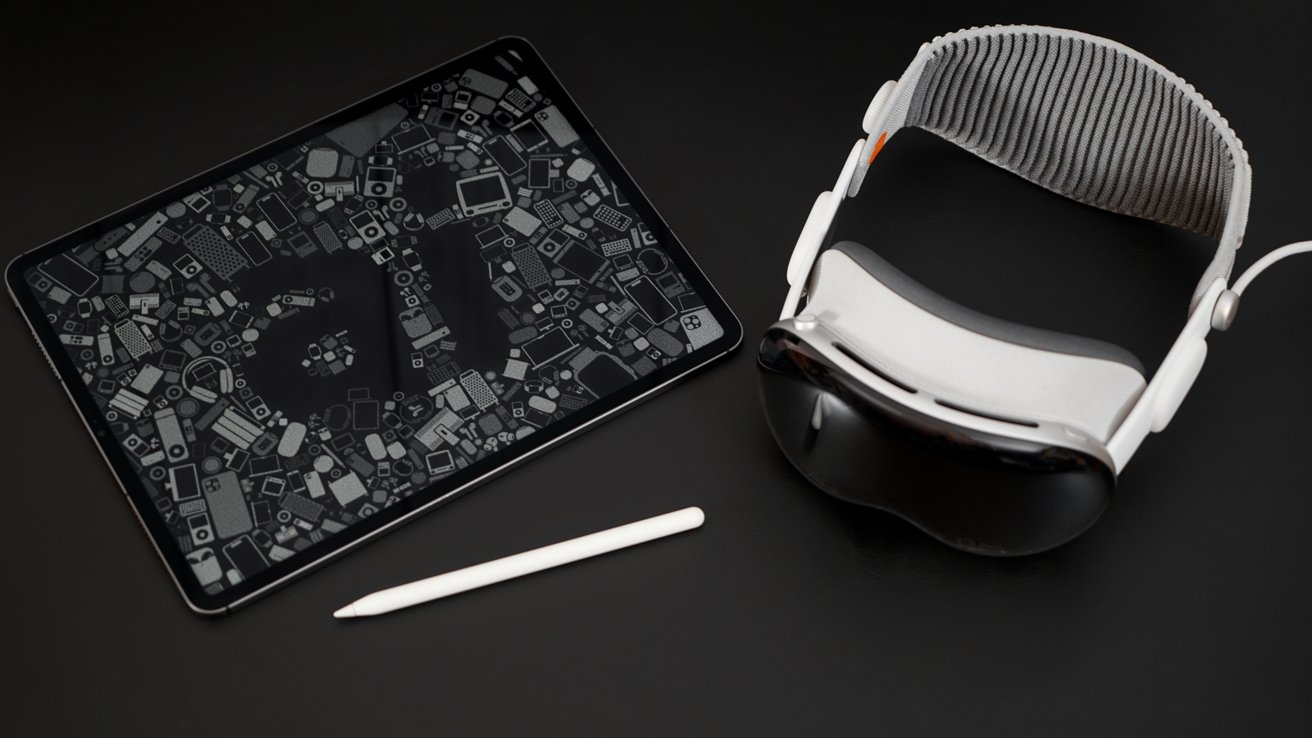
visionOS 26: Apple can't take six years to make visionOS good for pros
Instead, we got five years of iterative updates and wacky multitasking systems that required users to twist workflows into working with the system. Believe me, I'm one of iPad's biggest fans, but that doesn't excuse how long it took Apple to take it seriously as a platform.
Even today, as iPadOS 26 launches with the biggest "finally" in a windowing multitasking system to date, there's some obvious low hanging fruit that needs addressed.
We're only one full year into visionOS, so there's time for Apple to show its commitment to the "future of computing." However, things are off to a rough start.
visionOS 26 is missing odd features and is neglected in some ways. For example, Apple's selection of compatible apps hasn't changed since Apple Vision Pro was revealed in 2023.
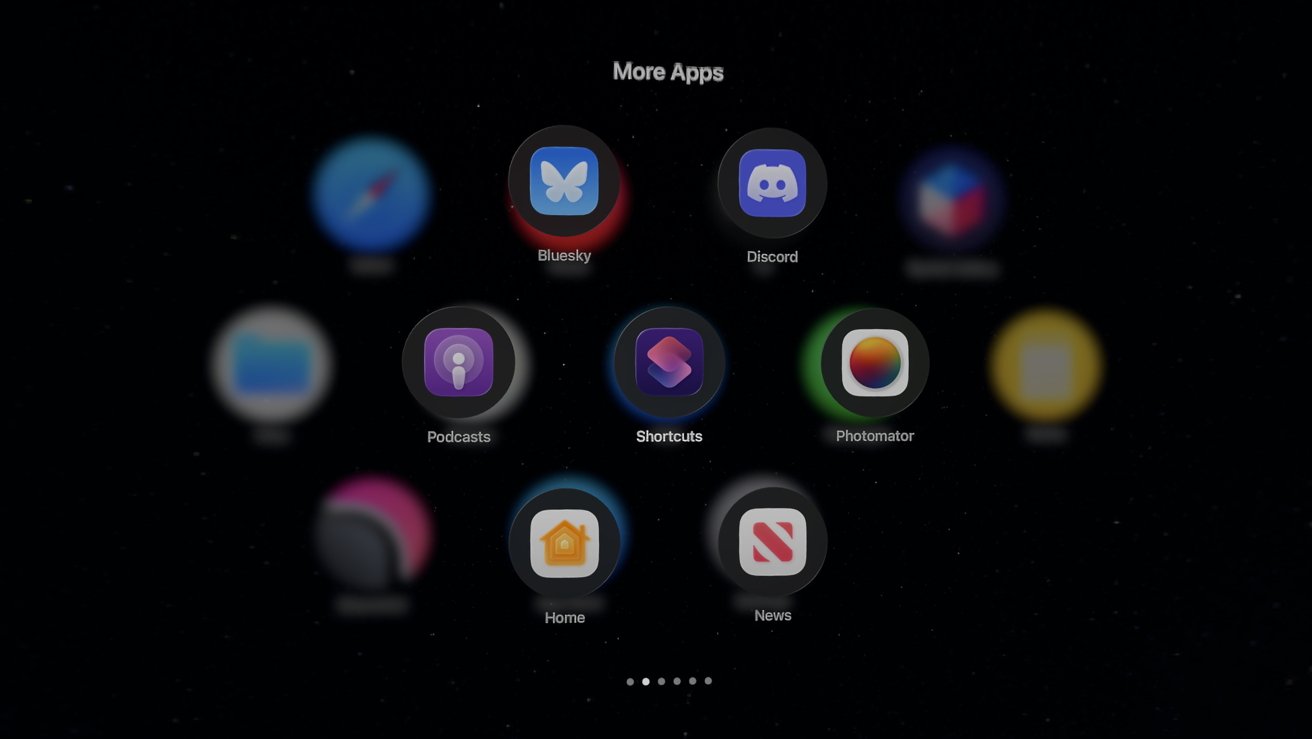
visionOS 26: Still waiting on more compatible iPad apps to become native
Find My is still nowhere to be found on the platform. The new Mail Categories feature isn't available yet, two years in, either.
Several system apps are either missing or don't have full functionality. There's no Contacts app, though those can be managed by editing them in apps like Messages.
It's not that Apple is neglecting the platform entirely. I'm quite happy with the progress made in visionOS 26, however, there are signs that Apple could focus on flashy features over substantial ones.
Luckily, Apple seems to have nailed down multitasking early on. Let's just hope it can keep adding productivity features and improve hardware compatibility going forward.
Pushing the limits of the hardware
If there was one consistent message across visionOS 26, it's "we're just getting started." Spatial widgets show how digital objects will fill our view on future Vision platforms, improvements to sharing ensures that we're not isolated in our helmets, and productivity improvements keep the platform useful beyond entertainment.
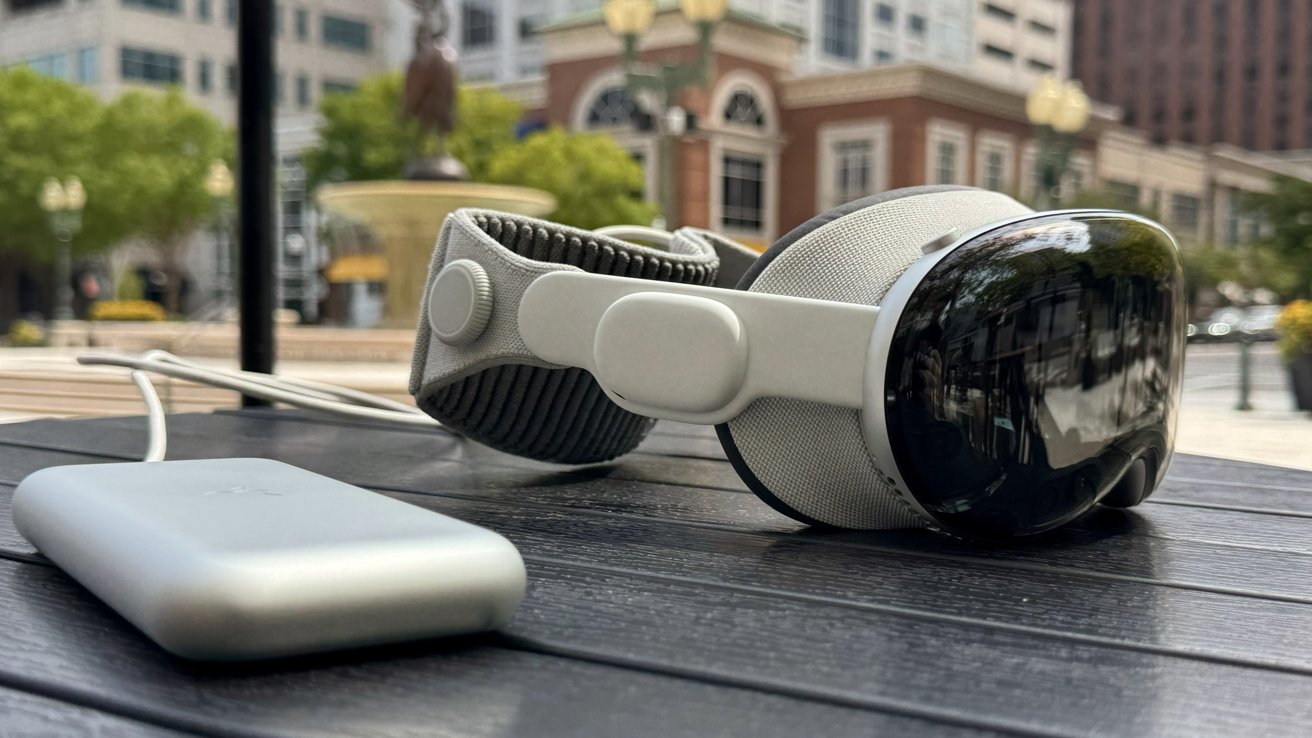
visionOS 26: Ready for an M5 evolution
When Apple Vision Pro inevitably gets a new processor in the near future, it'll be interesting to see how Apple pushes the platform forward. It has provided developers and users ways to take full advantage of the chipset, so now Apple needs to give us the hardware to have the wiggle room.
In spite of the fact that visionOS still has some neglected corners, it's good to see actual progress on such a niche platform. Apple could have just as easily put all its focus on iPhone, iPad, and Mac, and gave Apple Vision Pro users Jupiter and little else.
Then there's the promise of what's coming next for Apple Intelligence. Those upgrades will only make Apple Vision Pro a more powerful platform for users — especially with M5.
There's still room to grow, so let's see what Apple can do for Apple Vision Pro users between now and visionOS 27, if anything.
visionOS 26 review - pros
- Spatial widgets are a great next-step for the platform
- Spatial photos bring new life to any image
- PSVR 2 controller support is an exciting development
- Home View folders were terribly needed for basic organization
- Locked Windows and room awareness is a big help
visionOS 26 review - cons
- Compatible iPad app list still hasn't budged
- No Find My, Contacts app, or other basic functions
- Developer support still the biggest issue with visionOS
- A clear need for next-generation hardware
Rating: 3.5 out of 5
I'm quite happy with visionOS 26, but that doesn't mean Apple gets to squeak by with a perfect score. It's got a lot of rough edges to smooth out, especially for such expensive hardware.
We'll revisit visionOS 26 throughout the next year as Apple and developers can take better advantage of the new APIs and systems.