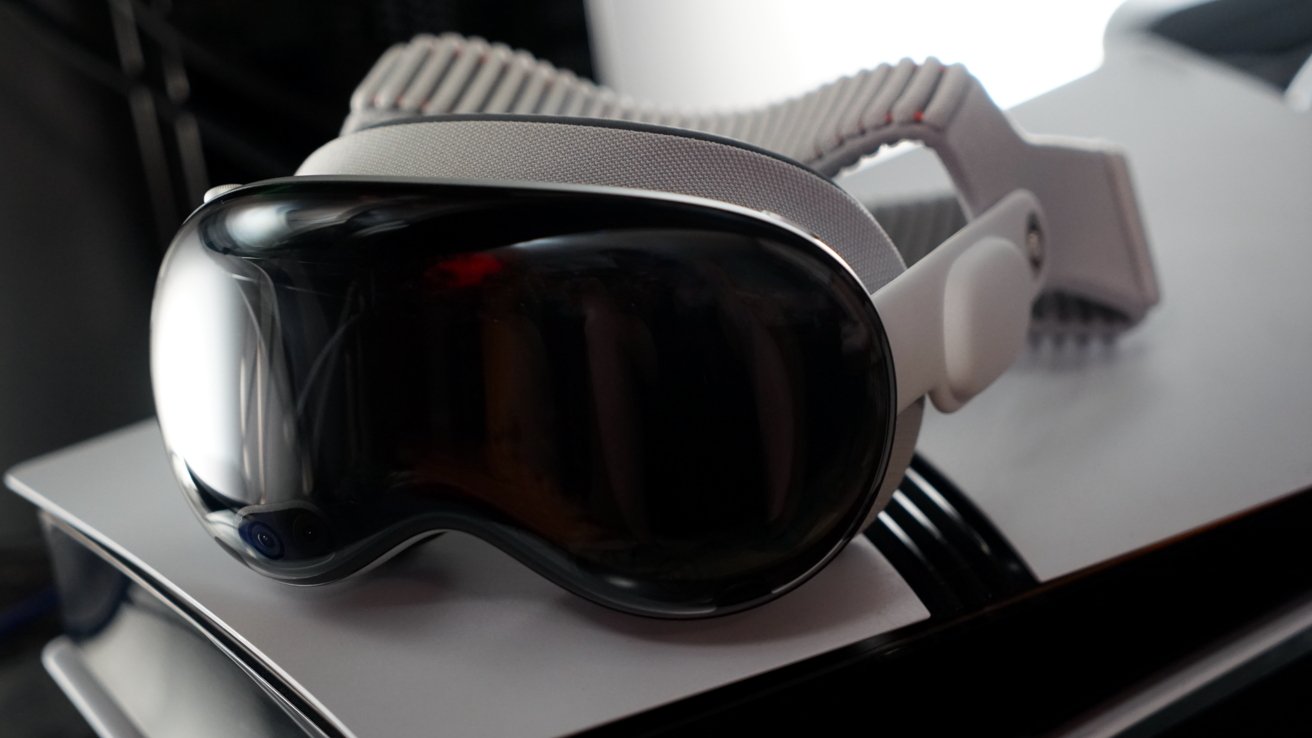
The Portal app lets you stream PS5 games to Apple Vision Pro in stereoscopic 3D with 4K upscaling. Here's how it works, what I've been playing, and whether it's worth the premium subscription.
Apple Vision Pro is an excellent gaming platform, at least when you can find games to run on it. While I'd prefer to have a great selection of VR games, the ability to use PlayStation Remote Play is a decent middle ground.
I'll say up front that playing PlayStation 5 is still best on a home entertainment system with good audio and video. However, the Portal app makes Apple Vision Pro a close second option.
The app is available on iPhone, iPad, and Apple Vision Pro. There is a premium subscription, and it is a bit pricey, but it's totally worth it for the functionality.
The app will let you stream from the PS5 in 1080p at 60fps for free. If you want all of the bonus features, you have to pay $5.99 a month, $59.99 a year, or $199.99 lifetime.
I'm fairly tempted by that lifetime offer, but for now I'm paying monthly when I know I'll have time to use the app. Perhaps this developer would benefit from adopting Apple's new annual lock-in subscription option.
What you can do in Portal
Portal can be used to access PlayStation and Xbox cloud gaming, PlayStation Remote Play, and even UVC play via the Apple developer strap. This story is focused on PS Remote Play.
The reason I'm writing about Portal is because it has some unique features just for Apple Vision Pro that I haven't seen in any other app.
Its premium features include:
- GPU-based 4K upscaling
- 3D depth map conversion using AI
- Super Frame Rate at 120FPS using ML enhancements
- HDR streaming output
- Immersive mode with large display
You can absolutely use 4K upscaling and stereoscopic 3D in tandem. However, try to activate 3D and Super Frame Rate and you'll hard crash the Apple Vision Pro, so don't do that.
So, using these settings, I am able to stream my PS5 Pro to Apple Vision Pro in a 4K-equivalent stream while viewing the content in stereoscopic 3D. It's quite the experience, especially in the immersive view.
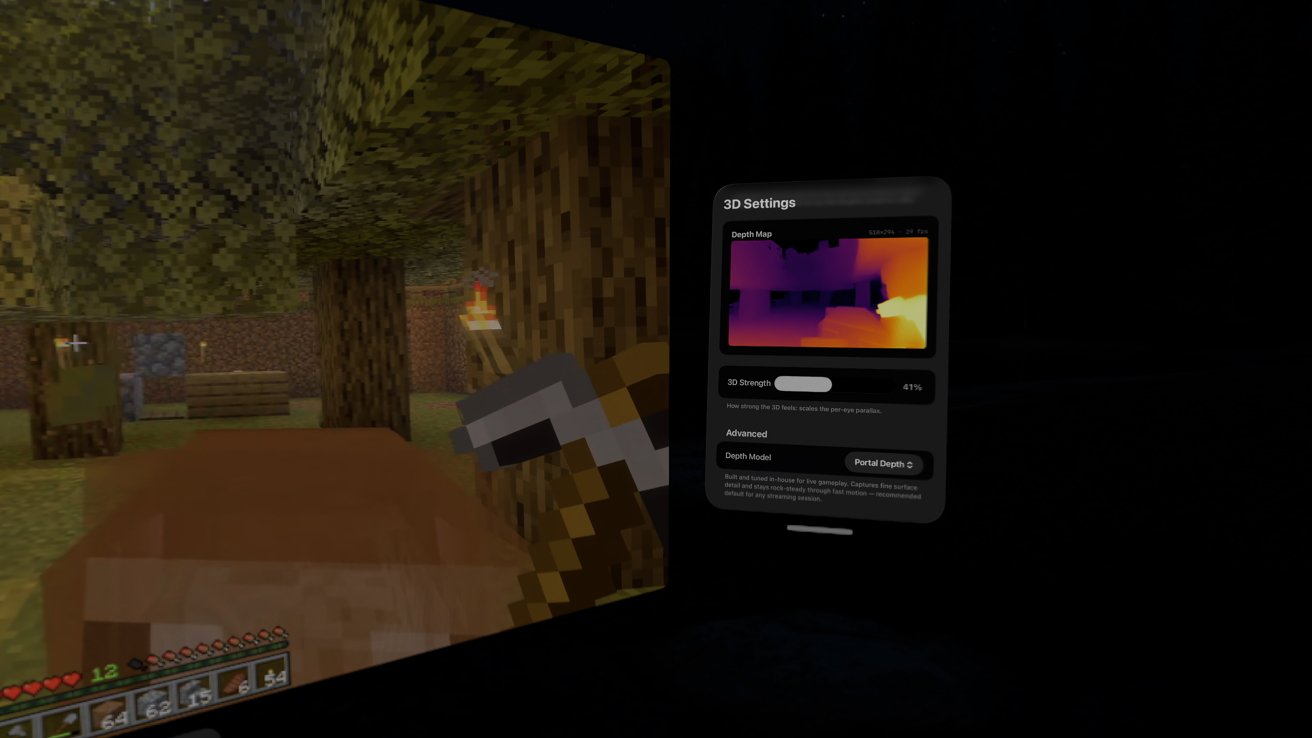
Generating a 3D depth map on the fly with AI processing
I do wish the immersive view included the ability to have the display hover over the lake in Mount Hood, but I'm sure that's a limitation due to it not being video.
The 3D effect isn't perfect, but it's enough for now and will likely get better in the future. I've had worse 3D experiences on actual 3D TVs with active glasses, to be fair.
I tested the features in Minecraft. Yes, the 15-year-old game that I still play regularly on my PS5 Pro. Fight me.
The 3D rendering was interesting. It made the UI pop out as the top level, and everything else gained some depth.
You can control the depth settings, so set it to the point that looks best for your eyes. I've found that less is more when it comes to the depth intensity slider.
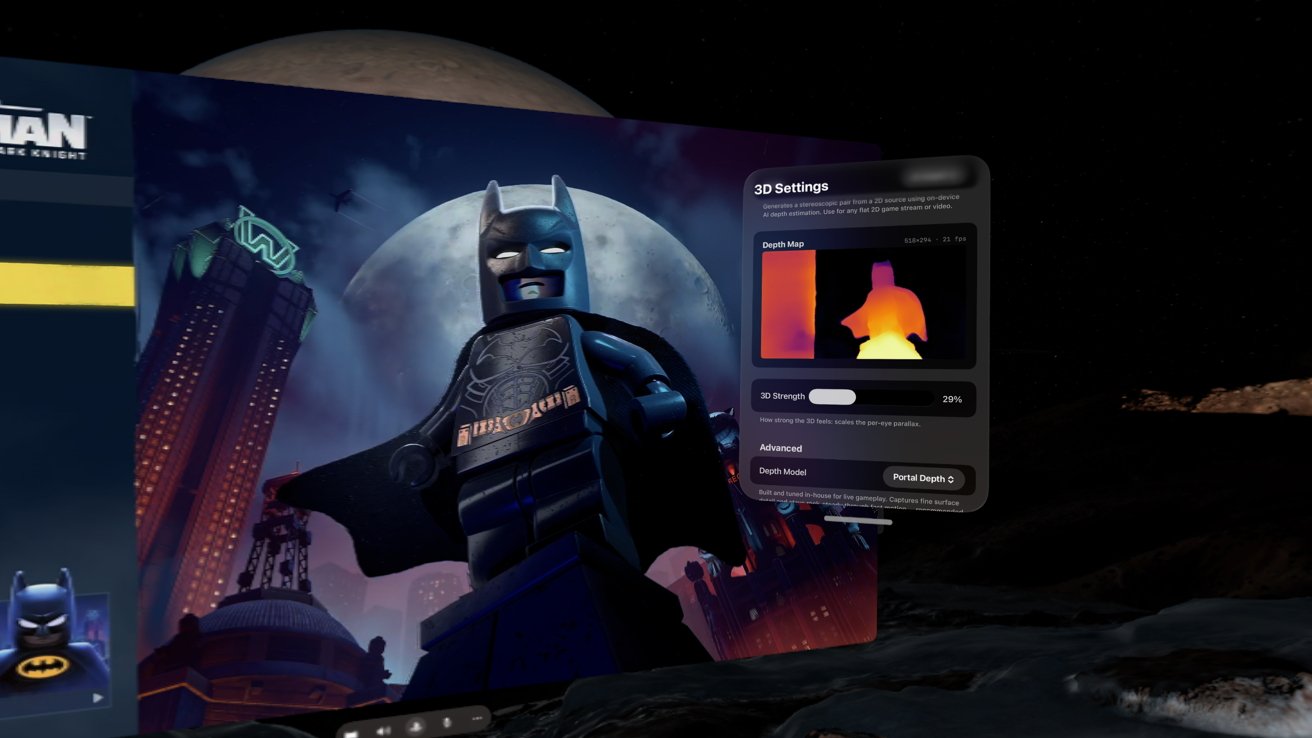
'Lego Batman' looks great with 4K upscaling and 3D depth
I also played the new Lego Batman game with the 3D setting. Since this is a newer game with incredible details in the Lego bricks (sounds silly, but trust me), the 4K 3D really popped.
While I'm not going to go out of my way to play PlayStation games this way, I do think this is an excellent alternative to playing in my den. Perhaps if I want to play in my bedroom or if the den TV is otherwise occupied, I know I'll have a way to enjoy my PS5 games with a whole new dimension added on top.
Portal is an excellent example of what can be accomplished on Apple Vision Pro, and I'd love to see more apps like it. Let's hope Apple can attract more developers to the platform with WWDC 2026.
If anything, this has made my desire for a native version of Minecraft specifically for Apple Vision Pro even greater. I know Microsoft won't bother, but at least I have a good way to play it in the meantime.
For more on Vision Pro gaming, watch for Mike Wuerthele's piece on Steam streaming — including a 3D SteamVR test with a new video card.