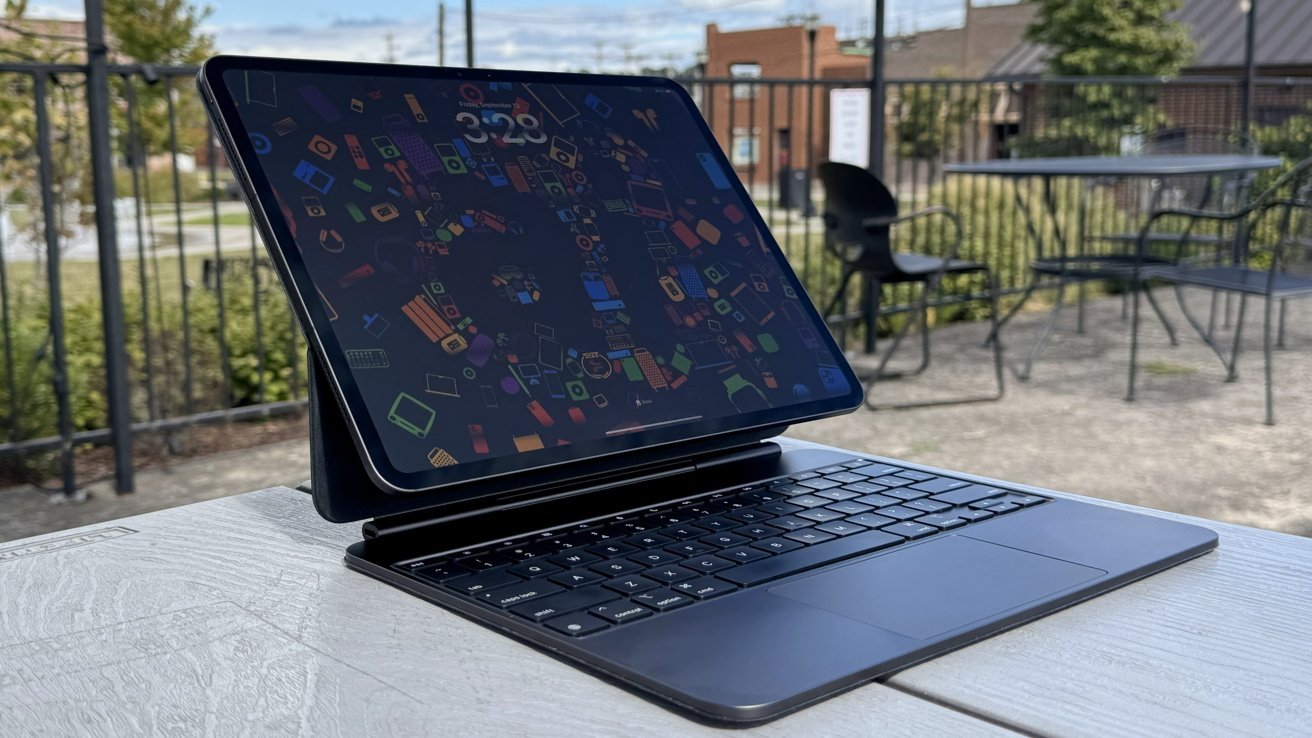
A scam trying to steal Apple Account data uses a genuine but inauthentic request for support, real Apple alerts, and precise timing to make a fraudulent attack look like official help. Here's what it looks like, and how to protect yourself.
Eric Moret recently received a burst of two factor notifications across his iPhone, iPad, and Mac. The activity looked like an actual intrusion because each alert came from Apple's real systems.
An automated call from Apple soon followed and read another verification code aloud. The timing made the situation feel coordinated and serious.
The sudden combination of texts and pop ups created pressure that would unsettle anyone. Moret had no reason to think the alerts were triggered by anything other than a threat.
A call that seemed to offer help
A few minutes later, an Atlanta number called and the person claimed to be from Apple Support. The caller spoke calmly and said a second representative would follow up with more details.
Nothing about the exchange felt aggressive or rushed. The restraint made the call seem credible because it matched the tone Apple usually uses in support conversations.
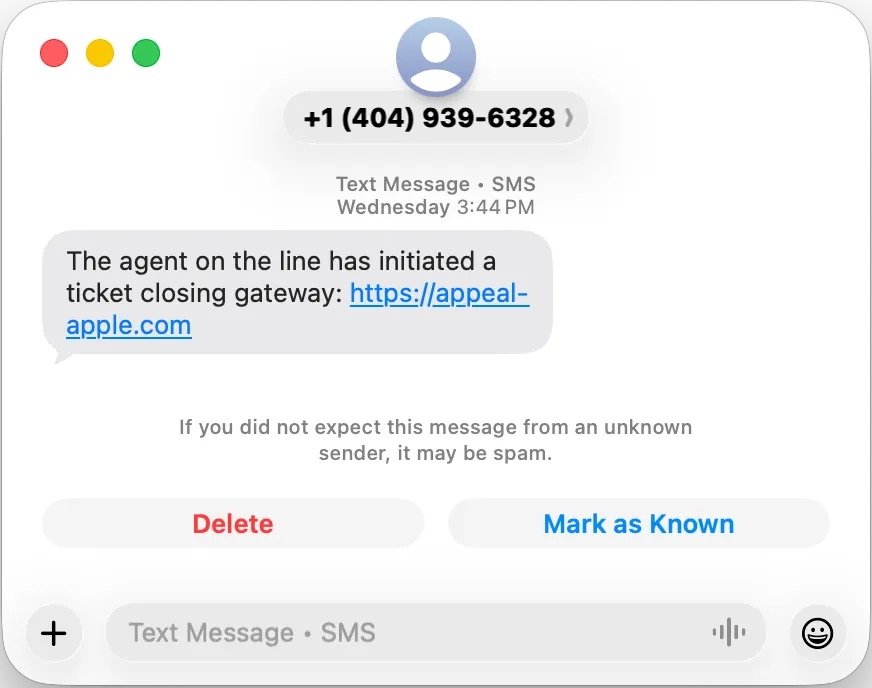
A suspicious link in a message. Image credit: Eric Moret
The second call lasted longer and came with a surprising twist. Moret received a genuine Apple email confirming a support case that matched the details the caller described.
The message looked identical to any legitimate support email Moret had seen before. The timing between the call and the email strengthened the idea that Apple was genuinely responding to a threat.
The caller then guided Moret through resetting his Apple ID password using the Settings app. Moret entered the new password himself and didn't share any codes, which reinforced the sense of authenticity.
A small step that built even more trust
The caller said a text would arrive with a link to close the support ticket. A message appeared moments later with a link to a site named "appeal-apple.com," which used a valid certificate.
The site accepted the real case number and showed a list of reassuring status updates. Each line suggested that progress was being made on Moret's account, which encouraged him to continue.
The layout looked clean enough to pass as an internal Apple tool. Nothing on the page signaled that it was a trap.
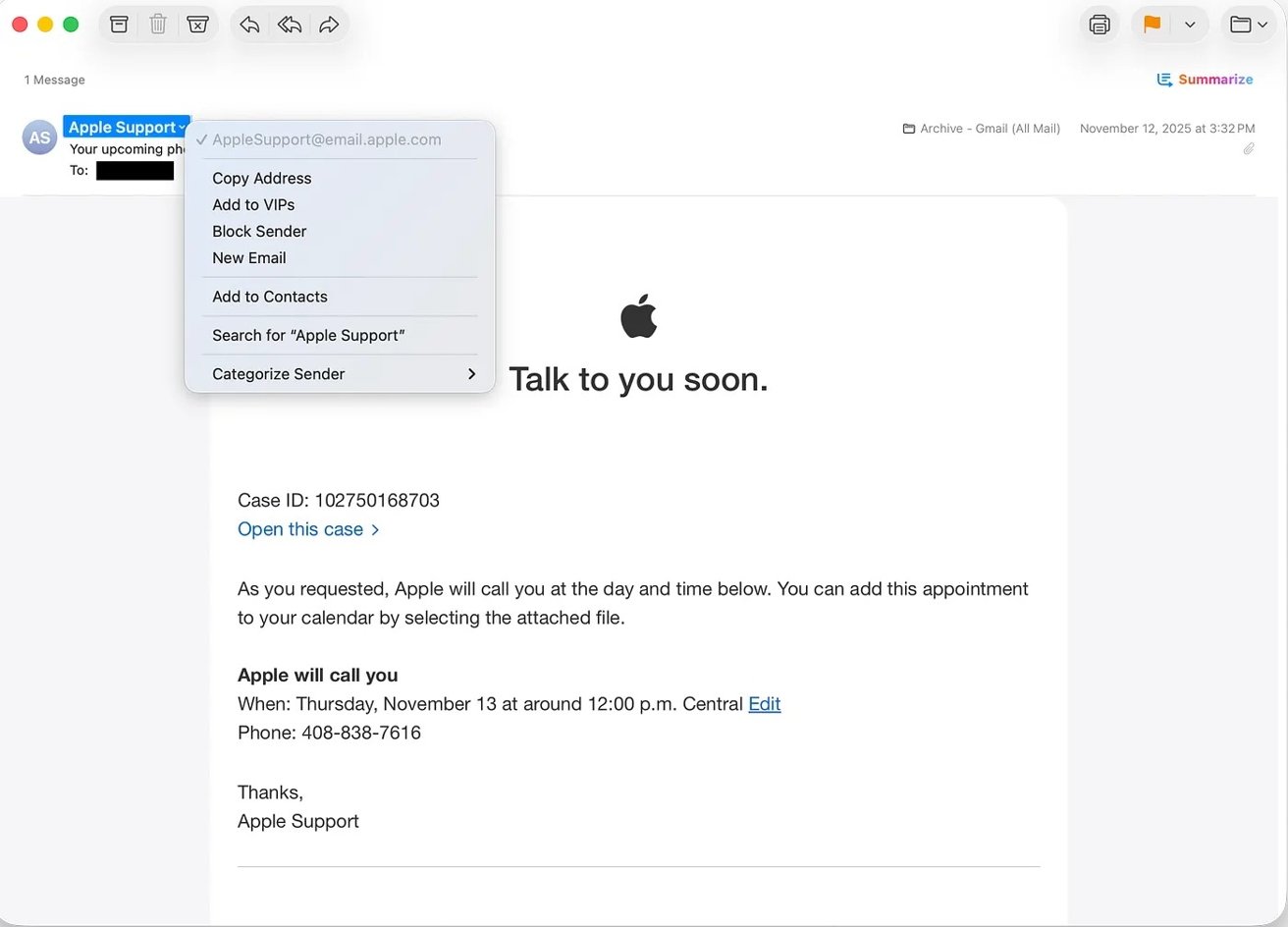
The scammers opened a case with Apple. Image credit: Eric Moret
The final screen asked for a six digit confirmation code. A real Apple verification text arrived at that exact moment, which made the request feel legitimate.
Moret entered the code into the site because it seemed connected to the support case. That single action gave the attackers the access they needed.
Seconds later, he received an email saying his Apple ID had signed in on a Mac mini he didn't own. The caller claimed the sign in was expected, which raised his suspicion.
Moret ended the call and reset his password again through Settings. The unknown Mac mini disappeared from his device list, and the phishing site began redirecting to Google.
Why the scam felt so believable
The attack worked because it relied on Apple's real behavior at nearly every step. The alerts came from Apple's servers and the support email came from Apple's domain.
The callers avoided aggressive tactics and stayed patient. They let Apple's own systems create the sense of legitimacy that carried the scam forward.
Moret's experience shows how a coordinated sequence of authentic signals can overwhelm a user's instincts. The scam never felt sloppy or hastily assembled.
Modern scams often succeed by blending into the support patterns people already trust. Attackers know that an official email or a familiar verification text carries more weight than any warning banner or security tip.
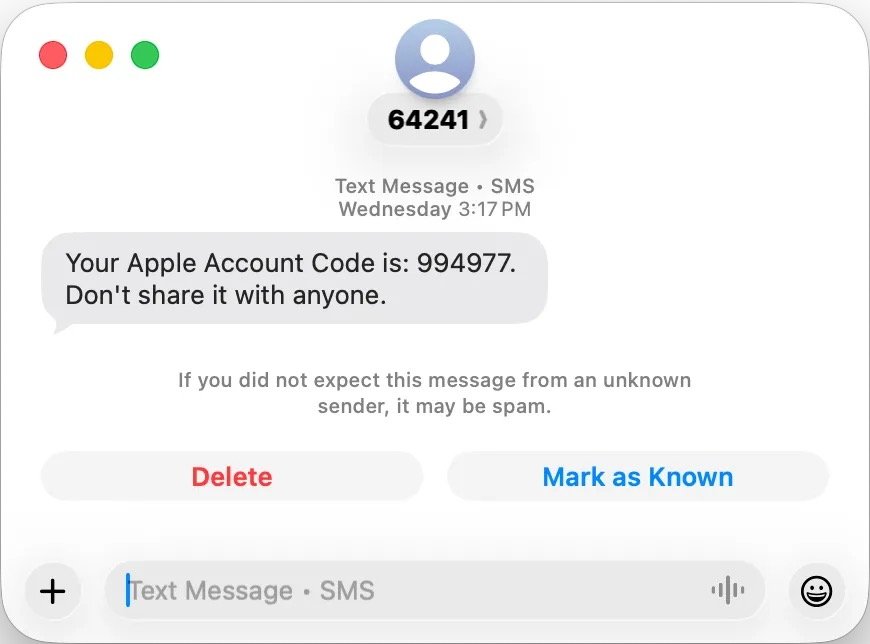
A two-factor authentication code sent via message. Image credit: Eric Moret
Apple's support system was designed to help users recover accounts, not verify the identity of callers. That gap gave the attackers room to build a convincing story without needing advanced tools or technical exploits.
What the incident teaches
Moret's ordeal shows how easily a coordinated scam can pass as routine support. The danger came not from technical skill but from timing and presentation.
Users often assume two factor authentication will protect their accounts from outsiders. A single misplaced code can defeat that protection when the surrounding steps feel legitimate.
The lesson is simple and not meant to alarm. People should treat any unsolicited security call as unverified, even when it lines up with real alerts.
How to stay safe from phishing
The safest approach is to treat any unexpected security call as unverified, even when the timing lines up with real alerts. A caller who demands urgency or insists on staying on the line deserves extra caution.
A better strategy is to start the support process yourself by opening the Apple Support app or visiting Apple's site. That step removes the caller from the equation and keeps control in your hands.
Next, a real Apple domain always ends in apple.com, so anything that strays from that pattern deserves a closer look. A secure connection icon is helpful, but it doesn't prove a site is legitimate on its own.
Unknown sign in notices should be taken seriously because they often arrive within seconds of an attacker gaining access. Responding quickly can prevent a full account takeover and reduce the damage.
Next, two factor authentication still matters, but the protection only holds if you keep the verification codes to yourself. A code that feels harmless in the moment can hand control of your account to a stranger if it ends up on the wrong page.
Physical security keys add another layer of protection because they won't authenticate on fraudulent sites. The hardware requirement creates a barrier that makes this specific type of phishing attack far easier to deflect.