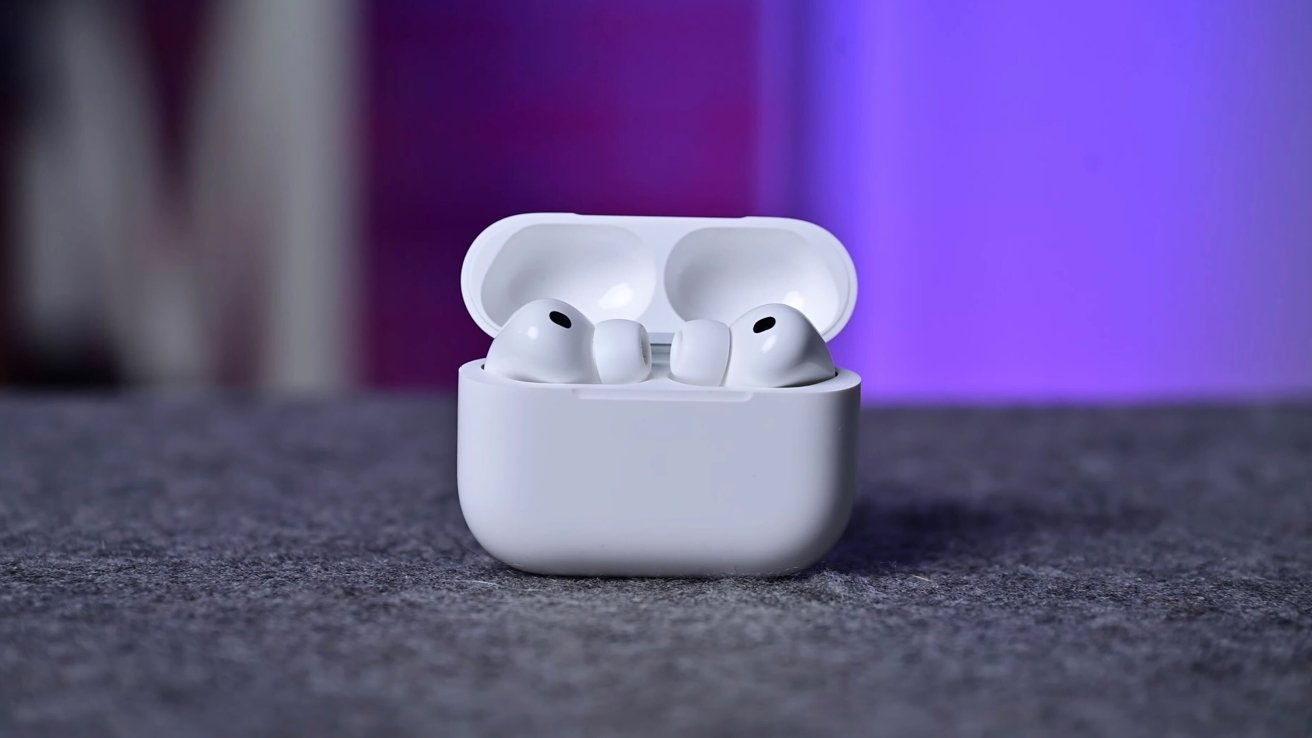
Apple released new firmware for the second and third generation AirPods Pro, continuing its routine maintenance cycle for audio accessories.
The AirPods Pro 3 build moves to 8B30 from 8B25. AirPods Pro 2 shifts to 8B28 from 8B21. Apple didn't outline any changes, but these updates typically focus on performance fixes and connection reliability.
Firmware often arrives ahead of major OS updates to keep accessories aligned with upcoming system changes.
AirPods firmware installs automatically when the earbuds sit in their case near a paired device. Users can check the version by opening Settings, choosing Bluetooth, and tapping the AirPods line.
- Put AirPods in the charging case.
- Connect the case to power.
- Leave the case near an iPhone, iPad, or Mac for at least 30 minutes.
The software will install on its own without user prompts.