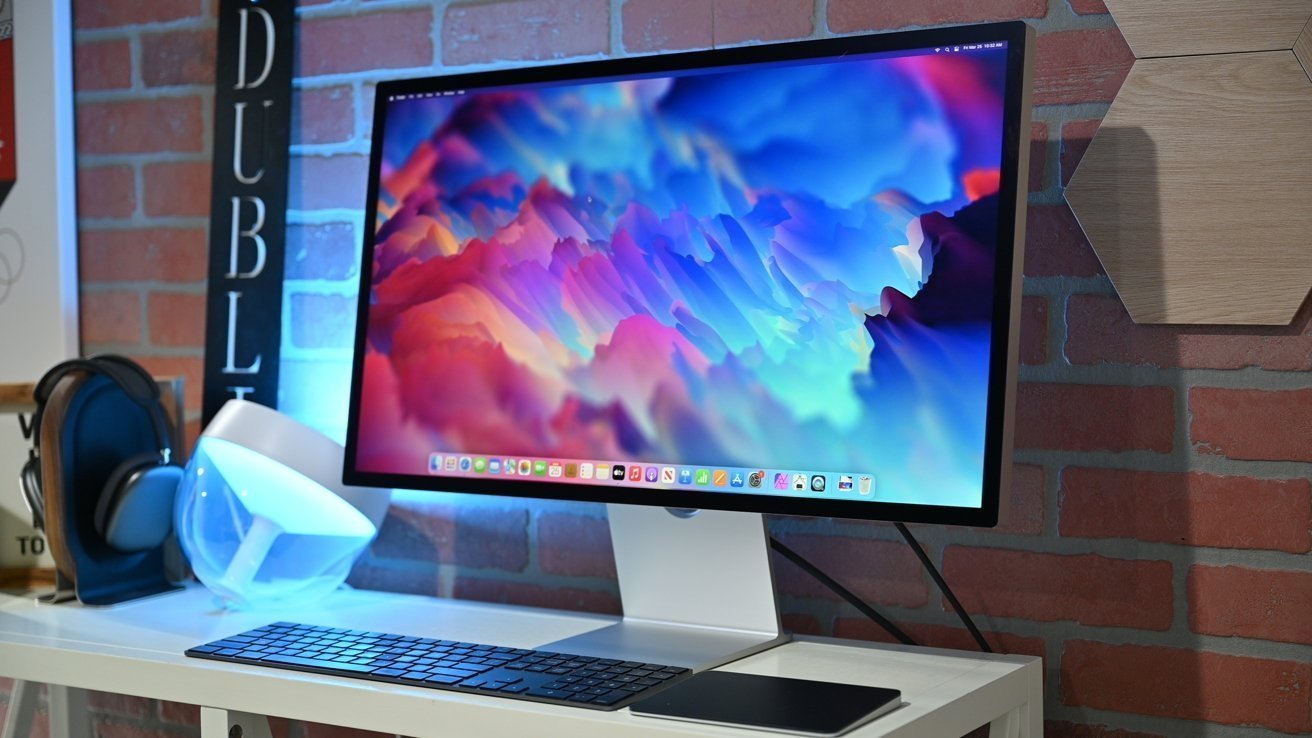
A small number of Apple Studio display owners are reporting that macOS Tahoe is causing their monitors to flicker, but it might affect other monitors too.
Ever since macOS Tahoe was released in September 2025, a small number of people have reported a flickering issue with their Studio Display. Reports on social media and elsewhere suggest the bug has gotten worse, rather than better, with subsequent macOS updates.
While difficult to describe in text, the flicker is said to sometimes happen repeatedly. Othertimes, users experience a single flicker with little sign of a discernible pattern to the behavior.
Long-time Apple watcher Dan Moren believes the issue "might be something to do with automatic dimming". He says he's experienced the issue when using a Mac mini and a MacBook Air, both running macOS Tahoe 26.1 at the time of his Mastodon post.
One reply to Moren's post says the issue is most obvious when switching between their Mac's desktop and Adobe Lightroom in full-screen mode. Others say that it happens when their Mac is being tasked, rather than when it's idle.
A MacRumors report on the issue notes that some people have reported the same behavior with non-Apple displays. If that is indeed the case, it's most likely that this issue applies to macOS Tahoe rather than the Apple Studio Display itself.
We've spoken with multiple Studio Display owners who have not experienced any of the reported flickering. Whatever is happening, it seems increasingly likely that Apple has its work cut out getting to the bottom of it.
If you experience this issue, we recommend reaching out to Apple regardless of the monitor you use. Apple pays almost no attention to venues reporting issues, or accounts on social media. The more bug reports and service requests Apple receives, the more likely it is prioritize a fix.
A potential workaround
If you can't wait for Apple to fix the issue, one forum-goer might have a workaround. According to a post on Apple's support forum, the problem might be caused by a misconfigured display controller.
The user, going by the name "section77," says that both Dell and BenQ have acknowledged similar issues with their monitors when using Macs. The issue, they say, is the way Apple's display controller "applies temporal dithering by default to simulate smoother gradients".
It's thought that this dithering causes a flickering effect which, in some cases, can even cause headaches. Thankfully, a third-party utility called Stillcolor can override the display controller's behavior.
Disabling dithering via Stillcolor is reported to have fixed the issue for some. Unfortunately, others say it hasn't worked for them, so your mileage may
vary.