
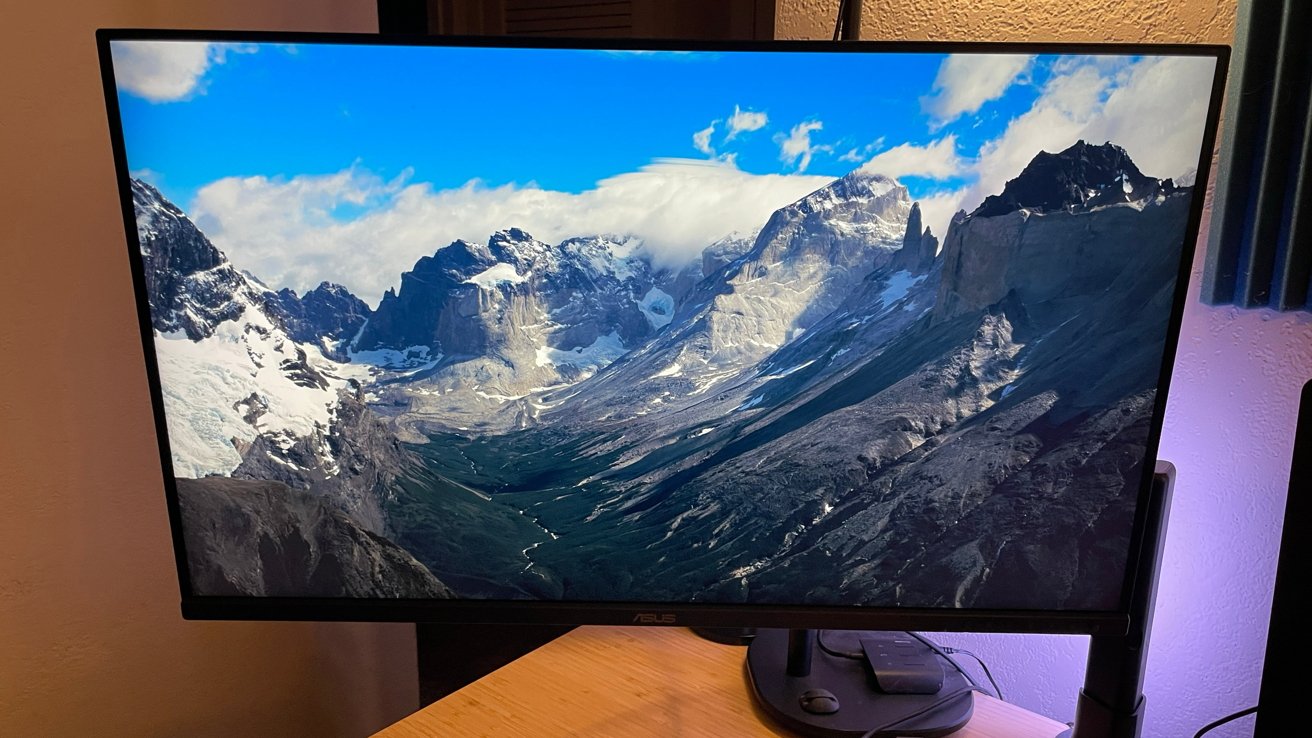
The Asus ProArt Display PA32QCV is expensive, but it's a 6K-resolution creative professional's dream monitor.
As a digital illustrator and graphic designer, the color quality, sharpness, and size of monitor displays in my day-to-day life is important to maintain consistent quality and peace of mind.
I need monitors that allow me to create and deliver color artwork that is clear and consistent across as many surfaces and media as possible. All while also providing an abundance of real estate for the modern, multi-app/multi-window workflow creatives and designs fall into.
Asus is a brand with a long history and large catalog of displays under its name. The odds are good you already own or have used an Asus monitor at some point in your life.
Asus's newest release is the gigantic 32-inch ProArt PA32QCV, a 6K ultra-high-definition juggernaut of a display. One aimed at creators and artists for home and studio use to compete with other offerings on the market at a more budget-friendly retail price.
Asus provided a ProArt PA32QCV to take out for an extended test drive and see if it measures up to expectations.
Asus ProArt PA32QCV Review: Inside the box
The ProArt arrived in a padded shipping box from Asus with branding and additional custom-cut padding inside for the display and all the components.
Inside the box:
- Asus ProArt PA32QCV Monitor
- HDMI Ultra High-Speed Cable
- Microfiber cloth
- Power cord
- Quick start guide
- Thunderbolt 4 Cable
- Warranty Card
- Welcome Card
The packaging and safety of the ProArt and components for shipping are excellent.
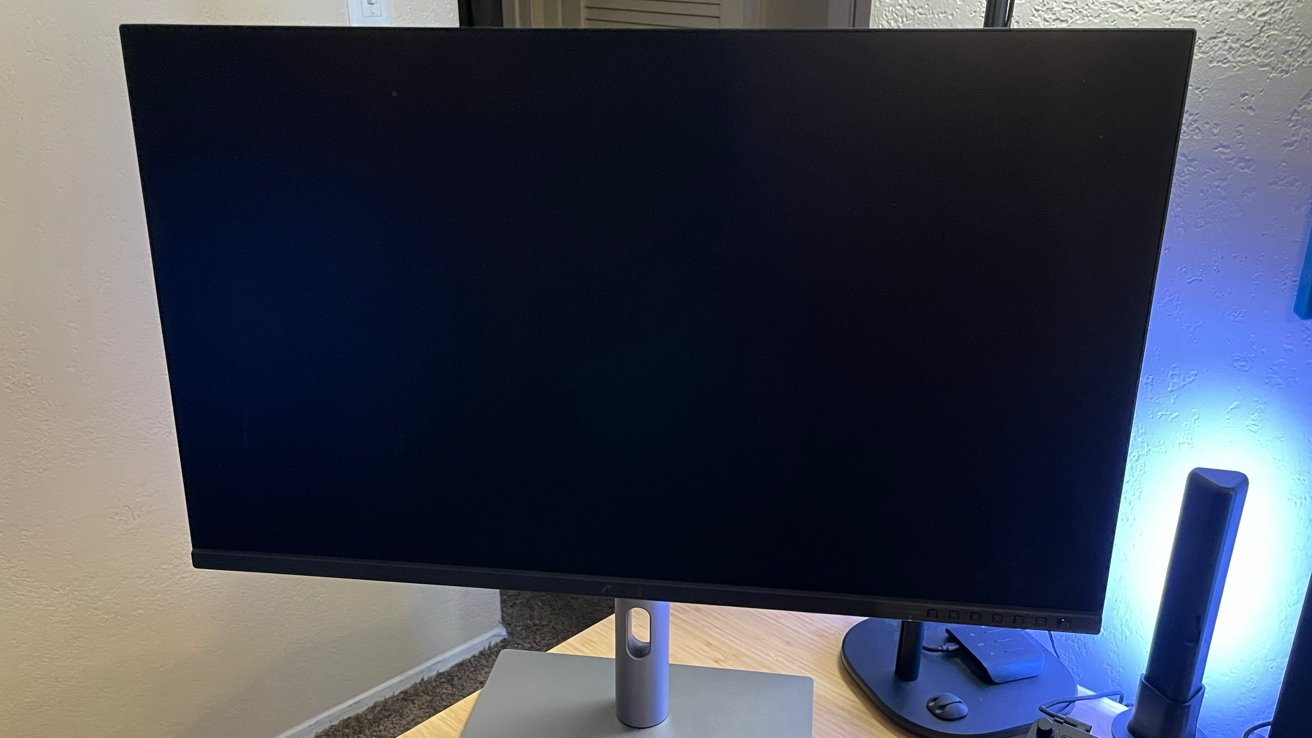
Asus ProArt PA32QCV Review: On the original stand
When you lay down a chunk of cash for a high-end piece of equipment, you want to know it will be shipped securely for the tumble cycle that is most delivery services.
- Panel Size (inch): 31.5
- Pixels Per Inch (PPI): 218
- Aspect Ratio: 16:9
- Display Viewing Area (H x V): 697.19 x 392.17 mm
- Display Surface: AGLR (Anti-Glare, Low-Reflection)
- Backlight Type: LED
- Panel Type: IPS
- Viewing Angle (CR10, H/V): 178 degrees/178 degrees
- Pixel Pitch: 0.116mm
- Resolution: 6,016x3,384
- Color Space (sRGB): 100%
- Color Space (DCI-P3): 98%
- Brightness (HDR, Peak): 600 cd/m2
- Brightness (Typ.): 400cd/m2
- Contrast Ratio (Max): 3000:1
- Contrast Ratio (Typ.): 1500:1
- Display Colors: 1073.7M (10 bit)
- Response Time: 5ms(GTG)
- Refresh Rate (Max): 60Hz
- HDR (High Dynamic Range) Support: HDR10
- Flicker-free: Yes
- LCD ZBD Warranty: Yes (3 year)
- Ports: Thunderbolt 4 x 2 (Daisy Chain) / DisplayPort 1.4 DSC x 1/ HDMI (v2.1) x 1 (FRL)
- USB Hub: 2x USB 3.2 Gen 1 Type-A
- USB Hub: 1x USB 3.2 Gen 1 Type-C
- Earphone Jack: Yes
- USB-C Power Delivery: 96W
- USB 3.2 (Signal): x 1 USB Type-C (For KVM Switch)
Asus ProArt PA32QCV Review: Quality and Features
The ProArt is very well-made from top to bottom. While nothing about the display feels cheap or flimsy, the outer case is made of plastic and not high-end aluminum like the Apple Studio Display or Pro Display XDR.
While I like a clean, professional look with my workspaces, it doesn't go as far as being willing to pay thousands of dollars for a sleek aluminum case and Mac styling. I need good, functional displays that I can afford, and the plastic is an acceptable cost-saving measure.
All the menu buttons and controls are on the bottom front side of the ProArt, which is a good design choice. I need to reach and use buttons easily, and years of fumbling around behind monitors and inevitably pushing the wrong button time and time again make this decision huge.
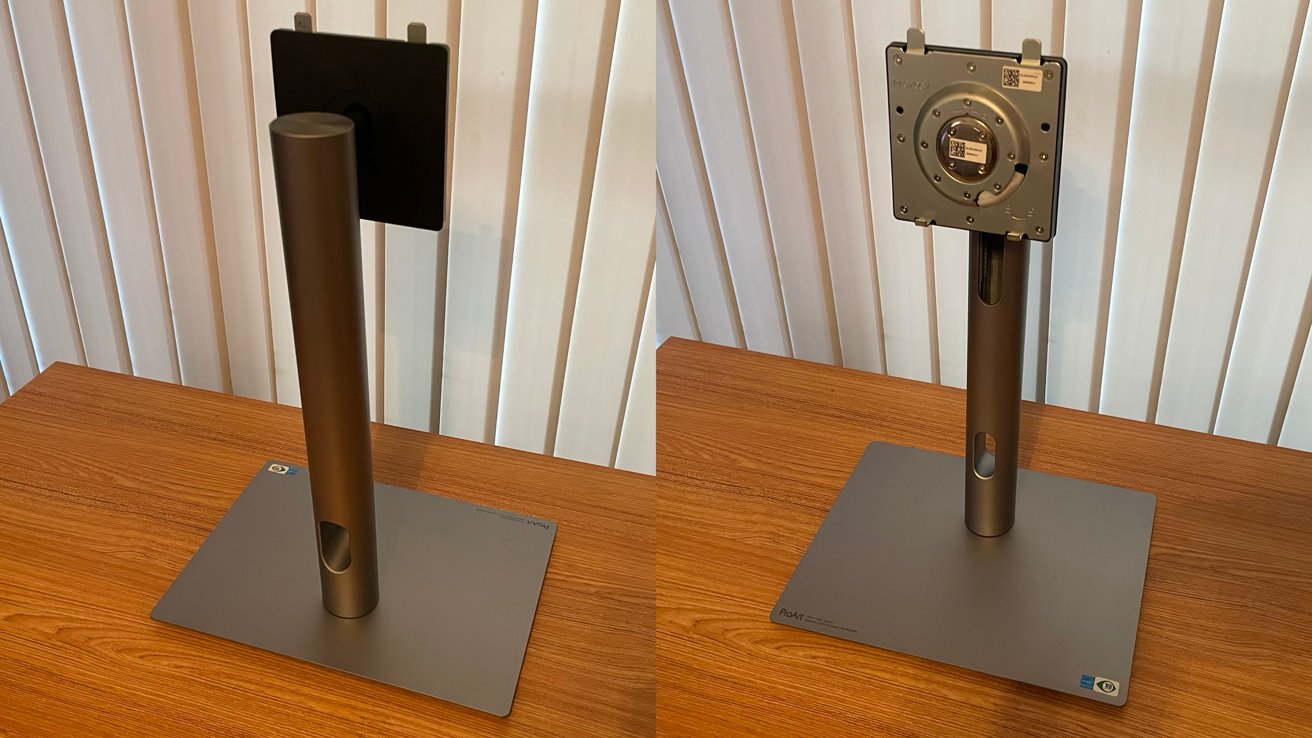
Asus ProArt PA32QCV Review: The stand is weighty and durable.
Again, it pushes away from the sleek for sleek's sake that too many brands lean into in favor of functionality. Some users will not like this, but I do, and after a half-day, I did not notice the buttons.
Asus includes a lovely stand with the ProArt that is weighty and durable, while providing a great range of motion for the ProArt and easy assembly. If I had any notes for Asus on the stand, I would say that the holes for cable management could stand to be higher to hide the cables a bit, but this is a minor nitpick.
The ProArt also allows for VESA mounting on a sturdy swing arm mount as well. For my workspace, this is what I opted to do, and I never had a moment of trouble with it.
Aside from the size, color, and display quality, the ProArt also shines in the staggering number of ports and options Asus brings to the display.
The ProArt has two Thunderbolt 4 ports, a DisplayPort, an HDMI port, two USB-A ports, a USB-C port, and a headphone jack just to round it all out.
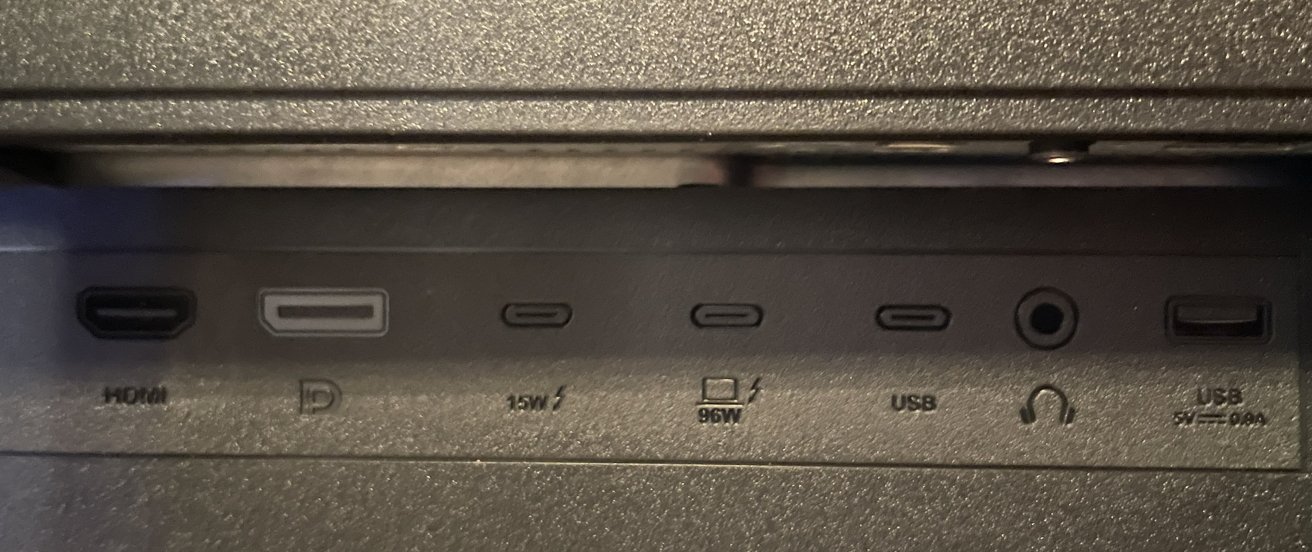
Asus ProArt PA32QCV Review: Port selection
The 96W Thunderbolt port is fantastic for powering everything from MacBooks to external drives, and can be used for daisy chaining a second display to work in tandem with the ProArt.
One last note on the engineering of the ProArt, I learned that the power supply for the display is built into the case. The ProArt does not have the large power brick attached to the AC cable.
This is a small thing, but that brick has a habit of spoiling cable management, and it is nice not to have it here.
Asus ProArt PA32QCV Review: Setup
Setting up the ProArt was incredibly easy, and it was working within minutes.
After unboxing and sorting the various cables and components, I attached the ProArt to my monitor swing arm via VESA mount, plugged everything into my Mac Studio with the Thunderbolt cable, booted up, and that's it.
If Thunderbolt is not an option for your workspace, the HDMI cable option works just as easily.
Asus has a proprietary Display Widget Center for Mac and Windows that allows you to adjust brightness, contrast, and color profiles based on a set of preset options or fully custom user profiles.
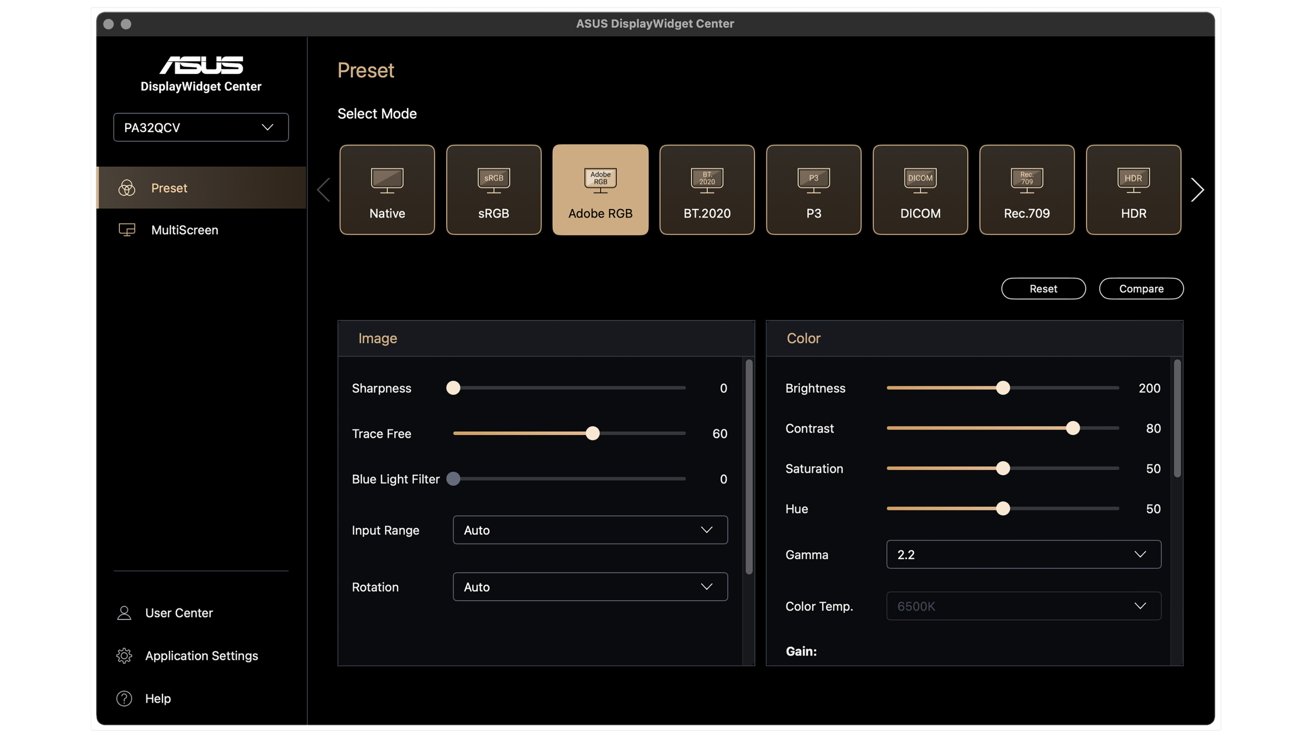
Asus ProArt PA32QCV Review: Display Widget Center
I installed the widget, and it worked wonderfully with my Mac Studio running Sequoia 15.7. I made a few small tweaks, and everything was dialed in and ready to work.
I have wrestled with frustrating drivers and firmware from other manufacturers in the past that diminished solid hardware with mediocre software. It is a breath of fresh air to see Asus building products that actually work with Mac-driven workspaces.
Asus ProArt PA32QCV Review: In Use
Using the ProArt for a month has been a great experience. The display is bright, clear, and responsive in all the ways I need it to be as a digital artist.
Every creator's needs will be different, and I will not insult anyone by assuming I know what they will be. But I can say with confidence that the ProArt is an excellent display for work and play.
I remarked that it is like looking into the 6K "Face of God" for the sheet color quality and brightness. The happy side effect of using the ProArt is noting that the color balance on my digital pen display was a bit off by comparison, and it led me to correct it.
The sheer amount of real estate available on the ProArt is staggering. I use a pen display tablet for my primary workspace when I draw, but to test the ProArt, I moved all of my Adobe Illustrator and Photoshop-only tasks to the ProArt, and I am now officially spoiled.
This is where I would post a "there's so much room for activities" GIF if I could, because I had all the digital workspace I needed and then some without a secondary monitor.
The ProArt has a matte screen finish to diminish glare. I have read comments from others who felt the matte finish took away from some of the sharper, finer details, like fonts on screen, but I have never observed any issues.
In the personal annoyances column, the first problem is that the ProArt has a maximum refresh rate of 60Hz. For the gamers out there looking for faster refresh rates while you play first-person shooters when moments matter, know this is the top end you will reach.
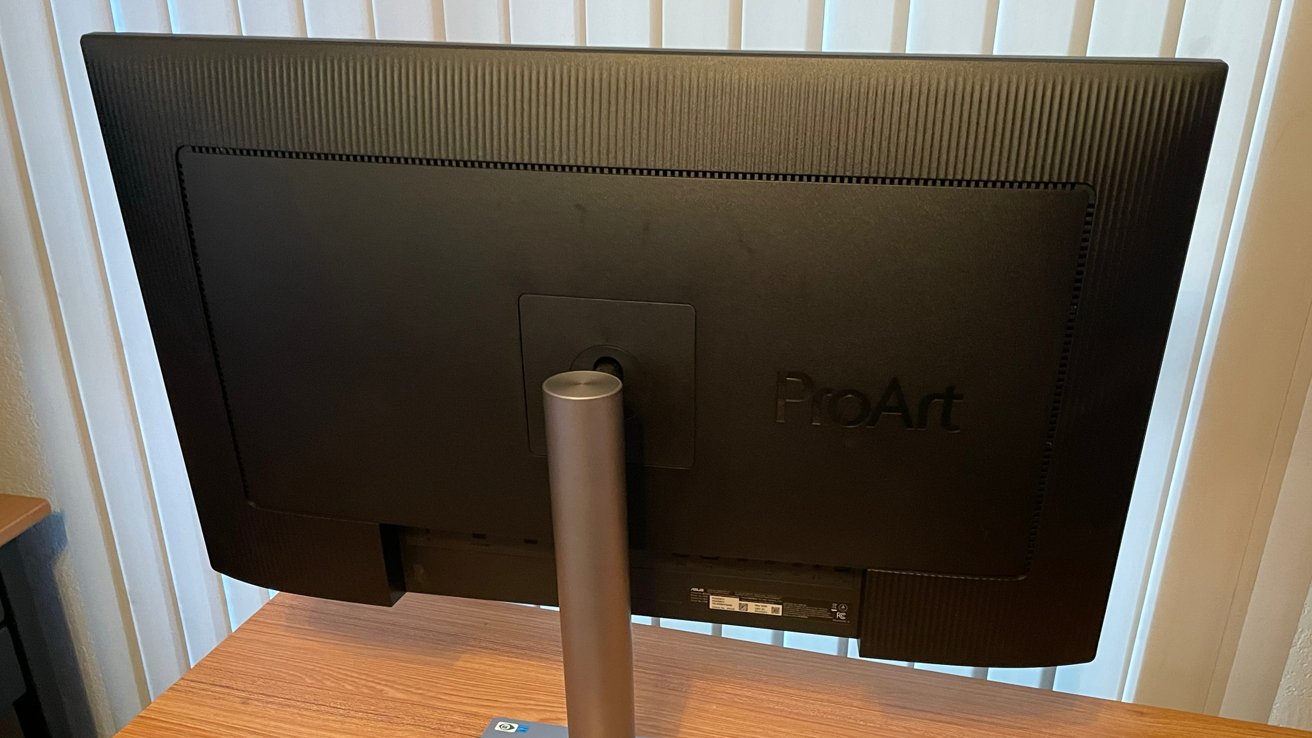
Asus ProArt PA32QCV Review: From the back
Next, the ProArt includes built-in speakers, but they are not good. They also cannot be controlled by the Asus widget and must be managed through the built-in buttons on the display.
This is clunky, and I know that most users will have their own sound and speaker preferences, but this is worth mentioning.
Asus ProArt PA32QCV Review: Luxurious value
The ProArt retails in the Asus online shop for $1,299.
This does not make the ProArt inexpensive by any stretch of the imagination. But when you compare this to the smaller 27-inch Mac Studio Display for $1,599 and the Pro Display XDR for a staggering $4,999, the ProArt is decent value on price alone.
A display like the ProArt is an investment for professionals and studios, or a luxury item for users with the income to spare.
Having now used the ProArt for an extended time, I would happily make the investment of $1,299 and consider myself lucky that I did. The ProArt is that good.
The ProArt is an amazing display for home or office work. Asus continues to deliver with every release, and with this lower cost, other brands (like Apple) should be looking over their shoulder.
Asus ProArt PA32QCV Pros
- Easy installation
- Beautiful display
- Mac specific display widget software
- A multitude of ports
- Headphone Jack
- Amazing line quality
- Native VESA mount options
- Very low investment cost compared to comparable displays
Asus ProArt PA32QCV Review Cons
- Tops out at 60Hz performance
- Horrendous built-in speakers
- Not inexpensive
Rating 4 out of 5
Where to buy the Asus ProArt PA32QCV
The ProArt retails in the Asus online shop for $1,299. It's also available on Amazon for $1,299.