2025 was largely a year of minimal changes in my desk setup, with most of my gear holding over from years past. There were a few upgrades though, helping to smooth out video production and media storage.
For me, my studio is split into generally three areas — a desk for work, a filming set, and storage. Most of my time is spent in the second two spaces, though I admittedly need to start rearranging the storage better.
A sprawling workstation
When I'm not filming, I'm typically sitting, or standing, at my desk. I use a six-foot Autonomous standing desk that is powered to raise or lower as needed.
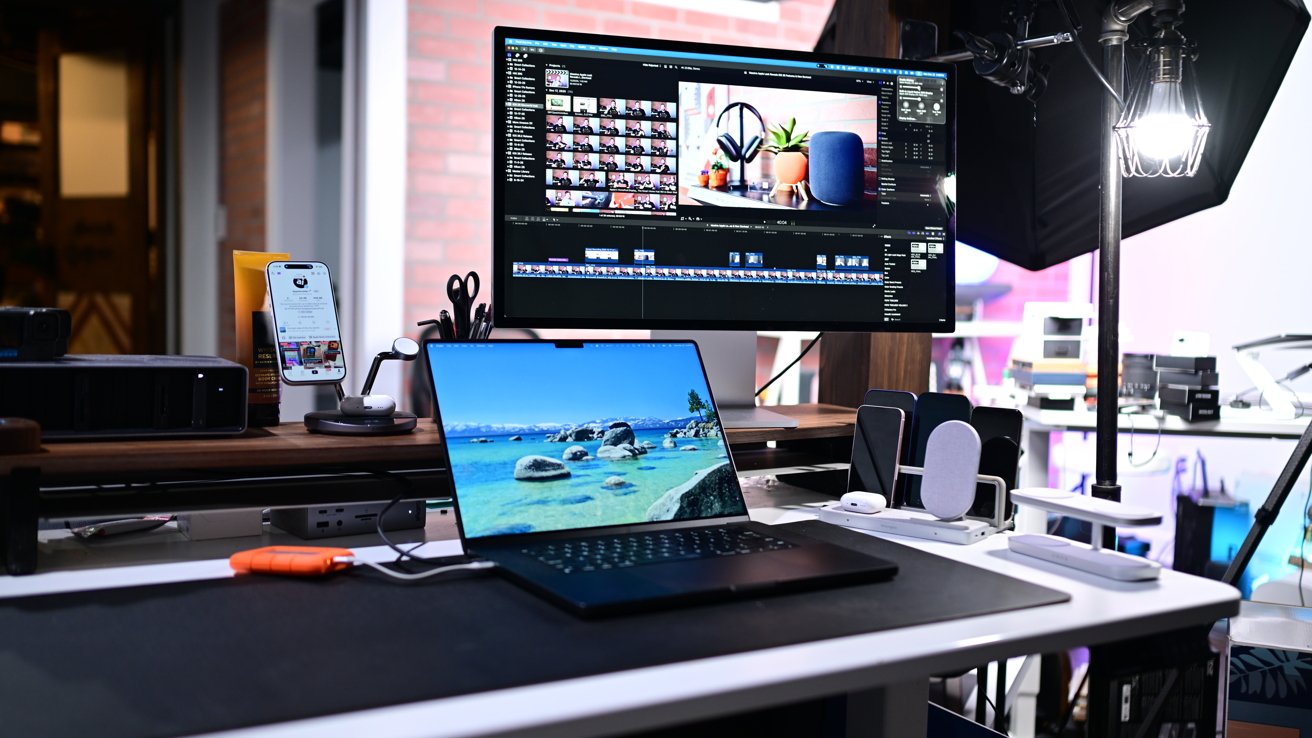
My current desk setup with a few accessories, lots of storage, and fast chargers
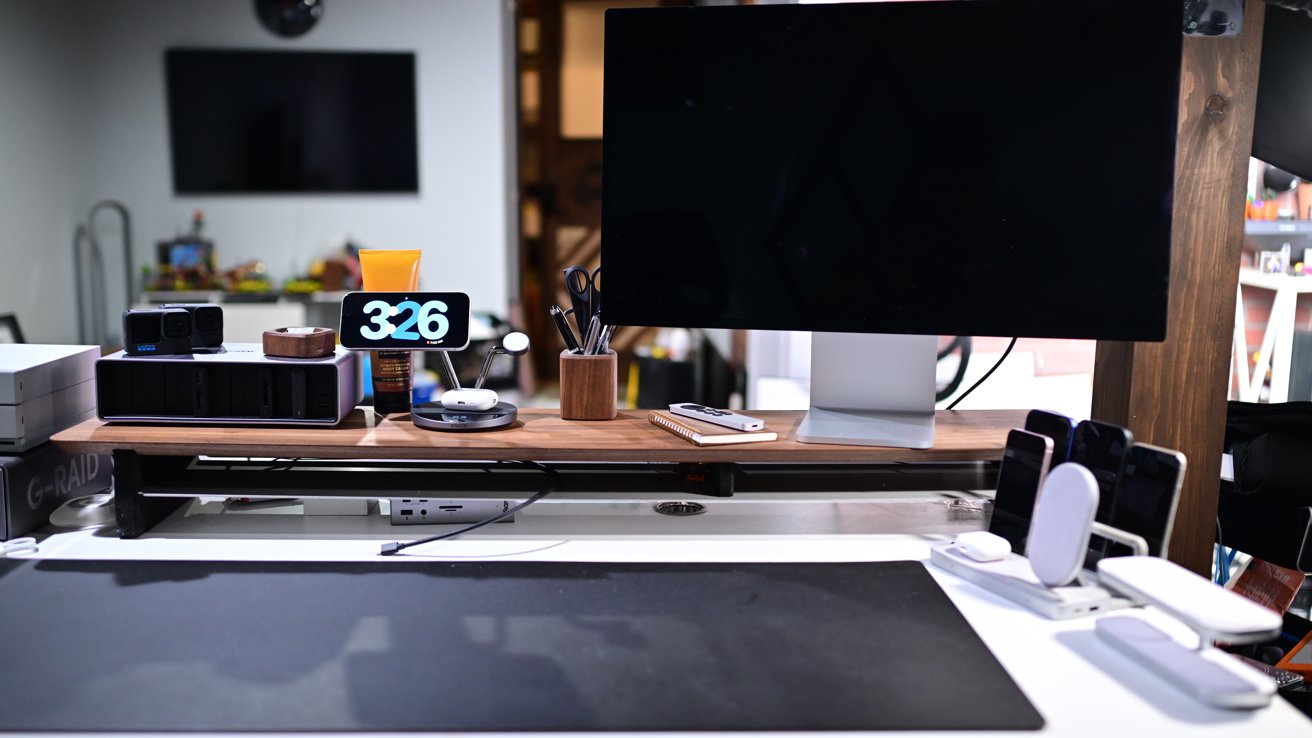
Atop my desk I have a matte black desk mat and walnut shelving unit, both purchased from Grovemade. As a woodworker, I especially like the shelf that blends the natural wood with cork and metal.
Turning to the tech, my main computer is an M3 Max 16-inch MacBook Pro. I used to use it in clamshell mode paired with a Bluetooth keyboard and mouse, but I kind of gave up on that over the past year.
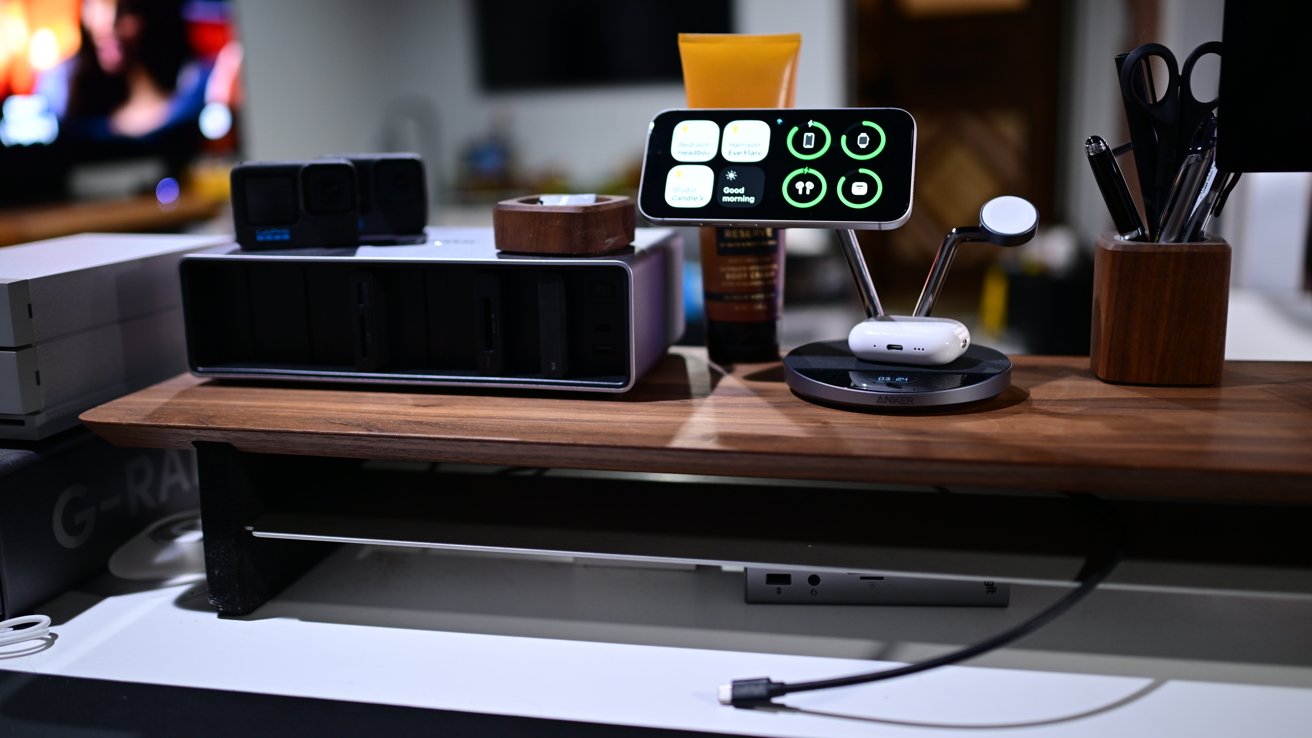
The Grovemade shelf looks great with all the metal tech
Now I just use the laptop and it can act as a second screen for stuff I monitor in the background, like Slack, Twitter, email, or a baby monitor feed. My work — the latest video or results from a new photo shoot — are shown on my Apple 27-inch Studio Display.
Also connected to my Mac is a CalDigit Thunderbolt dock. It feeds the display, as well as multiple storage arrays.
For said storage, I have a 12TB G-RAID drive and a second 20TB LaCie 2Big drive. Both were significant investments for storage that have mostly been filled up over the years.
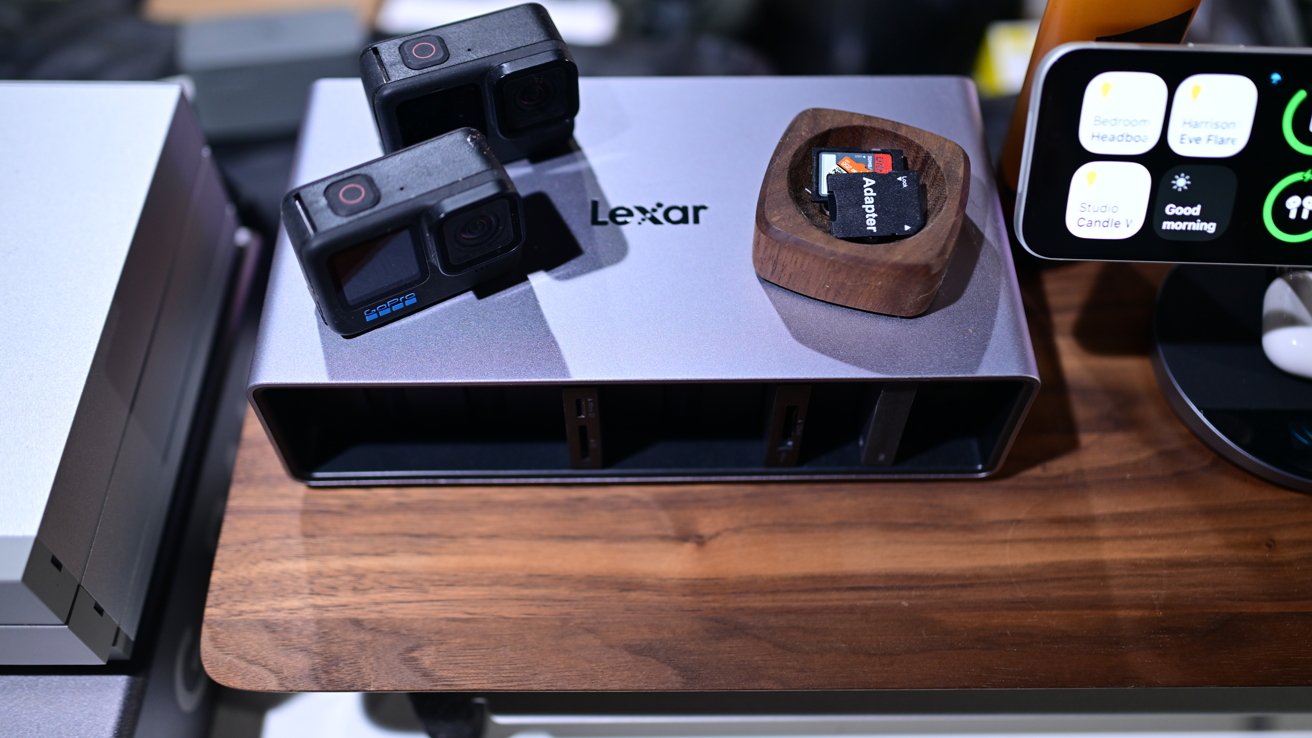
The Lexar Workflow Docking Station helps manage my media efficiently
Additionally, I have recently added a Lexar Professional Workflow Docking Station. It also connects via Thunderbolt and has six docking bays for various media.
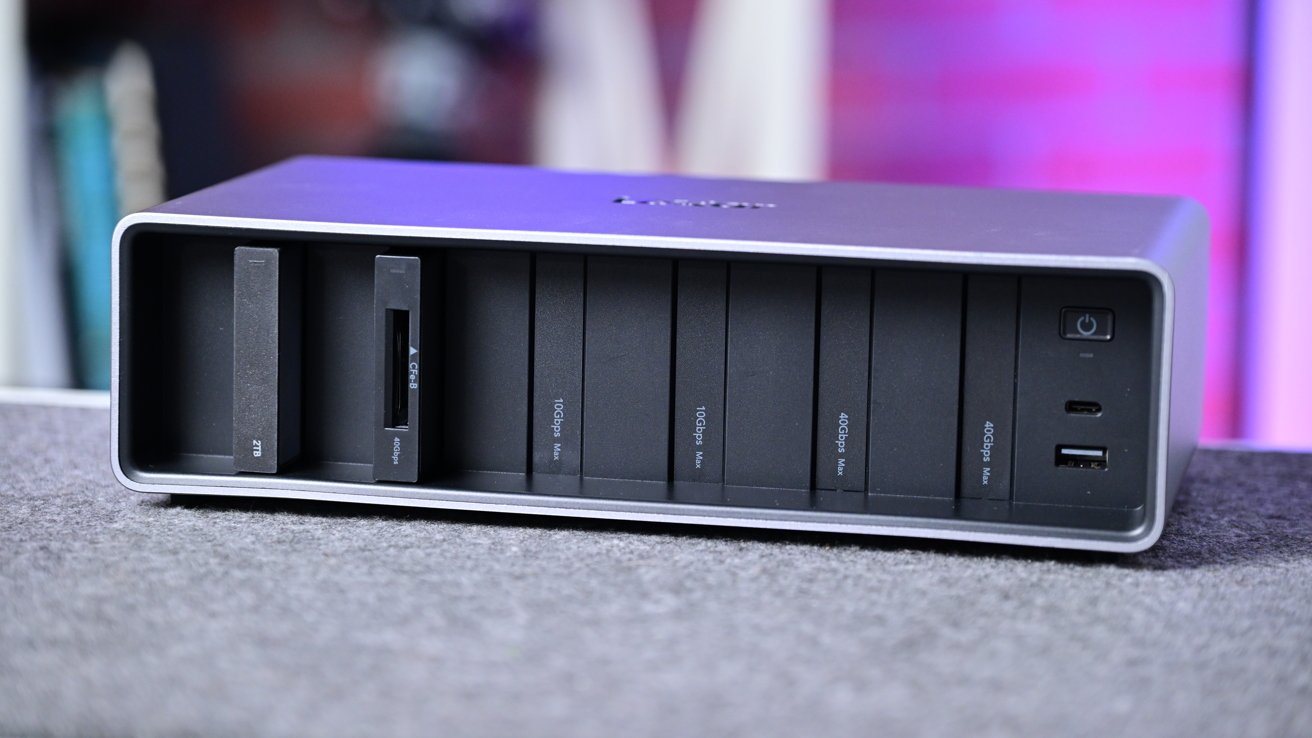
I can swap out drives and readers on the Lexar Professional Workflow Docking Station
Currently, I have a pair of 2TB SSDs, an SD/Micro SD card reader, and a CFExpress Type B reader. What's helpful is that I can dock my drives and then pull them out when I need to work on the go, like at CES in Las Vegas.
Otherwise, I also have a new 3-in-1 Anker Prime Wireless Charger with 25W of power on the shelf, which is where I charge my primary devices quickly. For filming in the studio, I usually have other devices, though, which is why I have two other charging caddies nearby.
One is from Kensington that has extra storage in the back, and the second is a four-in-one Qi2 charger from Zens. I have options to charge different phones I'm testing, as well as earbuds, lights, or other devices.
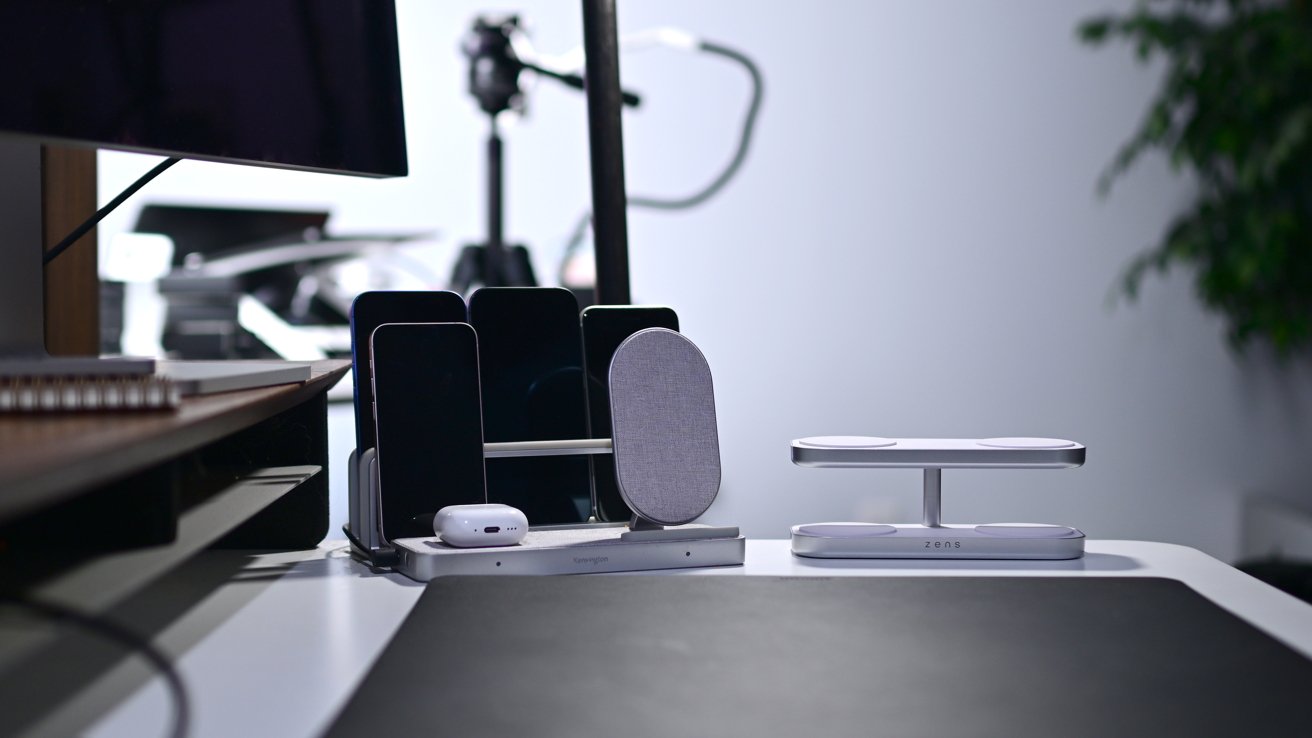
I have extra chargers from Kensington and Zens
You'll also find various other items like hand lotion, pens and pencils, notebooks, sticky notes, and other commonplace desk accessories that sometimes double as filming props.
Under my desk, I also have a UPS to help with the constant power outages that I face in my area. It prevents the drives from getting damaged during sudden shutdowns.
Next to the UPS is a Synology DS723 NAS. This could hold overflow production storage, but instead, I use it mainly as a media server.
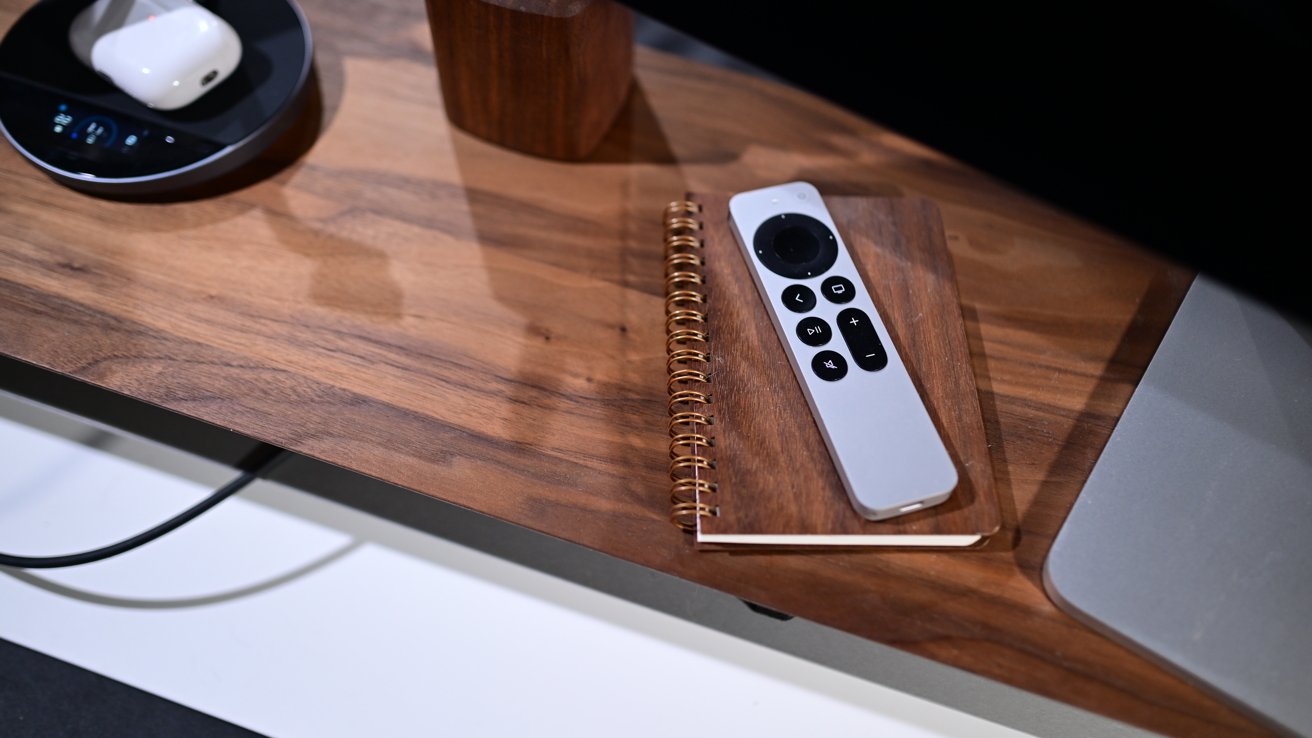
Many desk accessories show up as props in photo and video shoots
I run Plex to stream my collection of movies and TV shows I digitized to all the Apple TVs in the house. I have been looking at other use cases, though, like running a self-hosted version of Homey or as a local backup for my security cameras.
A set in need of change
My filming set in the studio hasn't changed much since I built it 5-6 years ago. Updating it has been on my to-do list for probably a year now.
I shoot on a somewhat new Nikon Z8 camera perched atop a Peak Design Pro Tripod with the added video head. Its carbon fiber frame is super light and quickly adjustable.
A monitor feed goes out to a mounted iPad mini running the Orion app. Audio is captured on the DJI Mic 2 with the receiver attached to the top of the camera.
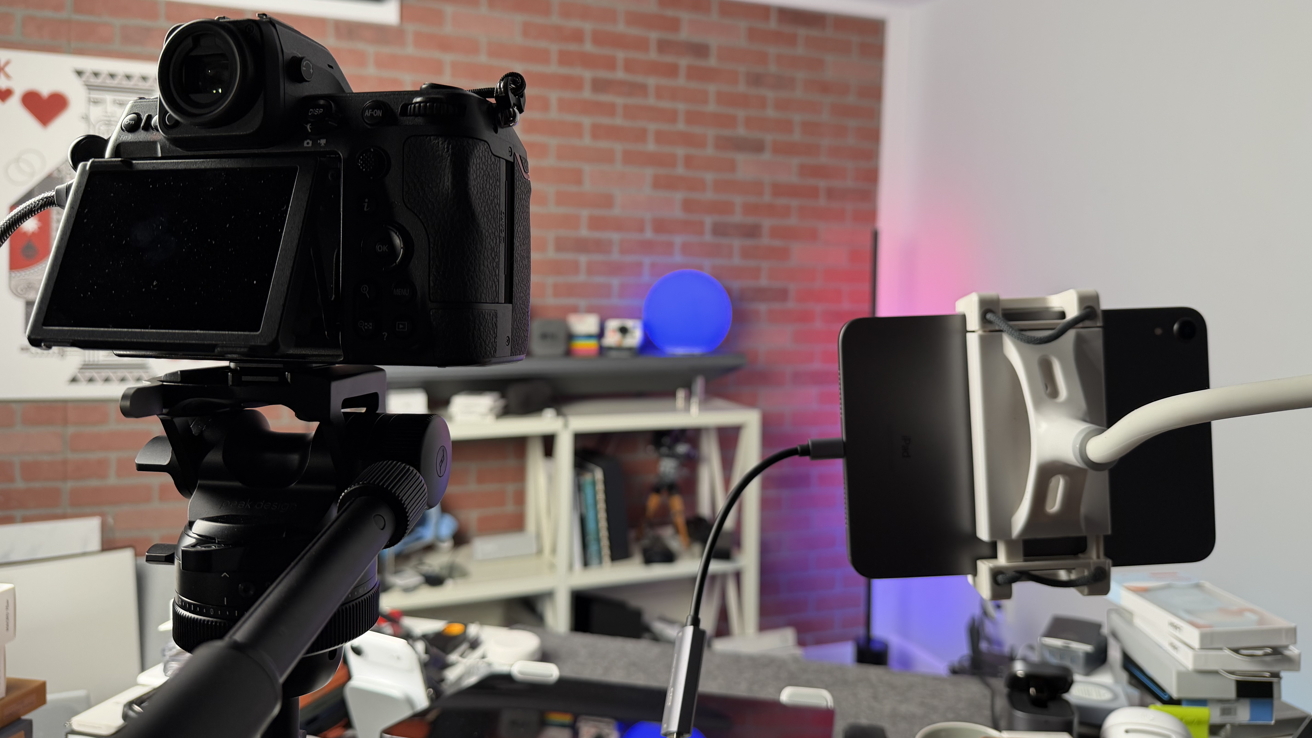
The Peak Design Pro Tripod holds my Nikon Z8 and it sits next to my iPad mini which serves as a monitor
Eventually, I'd love to update the background to something more modular, allowing me to more freely place shelves and decorations as I need. This would let me keep the look fresh and interesting, while also giving me more places to film some extra B-roll.
More and more tech
While those are the big pieces in my studio, there's still so much else going on. You'll find copious nerdy Lego sets, a Matter-controller vacuum, and even a smart candle warmer.
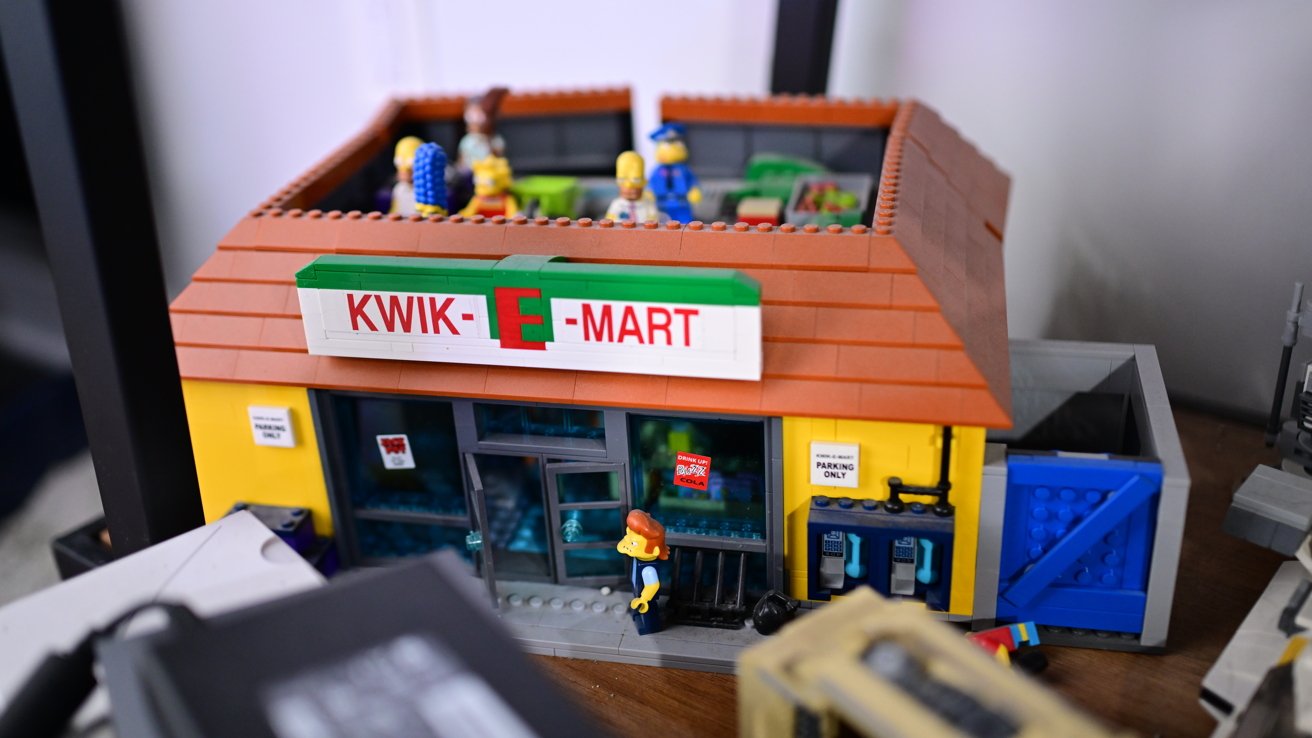
I have several Lego sets around the studio
I have bins and bins of cables and adapters that somehow still never seem to include the one I need at any given time. And I have all sorts of accessories, docks, chargers, batteries, and more all hanging in the wings.
My studio rarely changes, but it always has new gadgets ready to test and use. Aside from the set redesign, there is still so much I want to do in the studio.
If only there was ever any downtime to make it happen...