Lexar's customizable docking station is an easy way to expand your photo or video production workflow with added Thunderbolt flexibility in the studio or on the go.
The Lexar Professional Workflow Docking Station is a unique Thunderbolt dock that can be quite powerful, depending on your setup. Unlike most docks that typically offer up an array of ports, this pairs extra ports with customizable modules.
Users can swap out modules as needed, substituting card readers and storage as required, based on their specific requirements.
Its large size and active cooling can be dealbreakers, though. Let's get into more detail.
Lexar Professional Workflow Docking Station review: Design
The body of the dock is all aluminum, anodized a dark grey to match many of Apple's pro machines. There is a Lexar logo on top, but it's otherwise very clean-looking.
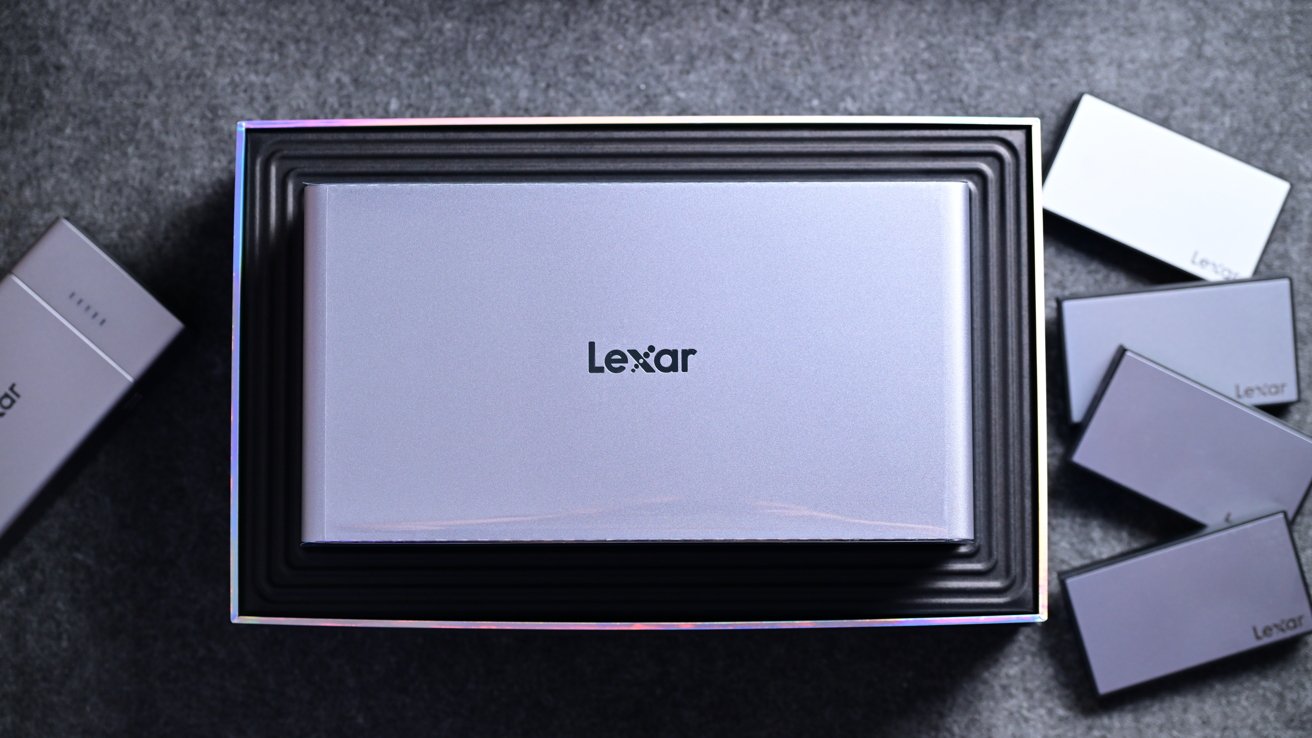
Lexar Professional Workflow Docking Station review: Lexar used a very Apple-like design
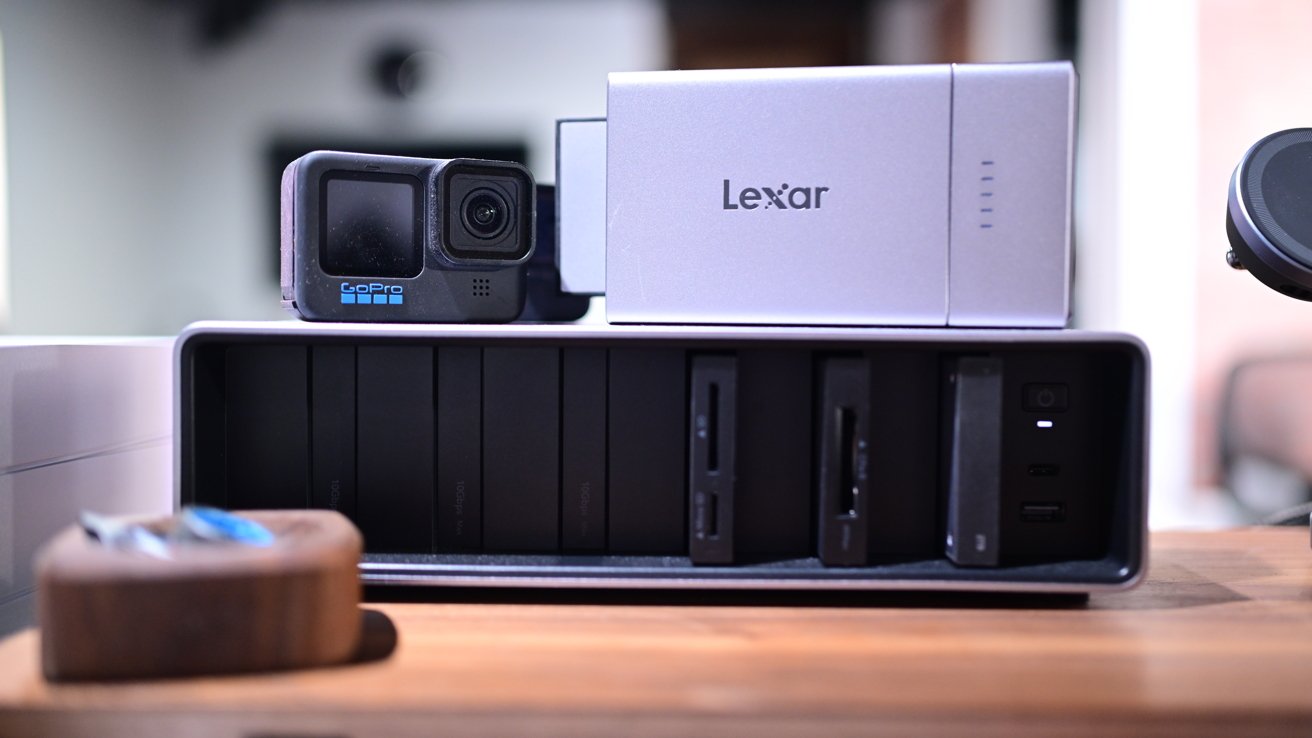
The front has six total bays where the different modules can be installed, though the right two bays are rated for higher speeds. The first four bays support up to 10 Gb/s, while the last two support up to 40 Gbps.
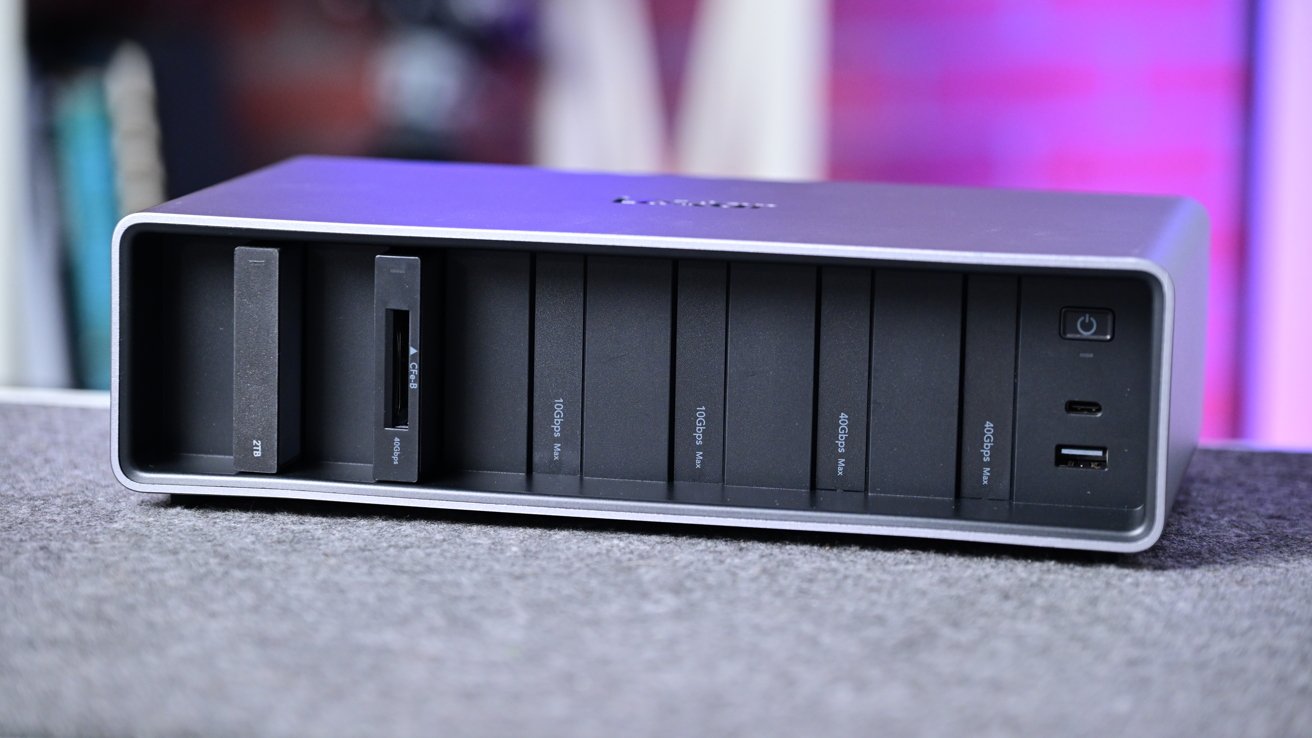
Lexar Professional Workflow Docking Station review: There are 6 bays and 2 USB ports on the front
The front right edge houses a power button, a USB-C port, and a USB-A port. Once installed, the recessed modules align flush with the front of the unit.
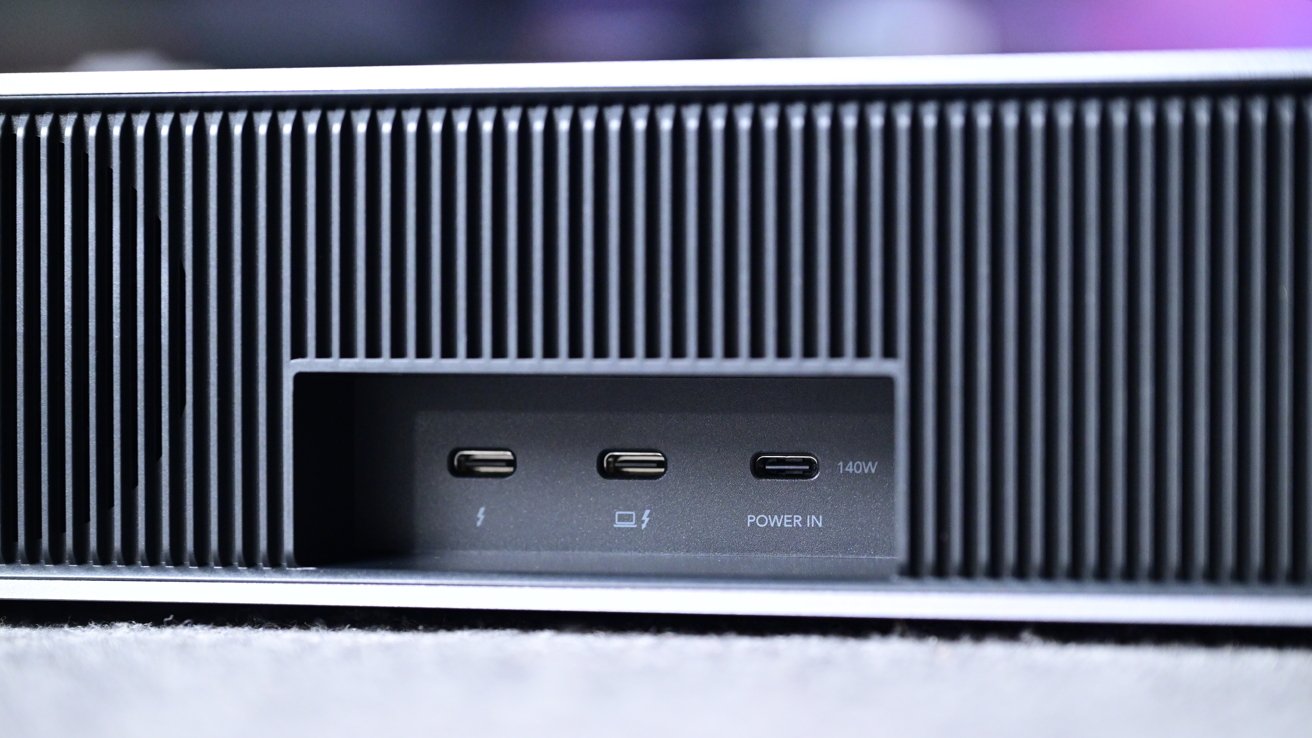
Lexar Professional Workflow Docking Station review: The back has three Type-C ports
Flipping it around, there are three more Type-C ports. One Thunderbolt 4 to connect to your Mac, one to daisy chain a secondary Thunderbolt device, and a third to connect to the included power supply.
I love that Lexar opted to power this unit with a standard USB-C power cable rather than a proprietary one or a barrel connector. It makes it much easier to replace the bundled 140W GaN charger if it ever fails or gets damaged.
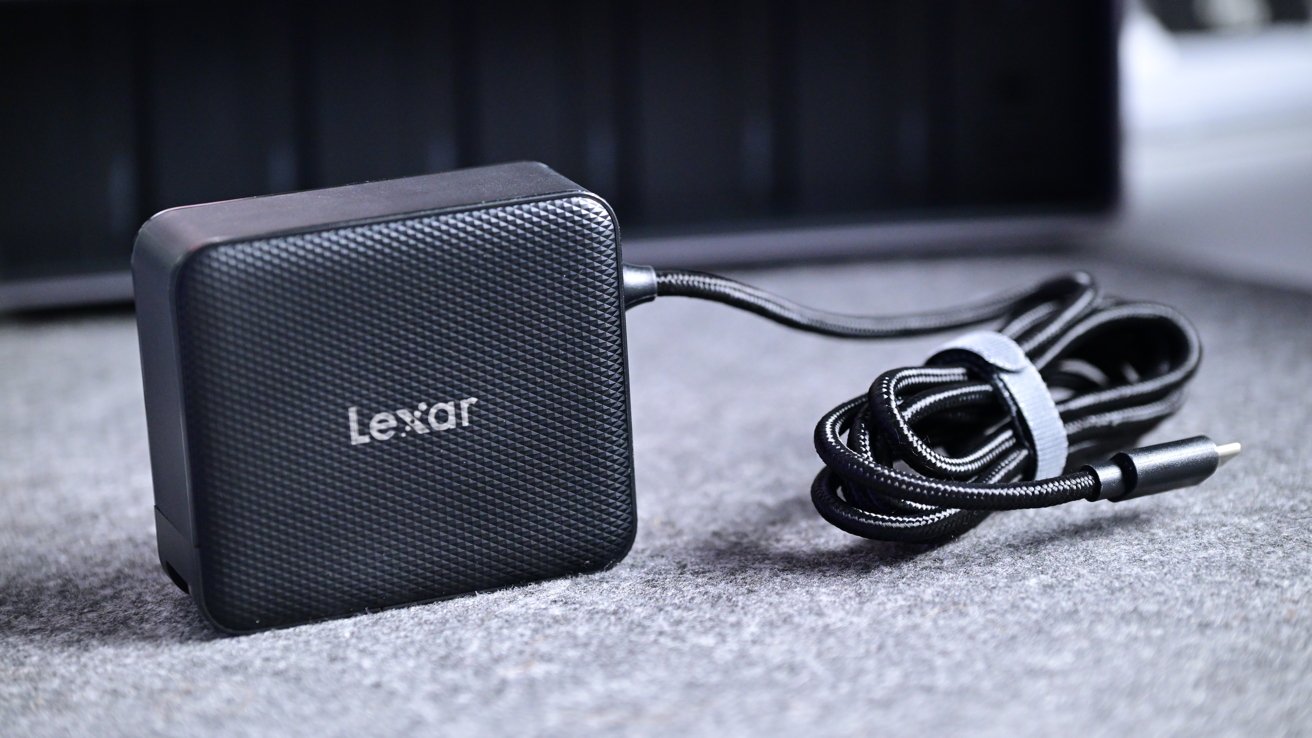
Lexar Professional Workflow Docking Station review: Lexar included a 140W GaN USB power supply
All six bays can be used at once, and a display up to 8K can be connected, though ultimately the display support will depend on your machine. For me, I use it effortlessly with my Apple Studio Display.
Lexar Professional Workflow Docking Station review: Various media modules
Lexar currently offers up five different modules that users can choose from. They are:
- CFExpress 4.0 Type A card reader
- CFExpress 4.0 Type B card reader
- SD/Micro SD UHS-II card reader
- Dual SD UHS-II card reader
- Portable SSD (2TB or 4TB)
That yields many different setups with up to 20TB of total simultaneous storage if maxed out. Personally, I have it set up with the SD/Micro SD card reader, my primary CFExpress Type B card reader, and two 2TB drives with plans to add more as needed.
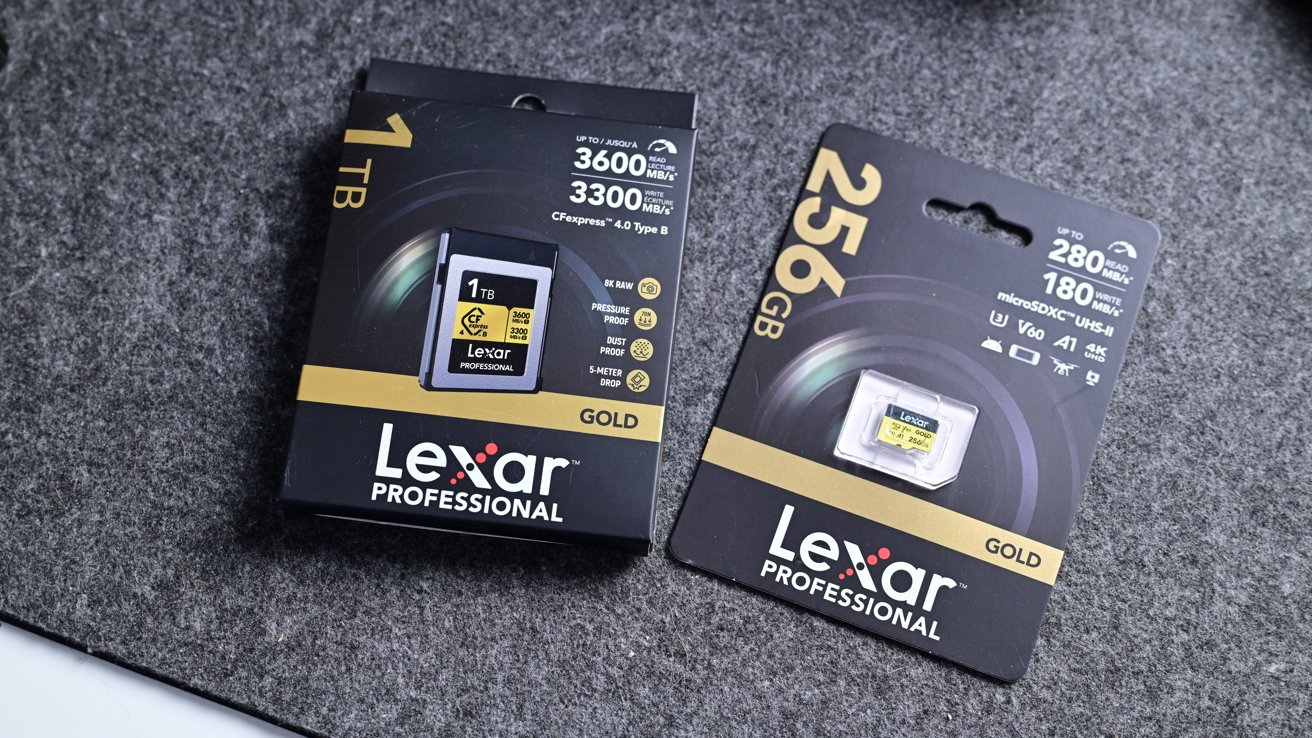
Lexar Professional Workflow Docking Station review: Lexar has plenty of media as well
All the modules have basically the same design. Metallic silver plastic on the two large sides, a USB-C port on the back, and a black border. The edges of the front of the modules also have some added grip to make them easy to insert or remove.
Inside each bay is just a male USB-C connector. As you insert each module, they connect over USB-C.
This is also refreshing, as there's no proprietary connection involved. In theory, a small enough drive could be inserted and made compatible, though I wouldn't recommend trying it.
In the future, Lexar could introduce new modules to expand this further. We could get higher capacities, faster speeds, and different readers.
Lexar Professional Workflow Docking Station review: Performance
In my testing, the Professional Workflow Docking Station has been rock solid. I connect my MacBook Pro via Thunderbolt, and it powers up a secondary docking station with two more storage bays as well as my Studio Display.
I've never had any video issues or random storage devices getting ejected. The biggest rub is the limited bandwidth for performance.
Only two bays can reach 40Gbps due to Thunderbolt 4 limitations. If I need to access a video file I have saved on one of the bays with slower speeds, transfers can take longer.
The SSDs also aren't the fastest out there. They are only rated for up to 2,000 Mbps read and write speeds.
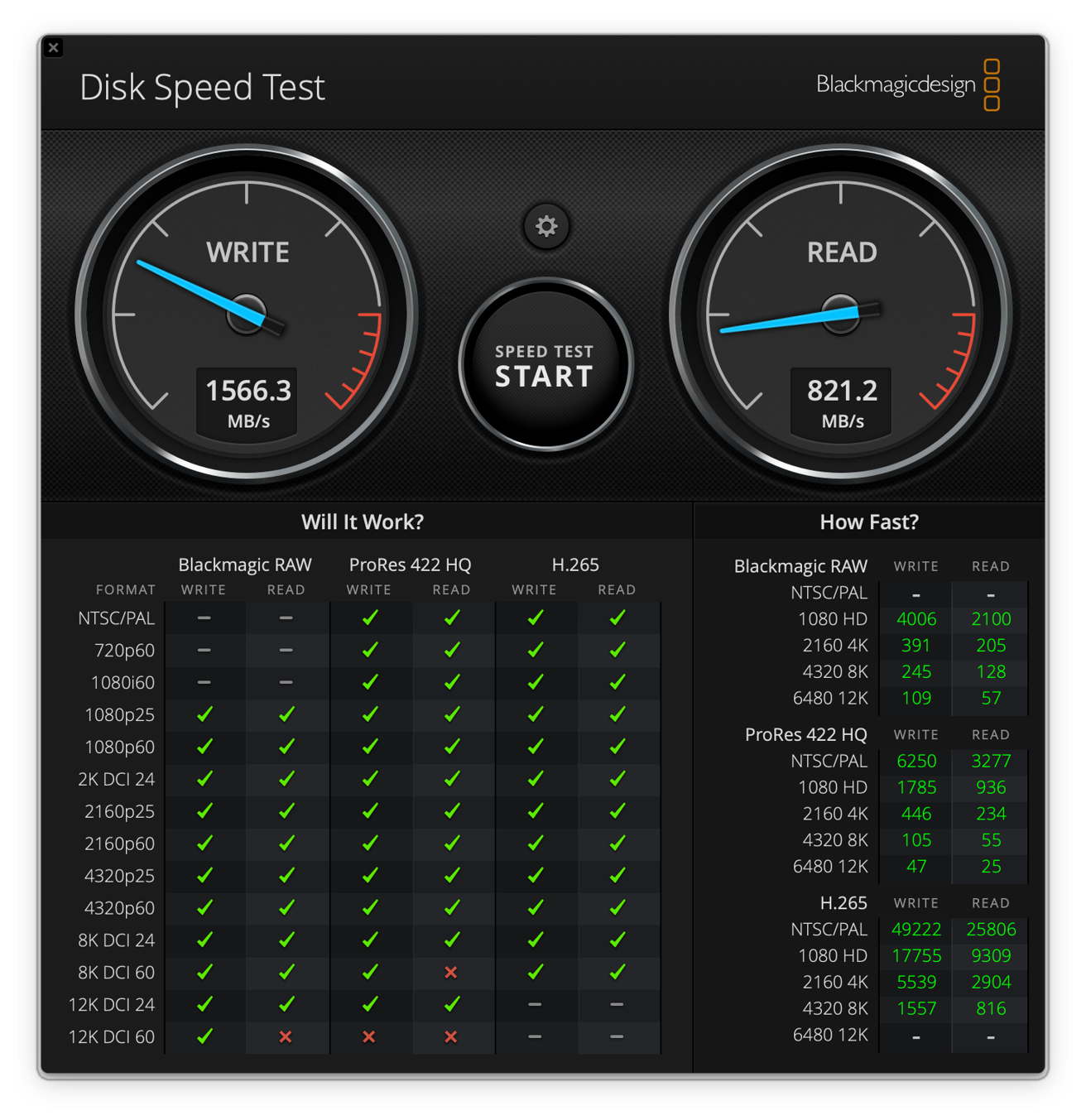
Lexar Professional Workflow Docking Station review: Blackmagic gave me decent, not amazing, speeds on its SSDs
In practice, they are slower than that. Blackmagic Disk Speed Test was only getting about 1,500 Mbps on my write speeds and 1,000 Mbps on my read speeds, though the 4TB would likely have faster performance.
I have faster SSDs in my workflow, so I'm not using this purely for speed. Still, the performance is solid, and I haven't experienced slowdowns, even when editing Final Cut Pro projects directly from the drives.
Lexar Professional Workflow Docking Station review: Workflow Go
Once more, modularity is key, which is why Lexar also has the Workflow Go. It's the portable sibling to its bigger brethren.
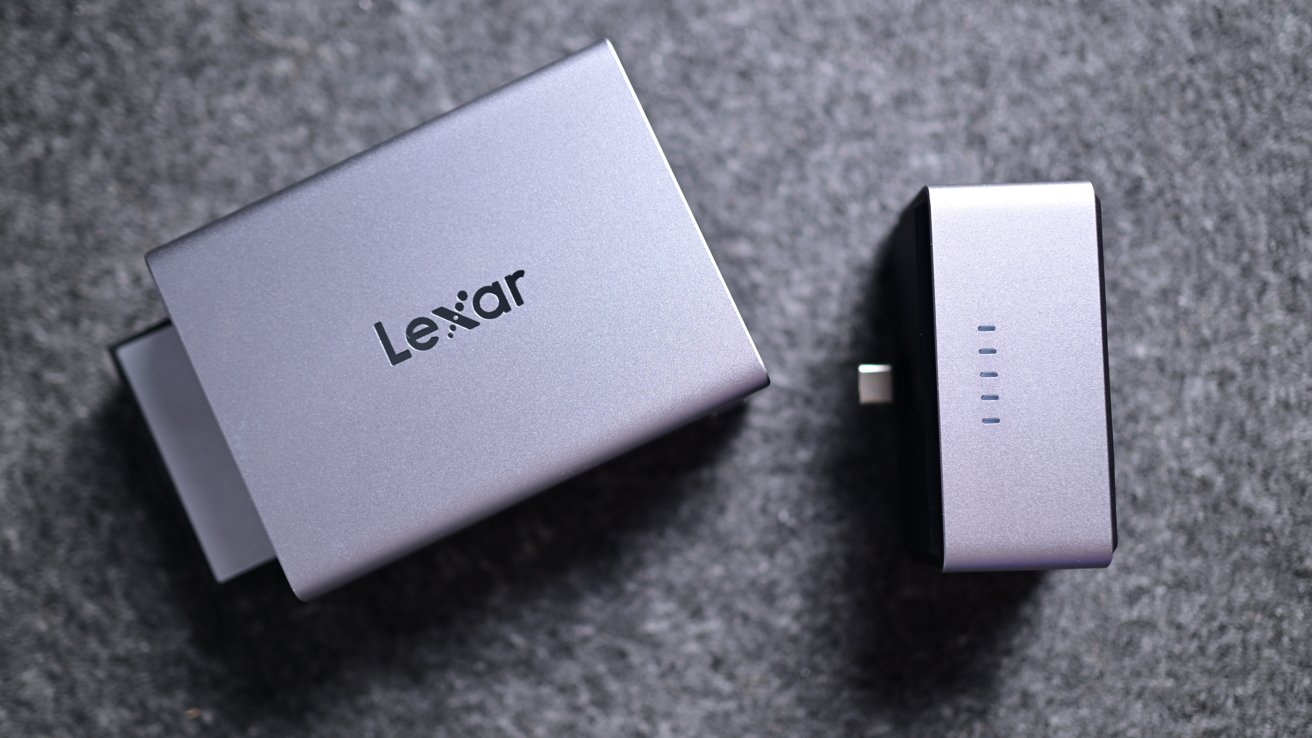
Lexar Professional Workflow Docking Station review: Workflow Go has a magnetic battery
It has a two-part design with a magnetic battery pack on the back of a two-bay enclosure. Besides the connector for the battery, there are three USB-C ports.
One of the ports is intended to go to your phone, tablet, or Mac, while the other two can connect extra SSDs. The idea is that you can use this without your computer.
It's perfect for creative pros who want a quick, easy, and reliable way to do media backups in the field. You just outfit the Workflow Go with a card reader module and an SSD module, put in your memory card, and start the transfer from the Lexar app.
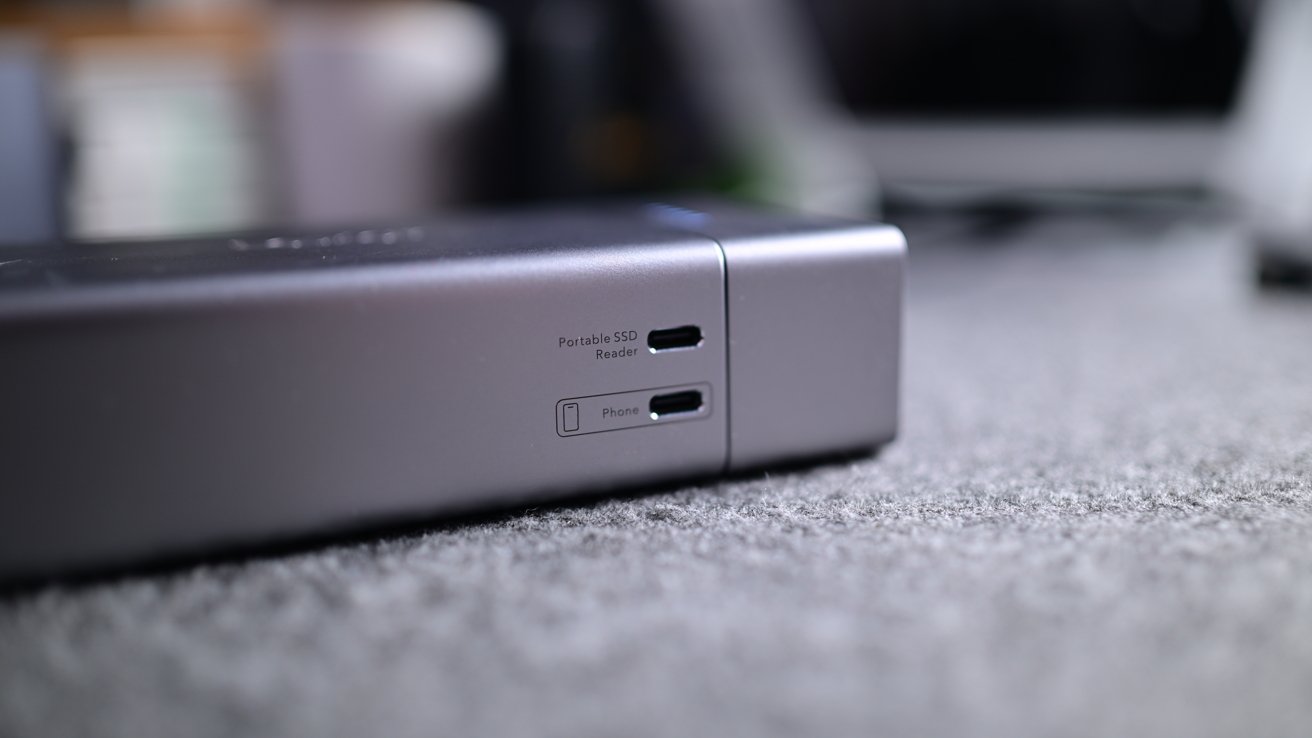
Lexar Professional Workflow Docking Station review: You can backup on the go without a computer using the Workflow Go
This allows you to clone a memory card for quick backups without access to a computer. The approach is similar to that of the Gnarbox and older LaCie drives.
All of these modules can be used independently, connecting directly to your devices. You can plug the CFExpress card reader straight into a phone or connect one of the SSDs.
The Workflow Go's battery can act as a backup power source for your gear, allowing you to power a camera or top up your iPhone. It isn't large, but it's good to have when you need it.
Lexar Professional Workflow Docking Station review: Should you buy it?
I like the Lexar Professional Workflow Docking Station a lot, but it isn't something that everyone needs. There are cheaper ways to get mass storage and a few extra ports.
The real win here is the workflow. Its modular, flexible design lets me sit my laptop on my desk and access all my media instantly.
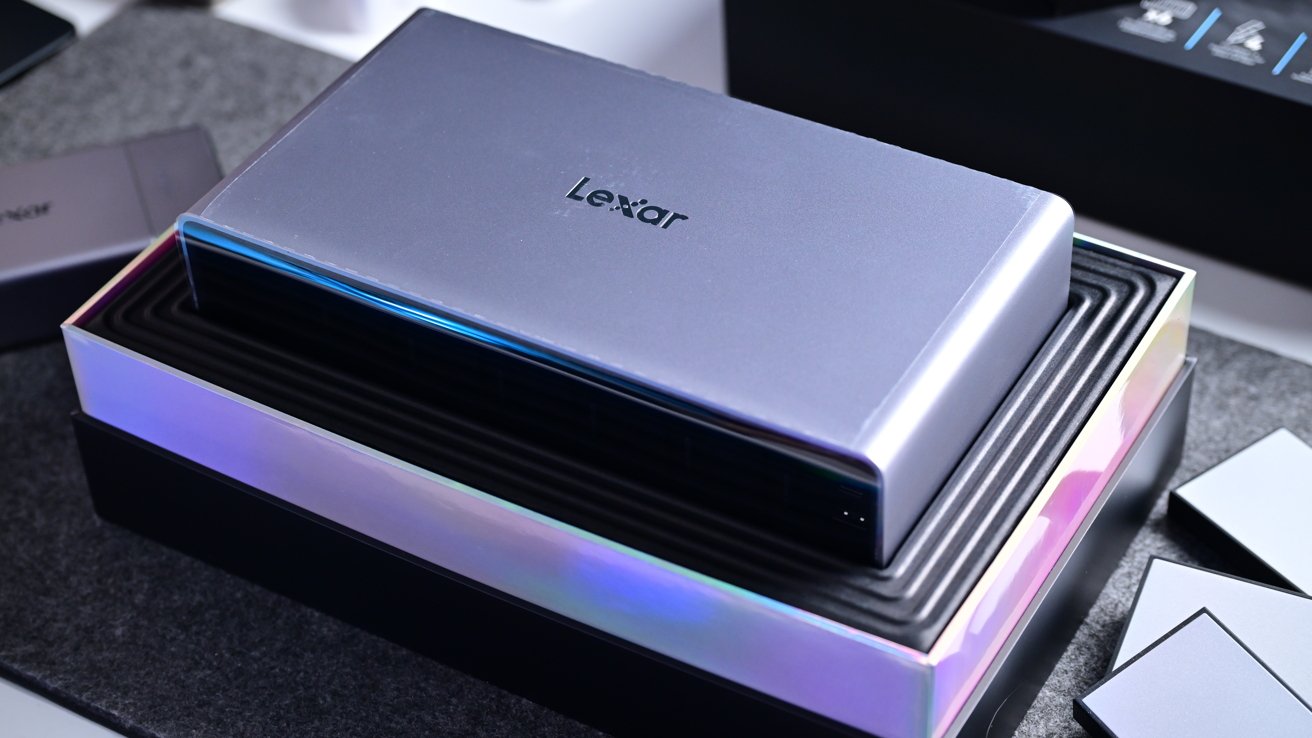
Lexar Professional Workflow Docking Station review: It's overkill for average users, but creative pros will love the flexibility
One or two drives can be removed and taken on the go as needed. Footage can be captured and imported while away, then returned to the docking station afterward.
I cannot move my large RAID systems that house similar amounts of storage. I also like that I can just keep purchasing more SSD modules and swap them in and out as needed.
I love this whole system, and if I had any changes, I'd just love to see a newer Thunderbolt 5 version and a few more SSD options. At this point, it has been a year since this originally launched, so those limitations are entirely understandable.
Average users will be good with a standard Thunderbolt dock with an internal SSD, but creative pros with massive media needs can find a solution with Lexar's Pro Workflow.
Lexar Professional Workflow Docking Station review: Pros
- Sleek, Apple-like aluminum design
- Quick, Thunderbolt 4 connectivity with 8k support
- Multiple extra ports
- Workflow Go provides computer-free backups
- Many options for module selection
- Ultimate modular setup for creatives
- Standard USB-C port supply
- Up to 20TB of storage
Lexar Professional Workflow Docking Station review: Cons
- No Ethernet port
- Eager for a Thunderbolt 5 version
- SSD speeds could be faster
- Expensive
Lexar Professional Workflow Docking Station rating: 4 out of 5
Lexar Professional Workflow Docking Station review: Where to buy
Pick up the Lexar Professional Workflow Docking Station from B&H for $599 for the dock itself, and you can pick up modules starting at $49.