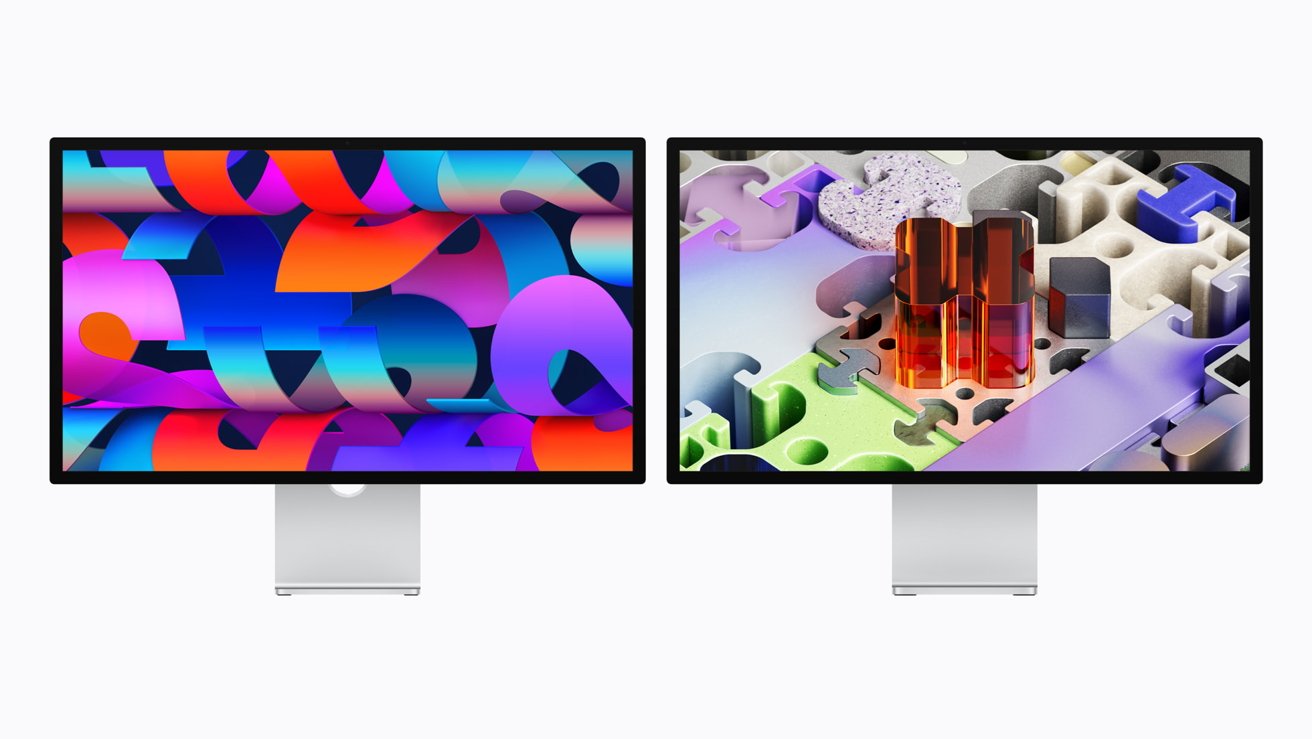
BenQ just launched a 27-inch 5K monitor aimed directly at Mac creators who want crisp macOS scaling and P3 color accuracy without paying Apple's price for the new Studio Display.
The $999.99 BenQ MA270S display is about $600 cheaper than Apple's option. It still offers the same 5120x2880 resolution, wide P3 color support, and single-cable Thunderbolt connectivity that Mac users look for in a premium 5K desktop setup.
Apple's Studio Display tops the list for its 5K panel, seamless macOS integration, 12MP Center Stage camera, six-speaker audio system, and sleek design. BenQ offers a more direct approach with a 5K display and Mac-tuned calibration at a lower price.
It's a smart move for those who want quality without all the bells and whistles.
Both monitors deliver the same pixel density that makes macOS look sharp and properly scaled. The real question is whether Apple's integration, materials, and bundled features justify paying hundreds more than a third-party monitor that seems to cover the essentials.
5K resolution and panel technology compared
Apple's Studio Display comes with a 27-inch 5K Retina panel that uses traditional LED backlighting. It can reach up to 600 nits of brightness and supports P3 wide color, making it great for everyday creative tasks.
BenQ's MA270S, on the other hand, has a 27-inch 5120x2880 Nano Gloss panel with P3 color support and is specifically calibrated for Macs. It focuses on reducing glare and ensuring visual consistency with MacBook displays.
Apple prioritizes consistency, industrial design, and seamless macOS integration. BenQ targets photographers, designers, and editors by offering surface treatment and calibrated color accuracy at a more affordable price.
Refresh rate and everyday motion performance
The Studio Display runs at a standard 60Hz refresh rate, which fits Apple's focus on productivity and creativity rather than gaming. BenQ's MA270S also sticks to the traditional 60Hz range, typical for most productivity monitors.
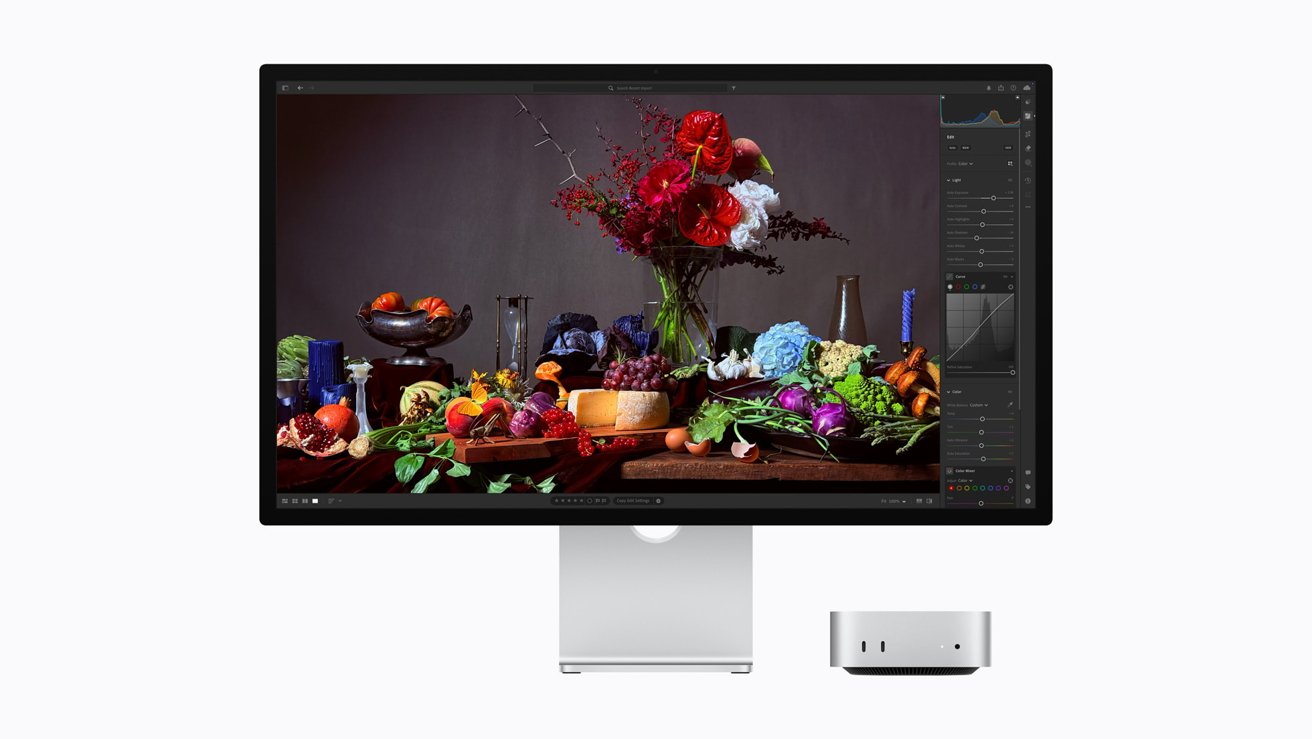
The standard Studio Display features a 27-inch 5K Retina panel with P3 color
Neither display is meant to compete with high-refresh-rate gaming monitors or ProMotion-class hardware. For tasks like coding, document work, and photo editing, 60Hz is usually enough for most people.
However, if you're used to 120Hz on Mac notebooks, you might notice a difference during fast scrolling or animation previews. Overall, both displays cater well to creative and productivity workflows.
P3 color and Mac-focused workflows
The Studio Display is a fantastic choice for Mac users because it supports P3 wide color and works seamlessly with macOS. You can easily adjust brightness, control audio, and use the camera features without worrying about extra cables.
It even comes with a 12MP Center Stage camera and a six-speaker system, making it a great all-in-one desktop hub. BenQ offers Mac-specific color tuning and P3 gamut support through its Display Pilot software.
They focus on making sure the display matches MacBook panels visually, rather than including advanced audio or camera hardware. While Apple provides a unified experience perfect for the Mac ecosystem, BenQ is ideal for creators who already have their own audio and camera setups and prioritize color precision and cost efficiency.
Thunderbolt 5 vs Thunderbolt 4, HDMI, and real-world bandwidth
Apple's Studio Display includes one Thunderbolt 5 port for connecting to a Mac and three downstream USB-C ports for accessories. Thunderbolt 5 supports up to 80Gbps of bandwidth and delivers up to 96W of power.
That means a single cable can drive the 5K display, move data, and keep a MacBook charged without extra clutter.
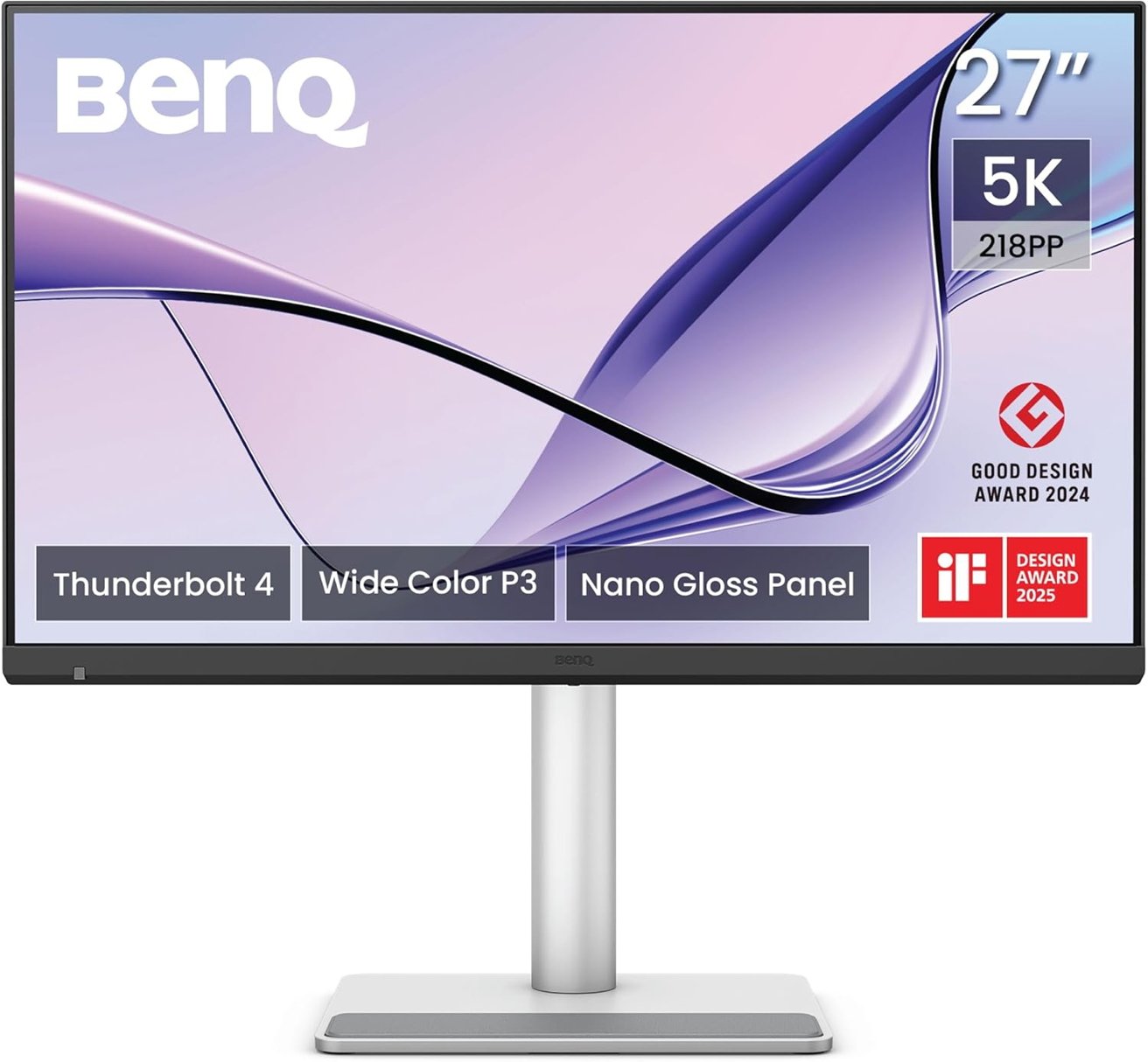
BenQ's MA270S display comes with a 27-inch 5120x2880 Nano Gloss panel
BenQ's MA270S comes with two Thunderbolt 4 ports, one offering up to 96W of charging power and the other providing 15W for peripherals. It also includes an HDMI port for better compatibility.
Thunderbolt 4 supports up to 40Gbps, which is more than enough for running a 5K 60Hz panel and external storage, even though it doesn't reach Thunderbolt 5's higher bandwidth.
Apple skips HDMI entirely, which reinforces that the Studio Display is built primarily for a Thunderbolt-first Mac setup. BenQ's inclusion of HDMI makes it more flexible for mixed desks where you might want to plug in a PC, a console, or other non-Mac hardware without reaching for adapters.
Price and overall value for Mac users
The Studio Display is priced at $1,599 in the United States, which definitely puts it in the premium monitor category. Even without mini-LED backlighting or high-refresh features, it still holds its ground.
BenQ's MA270S is available for $999.99, saving buyers about $600. It offers the same 5K resolution and P3 color support, which are crucial for macOS scaling and creative work.
Ultimately, buyers need to weigh whether Apple's design, Thunderbolt 5 upgrade, built-in camera and speakers, and seamless macOS integration are worth the extra cost. Alternatively, they might find that BenQ's more affordable option provides all the essential features without the Apple premium.