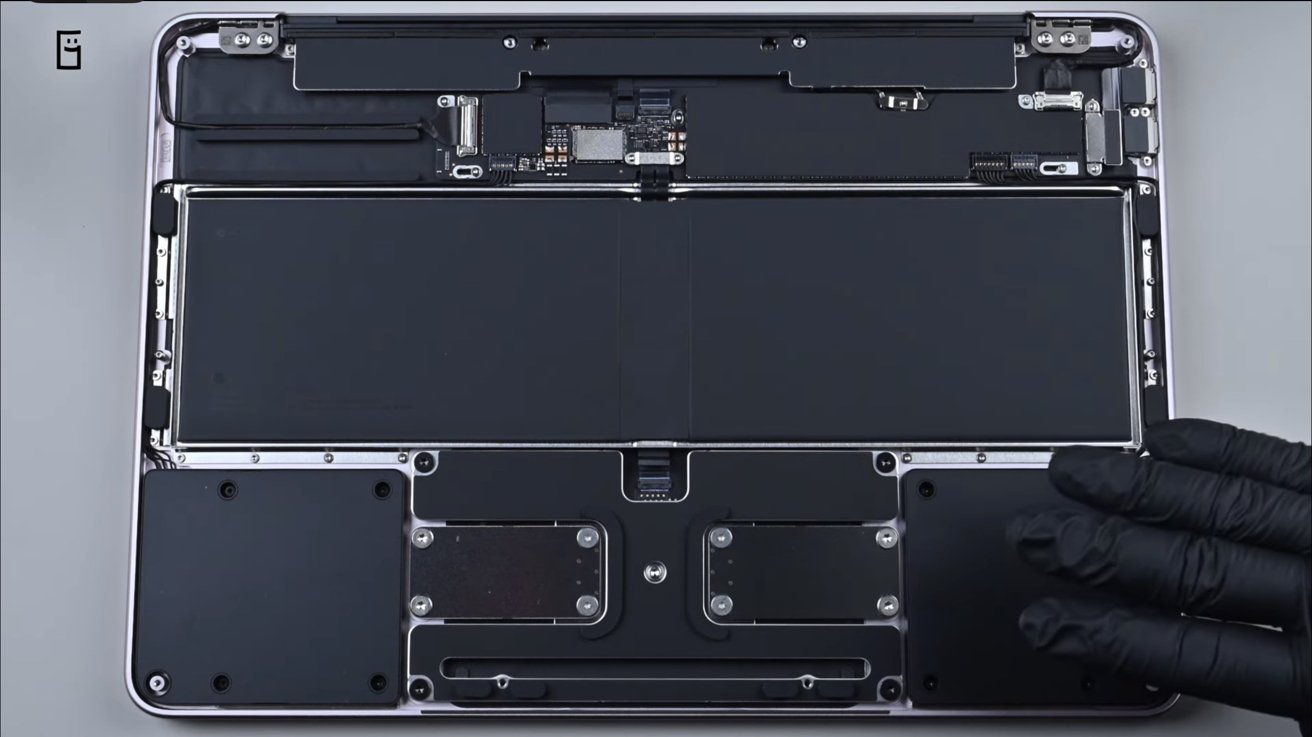
Getting 1TB of storage on the MacBook Neo is possible, assuming you have skill in micro soldering, the ability to remove the chip, and disdain for Apple's warranty.
Apple introduced MacBook Neo on March 4 as its most affordable notebook, starting at $599 with 256GB of storage. It uses the same A18 Pro chip found in the iPhone 16 Pro models and includes 8GB of unified memory.
The company offers the 13-inch system with either 256GB or 512GB of storage. And that's it. There aren't any larger options, and the chip is not socketed like it is in the Mac mini or Mac Studio.
But, another YouTube teardown video shows how the MacBook Neo cam be upgraded to 1TB of storage. It's not easy, and done by replacing a soldered NAND flash chip on the logic board.
It's not for the timid. Or anybody who wants to retain their warranty.
ASMR teardown shows internal layout
DirectorFeng's video follows the familiar ASMR format that focuses on sound. There is no narration, only close-up footage of screws being removed and cables disconnected.
Once the bottom case is lifted, the MacBook Neo reveals a compact interior organized around a narrow logic board. Display, trackpad, and speaker cables run across the chassis before connecting to the board.
Several components appear to be secured with screws rather than adhesive. Batteries, speakers, and ports can be removed individually once the bottom cover is off, which could simplify certain repairs compared with earlier Mac designs.
The MacBook Neo, like many recent Macs, uses NAND flash packages soldered directly to the logic board instead of a removable SSD. If you want more storage, you'll need to replace those chips through some board-level work.

In the video, the creator heats up the original NAND package to remove it and then cleans the solder pads. After that, they install a higher-capacity replacement using specialized tools like hot-air rework equipment and microscopes.
Once the laptop is put back together, macOS seems to recognize the new storage capacity. However, the video doesn't show much testing or mention if any extra firmware configuration was needed.
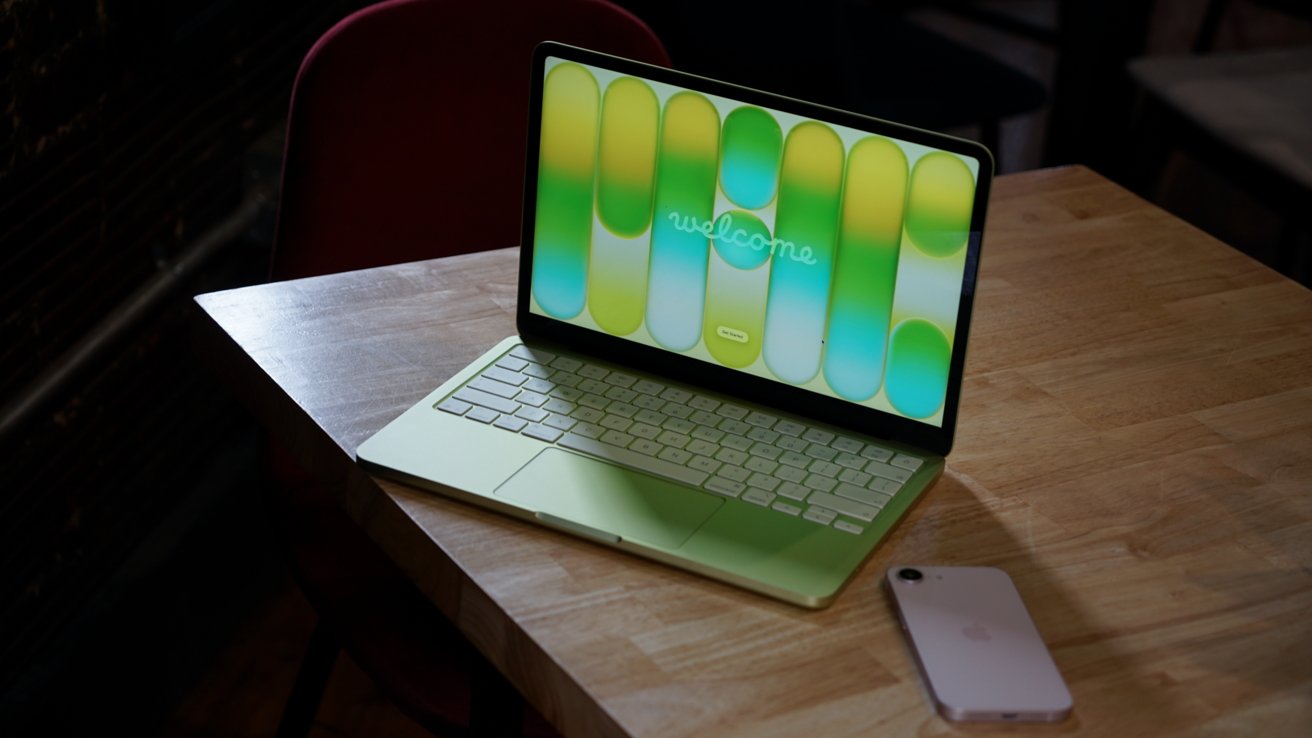
Apple integrates storage and memory directly onto the motherboard
Apple integrates storage and memory directly onto the motherboard to save internal space and reduce power consumption. The approach can also improve performance because the storage is tightly integrated with the system architecture.
The tradeoff is that upgrades become effectively impossible once the device leaves the factory. Customers must select their storage configuration when purchasing the computer.
It's a game of balancing affordability and anticipating how much RAM and storage you'll need in the future.
That limitation has been present in multiple generations of Apple Silicon Macs. The video shows that expanding storage is technically possible, but it requires delicate board-level soldering that most owners won't attempt.