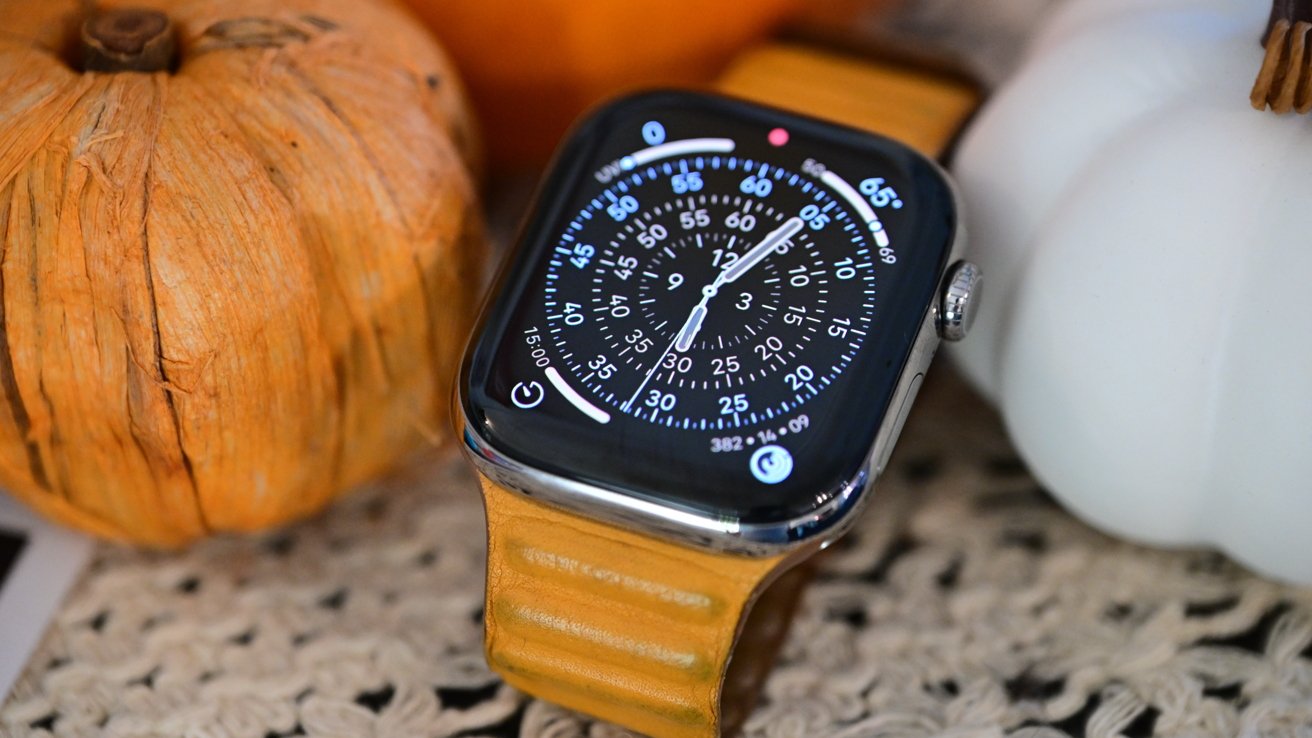
Apple's watchOS 26.4 has just arrived, focusing on behind-the-scenes stability and performance improvements.
As we suspected, watchOS 26.4 hasn't launched with any apparent new features, suggesting that it's geared toward stability improvements and bug fixes. Apple does occasionally release features with minor watchOS updates; typically, its larger releases are where we see anything of note.
Like many Apple products, Apple Watch will update on its own over the air. However, if you want to force the update, just follow the steps below.
How to update to watchOS 26.4
- Ensure the Apple Watch is charged to at least 50% and connected to Wi-Fi
- On your Apple Watch, open the Settings app
- Tap General
- Tap Software Update
- Tap Install if a software update is available
- Follow the on-screen instructions
How to update to watchOS 26.4 via iPhone
- Ensure your watch is charged to 50% and connected to Wi-Fi
- On your iPhone, open the Apple Watch app
- Tap General
- Tap Software Update
- Download the update if it is available
- Follow the on-screen instructions
Apple rolled out watchOS 26.2 in mid-December. That update tightened the sleep scoring system and brought the Wi-Fi settings in line with European Union requirements.
When it released watchOS 26.3 in February, no notable features were added.