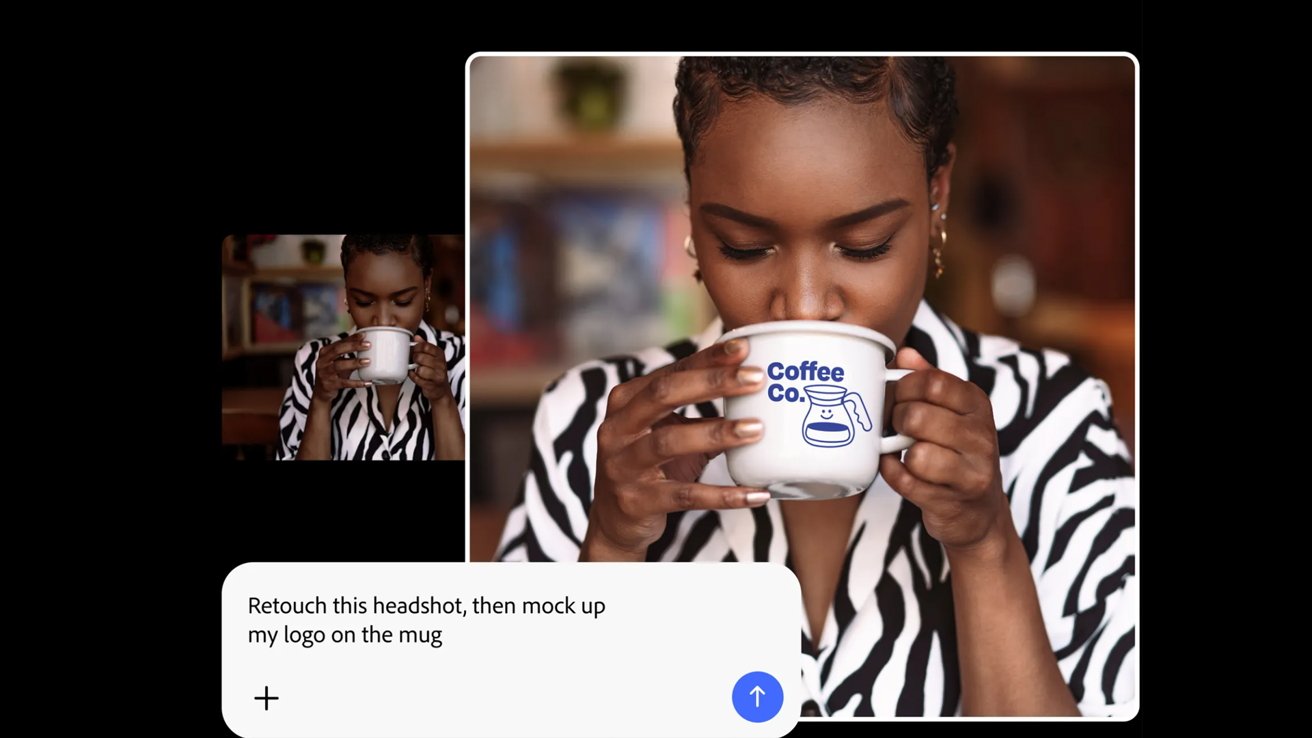
Adobe's shift towards agentic creativity is terrible so far, and might end up being a win for someone, somewhere. It won't be artists.
Allow me to pull back the curtain on the inner workings of AppleInsider, just a peek, so that you may understand how the sausage gets made.
I show up, five days a week, to a digital office of sorts: the fabled "Work Slack." And, on many of those days, my compatriots have taken to showing me, specifically, "some AI bullshit."
It's become a game, perhaps. Which one of the gang can get the biggest reaction out of me.
Unfortunately, that wasn't the case with this most recent development, nor was it much of a surprise. I've known about Adobe's new Firefly AI Assistant for some time now; I was simply waiting for the seismometers to spring to life.
I have asked the powers that be to procure a large drum that I may beat, but I was told that the metaphorical drum would have to suffice. So, indulge me, dear reader.
What's in a name
Before we get started, I feel like I'm going to have to explain the vocabulary surrounding Adobe's little AI experiments. Adobe calls its AI branch "Firefly," which, depending on your relationship with the company, you may have already known.
But Adobe's Firefly isn't a singular thing, much in the same way that Apple Intelligence isn't a singular thing. Best I can tell is that Firefly is both a family of generative AI models and an app, in the same way that Apple TV denotes both hardware and service.
I don't know who is naming these products, but I wish they'd ask the average person if this was, in any way at all, confusing. It is.
Firefly is a broad category made up of smaller models and integrations. It's actually a sub-section of Adobe AI, which was formerly known as Adobe Sensei.
I told you that this was confusing. But let's discuss why it's confusing.
If you head into Photoshop and, say, want to generate a gradient background for some iPhone screenshots, you can choose to use Firefly ... the model. It is, essentially, the same as using something like Gemini 3, Imagen, or ChatGPT Image.
It can also be used to edit audio and video in other Adobe apps. It's pretty much integrated into the entire Creative Cloud Suite.
But what if, instead of downloading Photoshop, you'd rather do your generations directly from your browser of choice? Well, that's easy enough to do, you just use Firefly... the web app.
Yes, Firefly is also a web app you can use, which allows you to either generate or edit images from your browser. It essentially works the same way as editing an image with ChatGPT or Gemini.
It, more or less, works exactly like every other generative AI tool. It's a chatbot that creates images using AI, either with or without reference images.
You tell it what you want to do, and it approximates it to varying degrees of success. It does so by drawing on vast amounts of slurped data, which may or may not have been obtained ethically.
But now Adobe has added another layer. Now, inside Adobe Firefly is Adobe Firefly AI Assistant. What is Firefly AI Assistant, you may ask.
Let me explain.
No, there is too much. Let me sum up.
Adobe Firefly AI Assistant is a chatbot: you tell it what you want to do, and it approximates it to varying degrees of success. It does so by drawing on vast amounts of slurped data, which may or may not have been obtained ethically.
So, hopefully that clears it up.
Okay, maybe I'm being a little too general here. There actually is a difference between the two.
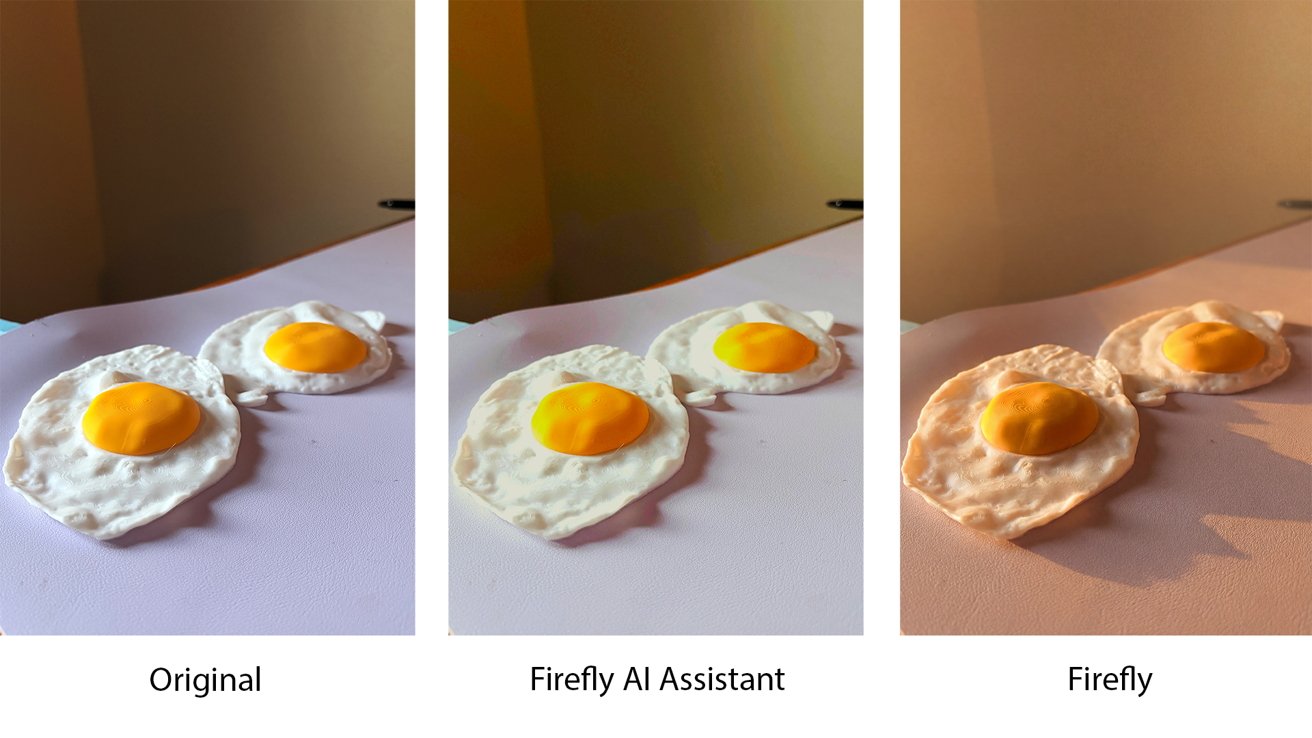
The same image run through two of Adobe's Firefly tools with the same prompt
Adobe Firefly AI Assistant is an agentic AI that can utilize Adobe apps for multi-step workflows and perform complex edits that require multiple tools to do so.
One creates content, while the other operates the software. Ostensibly, at any rate, there is a huge amount of overlap between the two.
Especially when it comes to the interface.
Using yet another silly little tool
Adobe's Firefly AI Assistant, which, to be clear, is in beta right now, is pretty easy to use. You head over to the Firefly web app page, click Firefly AI Assistant in the sidebar, and then type in what you want to do.
Adobe says that during this process, it will select the best models for the job.
I decided to try out one of the suggestions: creating a vector from an image. I even gave it a layup, with a clean subject on a neutral background.
It really didn't do what I wanted it to do. Instead, it just made some block letters and told me how great it looked.
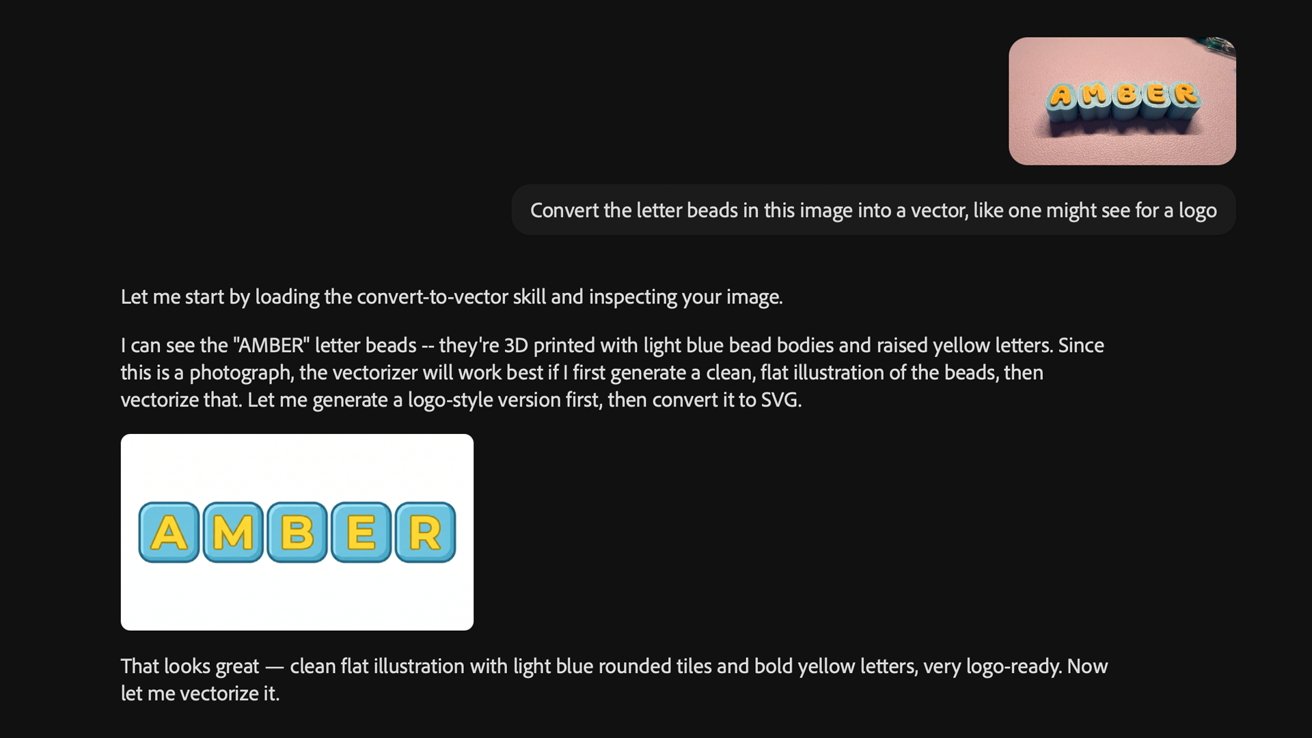
Yeah, that's certainly an interpretation, I suppose.
I pushed back. I didn't want the blocks, I wanted the bubbly shape; that was the entire point of the practice. Otherwise, I would have just said: "Hey, make me some letters in blocks."
"You're right," Firefly AI Assistant told me. "I missed the mark."
You know when someone has an annoying catchphrase or idiom they say constantly, and even though it's harmless, it feels like someone is taking an ice pick to your frontal cortex?
"Missed the mark" is one of those things. Anytime I have to do one of these AI things and the AI tells me it missed the mark, I nearly go postal.
I digress.
It tried again, and while I was more hopeful, I still had to refine it. I ended up using a screenshot to show what I wanted, which came close enough, though it would still require a fair bit of refinement in Illustrator.
Did I mention that each one of these generations will cost money? Well, I should say they cost "money."
For some reason, every company has started in on the freemium game model, where things cost some arbitrary amount of fake currency that you can get discounts on if you buy them in bulk.
I'm not entirely sure how many credits Adobe Firefly AI assistant will charge per generation once it gets out of beta. I know that for the basic Firefly image generator, it ranges from 20-60 per standard image generation, making it about $0.10 to $0.30 per try.
I know that when you generate a 5-second video, it costs about $0.40 per generation. Sort of, I guess, if you buy the $200 pack of 50,000 credits.
Of course, this doesn't account for the fact that you'll need to have either an Adobe Creative Cloud Pro subscription, which is $70 per month, sort of, or a Firefly Pro plan, which is $25 per month.
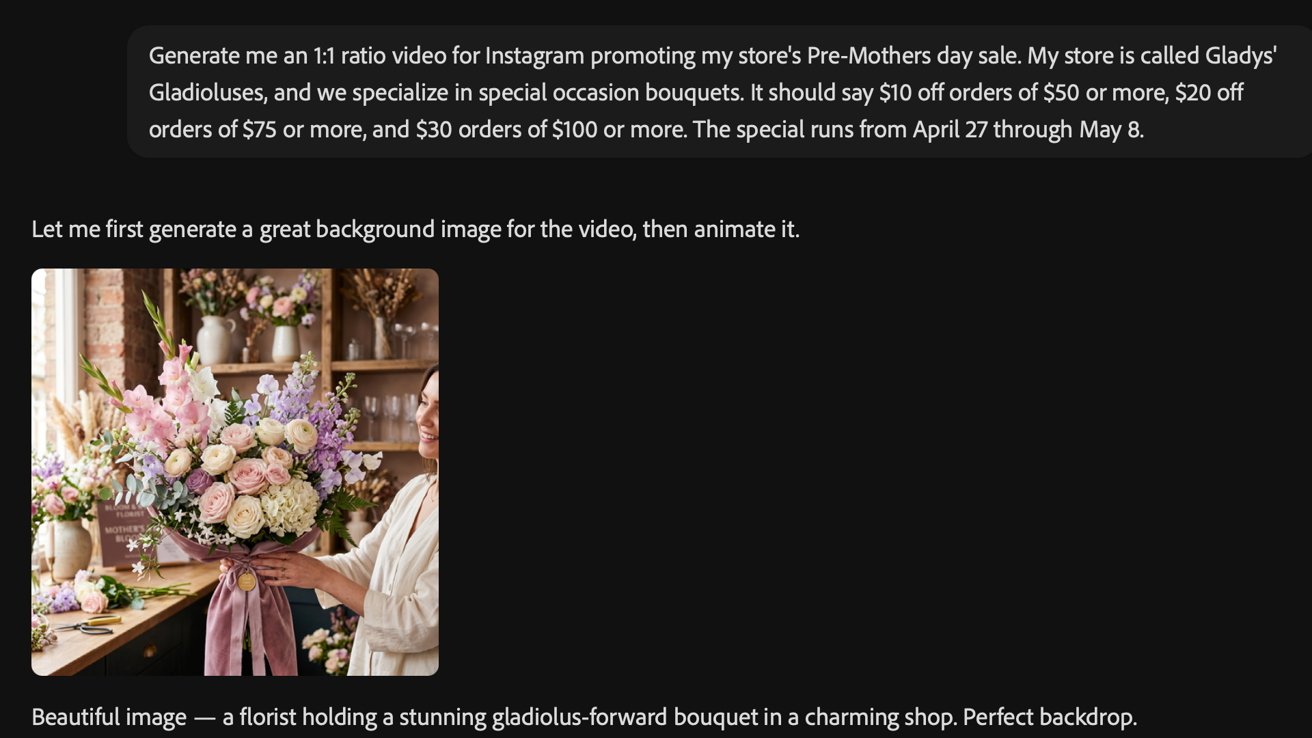
The prompt for a florist ad
Anyway, I decided to try it again for a social media post. This time, I asked it to generate a 1:1 video for Instagram for a florist.
The first attempt was, frankly, horrible. It screwed up pricing, it did 9:16 instead of 1:1, and the video was uncanny.
It also screwed up the wording, insisting that you could get money off your onders. I will award extra points for it actually having gladioluses in the image, though.

You, too, could get anywhere between $10 and $30 off your onders
This time around, instead of trying to talk it through the steps, I simply went and found an image I thought worked well, and then had it follow that instead.
Which, to be clear, is not something I wanted to do. Ethically, it feels weird.
But, to its credit, it didn't rip off the style entirely. Only mostly.

Also, apparently, it can't do 1:1 yet, so I got a pretty strange horizontal video, pretty much the only type of video you can't upload to Instagram. Neat.
I think, perhaps, one of the funniest things is that while it's generating things, the AI Assistant congratulates itself at every step. It's not the only agentic AI that does it; it just seems to be a byproduct of AI being so sycophantic; it doesn't even want to offend itself.
It makes it all the more jarring when AI Assistant basically tells you, "you're probably going to have to do a bunch of post-production or entirely redo this in [appropriate Adobe App]." I don't know if this is just the AI hedging or if it's a part of the beta process.
Okay, so is Firefly AI Assistant bad?
Is it bad? Well, yes, but it's also in beta.
I'm willing to cut them some slack because this is, effectively, a new large-scale test they're conducting. But I wasn't exactly impressed with the results.
It did pretty okay at basic image editing, but in that case, you can pretty much get the same thing with the basic Firefly web app. Or with VSCO. Or with almost any genAI.
The one bonus is that Adobe does convert it into an appropriate format for its suite of products. That is actually pretty nice.
Still, I don't find those sorts of edits to be that timesaving. My workflow these days tends to be pretty minimal.
Crop an image to 16:9 for the site, fix up some color if I took pictures on a cloudy day, and add backgrounds to iPhone screenshots so they don't look super boring. About 98% of my workflow follows that exact format.
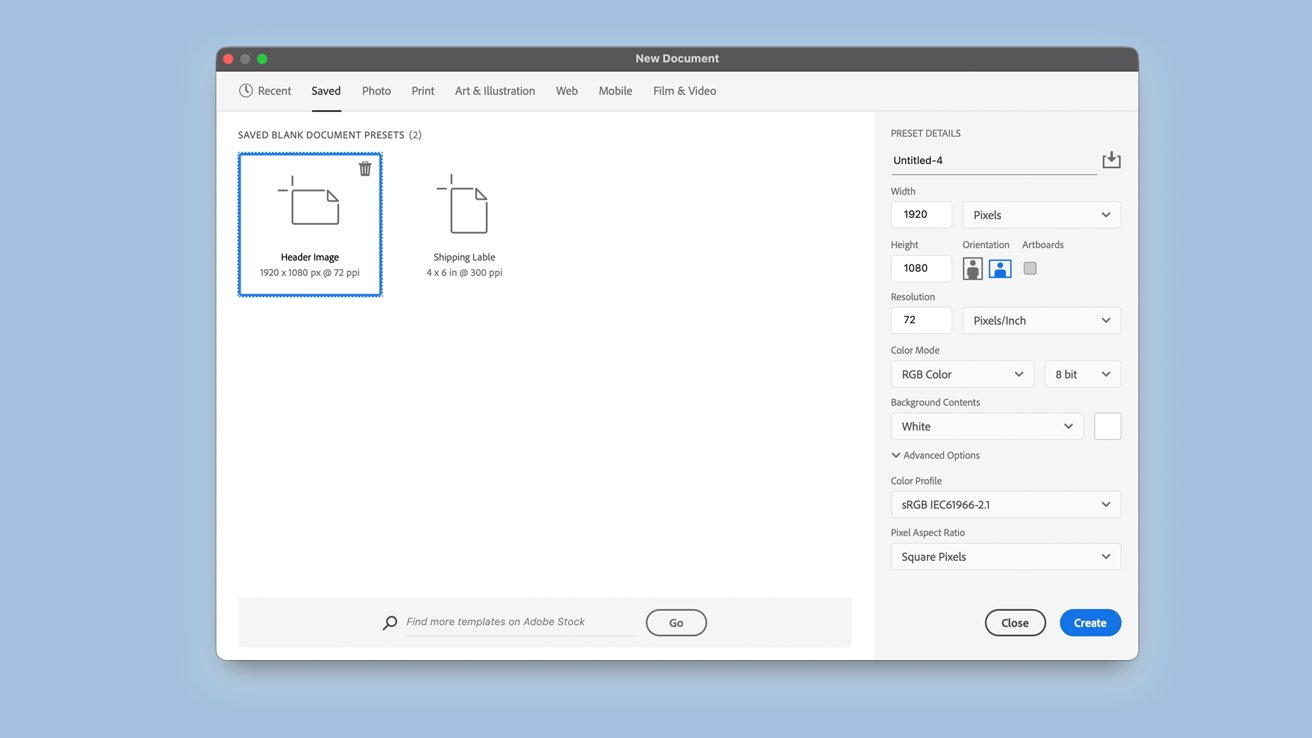
It's a simple workflow, but it's mine, and I like it.
Every so often, I'll jump into Illustrator to design something for a friend who knows I can make a vector image for their business. Sometimes I'll make something for myself.
I've been using Photoshop since Photoshop 6 came out. I was all of 13 when I began using it to help design graphics for my junior-senior high school's newspaper.
Yes, I've been doing some form of journalism and design for the last 26 years. Yes, I feel old just saying that.
At this point, Adobe products, specifically Photoshop but also Premiere and Illustrator to a degree, are muscle memory. I also have Photoshop actions set up for things that can easily be automated with one click.
The timesink isn't so much in operating the software, but in the design process itself. The part where I have to do research and sit down and decide what I want to do.
For the record, I like that part. I don't want to get rid of the actual design part. That part is rewarding, and for a very long period of my life, was actually something I did for fun in my free time.
I may not be the target audience, which I'm willing to accept. There are probably artists and creative departments that see this as a boon.
But I don't know if it's for them, either.
"It's so easy anyone can do it!"
One of the most annoying things, ever, about this whole AI-ification of the internet, is that it suggests that everyone, regardless of ability, can now do anything.
And I mean anything.
Want to write music? Just go ahead and make something with Suno.
Want to create books to sell in an Amazon storefront? No problem, there's Sudowrite, Novelcrafter, or hell, even Claude.
Want to make short movies? Seedance exists. You could make an Epstein-themed fight video between Tom Cruise and Brad Pitt, for some reason.

Want to run a publication but don't want to pay a bunch of writers? Just start having fewer people use more AI.
I'm old enough to remember when we just used to have dedicated art departments and bustling newsrooms and musicians and actors. That is, to say, I'm at least three years old, give or take.
All of these companies pitch themselves to business owners, not to the actual workers. And the reason is that they want to take your job.
And, dear reader, I can already hear you, because I do actually read the comments.
"Just learn to use the tools, then you'll be seen as an asset."
My guy, that is not the point of the tools. The tools aren't designed to make me a more efficient worker.
The tools are designed to entirely eliminate my job.
If you own a big company and you're looking to cut costs, you're not going to pay a writer or an artist a reasonable standard if you know they're utilizing AI tools. You're going to pay them less, no matter how fancy the prompts they write are.
I remember when I was growing up, and people would tell me that digital artwork was easy, "because of Photoshop." These people genuinely thought that Photoshop, in the early aughts, was at the level of generative AI in the year 2026.
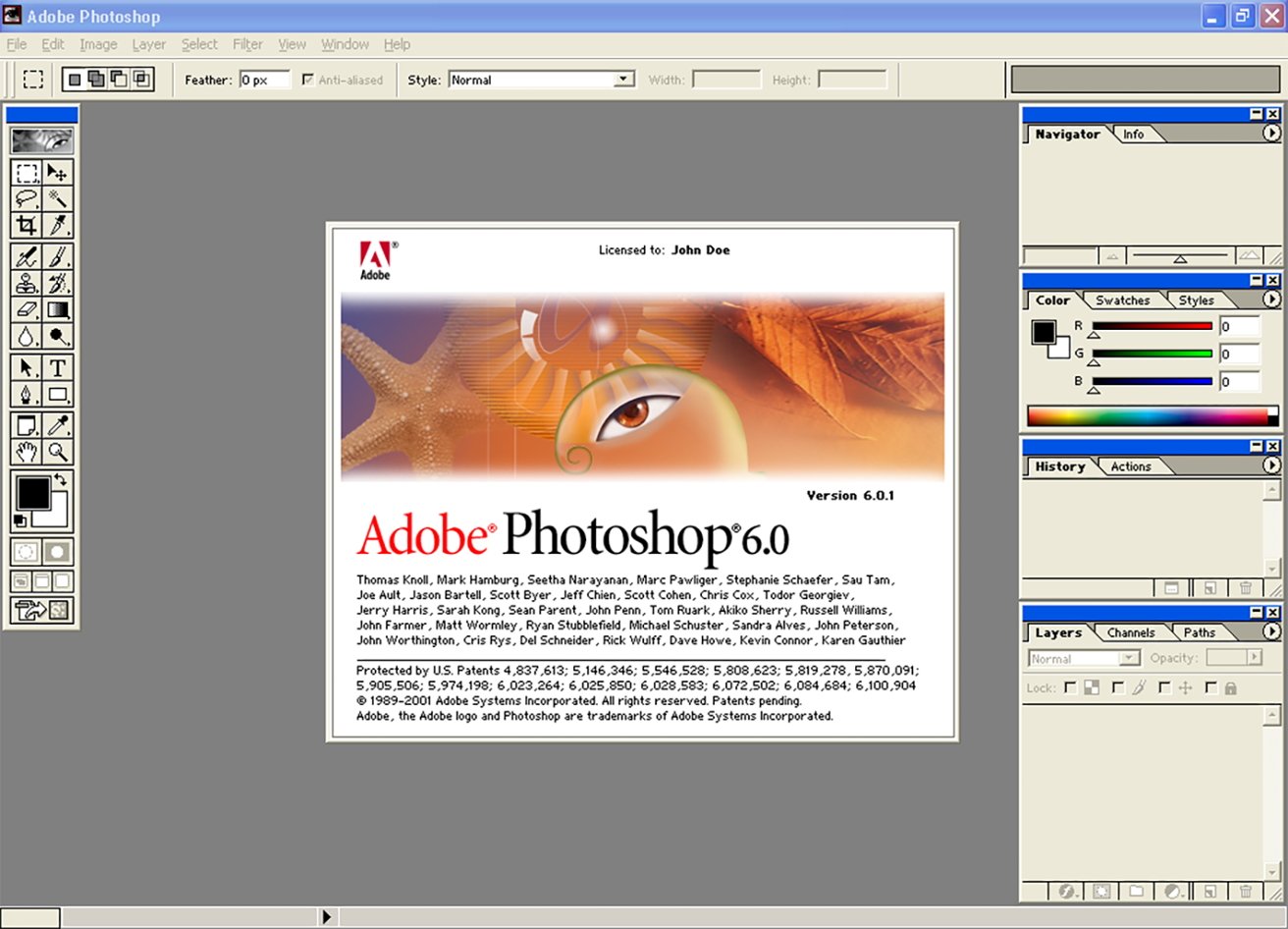
Image credit: Web Design Museum
I don't want to prove those people right; those people are idiots.
And this assumes that you have a skill that could even sort of transfer over in the first place. Sure, a graphic designer could use an AI tool and maintain some sort of reduced capacity of their job.
If you're an actor, you can't just "learn to use the tools better." The tools are designed to create humans that don't exist, that don't need to be paid, and certainly don't need accommodations or insurance or big fancy contracts.
That's the goal. That's always been the goal.
Every day, I genuinely take a moment to be thankful for the fact that AppleInsider has a hard "no genAI content" stance.
Why is it that AI has to come for the creatives?
I have worked jobs that I have hated. I've done twelve-hour shifts on my feet at a bookstore, I've kept baker's hours in a store that was a front for illicit activities, and slung espresso in a green apron to people who were seemingly always ready to scream at me.
There was no magic AI button I could press to magically help a crying college student afford her $850 nursing kit. Instead, I had to take a box that she decided she couldn't afford, and resolve it for someone who could.
There was no generative model that could give a shaky-kneed 19-year-old a backbone to confront her boss about why she never got paid on time. Instead, I worked there for two months, and finally snapped and threw a six quart stand mixer bowl full of cream cheese into my boss's desktop computer screen.
There wasn't a chatbot that gave a rag-tag team of teenage baristas any help when customers would come in and have 6:45 am nuclear meltdowns over ordering a cappuccino when they really wanted a latte. I don't know if you've ever tried to explain to a screaming person that you'll make them a different coffee if they stop screaming, but it does not have the desired effect.
I worked those jobs to pay the bills so I could have the chance to go home and paint, or crochet, or play guitar, or write poetry. I don't need the robots to do the things I like; I need the robots to make life a little less miserable.
Why have we designed a system that is hell-bent on doing the opposite?