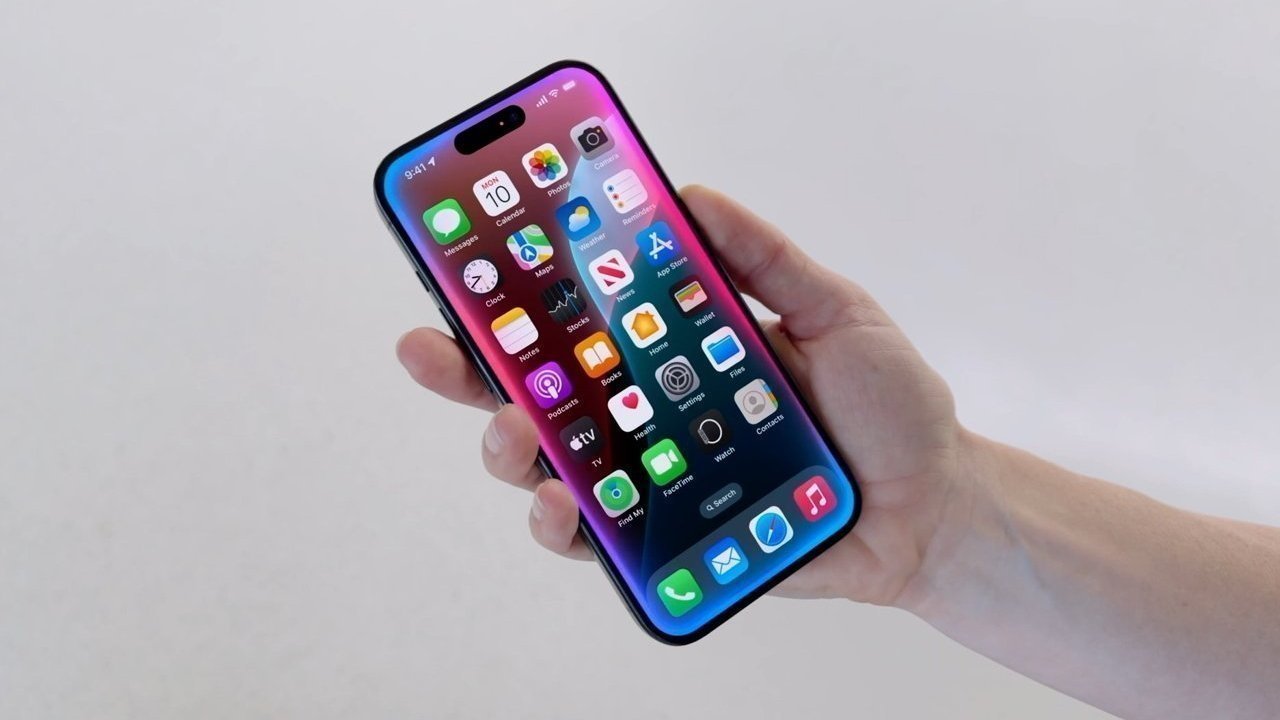
Apple has released an update for iOS 18.6.2, iPadOS 18.6.2, and macOS Sequoia 15.6.1, in what is probably one of the last granular operating system updates before the release of iOS 26.
Apple is currently working on two development tracks for its operating systems. While most of the attention is focused on the 26-generation OS updates arriving in the fall, Apple is also creating updates for its current-gen releases.
On Wednesday, Apple released iOS 18.6.2 and iPadOS 18.6.2 to the public. At this time, it is unclear what exactly has been changed in the update, but granular updates tend to include security changes and performance improvements.
It was accompanied by granular updates for other operating systems, including macOS Sequoia 15.6.1 and iPadOS 17.7.10.

Apple periodically updates its older operating systems with security and compatibility-related changes. For non-current and non-future operating systems, the releases don't tend to include new features, and are simply to keep the software secure.
The update follows after the August 14 release of another granular update, which brought iOS to 18.6.1 and watchOS to 11.6.1. The updates restored the Blood Oxygen feature to the Apple Watch Series 9, Apple Watch Series 10, and Apple Watch Ultra in the United States.
How to update to iOS 18.6.1
- On your iPhone, open the Settings app
- Tap General
- Tap Software Update
- Tap the update to install
- When prompted, follow the on-screen instructions