
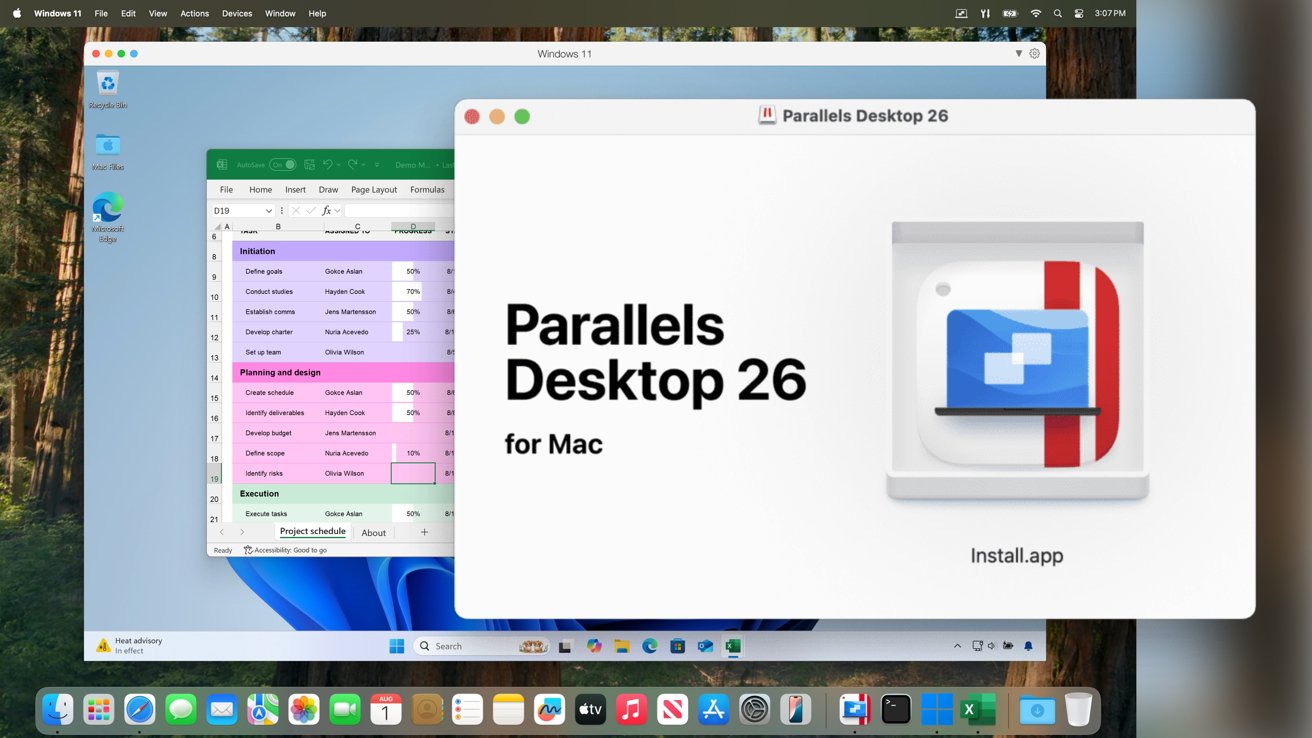
Parallels Desktop is now matching Apple's release-year branding, and now has support for macOS Tahoe and Windows 11 25H2.
Introduced on August 26, Parallels Desktop 26 is taking after Apple's OS renumbering initiative with its own jump in version, from the previous version 20 generation.
The main changes this time is support for the inbound operating systems. It is optimized to work on macOS Tahoe 26, complete with some aesthetic changes to match the new appearance of Apple's OS.
The support also extends to Windows, with it ready to work with Windows 11 25H2.
In both cases, Parallels Desktop 26 will be refreshed as the new macOS and Windows versions become available.
The macOS Tahoe support also includes changes to take into account new limitations on background processes. The new Parallels version's background processes, such as setup routines and Coherence mode, will continue to work as normal.
Another handy update is that Windows virtual machines will now see the available disk space on the Mac itself. The change can potentially give users more control over managing their Mac's storage, and potentially prevent freezes and crashes based on limited available storage.
Business changes
On the corporate user side, Parallels says the software has passed the SOC 2 Type II audit for the latest reporting period. The passing is an assurance that there are enterprise-level privacy and security controls in place.
For the new version, Parallels has introduced new documentation to help IT administrators deploy individual Windows apps on a Mac, without providing the full user interface to users. The intention is for a lightweight setup process for administrators to follow, while still providing specialist or legacy app access to users.
Teams that use Jamf Pro will be able to monitor and manage Windows OS updates within Windows VMs, instead of using in-VM tools. It will also support other brands of mobile device management tools.
Parallels also says that administrators will also get to access the Parallels Desktop Enterprise Management Portal. It provides granular controls for settings concerning shared folders, accessing USB ports, clipboard sharing, and other network functions.
More changes will be on the way to help centrally define and manage VM configuration settings.
Parallels Desktop 26 is available now, with a 14-day trial available.
Standard Edition costs $64.99 per year with a 35% discount, or $219.99 as a one-time purchase.
Parallels Desktop Pro Edition is $77.99 per year with a 35% discount, normally $119.99.
Parallels Desktop Business Edition is $97.49 per year, again with a 35% discount, but has a regular price of $149.99.







