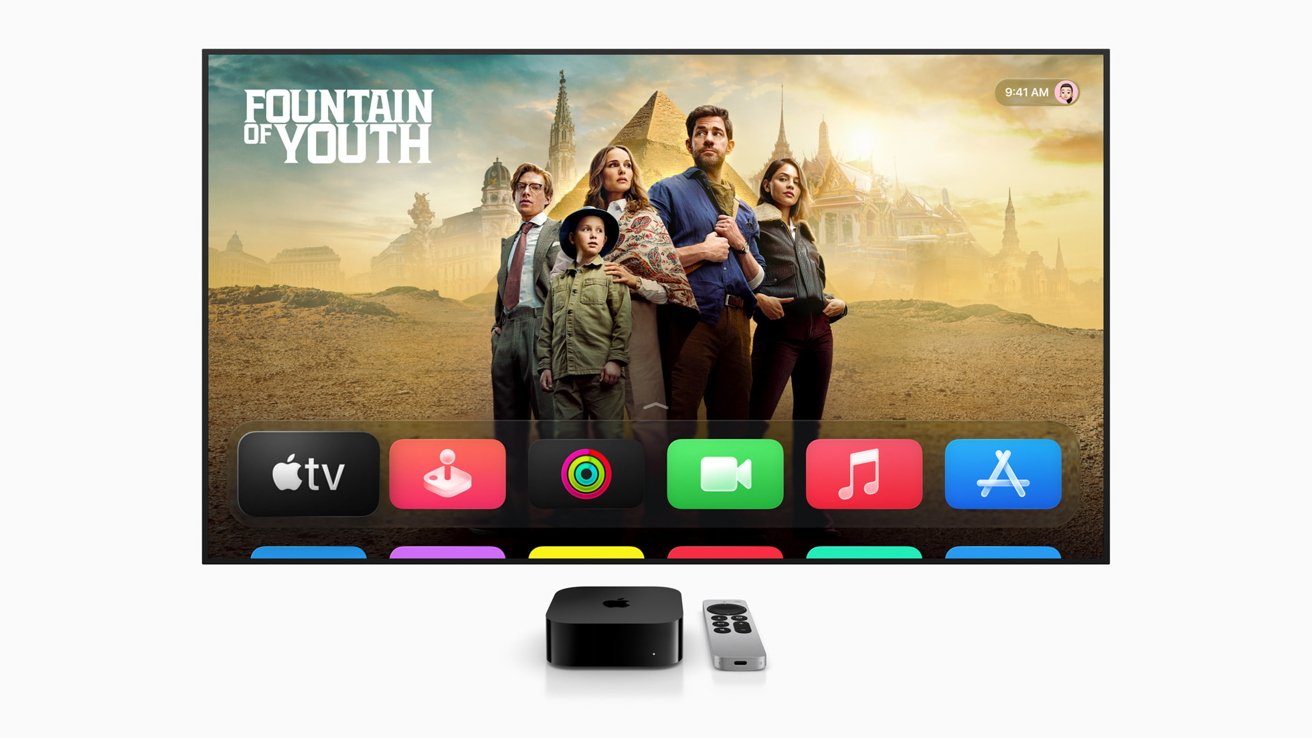
Apple's tvOS 26 update is here, bringing a bold Liquid Glass redesign, karaoke fun, and major audio upgrades to Apple TV.
Usually, Apple TV updates are somewhat modest compared to other Apple products. However, 2025 has brought more to tvOS than a simple name change — here's what you'll get when you update.
User Interface and user experience updates
The most noticeable change for tvOS is its Liquid Glass facelift. Liquid Glass is Apple's new design ethos, a sleeker, more dynamic UI that helps unify the feel of Apple's operating systems across devices.
As part of the Liquid Glass update, tvOS now has buttons and icons that match those of iOS. It also has a new glass-like media player, boasting translucent accents and reflective dynamic effects.
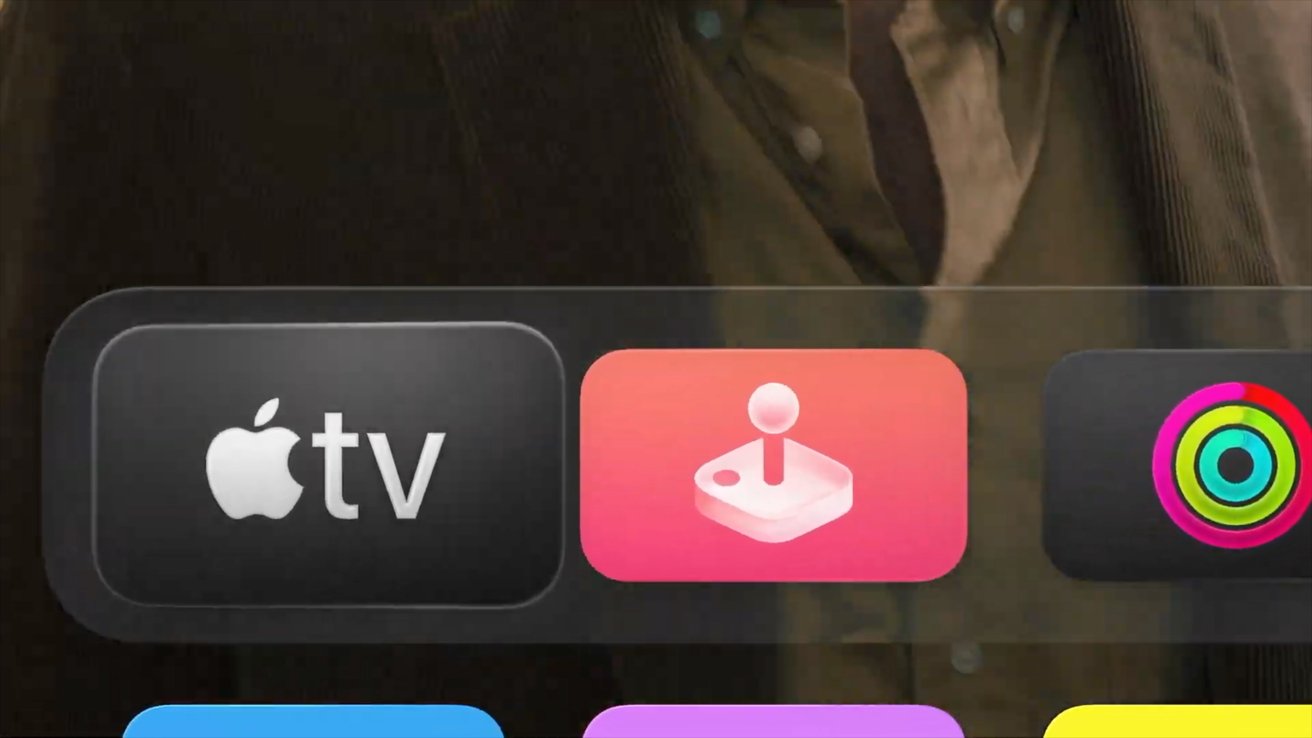
Top bar on Apple TV distorts the background images like glass
The visuals aren't the only thing that's gotten an overhaul, either. The Control Center is now cleaner and easier to navigate, featuring new tabs for profiles, Home, controls, and VPN.
Profiles themselves are getting a bit of an overhaul. Now, users can opt into a feature that prompts them to select a profile upon waking Apple TV.
While this feature has existed for a while, Apple is likely bolstering it in hopes of more robust support for third-party apps.
Apple also signs you into streaming apps when you set up your Apple TV. If you've previously paired your streaming services with your Apple Account, you won't need to go through the hassle of entering your password or following prompts when adding it to Apple TV.
Music app updates
The Music app is getting significant changes this go around. Liquid Glass enhances the overall feel of the app and makes it significantly easier to explore playlists and albums.
There's also a dedicated karaoke mode that allows you to use your iPhone as a microphone. Spectators can use their iPhones to cheer on singers with emoji reactions, too.
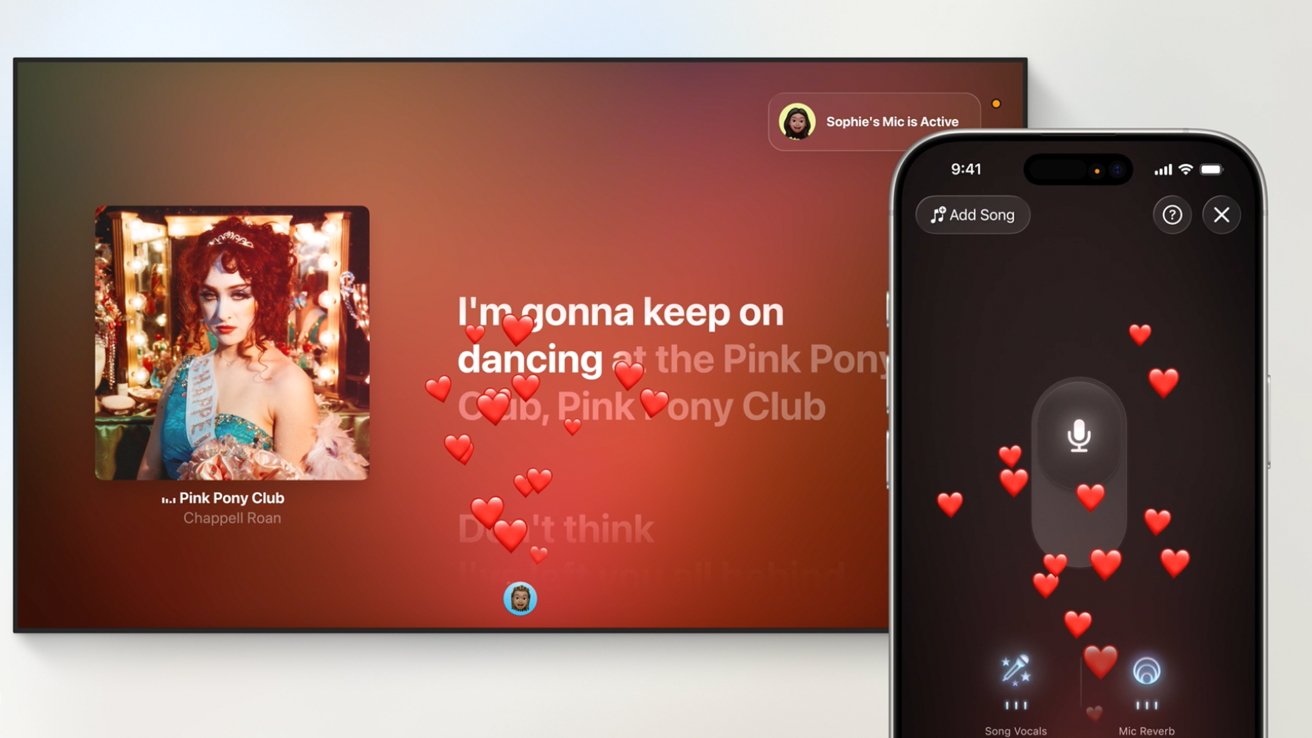
Using the iPhone as a microphone for karaoke
A brand new automatic lyric translation mode both translates lyrics and offers up phonetic guides for those who wish to sing in their non-native tongue.
Audio updates
Users can designate an AirPlay-enabled speaker as the permanent speaker for Apple TV. No more needing to re-pair in the event that another previously paired speaker is switched on.
There's also added support for passthrough audio. It sends unprocessed audio to your receiver, giving you the highest-quality audio sound through your home theater speaker system.
And new Dolby Atmos 9.6.1 support takes it a step further. Two new channels, overhead and front, make surround sound even more immersive for movies and shows.
FaceTime
New to tvOS 26 are a number of FaceTime features and refinements. Many of these have been implemented to bring it more in line with the iOS experience.
Contact Posters have made their way to Apple TV. Now, when making a FaceTime call on Apple TV, you'll see your contacts' customized photos and names.
Live Captions, the on-device feature that automatically translates and displays written captions in FaceTime calls, is expanding, too. This update includes French, German, Japanese, Korean, Mandarin, and Spanish.
FaceTime audio and phone call notifications are now displayed onscreen for the active profile. This allows a user to answer on connected HomePod speakers or their iPhone.
The little things
There are also several small improvements that have been introduced with tvOS 26. While these aren't major game changers, it's still nice to see that Apple is refining how people interact with its set-top box.
The TV app itself has been cleaned up. Now, vertical artwork and reorganized watchlist info give you more information when looking for things you'd like to watch.
Users now have more control over screen savers in tvOS 26. You can now choose exactly which aerial videos to show or hide.
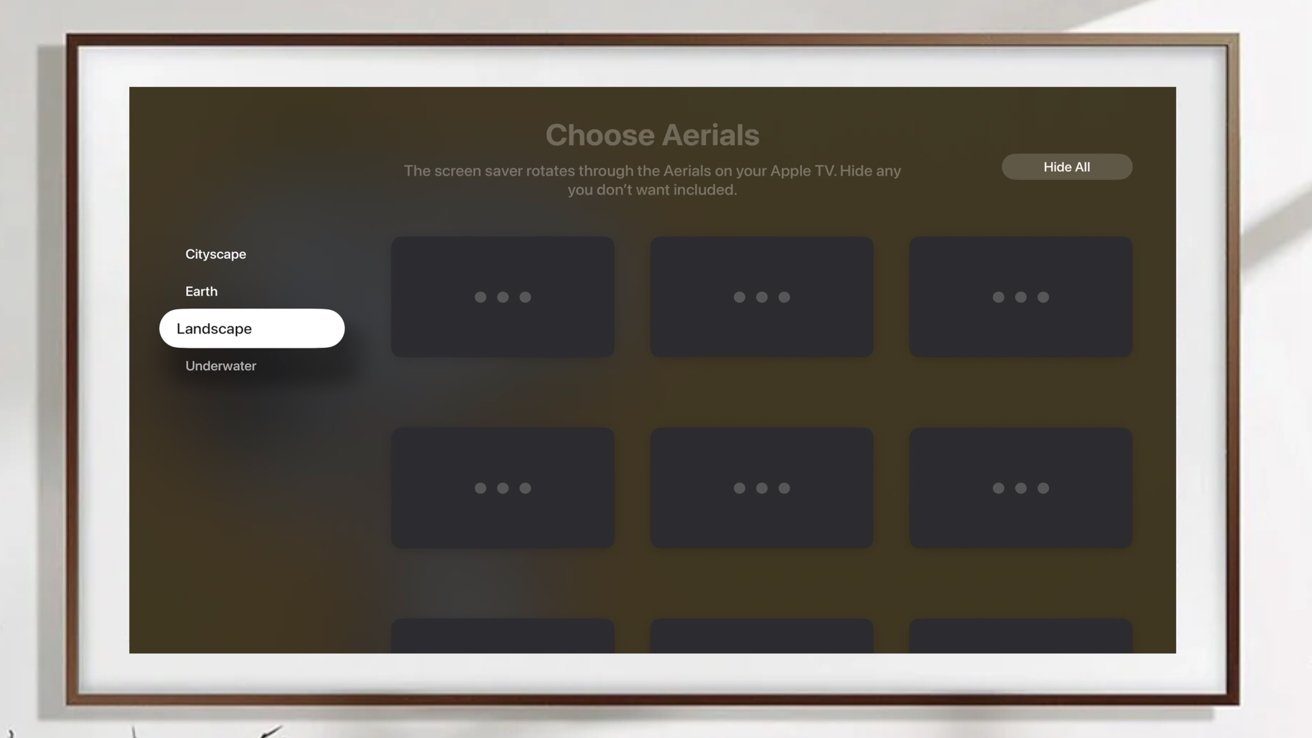
Users can toggle different aerial screensavers on or off
Previously, you could only disable entire categories. Now, you can get rid of those one or two shots you were never a fan of in the first place.
And last but not least, as a Home Hub, tvOS 26 now supports Thread 1.4. This newer version of Thread makes it easier for devices to create a single mesh network in your home, as well as other improvements.