The 4TB SanDisk Creator Desk Drive is sleek and colorful storage for your Mac, but more expensive or far slower than other options available to creative professionals.
Getting more storage for a Mac is trivial — assuming you're fine with external storage of some sort. Going external is generally a far more cost-effective option than paying Apple prices when buying the Mac.
Not all drives are created equal. In some cases, the drives are marketed with genuinely great specifications and features that will be useful to power users.
Then there are some that sell themselves based on styling or being branded to a particular market.
In the case of the Creator Desk Drive, opted for styling over any other concern.
SanDisk Creator Desk Drive review: Design
The SanDisk Creator Desk Drive is extremely similar to the SanDisk Creator Phone SSD that I looked at in August. However, while the Creator Phone SSD is intended to be used with an iPhone with a handy MagSafe mount point, the Creator Desk Drive is aimed more for use with a Mac on a desk.
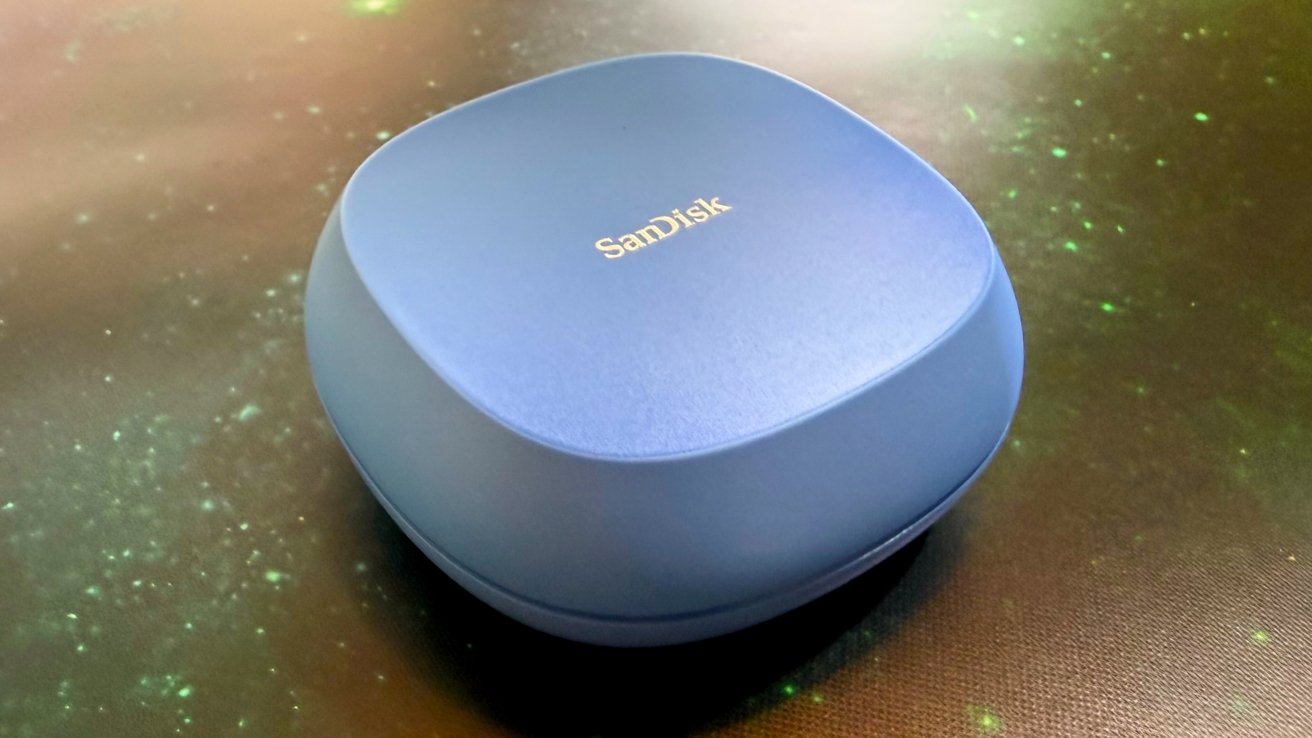
It has a similar styling to the portable counterpart. It's a rounded-off square complete with the one we were provided by SanDisk coming in a stunning light blue color.
It is, however a lot thicker than the Creator Phone SSD.
At 3.9 inches by 3.9 inches by 1.58 inches, it's a little smaller than the M4 Mac mini it will probably be plugged into. It's chunky.
At 8.8 ounces, it's on the heavy side for portable drives.
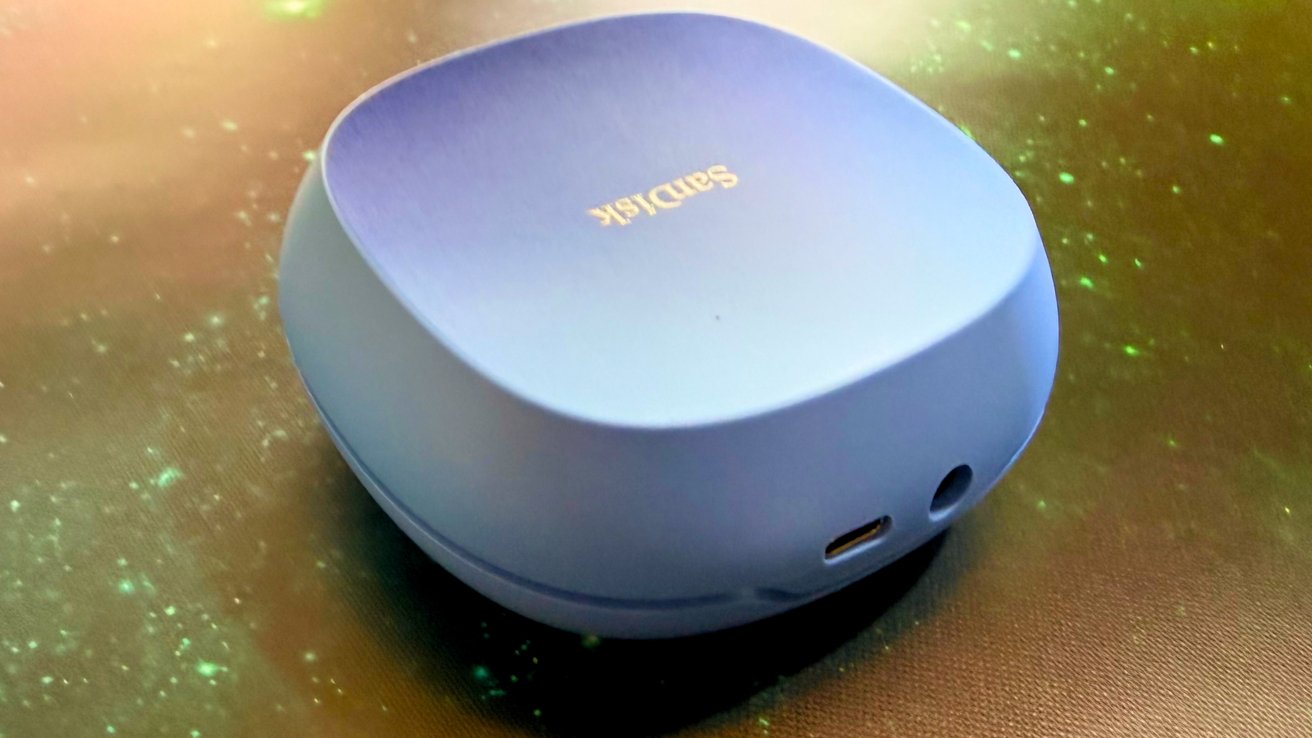
SanDisk Creator Desk Drive review: The USB-C is accompanied by a separate power port
One more visible difference is the move to a wall wart. There doesn't seem to be any real reason for making it require external power, since the Mac lineup can easily do bus power too.
SanDisk Creator Desk Drive review: Storage and connectivity
Inside the Creator Desk Drive is either 4TB or 8TB of storage, depending on the configuration. At the very least, this is a lot more than the 1TB and 2TB storage options of the Creator Phone SSD. We were provided the 4TB version.
However, for a drive that requires external power and is physically larger, you'd expect a few more storage improvements versus the portable version.
Since it's SSD storage, it's not taking that much more physical room for the higher capacities. There's also no option to change the drive either. You're stuck with what's inside the casing.
SanDisk claims that the external drive can operate at up to 1,000MB/s for sequential read speeds. Our testing bore out about 800 megabytes per second for about 45 seconds before the cache filled, and speeds dropped to hard drive speeds.
The connection with your Mac is handled over USB 3.2 Gen 2, with a USB-C cable supplied along with a USB Type-A cable. The connection isn't Thunderbolt fast, but it is enough to handle this drive's bandwidth.
At this price class, SSDs generally have USB 3.2 Gen 2x2, supporting up to 20 gigabits per second — on Windows, as there is no Mac support for that. That isn't the case here.
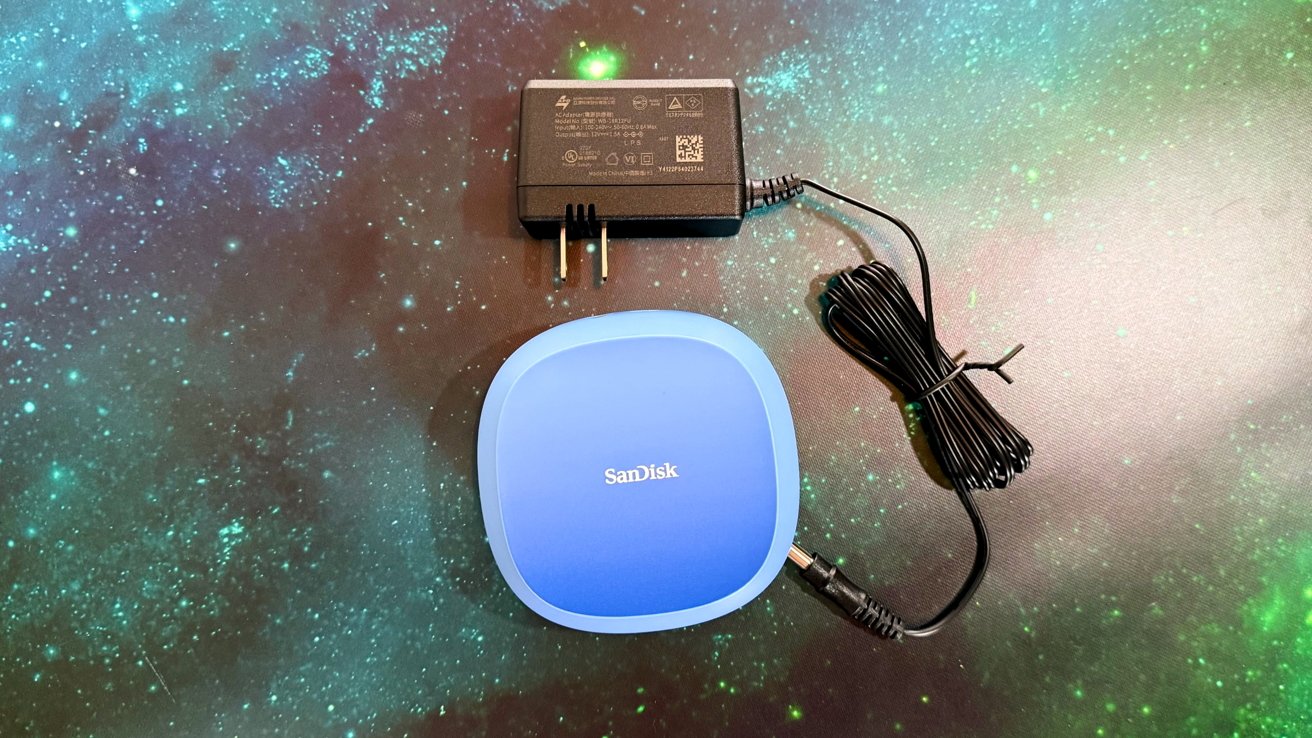
SanDisk Creator Desk Drive review: The drive and the power brick
The drive is formatted in exFAT. Reformat it to APFS to better work in the Apple ecosystem.
As an external drive that connects over USB-C, there should be extensive device support. You should be able to use it fine with an iPhone or iPad, so long as you deal with its power supply.
As you'd expect, there's support for Apple Time Machine for backing up your Mac. There is a SanDisk security utility that the documentation references, but it does not work on this drive.
System-wise, there is support for macOS 14 or later, as well as Windows 10 and newer on PC.
SanDisk Creator Desk Drive review: There are better options
As it is, the SanDisk Creator Desk Drive is a perfectly adequate external storage option. But that's it. Just adequate from a performance perspective.
If the slick blue plastic doesn't matter so much to you and you prefer performance, and performance is probably primary if you're a regular AppleInsider reader, there are many other options for external drives on the market that offer similar performance,.
That's before we take into account the many multi-drive disk storage systems that provide redundancy and capacity over speed.
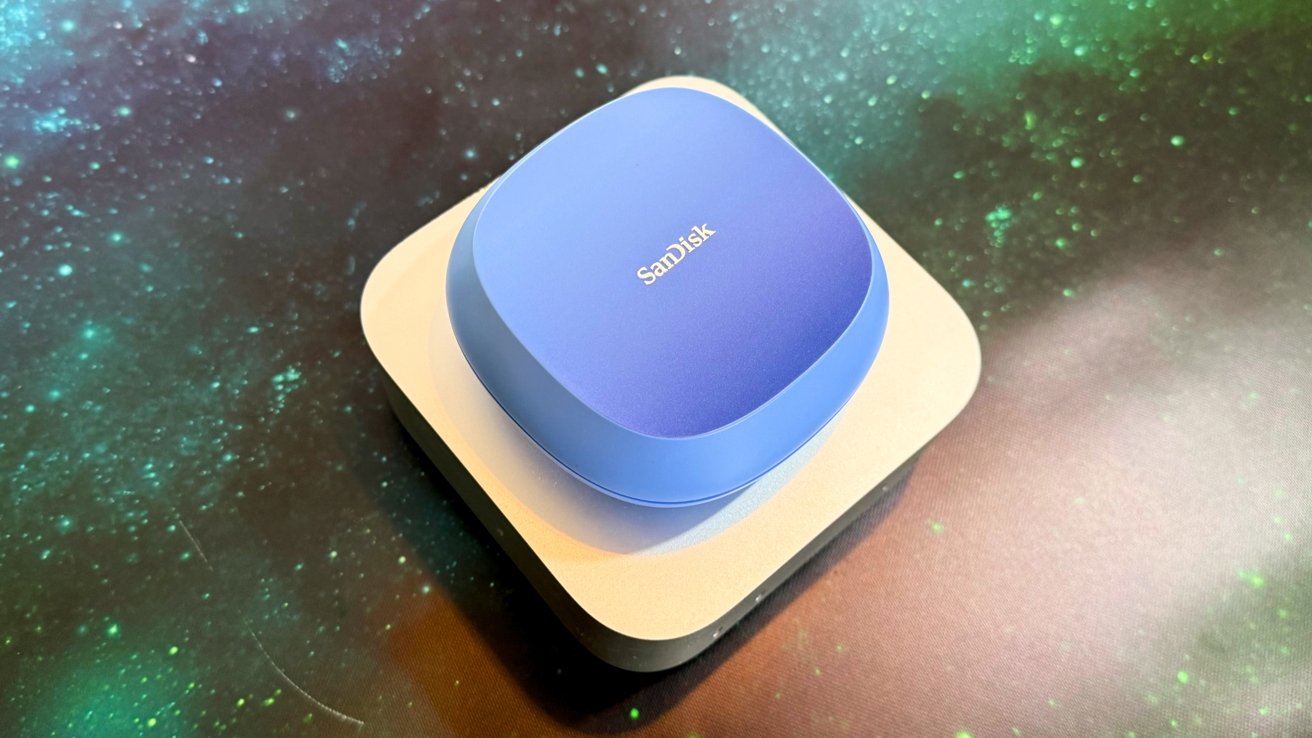
SanDisk Creator Desk Drive review: It's not much smaller than a Mac mini
As we say frequently, there's the do-it-yourself approach if you want more control over your storage capacity and speed at a lower cost at this capacity. For example, you could get the ACASIS M.2 NVMe SSD enclosure that can work at up to 40Gbps thanks to Thunderbolt 4 and USB 4 support, and combine it with a 4TB Orico M.2 2280 SSD.
That combination, or something similar, could be put together for $280. This is in comparison to the $299 general retail price of the 4TB SanDisk Creator Desk Drive. If you're less fussy about branding of the enclosure, you can probably shave $30 off the entry price for the DIY solution.
SanDisk's Creator Phone SSD was a good idea, chiefly because you could stick it onto an iPhone 17 Pro and use it for externally recording video. That was a big benefit of the slimmer model.
The SanDisk Creator Desk Drive doesn't have an advantage like that. At 4TB, it is storage that you cannot upgrade or tweak, costs more than other options on the market, and offers no real additional benefit apart from how it looks.
That said, the 8TB Creator Desk Drive has a better price to performance equation, and presumably the not-yet-available 16TB version will too. Should SanDisk provide those for testing, we'll update this review accordingly.
SanDisk Creator Desk Drive review pros
- Simple desktop storage
- Up to 8TB, with 16TB coming
- Colorful styling
SanDisk Creator Desk Drive review cons
- Needs a wall wart
- 10 gigabit USB 3.2, not USB 4 or Thunderbolt
- Unexpandable
Rating: 3 out of 5
Where to buy the SanDisk Creator Desk Drive
The SanDisk Creator Desk Drive is available from SanDisk's online store, at $299.99 for 4TB or $589.99 for 8TB. It's also available from Amazon, at $299.99 and $589.99 respectively.