
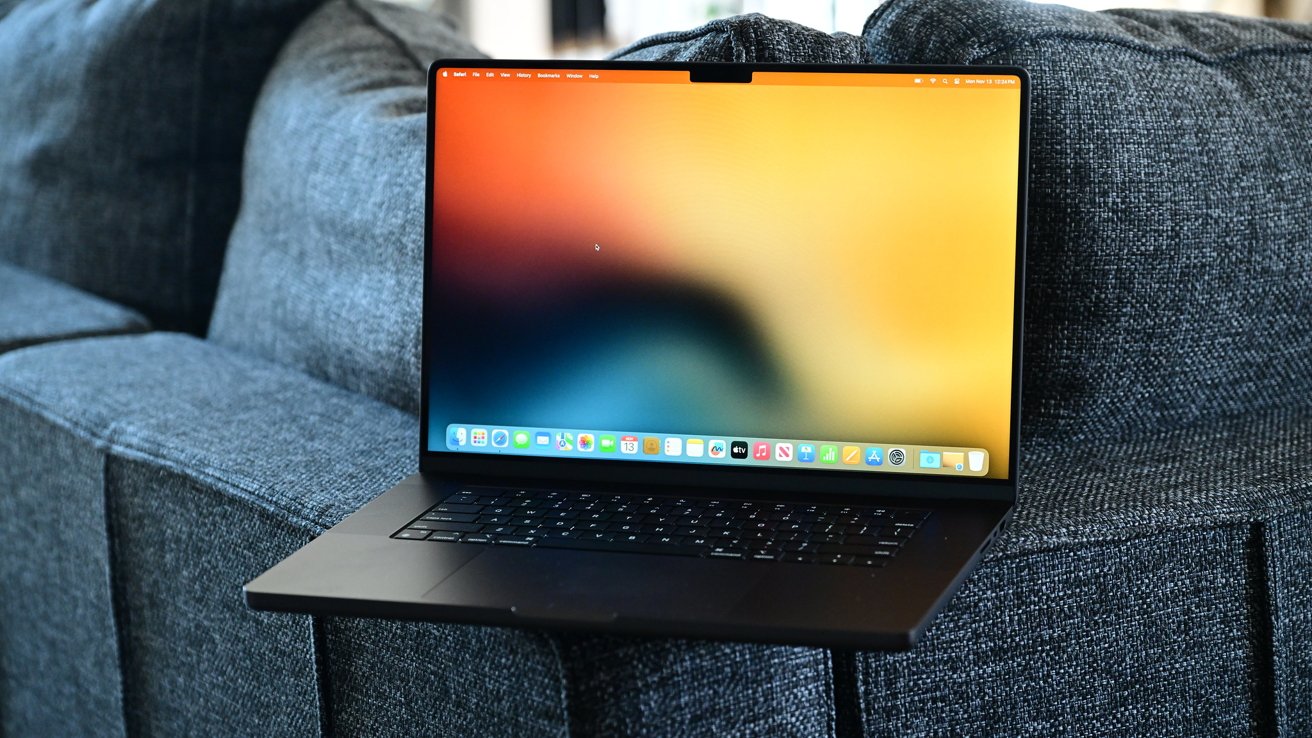
An Electron bug that clashed with macOS 26 Tahoe's graphics engine caused apps like Slack, Discord, and VS Code to slow down Macs, but new updates finally fix the issue.
After macOS 26 Tahoe launched in September 2025, users noticed their Macs acting sluggish especially after a long runtime of some apps. Simple actions like scrolling or switching windows lagged, and fans spun up with no clear cause.
The common factor was Electron, the cross-platform application framework that powers Slack, Discord, Figma, and dozens of other apps. But the slowdown wasn't random, according to a report from Shameelectron.
It stemmed from a single line of code buried deep in Electron's rendering layer. Apple's updated graphics engine exposed a long-hidden flaw that had gone unnoticed for years.
How the Electron and Tahoe slowdown started
Electron's success comes from its convenience. Developers write once using web technologies like HTML and JavaScript, then ship the same app for macOS, Windows, and Linux.
That efficiency, however, depends on how Electron interacts with each operating system's windowing system.
Electron used a private AppKit method called "_cornerMask" in older versions of macOS to manage window rounding and shadow effects. It wasn't part of Apple's official API, but it worked fine for years.
However, macOS Tahoe changed how the system draws and combines windows, and that's when the problem began.
Apple's redesign introduced a new rendering pipeline for the "Liquid Glass" aesthetic, emphasizing transparency, soft corners, and dynamic shadows. Electron's hidden override started fighting against those changes.
How the fix works
Every visible window made the WindowServer redraw shadows repeatedly, which wasted GPU resources. But as a result, the system slowed down.
Users noticed lag that didn't appear in standard performance tools, even though CPU usage looked normal. WindowServer's GPU time spiked whenever Slack or Discord was visible, and minimizing the app immediately restored smoothness.
Once the problem was traced, Electron's maintainers moved quickly. They removed the private "_cornerMask" override and restored macOS's default rendering path.
It just took a while for app developers to implement the new Electron frameworks.
Patched apps
That simple change stopped the constant redraw loop and returned WindowServer to normal behavior. The fix landed in Electron versions 36.9.2, 37.6.0, and 38.2.0.
These high-profile apps have already shipped builds that include the Electron fix.
- Fixed: Slack
- Fixed: Discord
- Fixed: Figma
- Fixed: Visual Studio Code
Users running the latest versions of these apps should see normal performance on macOS Tahoe.
Notable apps still not patched
These notable apps are still on older Electron builds and may continue to trigger WindowServer GPU spikes until they update.
- Not fixed: 1Password
- Not fixed: Dropbox
- Not fixed: Bitwarden
- Not fixed: Postman
Until these apps adopt the patched Electron versions, users may continue to see sluggish behavior when the app is running.
Users noticed lag that didn't appear in standard performance tools, even though CPU usage looked normal.
App developers now need to rebuild using one of those Electron versions before users will see improvements. That's the catch, though — the fix isn't automatic.
Every app that relies on Electron has to update its framework before the slowdown disappears. Slack, Discord, and Figma have begun rolling out new builds, but smaller developers may lag behind.
What users can do
The only reliable fix is for developers to rebuild their apps using the patched Electron versions. Users can't fix the issue themselves, but they can check for updates and monitor GPU load in Activity Monitor.
If WindowServer is consuming a large share of GPU resources when an app is open, that app probably hasn't been rebuilt yet. Some people have experimented with workarounds, such as disabling transparency or minimizing affected apps when idle.
These tweaks may temporarily reduce GPU strain, but they don't address the root cause. Currently, keeping apps up to date is the best option.
Once the patched Electron version is installed, performance returns to normal and GPU activity drops back to baseline levels.







