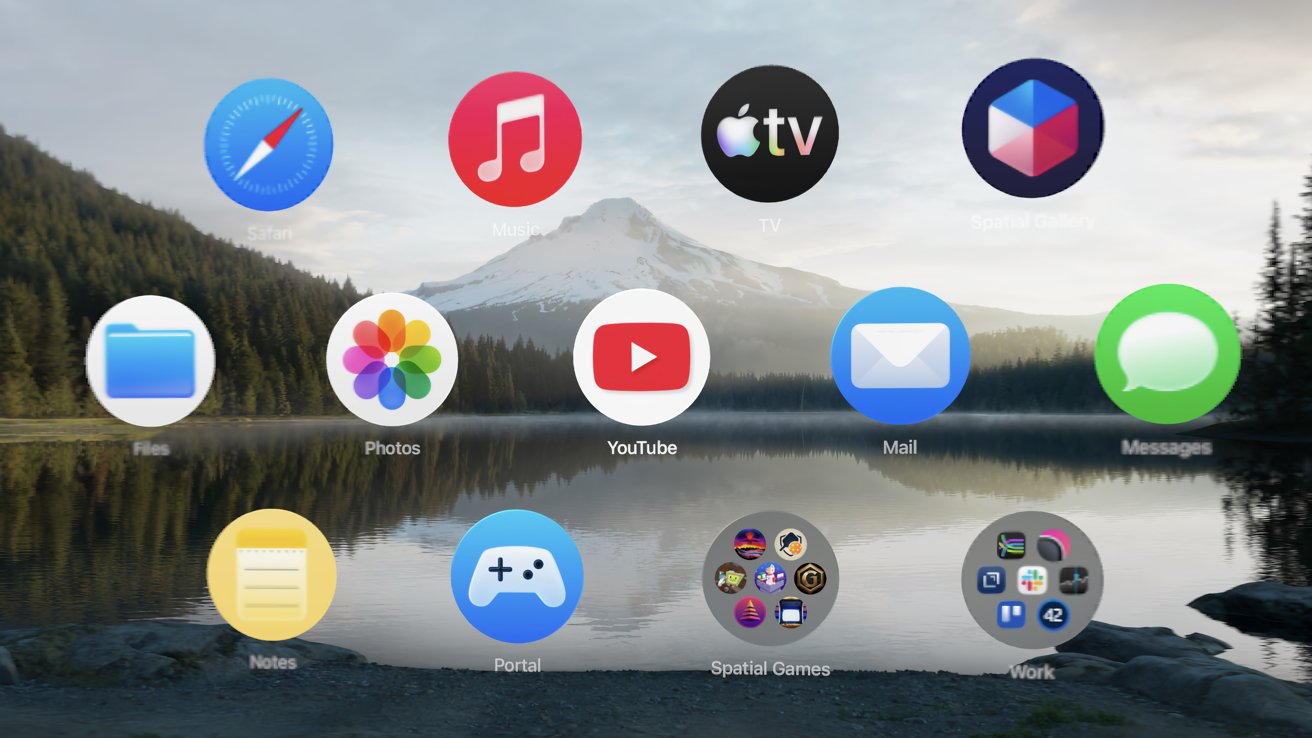
There's a native YouTube app for Apple Vision Pro that's great for user-uploaded VR180 and 3D 360 content, but 2D video is better watched in Safari or third-party apps.
When Apple Vision Pro launched in February 2024, there was a host of popular apps missing from it, including YouTube. While many apps still aren't on the platform or native, including Apple's, Google has finally brought its app to the platform.
The app itself is straightforward and functions identically to the YouTube app on iPad. There are some spatial components to it, like the floating sidebar and the video controls at the bottom.
There's also a dedicated "spatial" tab that has easy access to 3D 360, VR180, and similar content available on YouTube. Note that even the ones able to reach 8K on the M5 Apple Vision Pro are still quite fuzzy — this is likely due to compression, paired with foveated rendering.
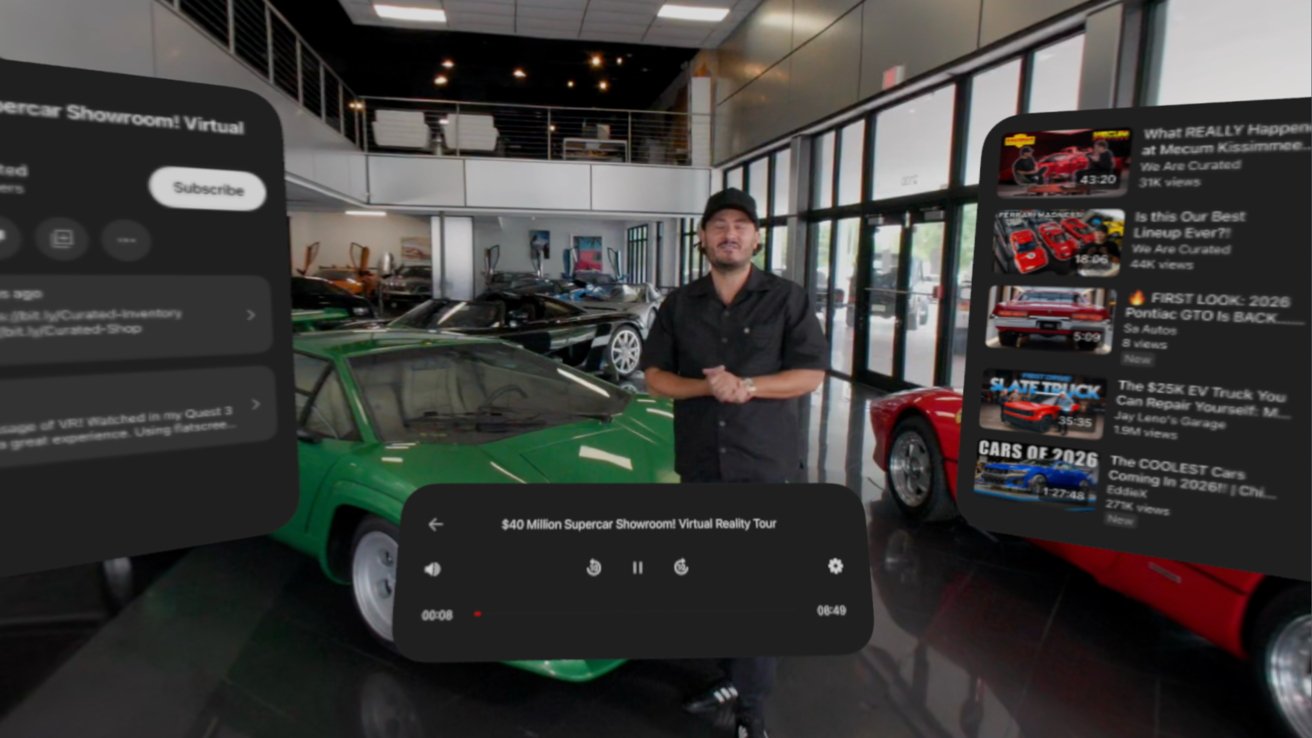
8K VR180 videos on YouTube are so compressed they're unwatchable
Apple's Immersive Video can't be beat on its own platform, but at least there's a giant library of user-uploaded content now available. Apple's content available in Apple TV and the Spatial Gallery are vastly superior for immersion and detail, but again, at least the option is here.
For whatever reason, at least right now, the Shorts tab is there and it is blank. Given that you could make the vertical video format gigantic on Apple Vision Pro, it would likely be a nice place to have it, but it's not working.
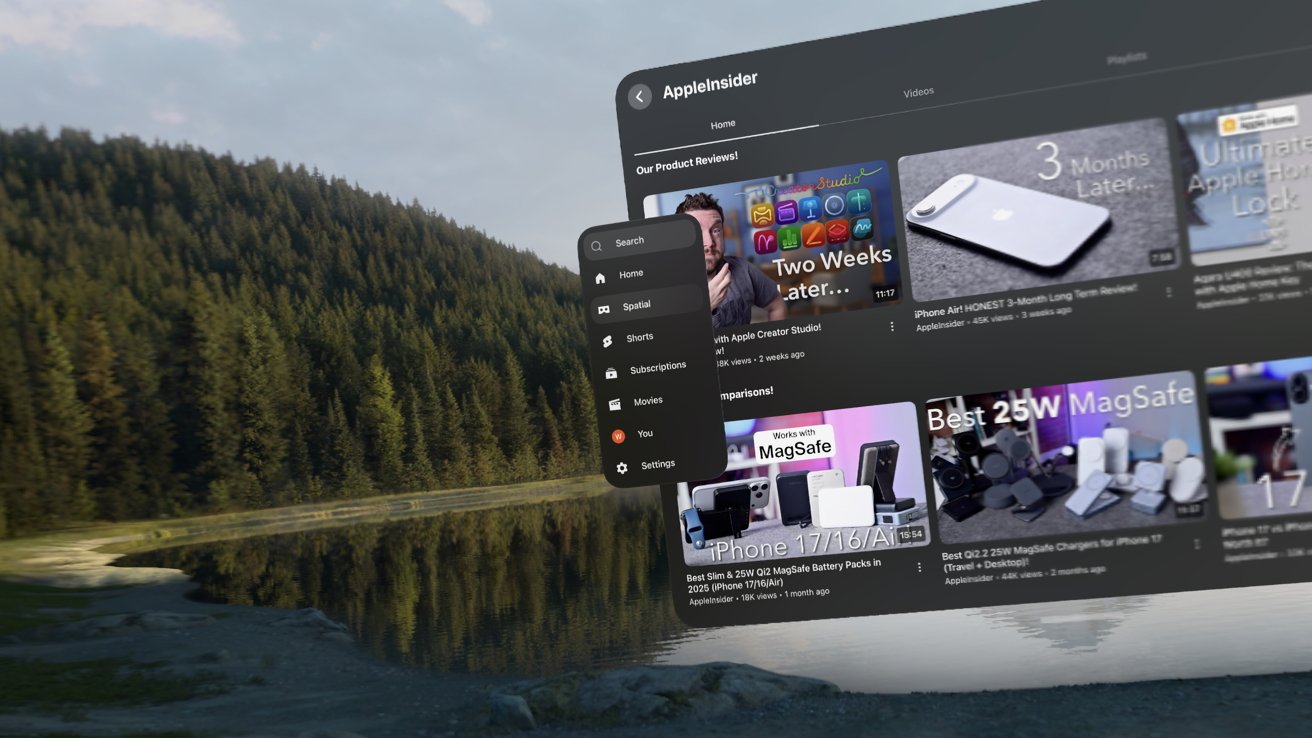
YouTube on Apple Vision Pro gets a dedicated spatial tab
Even TikTok has a fully native experience on Apple Vision Pro, so the format works there. It's likely a bug that will be addressed later.
YouTube is better outside of the app
Outside of the 3D 360 and VR180 video available natively in the YouTube app, I highly recommend watching YouTube elsewhere. The biggest reason — no native video player means no theater mode either. Mike Wuerthele cares less about this than I do.
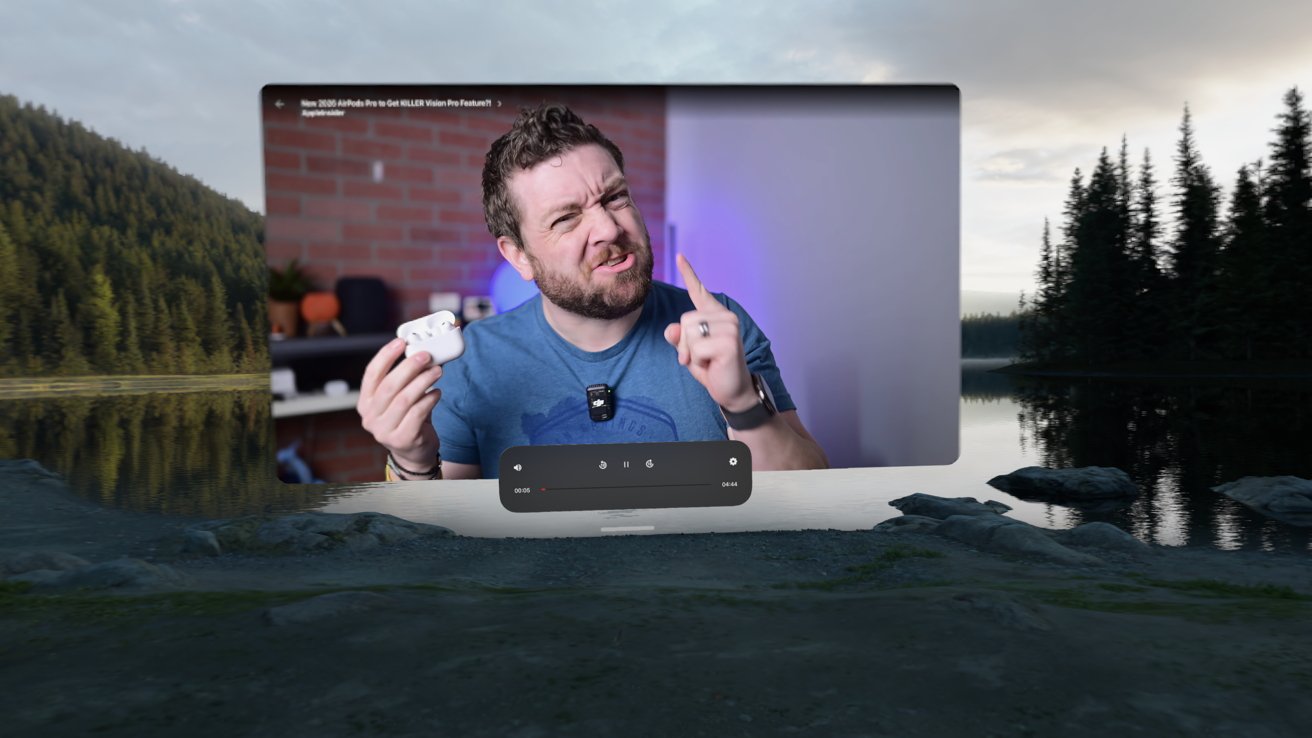
2D videos are fine, but no giant theater option in the app isn't great
That giant display that can hover over the lake in Mount Hood and other environments isn't enabled in the YouTube app even though it could be. So, when watching 2D content, like the most recent PlayStation State of Play, watch in Safari.
Then there's Television, which is still a very whimsical app that survived YouTube's purge of third-party players on the platform. It's fun to just throw an old cartoon on there, place it on a table in the corner, and glance at it from time to time like the good old days of TV.
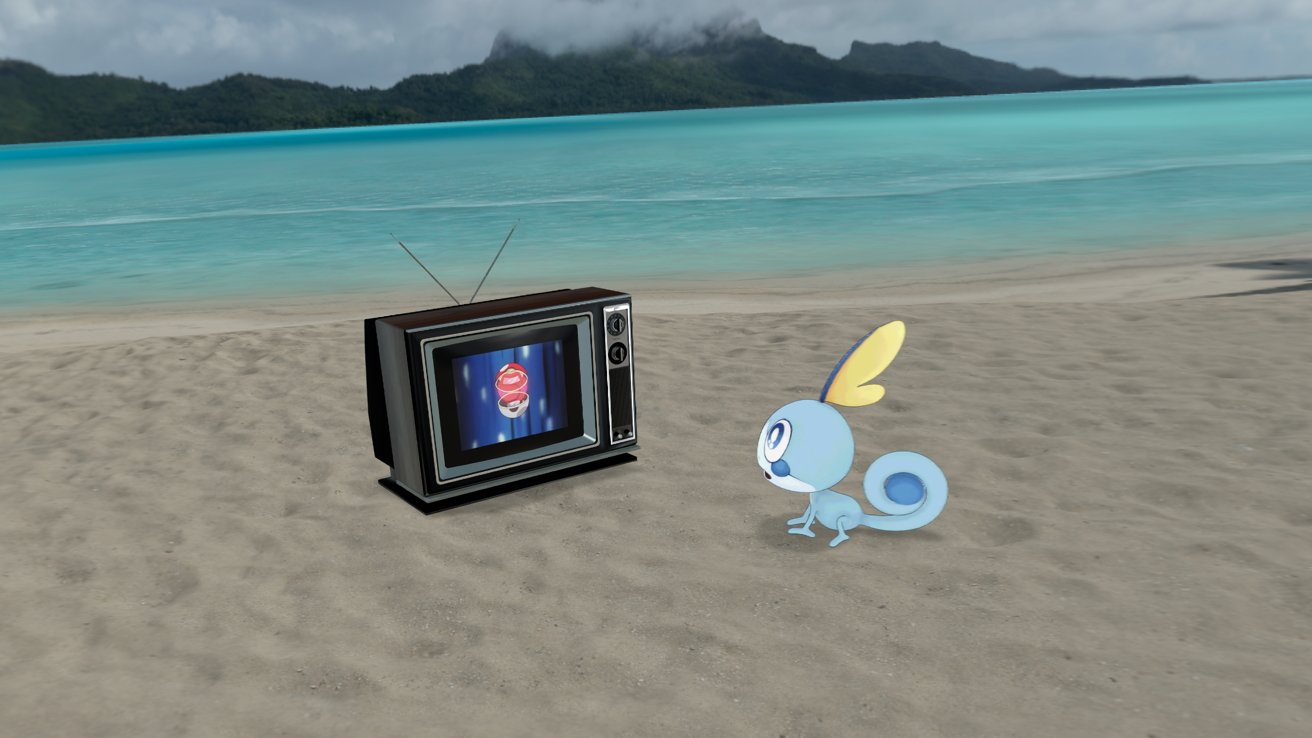
Television on Apple Vision Pro lets you watch YouTube videos on classic TV sets
The fact that the YouTube app is here at all is a great win for Apple Vision Pro owners, and we feel that it's related to the Apple and Gemini deal, somehow. While I'm not a regular YouTube user, I can still appreciate its importance in the world of entertainment.
The lack of the app on Apple Vision Pro was just plain odd. Now that it's here, perhaps some other long-time holdouts can make their way over — looking at you Minecraft.