
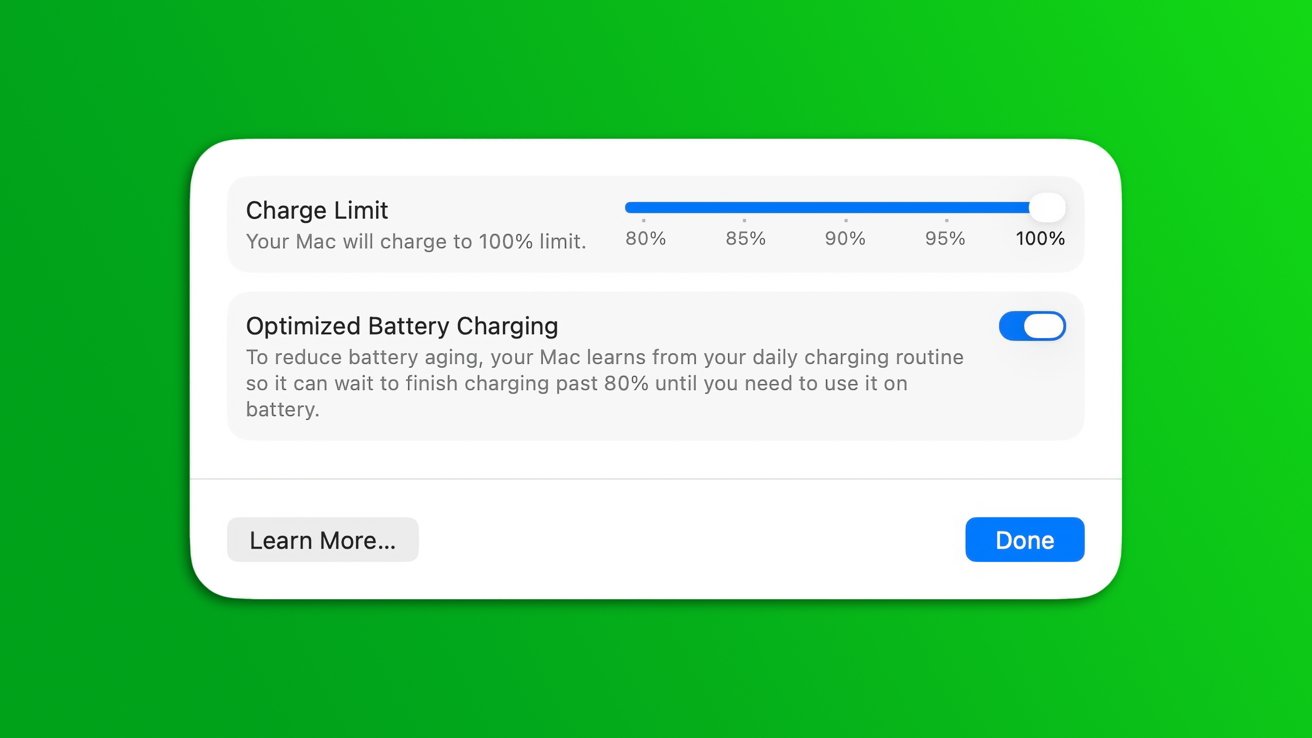
The Mac just got an iPhone and iPad feature, as macOS Tahoe 26.4 includes a dedicated slider to adjust the battery charging limit.
With the debut of the iPhone 15 range, Apple introduced an opt-in setting that limited battery charging to just 80%. The goal of the feature was to help preserve battery lifespan over time. iOS 18 gave iPhone users an additional option to limit battery charging anywhere from 80% to 100%.
Now, macOS has gained the same battery-preserving capability, thanks to the first macOS 26.4 developer beta, released on Monday. The macOS Tahoe version of the feature works the same way it does on iOS, featuring a slider that lets users select a specific battery charging limit.
Users can activate Charge Limit by opening System Settings, navigating to the Battery section, and clicking on the information symbol next to the Charging option.
Additionally, the iOS 26.4 and macOS 26.4 developer betas have made the Charge Limit feature available in the built-in Shortcuts app for even more customization.
Apple's decision to bring charging limitations to macOS is a good move, but its usefulness will depend on individual work habits. Some might leave their MacBook Pro plugged in during most of the day, while students might need to carry it around and use the built-in battery more often.







