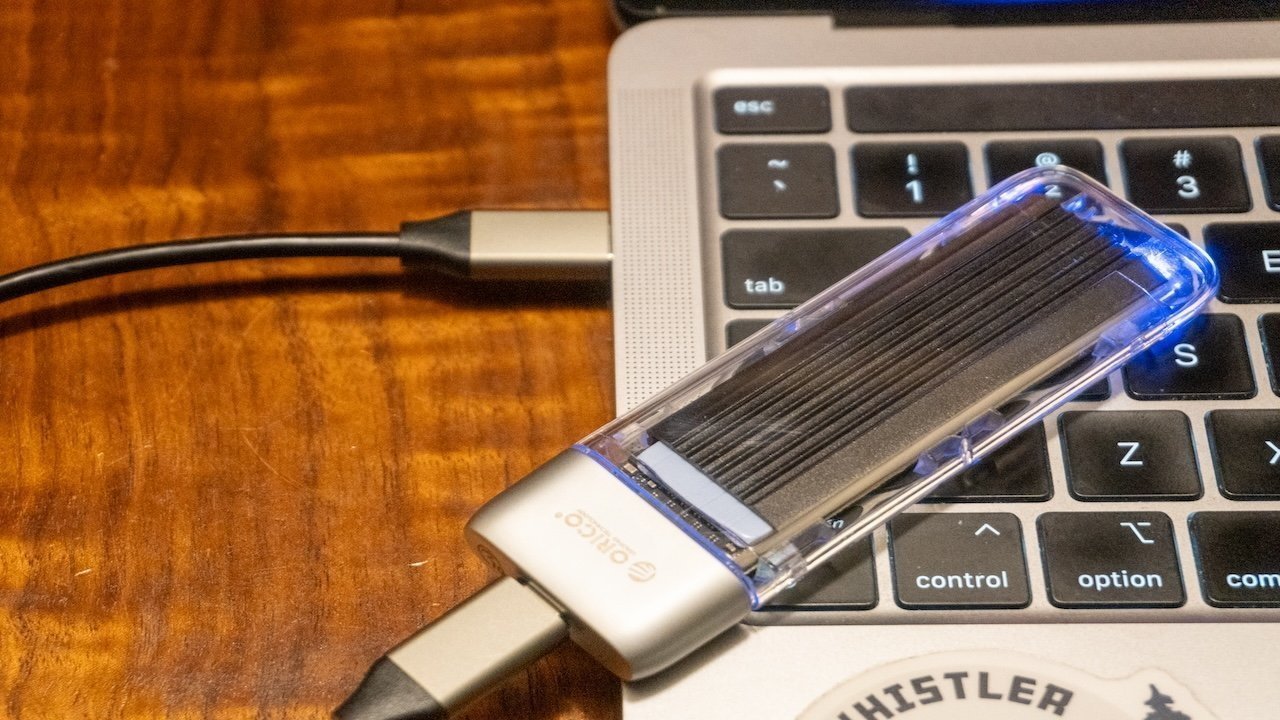
Some Mac users are discovering they can't use their external drives with macOS Tahoe 26.3 and it seems Apple knows something's wrong. Let us know what works for you, and what doesn't.
Apple released the update to macOS Tahoe 26.3 on February 11, with the update adding more machine learning performance for M5 users as well as other smaller changes. It seems that one undocumented alteration may have caused problems for some users.
A number of users have taken to online support forums and social media to try and get help with an external drive issue in macOS Tahoe 26.3. Affected users are finding that external drives are not mounting properly, despite previously working fine.
The AppleInsider editorial team has also encountered the issue, with some seeing problems predominantly with SSDs. In our videographer's case, the drives he uses daily fail to work properly at mount at times, with read and write speeds sometimes going down to a few megabytes per second, and forcing reboots.
Other accounts we've seen are more severe failures. The drives just fail to mount entirely.
I opened up my laptop, plugged in my Samsung T7 SSD (which has every single video file I've ever made and is the only place they're in), and this came up. Not sure what to do. Hopefully it's as simple as putting these files on another drive. But I'm kinda freaking out. pic.twitter.com/5je2xg34jx
— tyler (@tylerdotmp4) February 20, 2026
Another example of the issue is demonstrated in one screenshot on X, showing a window warning "macOS can't repair the disk." In that case, the disk could be read, but couldn't be saved to, unless the user reformatted it as per the message's instruction.
The relatively few instances of publicly-visible complaints mean it's a problem that only a small number of users are encountering. It is also unclear what exact configurations of drives are being affected, in part because the visible complaints omit that sort of vital information.
In the Twitter complaint, it mentions the Samsung T7 SSD, which connects using USB-3.2 Gen 2.
For those afflicted, there is no real solution in sight.
Past and future
This is not the first time that Apple has dealt with drive issues in macOS 26. As early as the initial developer betas for the first release of macOS Tahoe, there are complaints of the external drive not appearing on the macOS desktop.
That problem appears to have been solved as part of a later update. However, based on the current reports, it may be the case that the same problem or something similar has surfaced in the more recent updates.
It also appears to be a problem Apple has some knowledge of already.
In the release notes for the first macOS Tahoe 26.4 developer beta, there are two external drive-related Known Issues.
The first is when using an external disk to boot some configurations of M1 Macs, as some "panic at boot." The listed workaround is to install to a secondary volume in an APFS container instead of an external disk.
The second explains that HFS external media "might fail to mount automatically." Apple recommends that Mac users use the Terminal tool diskutil to mount the disk instead.
This second listing is close to the current 26.3 problem, except it's not limited to just HFS. In the case of our own issues, we've found it to happen to drives that are formatted in APFS too.
The beta release is also affecting users in a similar way, with one Reddit post describing the same pop-up under macOS 26.4 as under 26.3.
For the moment, it doesn't seem that there is a solid fix for users to undertake for this problem. Furthermore, it doesn't look like a widespread-enough problem for Apple to be proactive about fixing with any urgency.
Alerting Apple to the situation through its support channels will help raise awareness and prod Apple into working on the problem.
If you're impacted, or if you aren't, leave a comment below about their particular drive setup. Please include what Mac, what drive, and what interface you're using. Alternately, email us directly with your details.
Maybe a solution can be found before Apple comes up with a fix.