
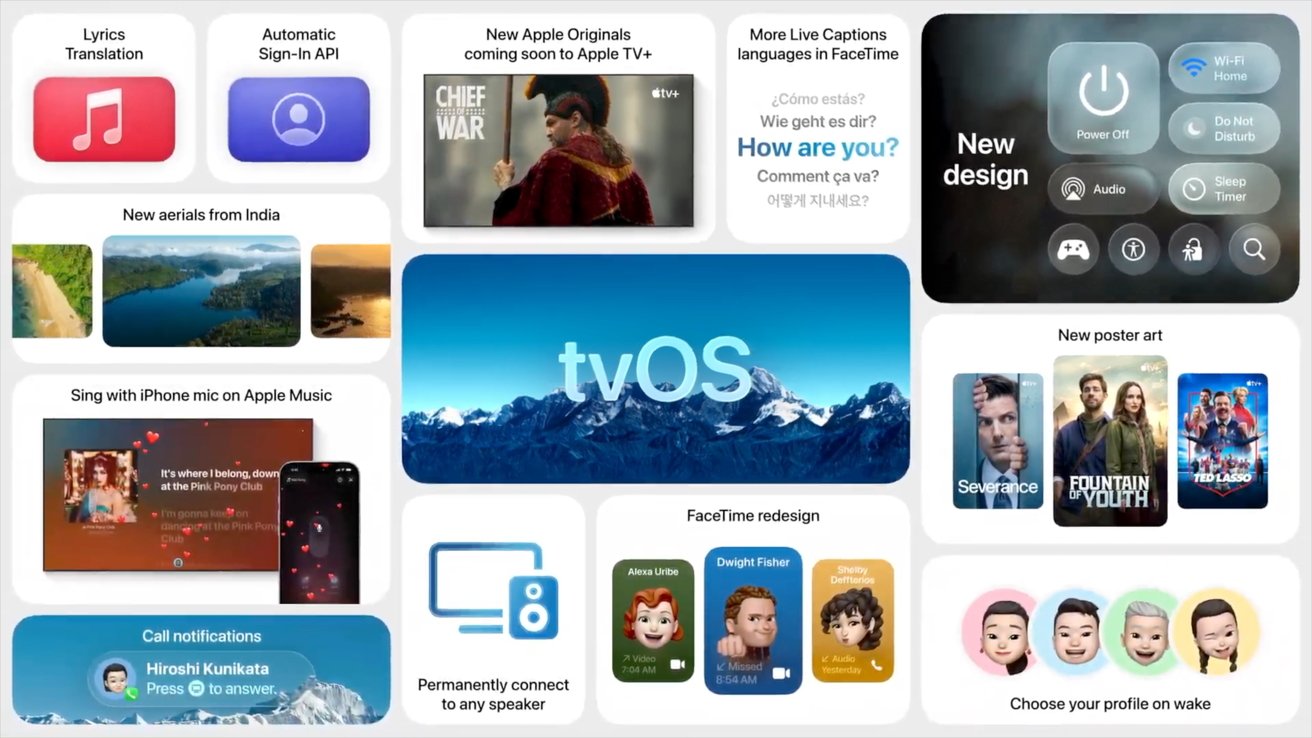
Get ready to update your Apple TV and HomePod, as Apple has officially rolled out the tvOS 26.4 update.
As we saw in the beta, Apple has officially removed the iTunes Movies and iTunes TV Shows apps from tvOS 26.4. Consumers can no longer purchase shows or movies through the apps.
To make purchases, they'll need to use the Apple TV app directly. Users will also be able to access their previous purchases from the Apple TV app.
The move comes as part of Apple's efforts to consolidate its media storefronts. In doing so, tvOS now lines up with previous efforts made on iPad and iPhone in 2023.
Other changes in tvOS 26.4 include Apple TV Audio Format setting changes that replace Dolby Atmos immersive audio with Spatial Audio, and a Continuous Audio Connection option for HDMI.
Apple uses tvOS to power both its set-top box and its smart speaker lineup. However, it seems increasingly likely that Apple will rename the HomePod operating system to "homeOS."
How to update to tvOS 26.4
- On an Apple TV, go to the Settings, app
- Select System
- Select Software Updates
- Select Update Software
How to update your HomePod or HomePod mini
- Ensure your device is updated to the latest version of iOS, iPadOS, or macOS.
- Open the Home app
- Tap or click ...
- Tap or click Home Settings
- Tap or click Software Update
- If available, tap or click Update







