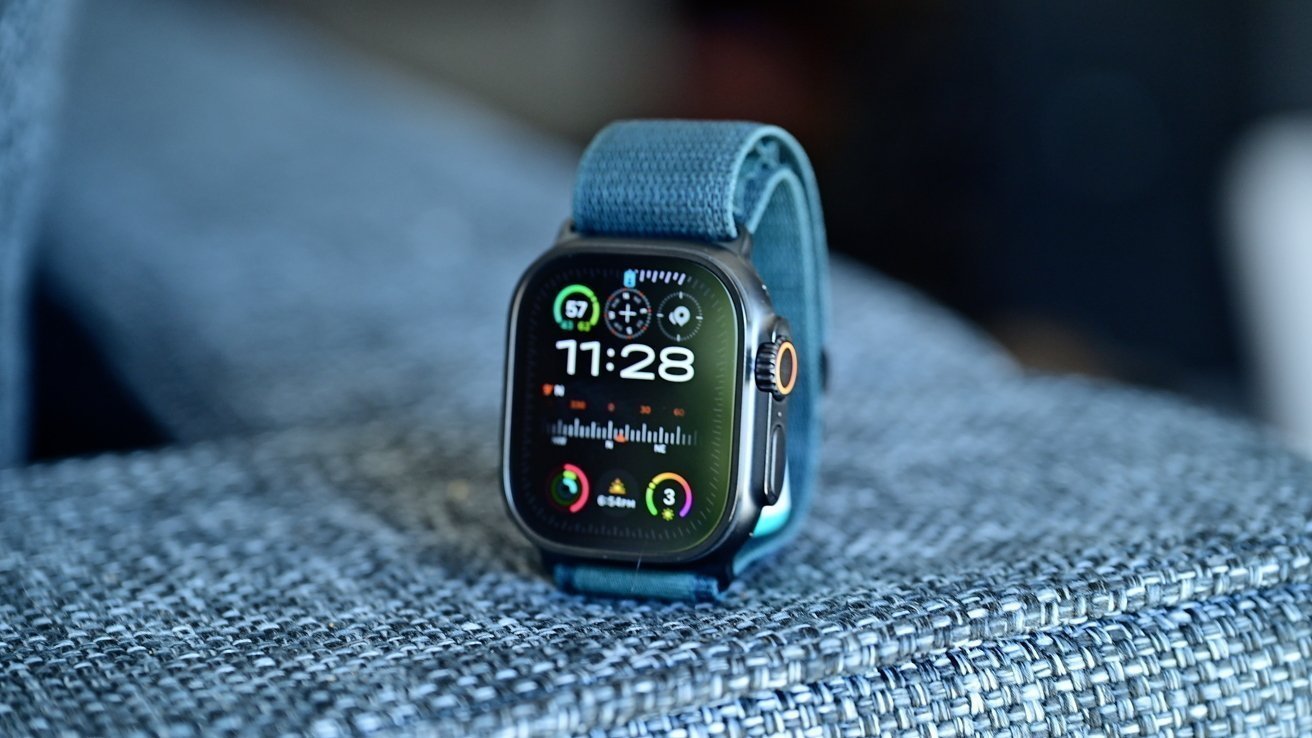
While it certainly won't win any accolades for exciting new features, watchOS 26.5 will help keep your Apple Watch operating smoothly.
Once again, Apple has rolled out a watchOS update with no apparent new features, suggesting that watchOS 26.5 is geared toward stability improvements and bug fixes. While Apple occasionally releases features with minor watchOS updates, typically, larger releases are where we see anything of note.
watchOS 26.5 is build number 23T570.
Updates like these are crucial as they ensure optimal device operation. This is also where Apple fixes minor performance and compatibility issues, as well as potential security flaws.
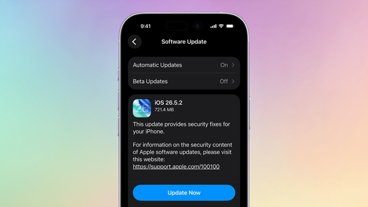
The Apple Watch will update on its own over the air. However, if you want to force the update, you can do so by following the steps below.
How to update to watchOS 26.5
- Ensure the Apple Watch is charged to at least 50% and connected to Wi-Fi
- On your Apple Watch, open the Settings app
- Tap General
- Tap Software Update
- Tap Install if a software update is available
- Follow the on-screen instructions
How to update to watchOS 26.5 via iPhone
- Ensure your watch is charged to 50% and connected to Wi-Fi
- On your iPhone, open the Apple Watch app
- Tap General
- Tap Software Update
- Download the update if it is available
- Follow the on-screen instructions