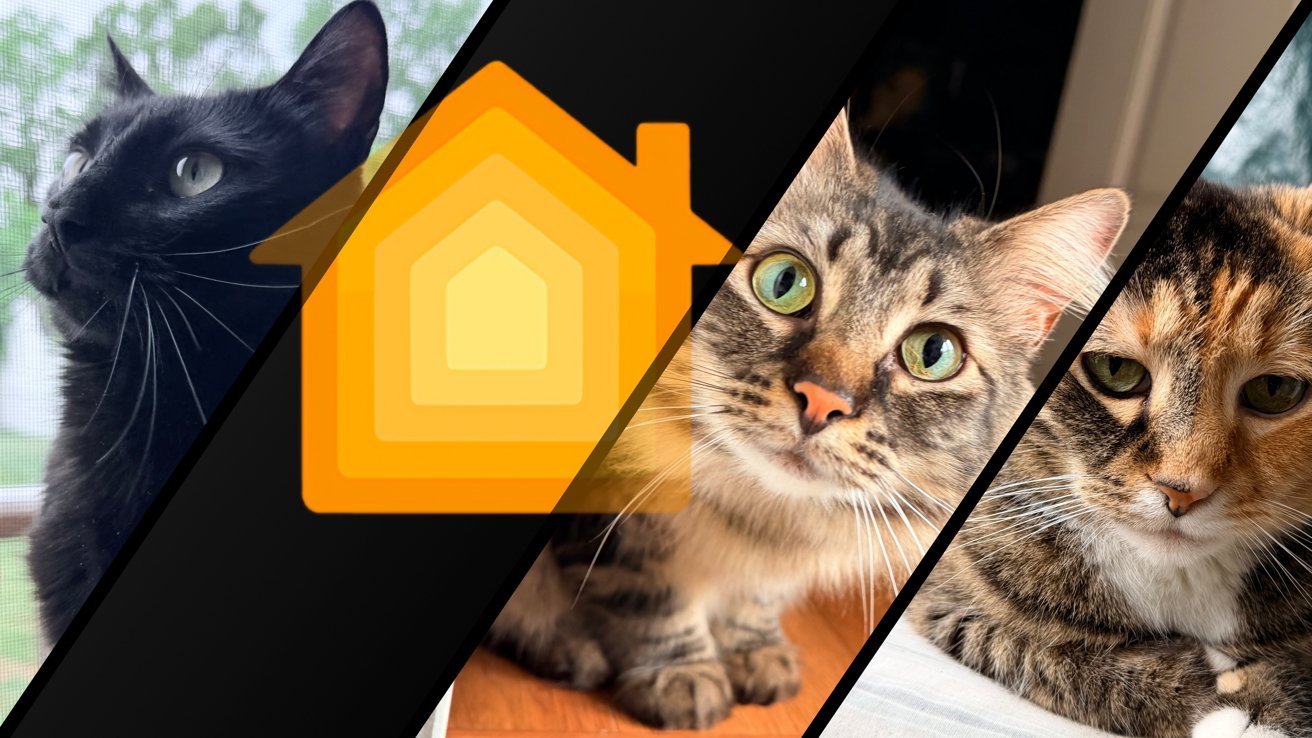
Apple Home may not address pets directly, but that shouldn't mean your smart home doesn't either. Litter boxes, feeders, sensors, and more can make your fluffy loved ones part of your tech life.
My background in the nuclear Navy means I spend a lot of time evaluating my day-to-day interactions. So, smart home or not, I tried to find the best ways to optimize everything, including pet care.
That has become so much easier over the years thanks to bespoke solutions. While Apple has seemingly forgotten about pets in its smart home implementation, the rest of the industry is working to get more smart devices out there.
In my home, I currently have indoor security cameras, an automatic feeder, and an automatic litter box. I've previously utilized motion sensors in an interesting way that I'd like to cover here as well.
This is the third story I've written in the Owning an Apple Home series. The first was about moving and the second covered whole-home audio with HomePods.
Let's talk about smart gear regarding pets.
Litter-Robot 5
Owning a cat means you have a litter box. There's no escaping it.
Years ago, I tried to life hack my way into the perfect litter box setup. A little trash can by the box in a closet evolved into a diaper-genie-like product, which led to litter alternatives.
I tried everything, or at least it felt that way.
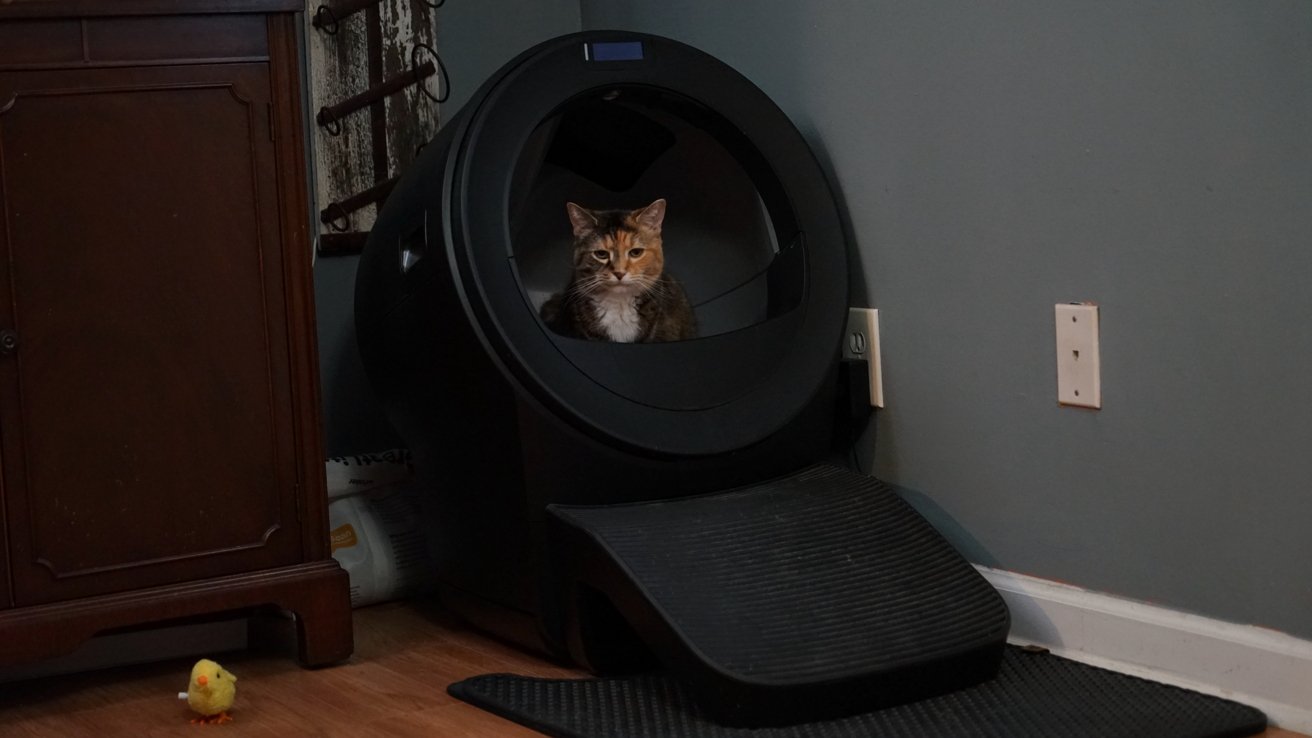
The Litter-Robot 5 is a low maintenance pet tech product. Say hi Harvie!
Litter-Robots have been a thing for a while, but they always felt a bit out of reach. They're high-priced and require power.
Previously, I was more worried about bills and other purchases, and my living situations never had the litter box near an outlet. Now, both of those things changed so I could prioritize having a proper automatic litter box.
I knew the Litter-Robot 5 would likely be the best bet because of its big opening. I had to account for all four of my cats, including the biggest guy, Edgar, who came in over 13 pounds.
He was fairly litter box shy and even washed his paws after each use. That said, he took to the Litter-Robot almost instantly, as did the other cats Marble, Harvie, and Agatha.
Sorry to say that shortly after our move, Edgar passed due to a previously unknown brain tumor.
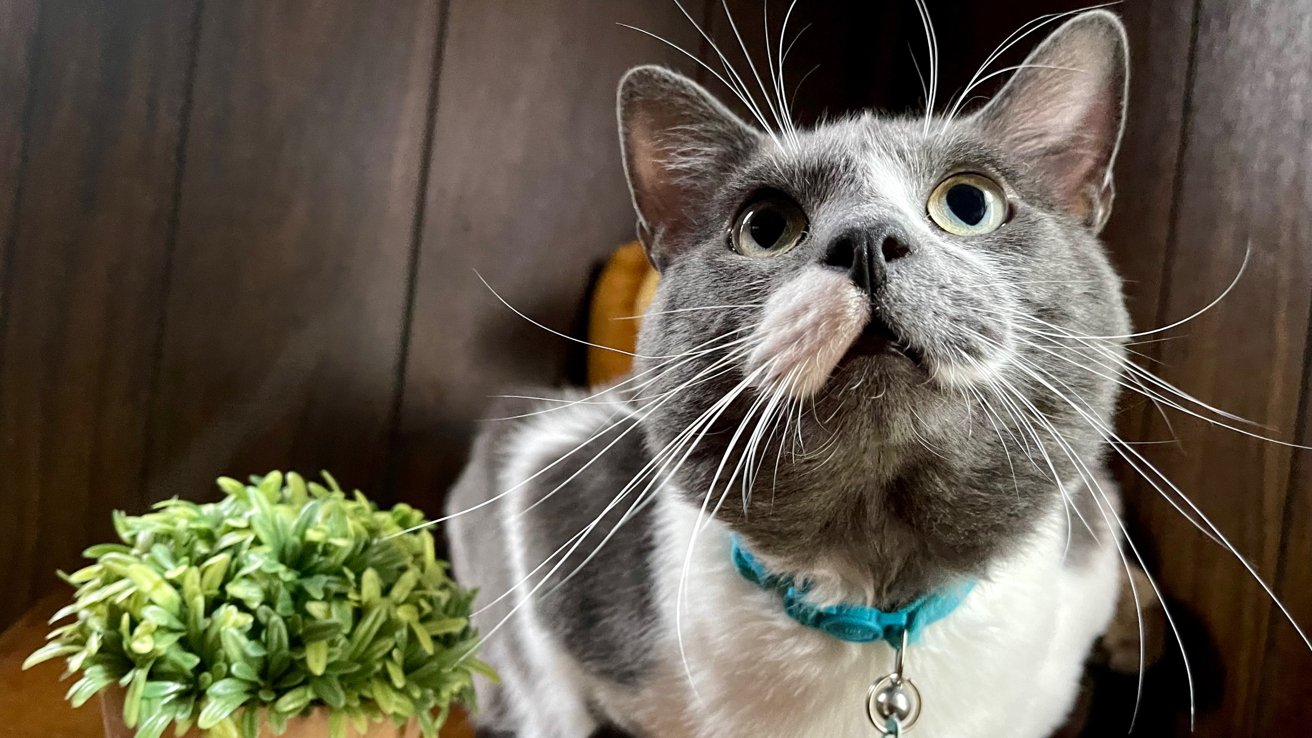
Edgar approved of the Litter-Robot before he left us
Let's get into the device itself. It's actually been quite the lifesaver in a way I wasn't expecting.
Instead of tending to the litter box every few hours or at least once a day, I'm changing the liner once a week. I'm using the Whisker-branded litter to ensure the best compatibility, and it has been great for minimal dust and cleanup.
This model doesn't have a camera, and while it offers additional metrics for a subscription, I didn't bother. I'm happy with the weight data, waste bin level, and litter tray levels that are provided by default.
It weighs the cats and lets you know the frequency that they're using the bathroom. These metrics can help if you're trying to figure out if your cat is healthy.
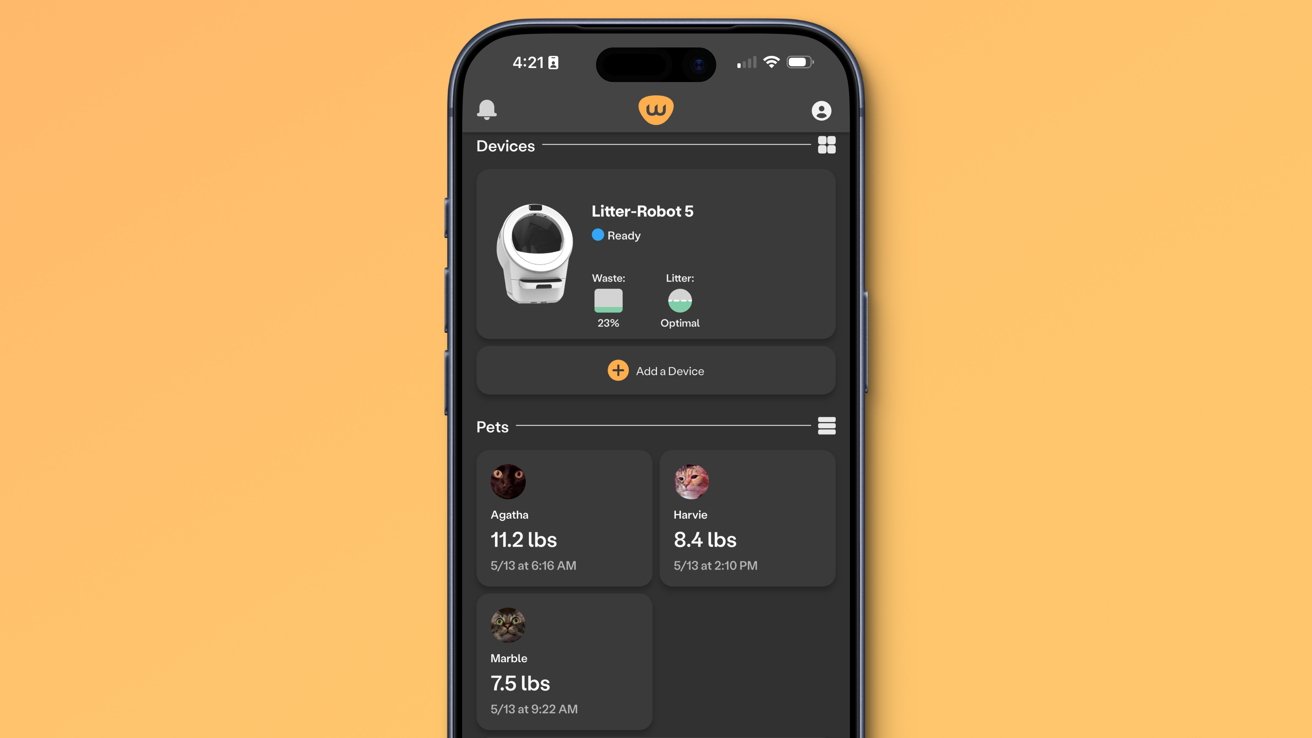
The Litter-Robot 5 gathers data about each cat
It's good enough figuring out which cat is which based on weight, but it isn't perfect. When Edgar was around, it often confused him and Agatha after Edgar had lost a little weight.
This is one of those devices that removes an entire chore from the docket (beyond changing the bag). It is one of the perfect examples of what technology like this is for.
My biggest issue with Litter-Robot 5 isn't entirely its fault. I'd love if there was a way to integrate it with Apple Home.
The Litter-Robot 5 is $799 on the Whisker website.
Petlibro Granary Smart Camera Feeder
Cleaning up after your pets is most of the work of a pet owner, but you've got to keep them fed and watered too. For this task, I've turned to Petlibro.
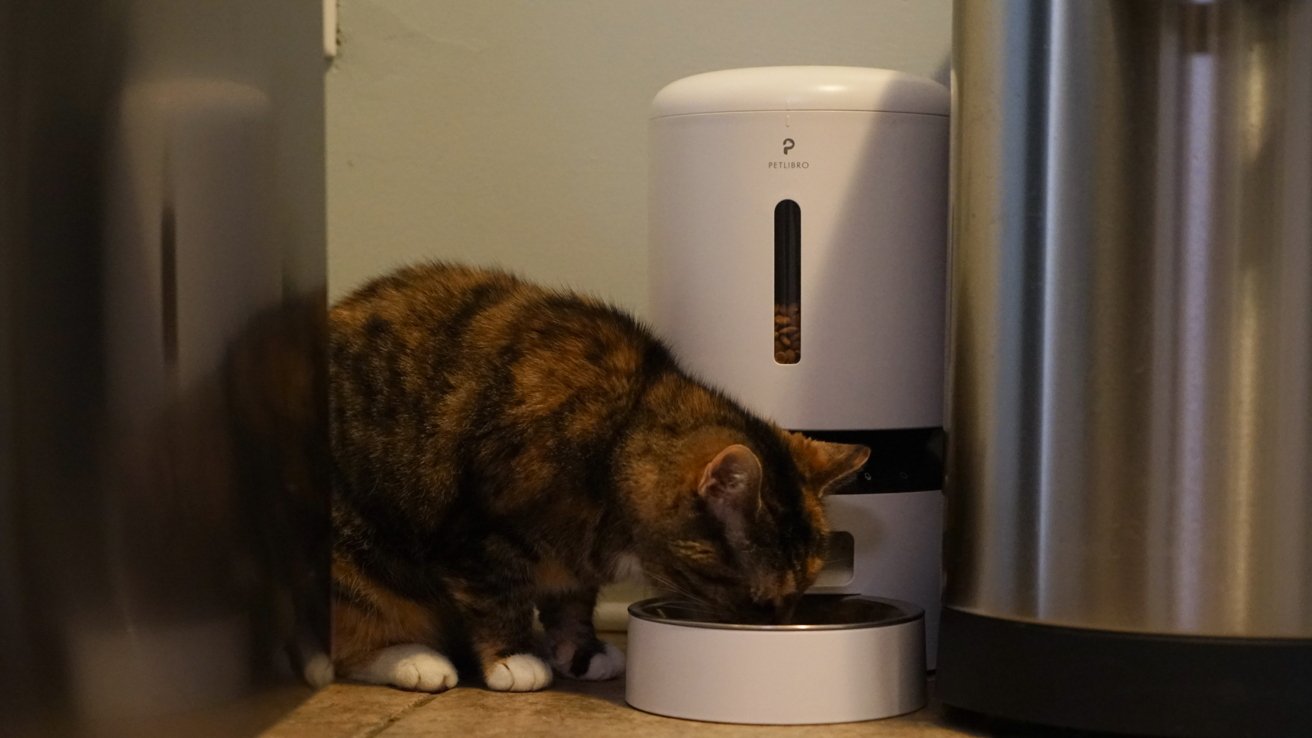
The Petlibro Granary Smart Camera Feeder makes feeding the cats easy
The Petlibro Granary Smart Camera Feeder I use might utilize the older "Lite" version of the app, but it's all I need. I've also dabbled with Petlibro's fountains, but more on those in a second.
The feeder is great because it takes yet another multiple-times-a-day chore and turns it into weekly to biweekly maintenance. In the photo I've provided, you can see a large stainless steel container: that's holding about 22 pounds of cat food.
When the granary runs out, I refill it from the larger container. When the container runs out, I've got about a week to get a new bag.
Sometimes technology can be that simple. The lever, the wheel, the gravity-fed bowl of cat food with Wi-Fi are all inventions we shouldn't live without.
These automatic feeders are a must-have for any pet eating from a bowl. There are even models with RFID readers that can tell if a pet has returned too often and deny them a refill.

Schedule feedings or manually feed the cats at any time
I like the camera option because it lets me have yet another place to check in on my cats.
Petlibro's Granary Smart Camera Feeder normally sells for $139.99, but it's on sale for $107.08 at press time on Amazon.
Like with the Litter-Robot, the Petlibro products can't integrate with Apple Home. That's something that could change in the near future.
There are also automatic water fountains, but your mileage may vary when it comes to fountains like the Petlibro Dockstream. Edgar's paw washing led to two different models melting due to water splashing.
Yes, melting.
The more recent models have more secure battery and power compartments, and I haven't tried them. Needless to say, we're happy with our simple water dishes even if I'd like a smart solution here too.
Security cameras and pets
It's good to have security cameras, pets or not. I know people get sketched out having cameras indoors, but there are ways to do it right.
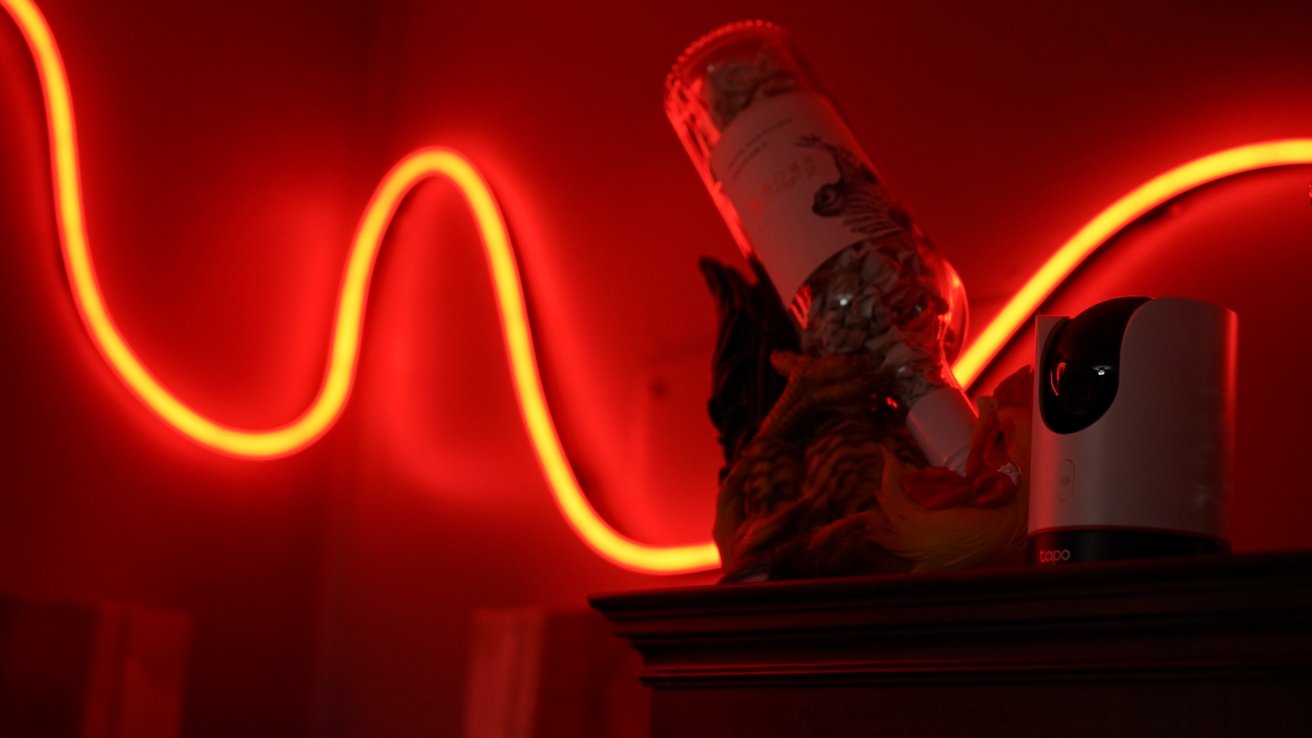
A couple of well-placed indoor cameras can let you keep tabs on your pets
For instance, Apple HomeKit Secure Video is totally encrypted and safe. You don't have to worry about people snooping with your camera the way they might with those infamously insecure baby monitors.
The key here is trust. We've taken things further by having the cameras be essentially off when anyone is present in the home.
When away, they're on, streaming to our iPhones and recording motion. They're the perfect way to lay eyes on our cats while we're away.
The camera in the pet feeder adds to this ability, though it connects via a separate app. I'm not excited by that camera existing in our home, but it is located in a place that can only see the base of the refrigerator.
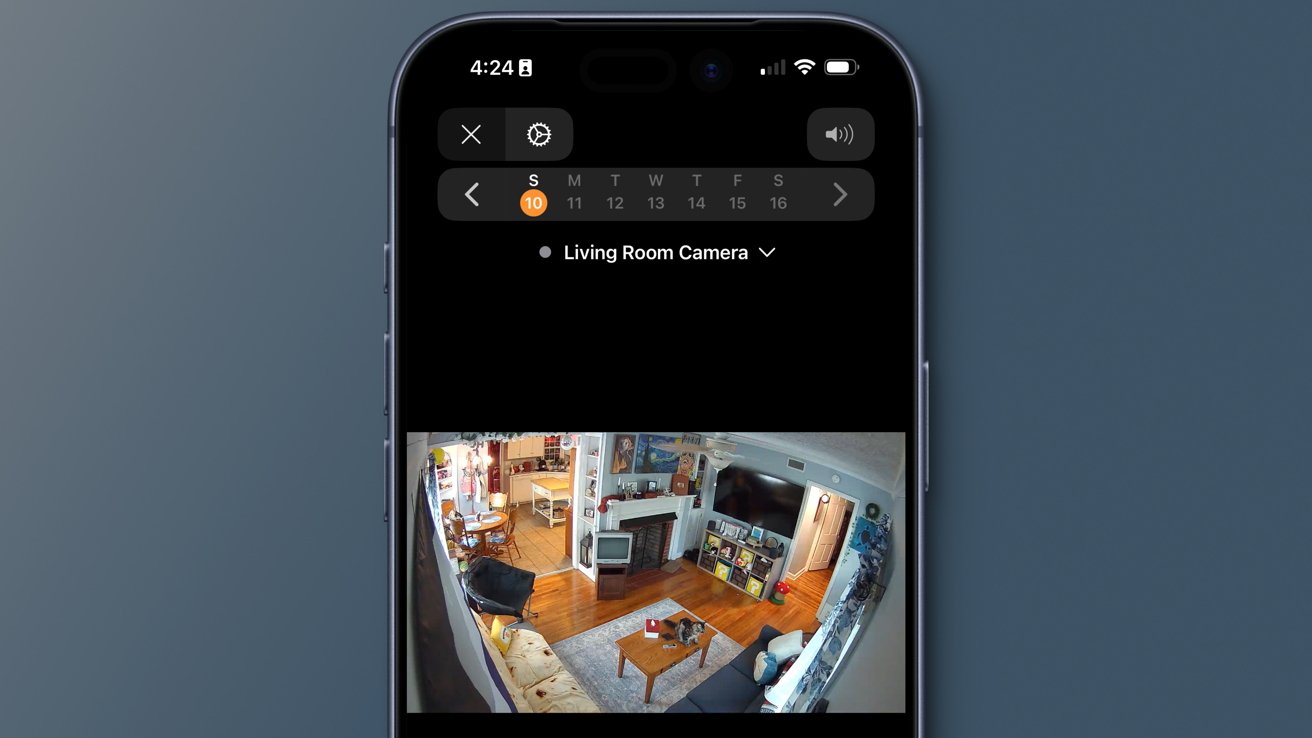
HomeKit Secure Video provides clips when motion is detected
I'd love if Petlibro or some other company made a pet feeder with a camera that connected to HomeKit Secure Video.
The cameras also mean we can check in if a pet sitter stops by to care for the pets. There's also the added comfort of being able to put eyes on the house in case of an emergency.
For example, if the fire alarm or CO alarm goes off while we're away, our HomePods will send an alert to our iPhone, and we can immediately view inside of the house with the cameras.
You'll be happy the first time you go on an extended trip and can look in on your fluffy friends.
Door and window sensors on gates
One trick that I hope to implement again in the new home utilizes door and window sensors. I placed some in cheap 3D-printed enclosures to weatherproof them and slapped them on the metal fencing at my old house.
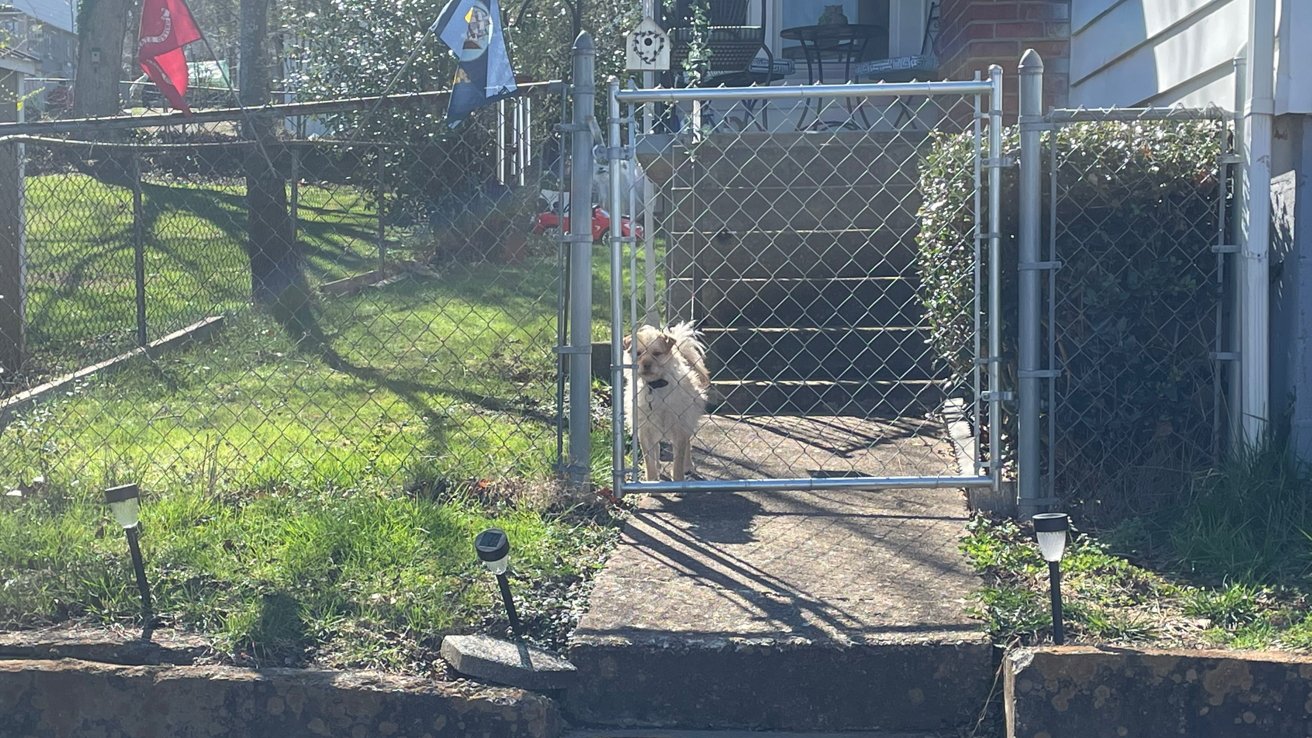
Sensors attached to the outdoor gates helped us ensure the gates were closed at our old home
We had a dog at the time and could easily let her out of the front door into the fenced-in yard. The problem was my dad was my neighbor and would walk to the shed in my yard from time to time, leaving the gate open.
So, I utilized the sensor on the gates to make a specific light bar in the living room change color based on whether any gate was open or both were closed. It was a very useful system, though you do have to trust it actually worked.
We expect to get a new dog at this house eventually, which will mean new dog-related tech. I'll check in with more then.
Apple Home and pets
There are two aspects of people's lives I think Apple has almost virtually ignored — pets and bicycles. I'll reserve a conversation for bikes later, but as you can see from this story, Apple is mostly missing.
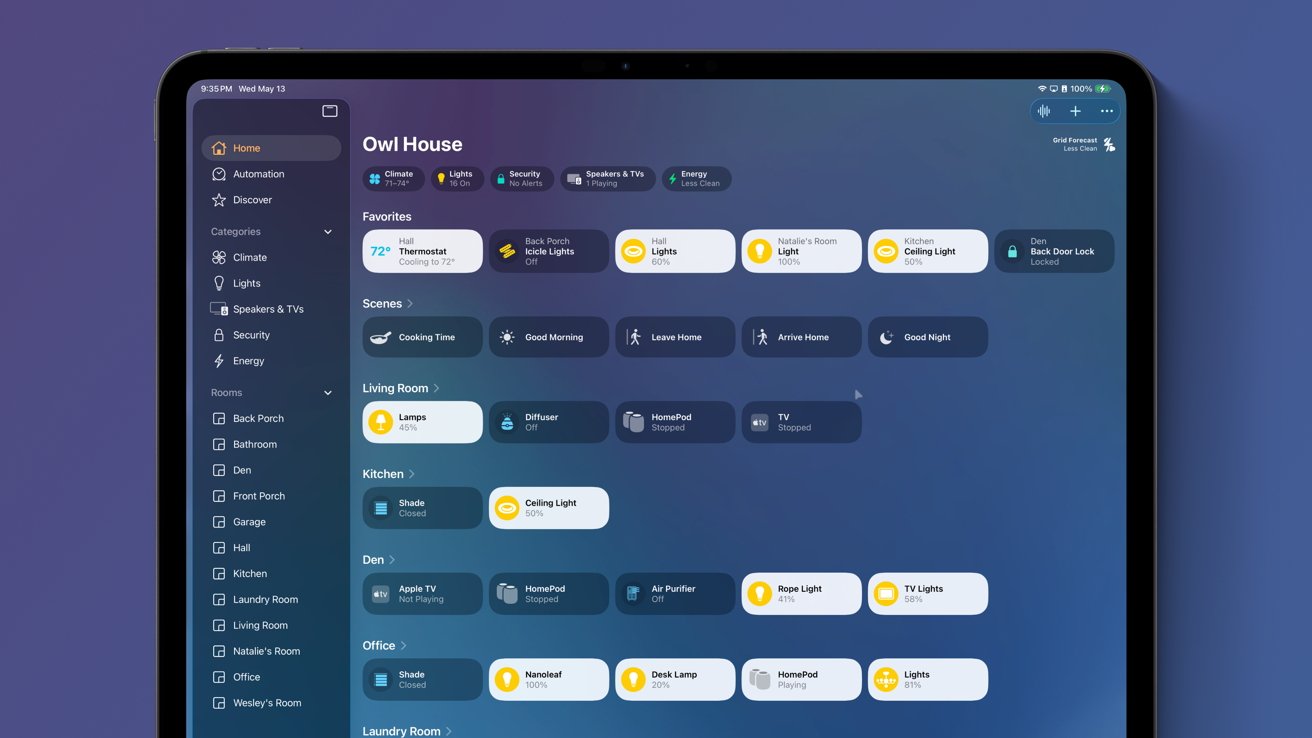
The Home app needs some work
I was very happy that Apple introduced pet recognition in Photos with iOS 17, but nothing has really changed since. People have pets and there's technology built for pets, so Apple should be there.
I've shared this thought before, but it bears repeating here. I think the Apple Home app needs a complete rethink that goes beyond HomeKit and Matter.
If it is an app-connected device of any kind, it should be able to donate the device status to the Apple Home app. If I open the Bathroom pane in Apple Home, it should show the current charge of my toothbrush and the last time I used it.
The Litter-Robot 5 should provide status updates and controls to the Home app. Tap to cycle the robot through a cleaning cycle, see if the waste bin is full in the room status, and long press to see pet data.
The Petlibro feeder needs similar functionality in Apple Home. Show if it is empty and provide a "feed now" button. Also, bring the camera into the Home app.
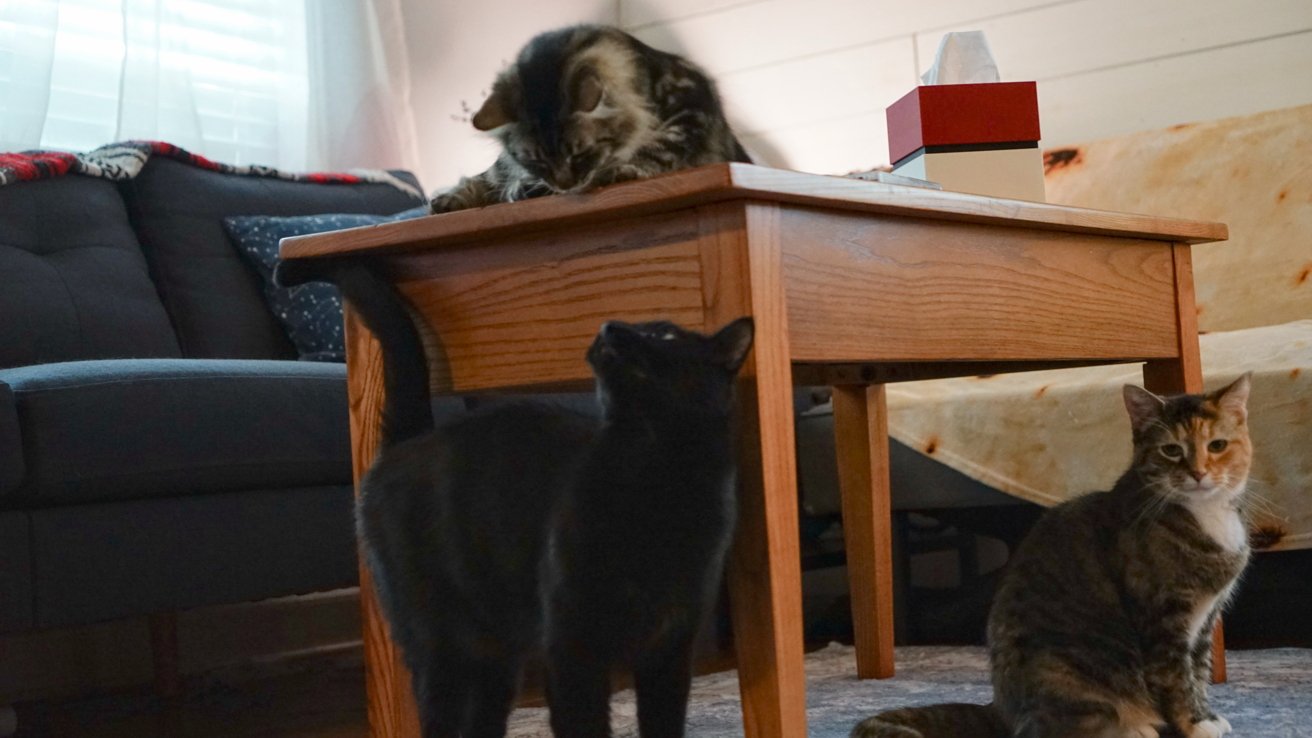
Making things easier for yourself can also improve the lives of the pets
I understand the biggest problem with this setup is it reduces the need to access those third-party apps. However, I believe there's a way to meet in the middle.
Yes, statuses and controls are a big part of the apps, but there will always be more that can be done in the app. Provide a shortcut to the app from within the Apple Home widget and it's a win-win.
WWDC 2026 will be focused on Apple's new AI implementations. Though, there are enough rumors about new Apple Home hardware like the Home Hub and security cameras that there could be significant updates.
Before I close this up, shout out to robot vacuum and mops. I didn't spend more time on them here because they felt too tangentially related, but having a little robot chase down the fur tumbleweeds on a schedule is a big help.
Whatever your position on smart home technology like bulbs and thermostats, everyone can agree that automating pet care is a no-brainer. If you've got a clever pet gadget or tool in your lineup, I'd love to hear about it.