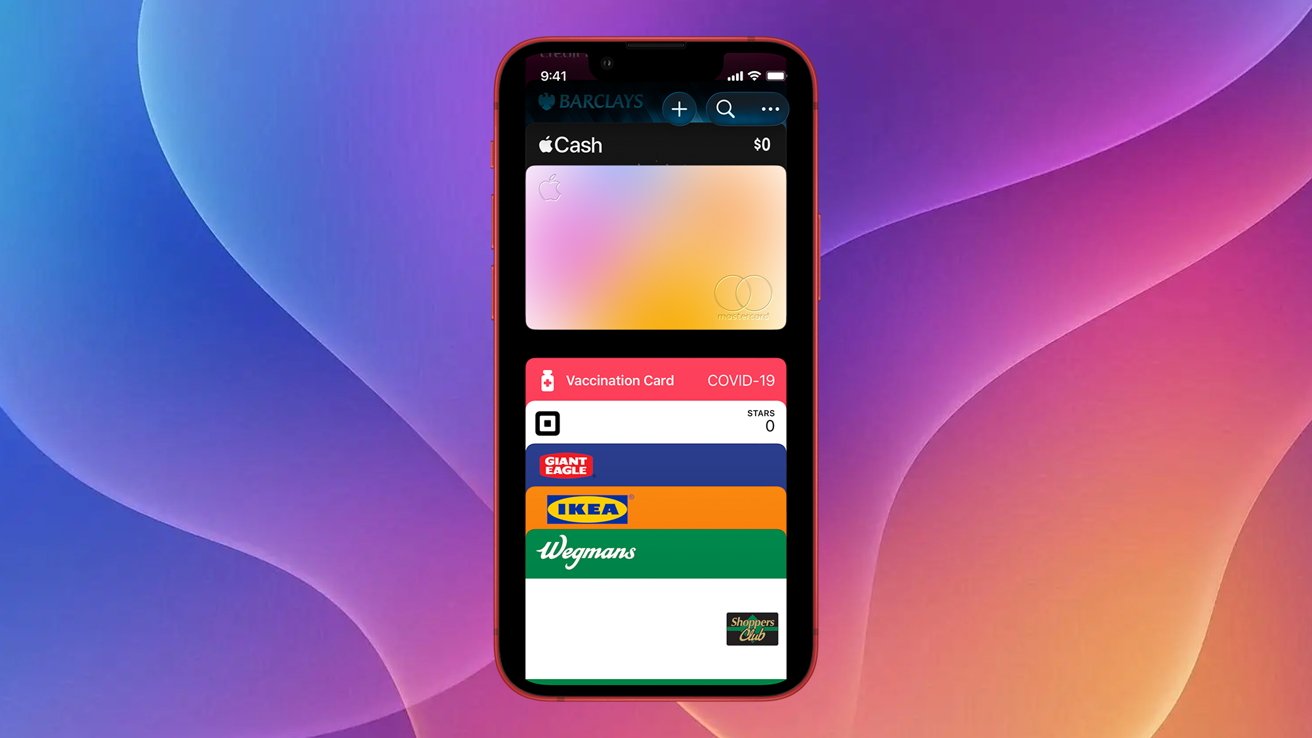
You probably know the Apple Wallet app can store credit and debit cards, but it can also hold unsupported rewards and membership cards. Here's how to get it done in iOS 26.
Like most of us, you've probably collected dozens of membership and rewards cards over the years. And somehow, you always seem to misplace them right when you need them most.
Instead of spending forever digging through a wallet, purse, or bag, you could just keep your rewards cards in the Wallet App. It makes them way easier to find when you actually need them.
Some rewards cards can be added to your iPhone automatically through an in-app prompt or a button on the company's website. Still, Many cards aren't supported, but there's an easy workaround.
To do this, we'll use Pass2U, a popular Wallet management app. Pass2U can be used for free but has a one-time $2.99 in-app purchase that allows for more customization options, barcode types, and removes watermarks and advertisements.
Keep in mind, you can do this for rewards cards, gift cards, boarding passes, and store cards. While Pass2U suggests that you can use it for adding identity cards, we'd avoid relying on it in place of a physical ID like a driver's license.
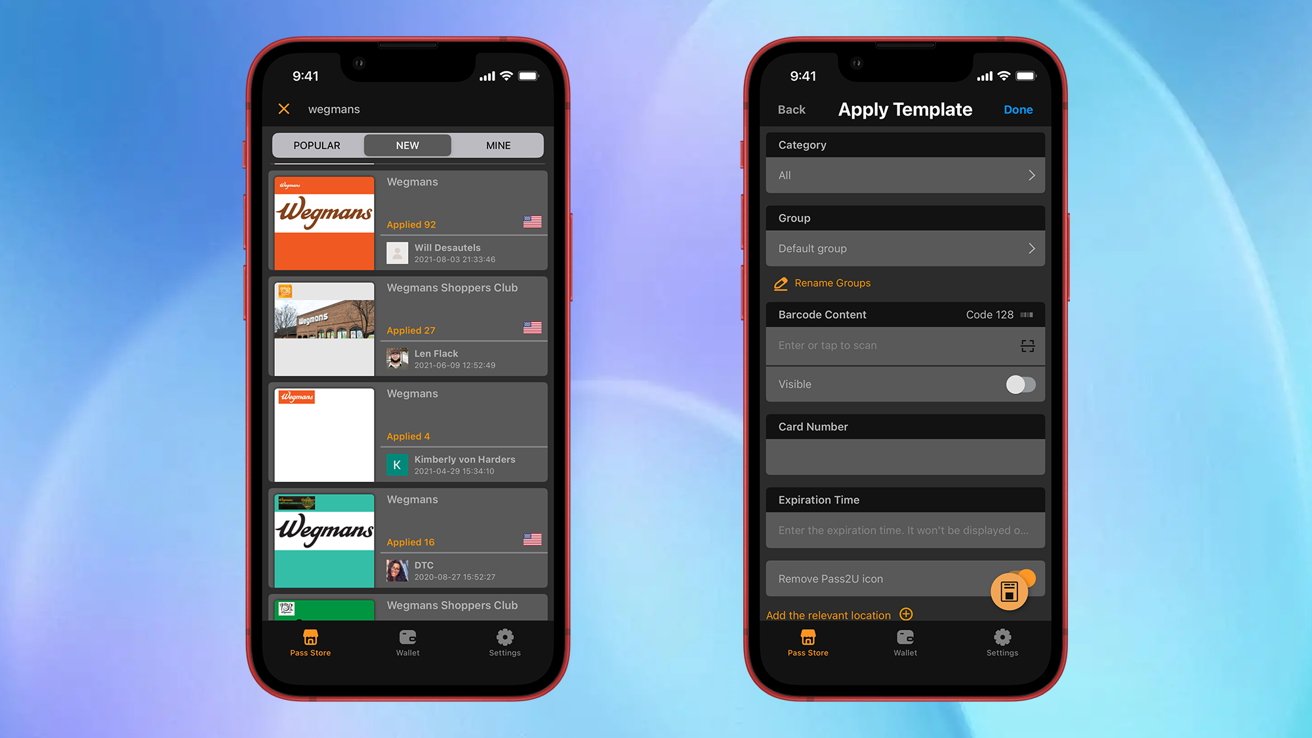
Adding rewards cards to Apple Wallet is as easy as selecting a template and filling in the required info
How to add a rewards card or membership card to iPhone
- Download the Pass2U app to your iPhone
- Launch Pass2U
- At the bottom, tap Pass Store
- In the search bar at the top, type in the name of the rewards card
- Find a template you like and tap it
- Tap Next
- Fill out the fields required
- Scan your card's barcode using the Scan feature
- When finished, tap Done
Important: Even though you get your template from the Pass Store, you don't have to buy anything to use it.
And that's it. This is a great tool to keep in your back pocket. After all, you're probably more likely to have your iPhone at the draw than you are one of your dozen reward cards.