
Following Apple's 'Awe Dropping' event, there was a chance to test out the AirPods Pro 3, including its heart rate monitoring and live transcription feature. They seem like a solid upgrade.
It's been a few years since we got a good upgrade to AirPods Pro. Other than the pile of new features added via software, like in iOS 26.
You can already check out our in-depth coverage about what's new on the AirPods Pro 3, but we can at least touch on the changes briefly.
The new AirPods Pro 3 have a redesigned body that Apple says should fit even more ears than before. That's combined with new ear tips that come in 5 different sizes, including XXS, which should fit better for even more people.
Internally, they have the same H2 chip, but thanks to the redesigned earbuds and increased airflow, the audio quality is improved. The Active Noise Cancellation (ANC) is also twice as good compared to the previous model.
There are also improvements to battery life for a single charge, a tapping gesture for pairing instead of a button on the case, and an IP57 resistance rating. Then there's the addition of heart rate tracking.

Trying out the new fit and ANC
When I sat down with the new earbuds, they're so unassuming. The case, while technically a bit narrower than before, looks largely unchanged from the outside.
I tried the earbuds on and noticed that, while I used to use the medium tips, they felt a bit snug. I swapped them for the small tips this time, and they were much more comfortable.
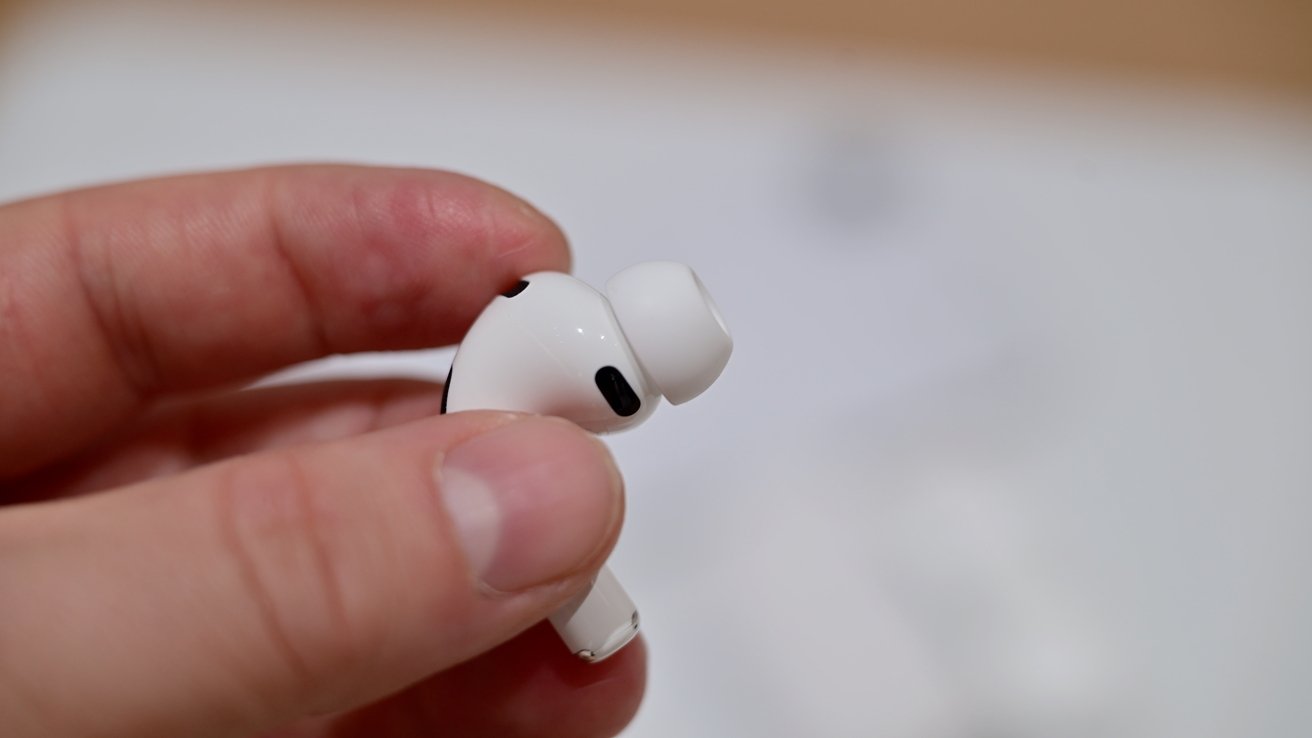
The new AirPods Pro 3 have a changed design
The ear tips are angled a bit more into the ear canal now, and they felt sturdier than they ever had before. It was a significant improvement in fit, and that is coming from someone who didn't have issues before.
There was overall a better seal, which must have been a combined benefit from both the changed angle and the new internal foam.
It also seems to have helped the ANC when an airplane was simulated with a quartet of HomePods. When the speakers played in-flight white noise, I could barely hear a thing leaking through the AirPods Pro 3.
I'm definitely looking forward to putting the AirPods Pro 3 through more testing. But, out of the gate, it seems the ANC is markedly better than the last generation.
Live translation to the test
What I was most eager to try out was Live Translation. This is not an exclusive feature to AirPods Pro 3, but it is being introduced alongside the new model.
This feature will be coming to the AirPods Pro 2 and the AirPods 4, as long as they are paired with an iPhone running iOS 26.
There are multiple ways to enable the Live Translation feature: assigning it to the Action Button, squeezing both stems at the same time, or from Control Center.
In the demo, I put the AirPods Pro in and then squeezed the Action Button. Another person seated across from me started to tell me a story in Spanish.
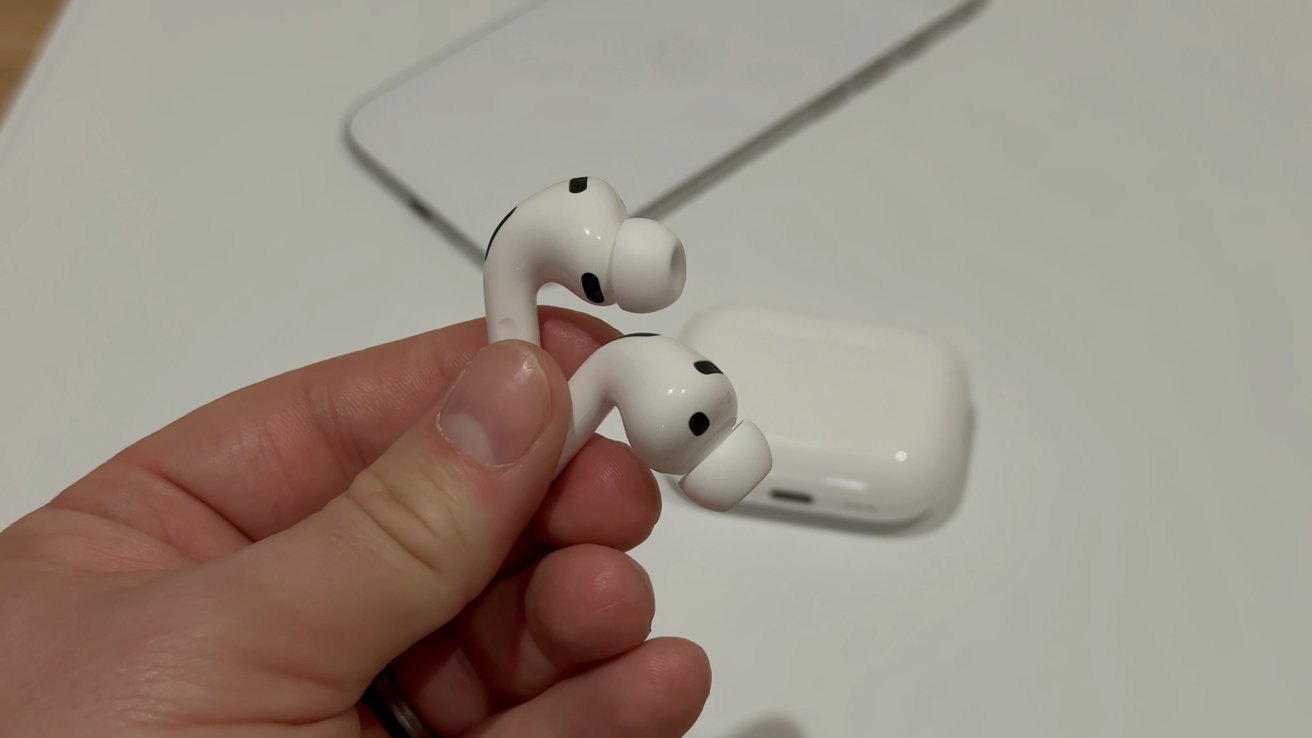
AirPods Pro 3, AirPods Pro 2, and AirPods 4 all support Live Translation
The AirPods Pro lowered the volume of the other speaker, while a delayed voice came from the AirPods Pro to Translate what she was saying. It worked practically like it did in Apple's keynote presentation.
The biggest hangup here may be the delay. For full context, different languages need more of the full sentence before it ican start to be accurately translated.
Depending on what is being spoken, this may or may not require more delay between the person talking and you comprehending what they're saying. In a real conversation, this could slow things down.
At the same time, it's probably the best version of this I've seen. It's so easy to use and doesn't require any additional downloads or cloud connection.
Everything is done locally on the device, from the AI processing to the language translation. That can be critical for people traveling who may not have data they can use, as some other earbuds require.
Lastly, I got to test out the Translate app at the same time. If you open the Translate app, it will show the conversation on the screen.
This feature means you're able to respond back to the other person and it can convert your speech to text in their language. This worked even quicker, but it was a familiar experience for those who have used the app in the past.
Heart rate tracking
For my initial test, I got to go on a short walk while wearing the new AirPods Pro without an Apple Watch. Compared to the Beats feature, heart rate monitoring on AirPods Pro is a much better experience.
Fret not, as the Powerbeats Pro 2 will also be getting an upgrade with iOS 26. For now, though, I'll focus on the AirPods.
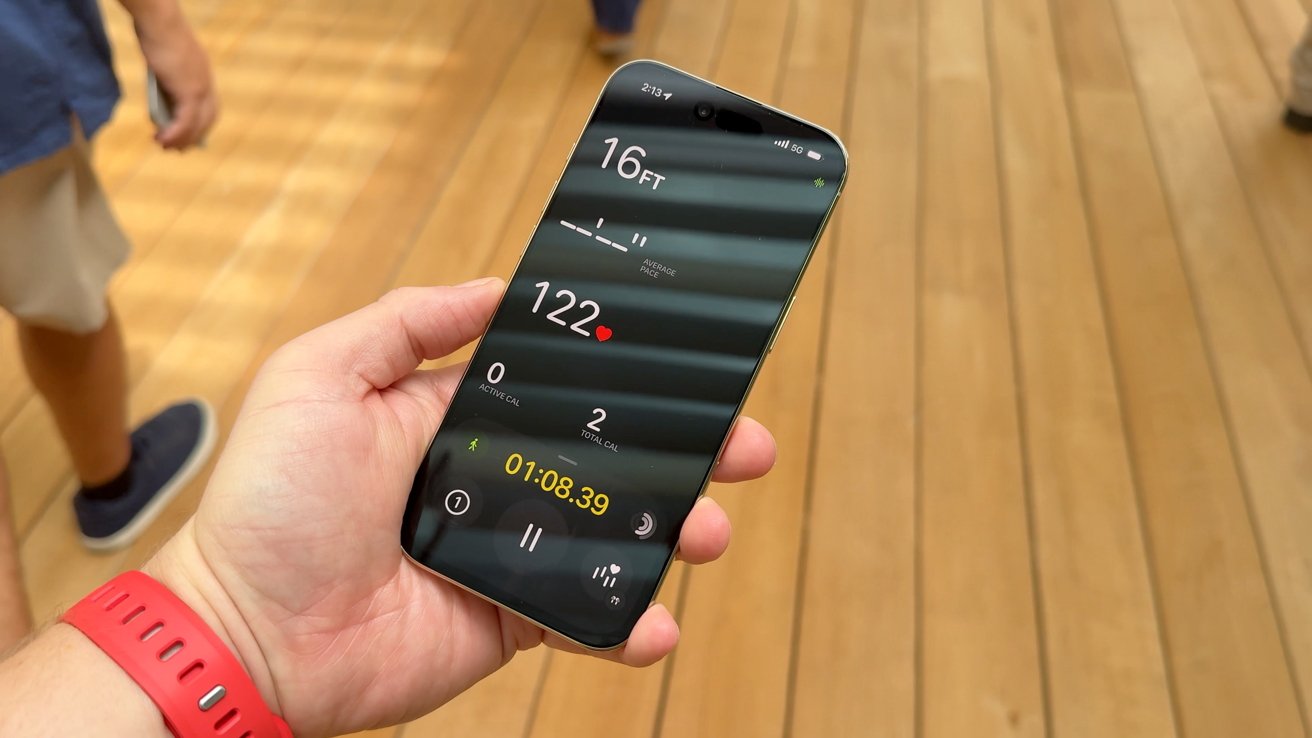
AirPods Pro 3 show the heart rate in the Workout app
When you go into the Activity app, there is a Workout tab. Before, there were only a few workouts you could do that relied on the stats collected from your iPhone — like a walk.
With the AirPods Pro connected, you can tap the plus button at the bottom to open up around 50 workout types you can do. Everything from HIIT to dance.
Without the AirPods connected, you'll see an icon to the right that says heart rate data is not available. When ready, tap a workout to get started.
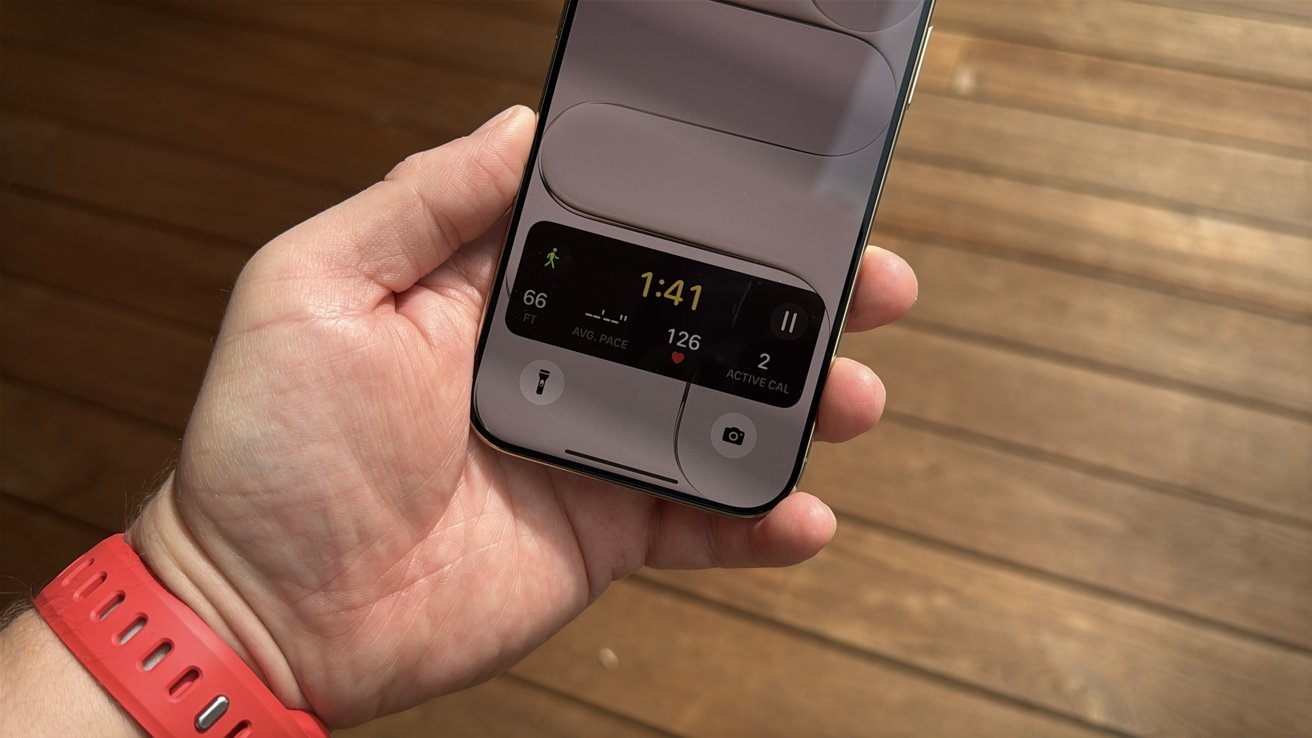
AirPods Pro 3 heart rate shown in the Live Activity during a workout
I started a walk, and soon saw all my metrics on the app. I saw my distance, pace, active calories, and total calories, plus my heart rate.
Even better, as soon as I locked my iPhone, I saw my heart rate as part of a Live Activity of the workout showing on the Lock Screen. It was super handy to get that information at a glance.
After the workout, I got a summary of my (brief) walk. You can view a map as well as a graph of your heart rate throughout the workout.
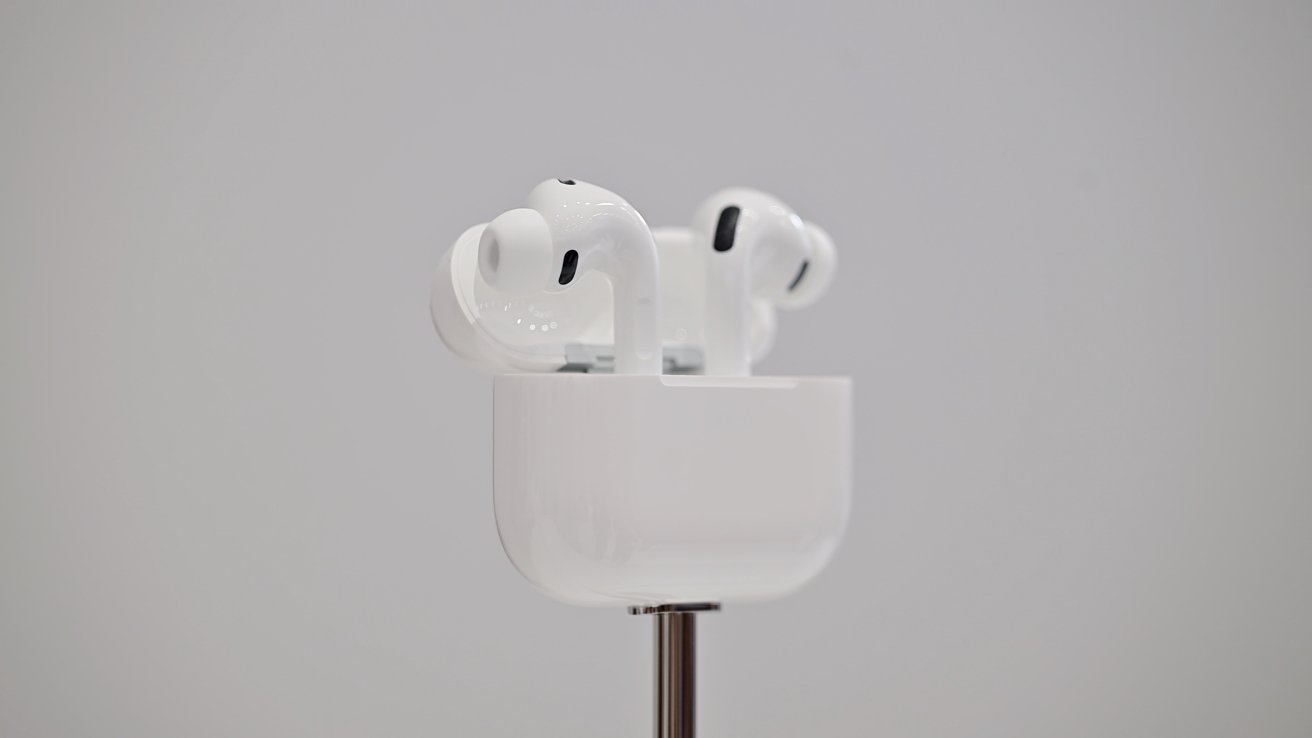
AirPods Pro 3 have a number of new upgrades
This will be very useful for those who don't have an Apple Watch. For those that do, it will compare the data with your watch and choose the most accurate heart rate reading of the two.
When using both, you will get the most precise heart rate and calorie data, depending on which works better.
Coming to your ears soon
AirPods Pro 3 are a surprisingly good update. Ahead of the event, it was rumored there would be no real difference in ANC or audio quality, so it was great to see that ended up not being true.
I'm very eager to keep testing the AirPods Pro 3 further, but this was a solid first impression.
The new AirPods Pro 3 are available to order now for $249 and will be released on September 19th.