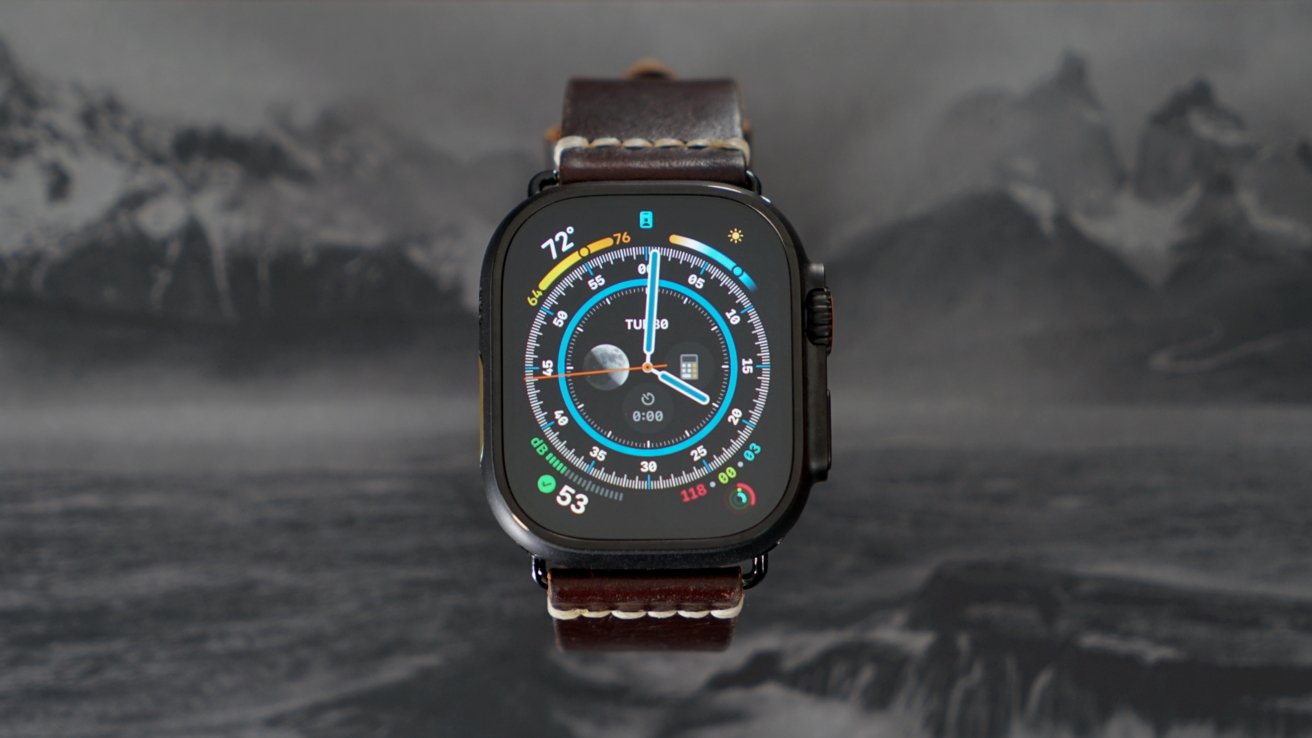
The Apple Watch Ultra 3 is a dull upgrade that does little for the "Ultra" name, but a fraction more battery life and satellite connectivity may be enough to push upgrades.
Apple Watch is in a tough spot. It is upgraded annually with small chipset changes, few feature adds, and customers are left wondering if they should bother with an upgrade at all.
The Apple Watch Ultra 3 is the first true update to the line in two years, so even if you're on an Apple Watch Ultra 2, you may consider an upgrade this cycle. Battery life increases, 5G, satellite connectivity, and a slightly larger display may justify the purchase.
Those that have been waiting on a good Apple Watch Ultra and have held onto the Apple Watch "Series" line — this is a good year to jump. Apple Watch Ultra 3 seems to be the best version of this initial iteration of the product, and the next one could have some odd compromises or design departures.
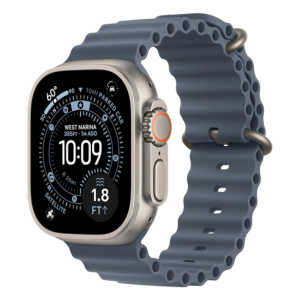
Apple Watch Ultra 3
I'm happy with Apple Watch Ultra 3 after upgrading from an Apple Watch Series 10, but not for the features provided by the new model. This has been a tough review to think through, especially next to the well-fleshed-out iPhone 17 Pro Max upgrade.
Apple Watch Ultra 3 review: Design
Apple introduced the Apple Watch Ultra lineup as a rugged watch used by extreme sports enthusiasts and adventurers. It looks and feels like an Apple Watch, but with some armor piled on top.
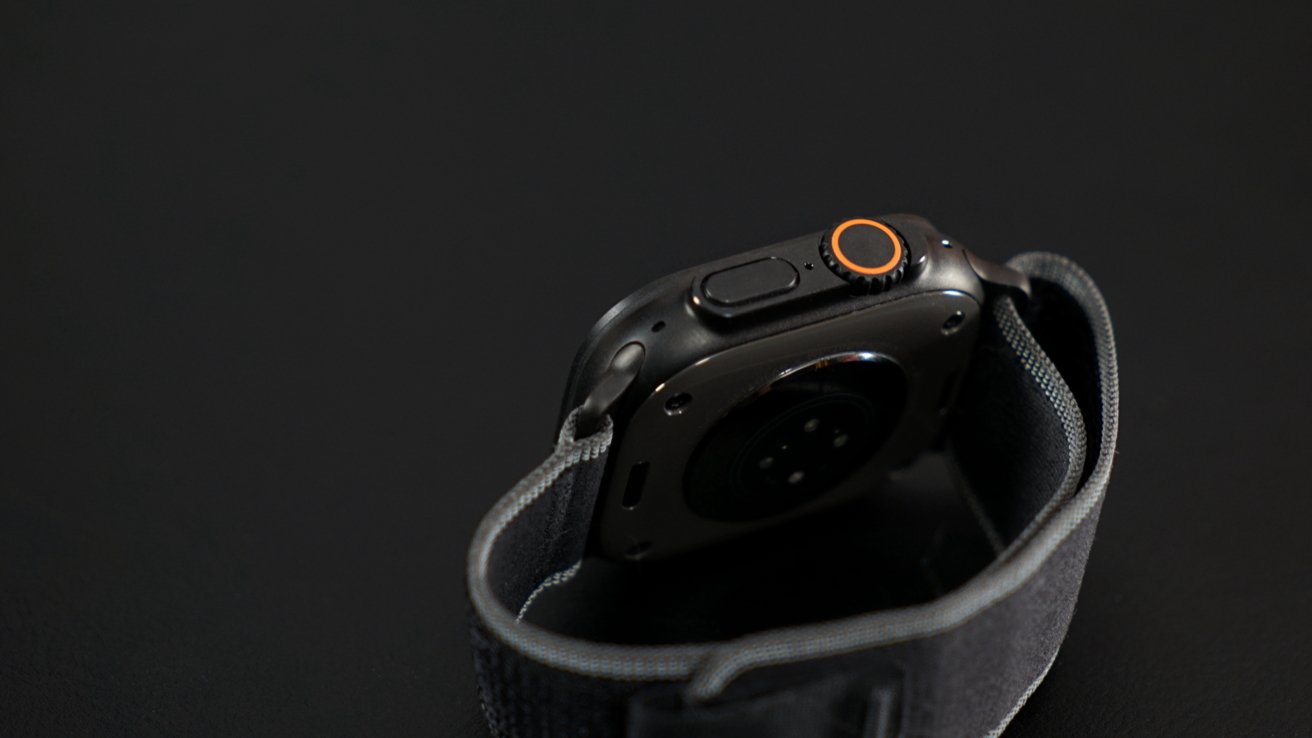
Apple Watch Ultra 3 review: a rugged design
I wanted the Apple Watch Ultra from the moment the original was announced, at least until I found out it wasn't available in black. It seemed to be exactly what the iPhone Pro was to consumers — the flagship model packed with every conceivable feature at a premium price.
Once a truly new model arrived in black, I was ready to make the leap. Upgrading from the Apple Watch Series 10 to the Apple Watch Ultra 3 is totally unnecessary for most, but I'm happy with the trade.
I'm not someone that's aware of what extreme or athletic watches have to offer, nor do I care. I'm not going to buy a Garmin instead of an Apple Watch.
There was some worry about the size and the weight going in. I wondered if I should hold onto the Apple Watch Series 10 for sleep tracking or when I want a slimmer device.
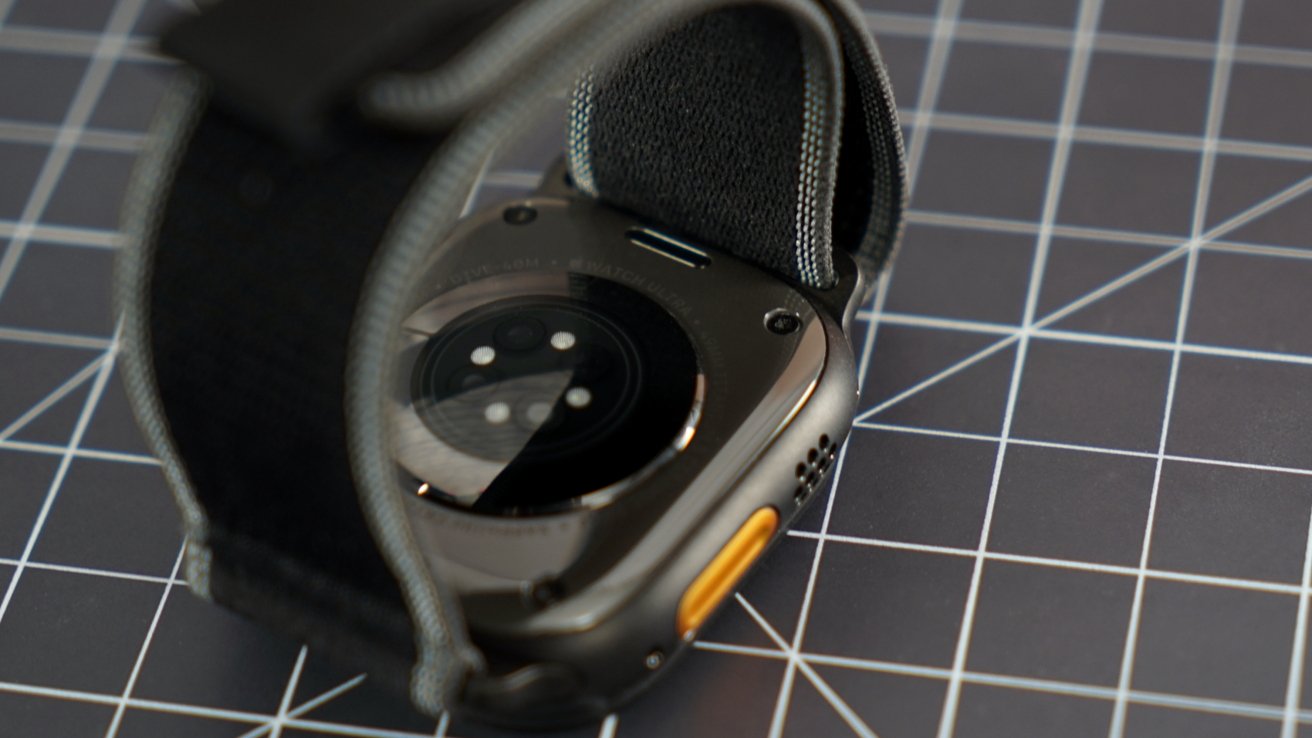
Apple Watch Ultra 3 review: visible screws and thick casing
Now that I've lived with the Apple Watch Ultra for almost two weeks, I can say honestly the size isn't a problem. It's lightweight, if bulky, and blends into the background like any other watch would.
I appreciate the guards around the Side Button and Digital Crown. The Action button is a welcome addition versus Series models, but I've yet to find anything useful beyond the default "launch Workouts" setting.
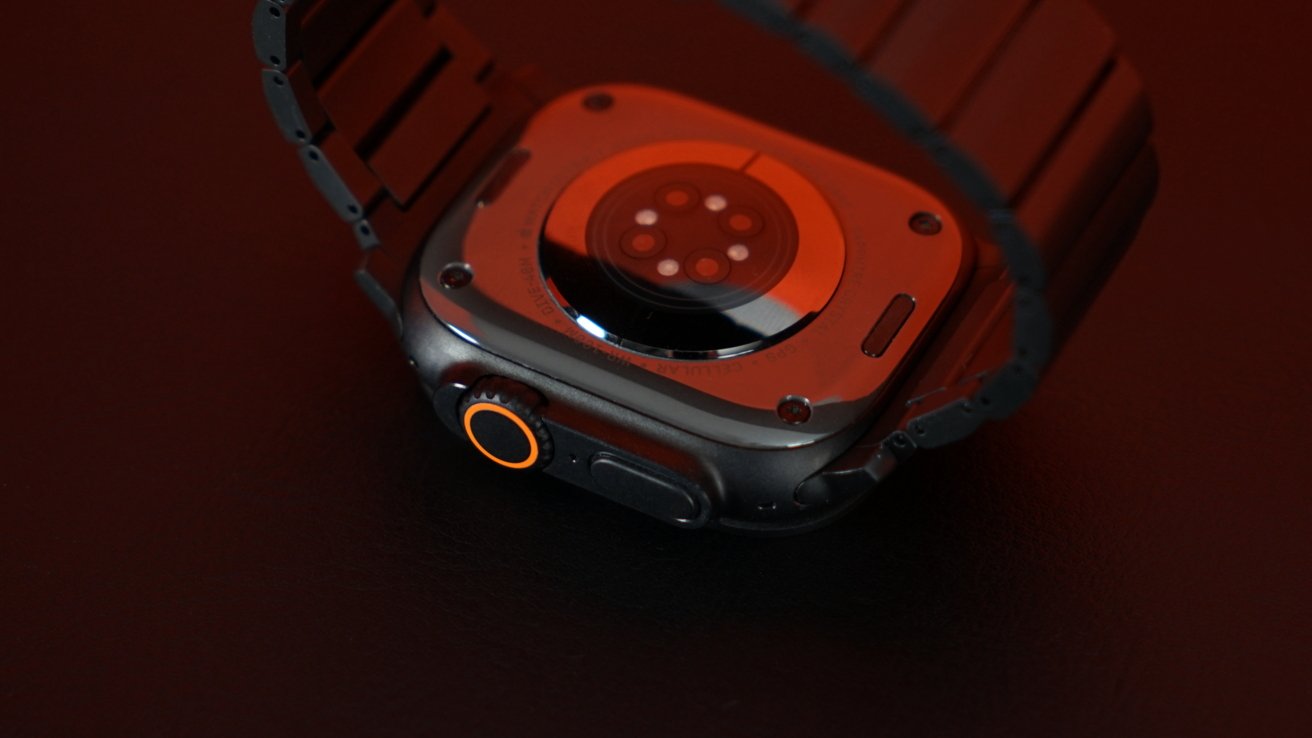
I did notice that there are visible screws in the back — leaning into the rugged design. And the lip around the display means no curves, which feels less premium overall, though it does help with legibility of the watch faces.
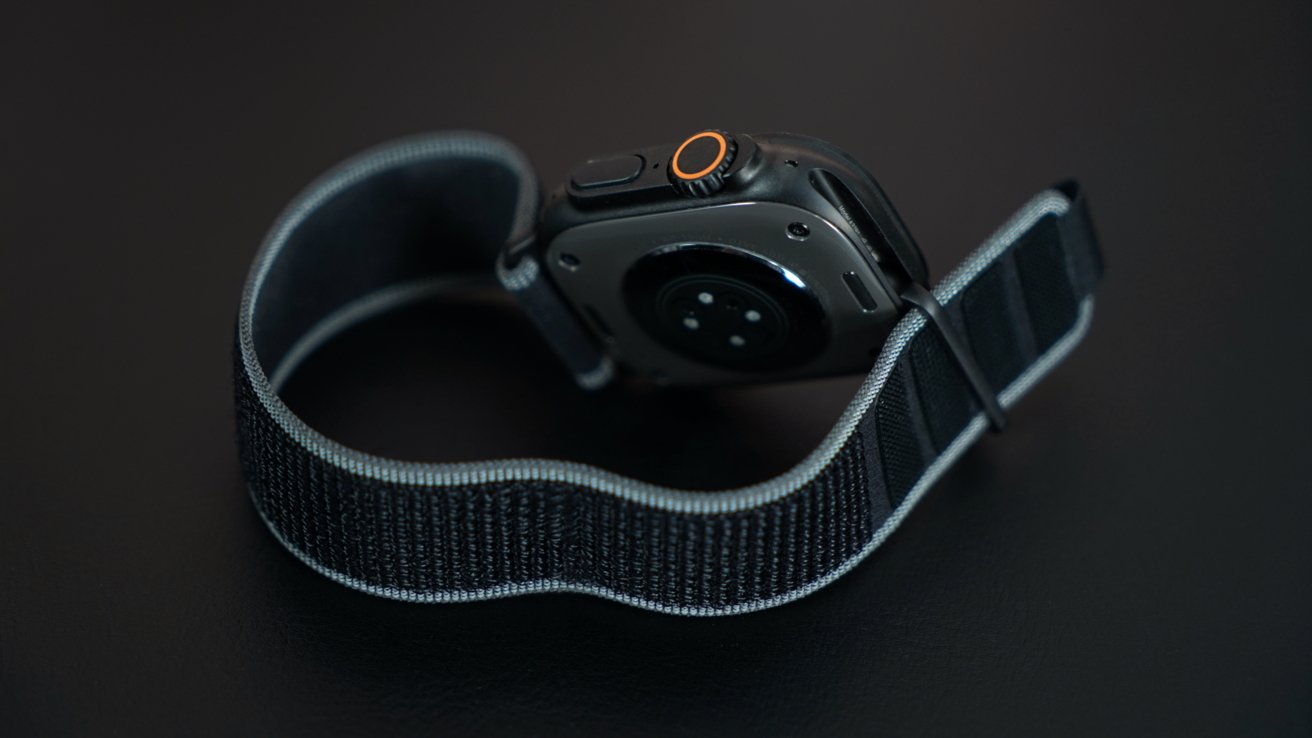
Apple Watch Ultra 3 review: continued watch band compatibility
Apple says the 3D printed case is now made of 100% recycled titanium, which is just cool in its own right. The previous model was 95% recycled, but the 3D printing aspect just sounds wild and makes me want to see it in action.
I do wish I had the option to choose a different color for the ring on the Digital Crown and the Action button. Orange really isn't my color, and thankfully it's not too loud here, but it is noticeable.
Apple Watch Ultra 3 review: Display
The Apple Watch Ultra 3 and Apple Watch Series 11 have near-identical displays, but the glass covers are shaped slightly differently. I think I prefer the curved glass of the Series models, but the Ultra model does seem to provide legibility advantages by being perfectly flat.
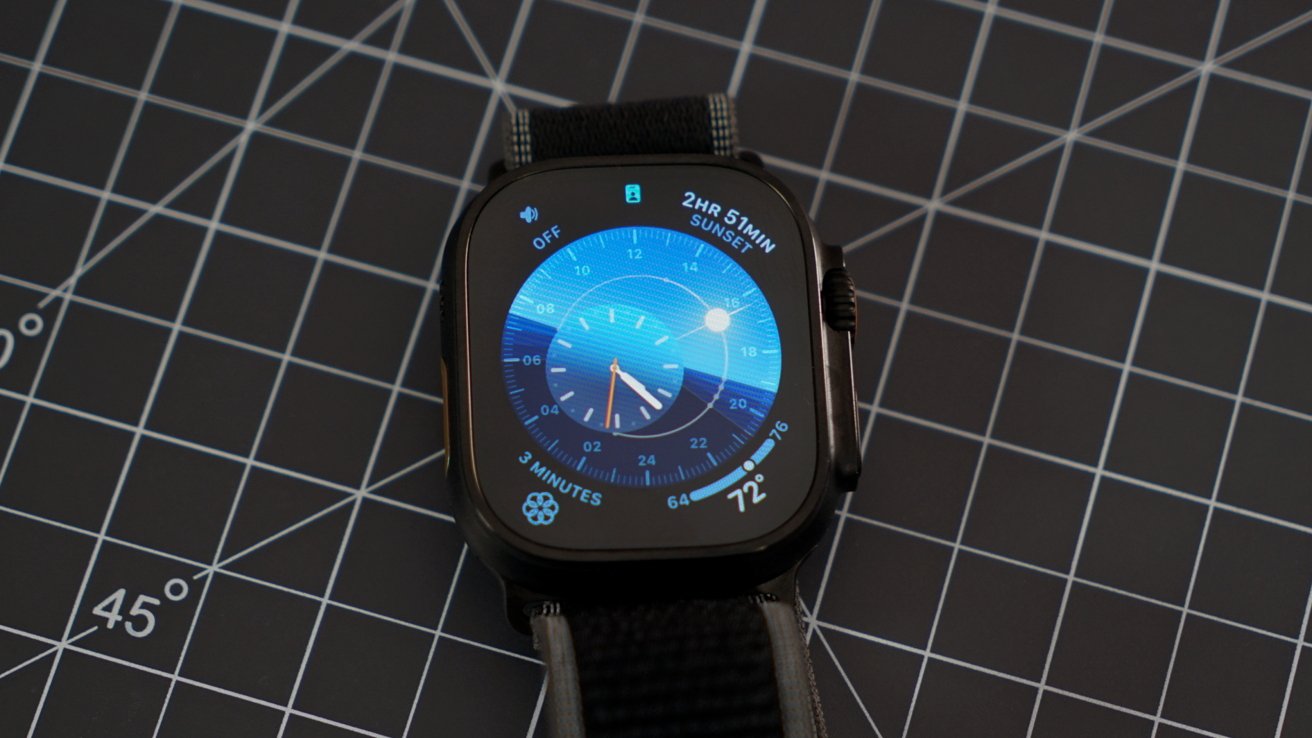
Apple Watch Ultra 3 review: a larger, brighter display
There is a new LTPO3 wide-angle OLED display that is brighter when viewed at an angle. The display is ever so slightly larger without changing the case size.
It also gains the new 1Hz refresh rate in always-on mode that was introduced in Apple Watch Series 10. So, on compatible watch faces, you'll get a ticking second hand even when the display isn't active.
I can't comment on whether or not the display is more legible at angles versus previous models, but you can see the display from pretty much any visible angle. Combine that with the useful always-on ticking, and you're not far off from having a regular mechanical watch.
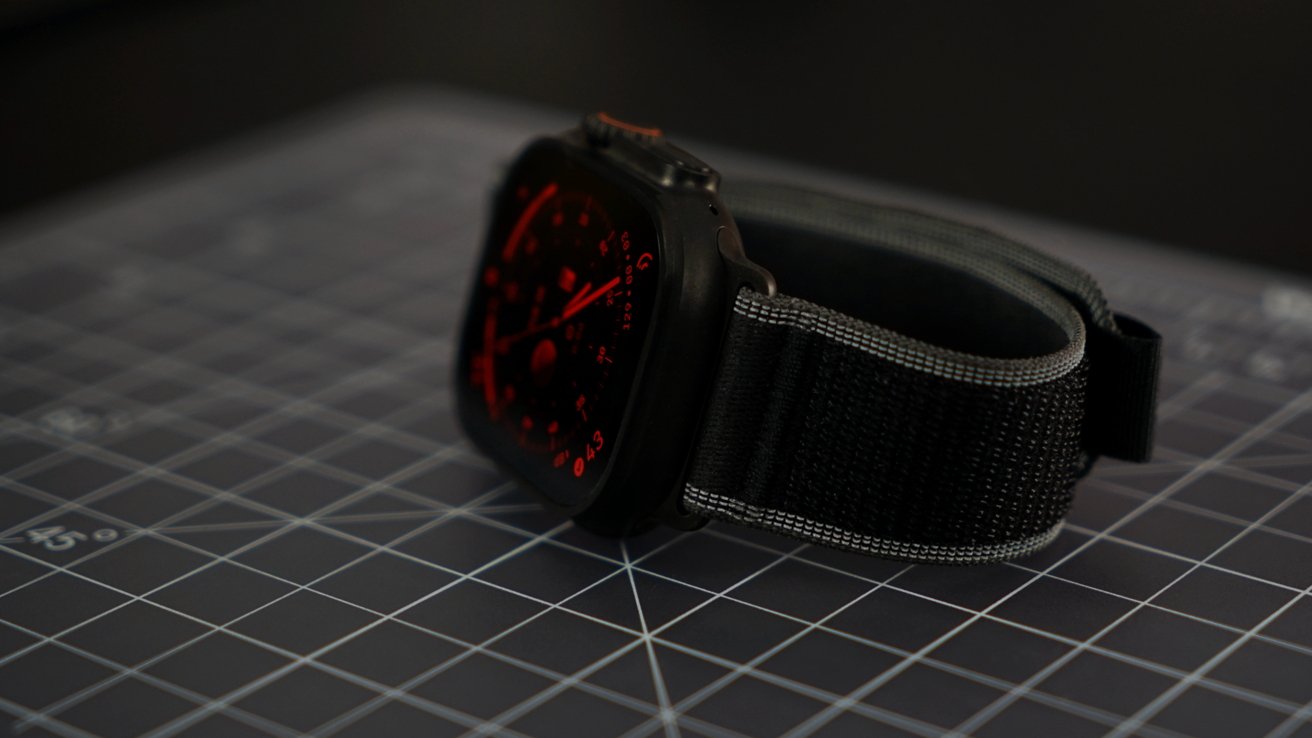
Apple Watch Ultra 3 review: wider viewing angles and night mode
Just like with the iPhone displays, there isn't much Apple can improve upon with the current display technology. All it can do is improve watchOS and add more watch faces to give users more options.
Of course, it would be nice if we could get a third-party watch face distribution system. It seems Apple is completely uninterested in that and the copyright cases it would undoubtedly bring.
Apple Watch Ultra 3 review: Features
Since this is my first Apple Watch Ultra, I found myself looking at exactly what differences I could expect from the more rugged model. Things like the Action button were obvious, but I wondered if the additional features would make much of a difference.
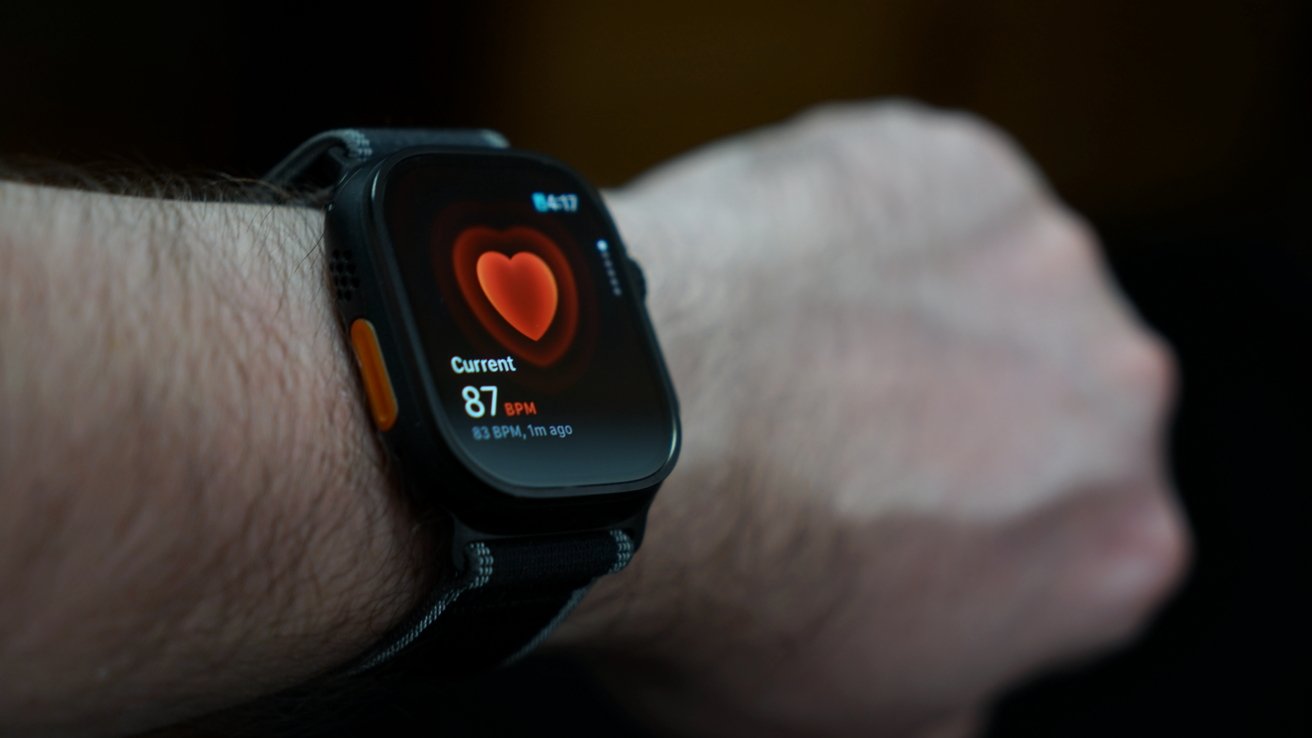
Apple Watch Ultra 3 review: take a heart rate reading
First and foremost, this is still an Apple Watch. It tracks your heart rate, steps, sleep, and other metrics passively.
Users can also take an ECG, get hypertension notifications, and be notified when sleep apnea may be an issue. There's also temperature sensing for retrospective ovulation estimates.
There aren't any exclusive Apple Watch Ultra health features.
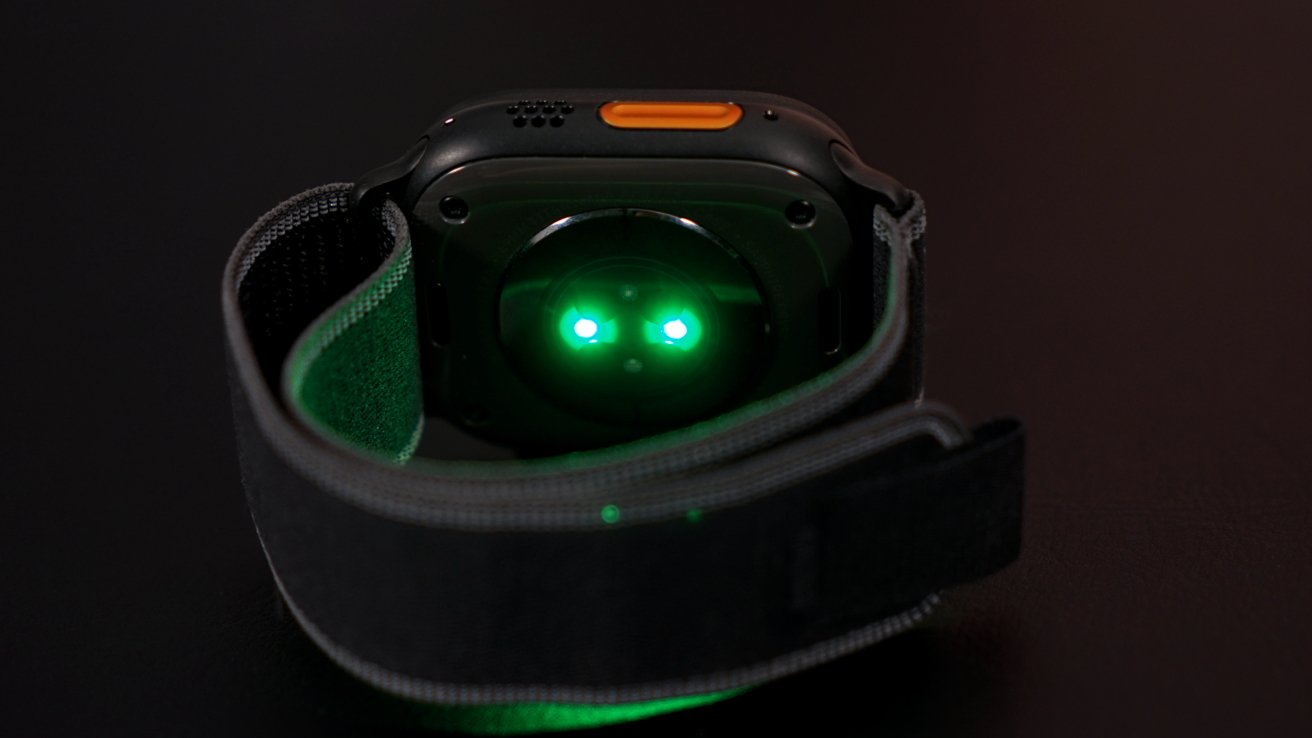
Apple Watch Ultra 3 review: multiple sensors on the back track health metrics
You get some things like the ability to dive 100 meters or survive in -20 C to 55 C. There's also the 86-decibel siren for emergencies.
When looking at the Apple Watch Ultra, beyond the design, it's less about being rugged and more about safety. Users get more features centered around saving their life in extreme situations that most users shouldn't expect to encounter.
So, if you're buying the Apple Watch Ultra 3, don't expect much more in day-to-day use versus a Series model. Extreme athletes get some perks, but not many, and they belong to very specific niches.
Action button
The Action button is interesting for its utility, but it suffers from the same problem it does on iPhone. The variety of options leaves users with a bit of paralysis, and it's not clear what the best use case may be.
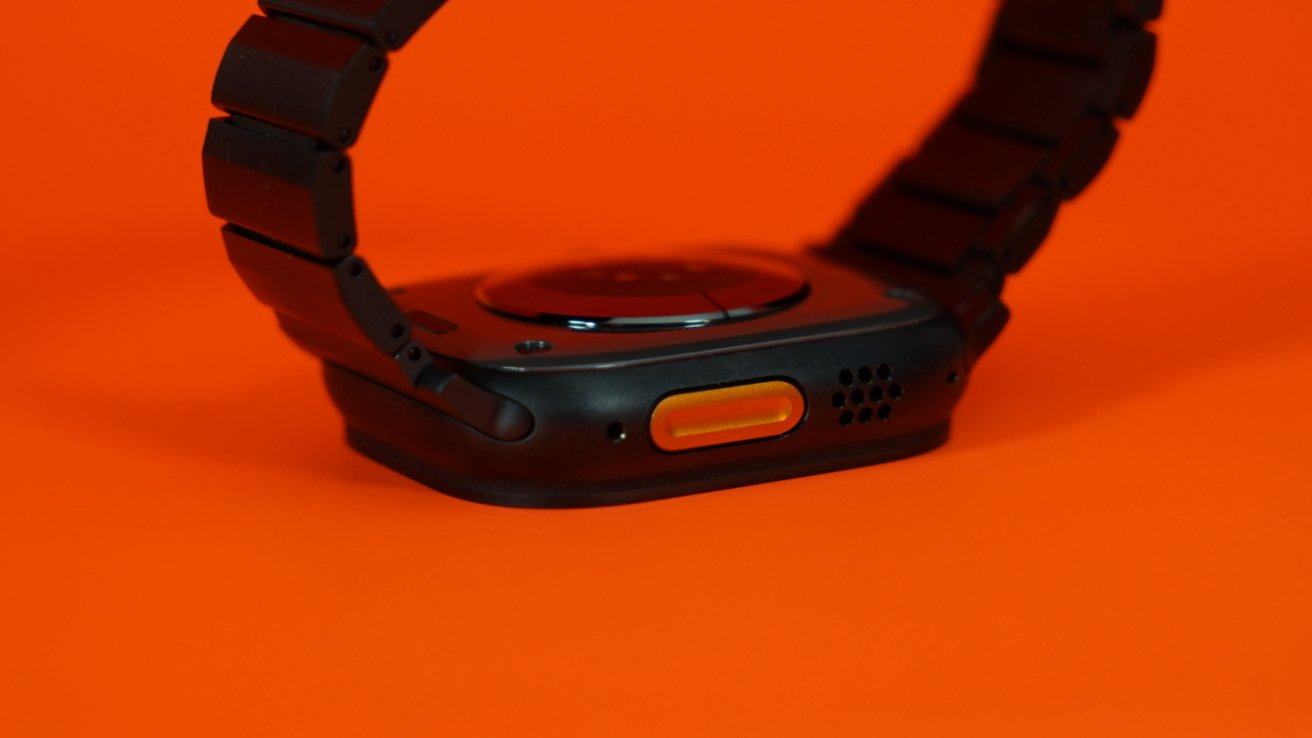
Apple Watch Ultra 3 review: not a fan of the orange Action button
The default is opening the Workout app. It's fine for now, but I want to find a use case that makes sense for what I'd like, but the options are limited.
Without downloading any new apps from the ones I already have installed, the options for the Action button are Stopwatch, Waypoint, Backtrack, Dive, Flashlight, Control, Shortcut, Voice Memo, Translate, Accessibility, and Recognize Music. The Control button provides options available via Control Center, which opens up the variety somewhat.
Shortcuts is the most variable, but that requires some configuration. It may be the solution to what I want, but I think one option I'd like might be being able to log meals via Foodnoms. It's something I'll have to set up and try.
Otherwise, the Action button is welcome, but I'm not finding a lot of utility just yet. It's something I'll have to work into my muscle memory.
Processor
It seems there is less and less to say about Apple Watch processors each year, and that's especially true in the 2025 models. The S10 chip is the same one introduced in 2024 and offers no special advantage to the latest models.
Apple Watch Ultra 3 review: an identical chipset from the previous generation
Apple has iterated on the S-series system-in-a-package with each generation of Apple Watch, even when the core processor didn't change. The lack of notable annual upgrades has finally caught up with the naming scheme, as even Apple can't justify iterating the number.
Other changes in the system are what account for the battery life gains. Users shouldn't have processing problems on their Apple Watch in any model purchased in recent years.
Apple Watch Ultra 3 review: Battery & connectivity
Apple quotes up to 42 hours of battery life of general use. I was able to push that up to about 60 hours of passive use getting notifications and not logging workouts.
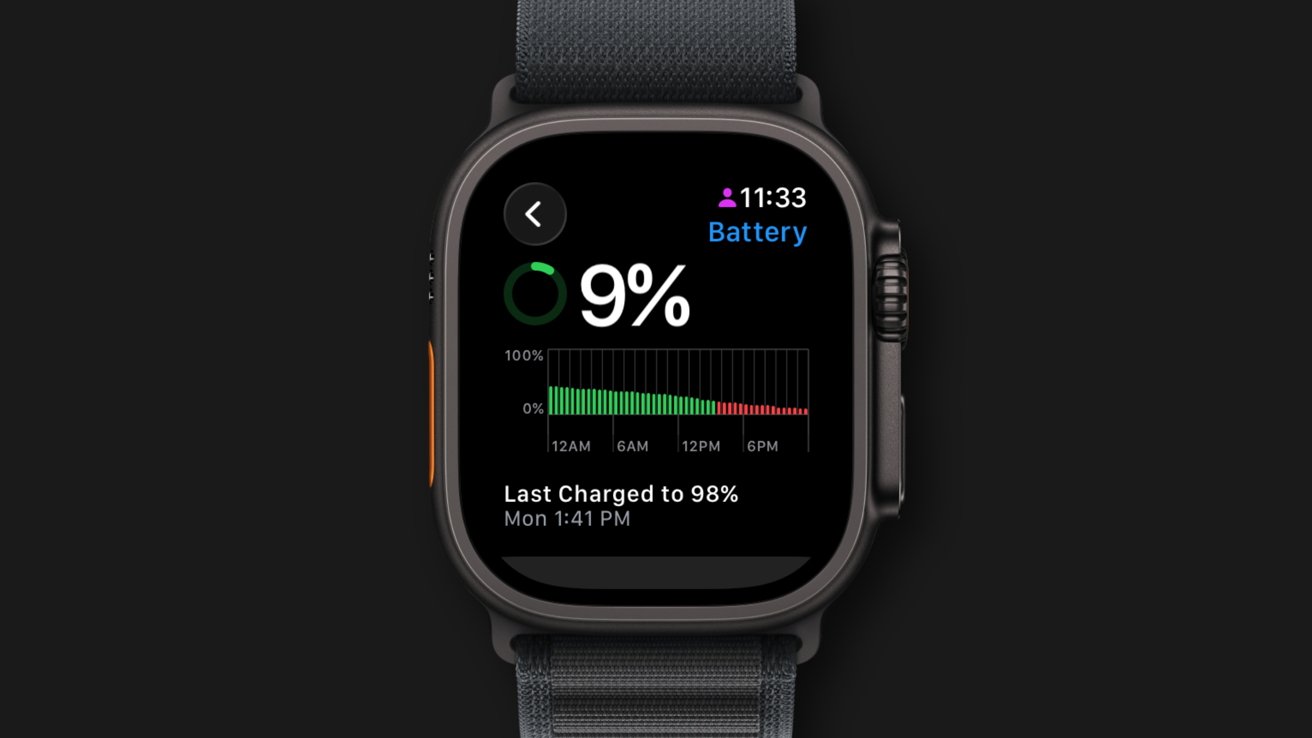
Apple Watch Ultra 3 review: multi-day battery life
The Apple Watch Ultra is a battery behemoth. It is the primary reason to purchase the model versus a Series model.
It has gotten to the point that I wonder if the battery life might be too long. Needing to charge the Apple Watch for about an hour a day works with my schedule — charging while getting ready for bed or when showering after a workout.
When you don't need to charge every day, it creates a different issue due to a lack of a pattern. I can find my low battery alerts coming in at odd times due to letting the battery go too long without a charge.
During normal use, this isn't an issue since I still put the Apple Watch on charge when showering and whatnot. There are rare stretches where I don't place it on the charger and make it to the end of that battery life.
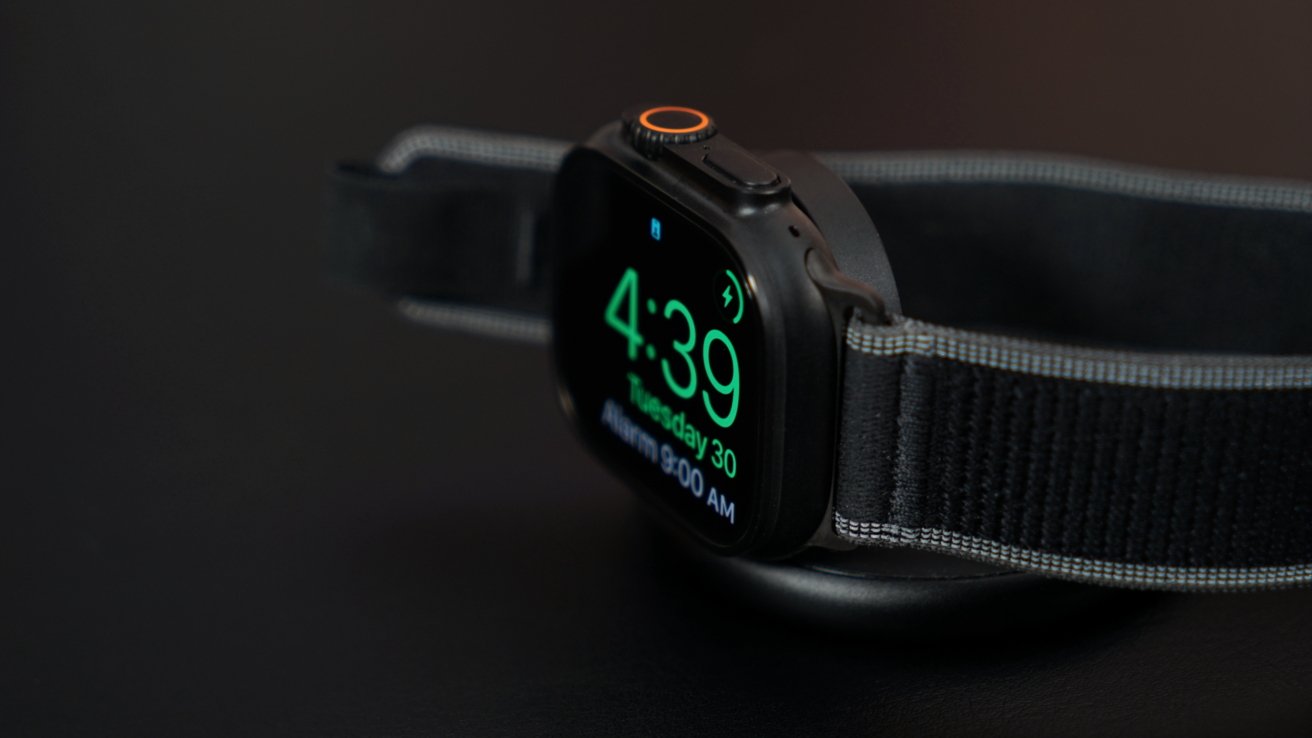
Apple Watch Ultra 3 review: fast charge options provide plenty of battery in moments
This gets back to the more extreme niche use cases. Apple Watch Ultra 3's battery would be excellent for high-end athletes that need to track multi-hour workouts like weight training, marathons, or long-distance hikes.
If you're not working out regularly, the battery is going to be extravagant. I don't think Apple should limit Apple Watch Ultra's battery in favor of slimming it down, but I'm not sure how much more battery life is needed.
Even if you're going on a week-long hiking retreat where power isn't going to be a thing, you'll likely at least have a battery that can recharge the iPhone and Watch periodically. Or, of course, if you're trapped under a boulder waiting for a rescue, that extended battery life may just save you and your limbs.
Apple says 15 minutes on the charger can get you 12 hours of normal use. Those that want to top up for sleep tracking can charge for just 5 minutes to get enough battery for 8 hours of tracking.
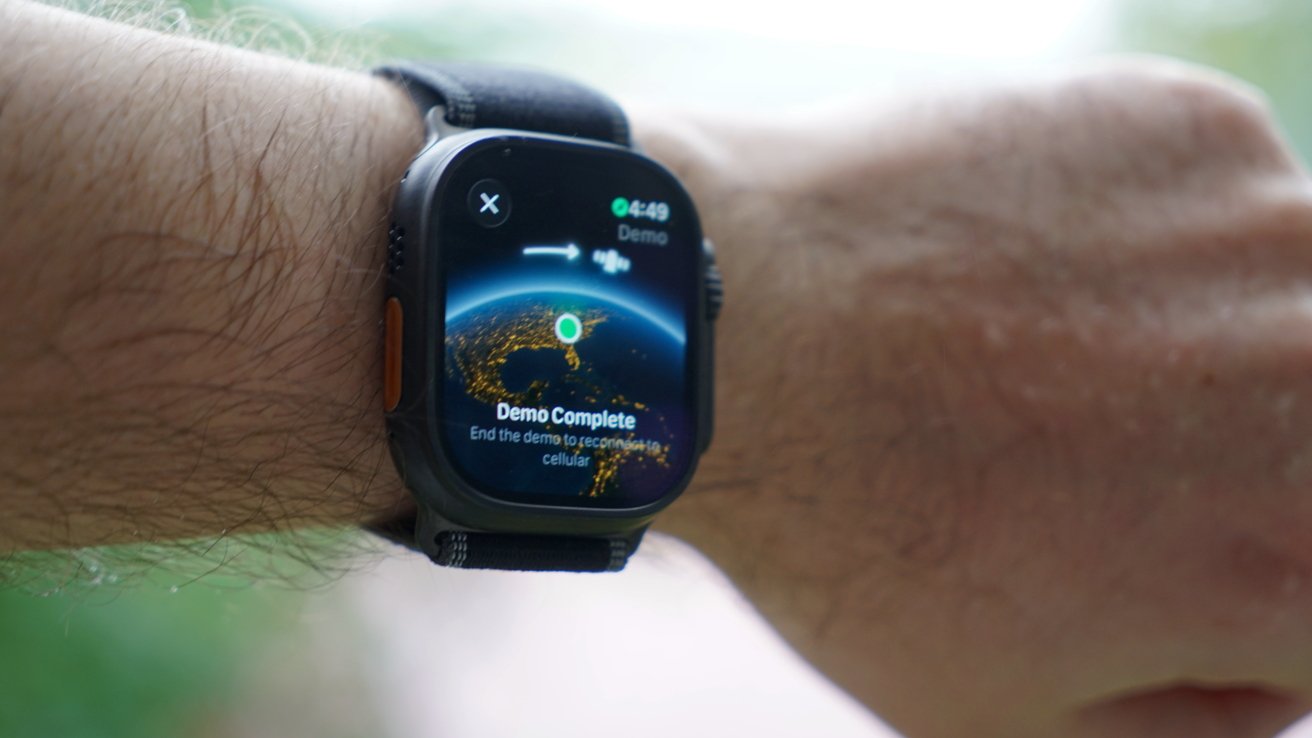
Apple Watch Ultra 3 review: connect to a satellite when no cellular is available
There's nothing particularly noticeable about Apple Watch Ultra 3 and its connectivity, though it is upgraded. There's 5G and a 5GHz connection via Wi-Fi 4.
The headliner is satellite connectivity thanks to a redesigned radio and antenna. It's an incredible feat of technology, but also one shared by other watches in the space.
The SOS via Satellite feature is free for users over the next two years, or until they stop punting it down the road. However, if you want to use Messages or Find My via Satellite, you'll have to have an active cellular service activated on the Apple Watch.
Using Apple Watch Ultra 3
Perhaps the best and worst part of using Apple Watch Ultra 3 is that it is unremarkable. It's just another, albeit bulkier, Apple Watch.
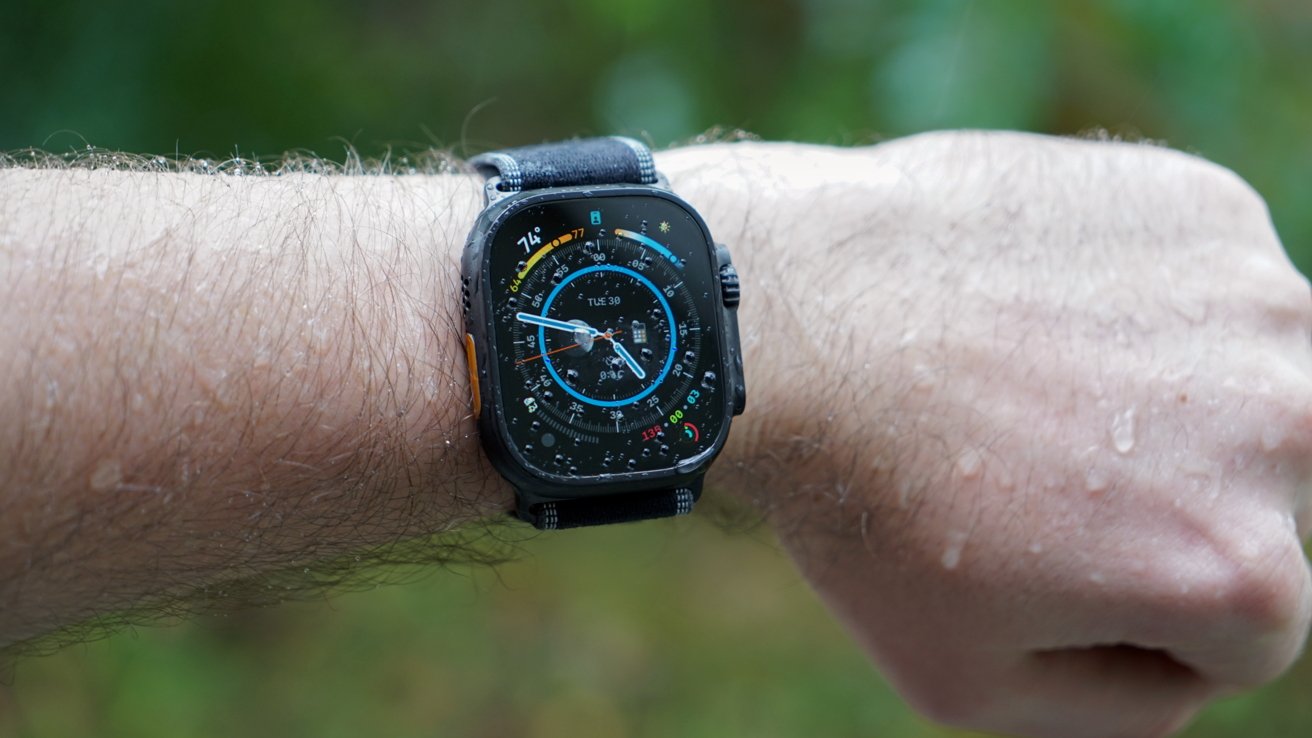
Apple Watch Ultra 3 review: a more rugged Apple Watch
The Apple Watch is a passive device that users aren't expected to actively, continuously interact with. It means evaluating it over two weeks isn't going to get the same insights as using an iPhone over the same period.
I expect I'll find more interesting tidbits as I use Apple Watch Ultra that can be incorporated into my wearable's workflows. The availability of the dynamic Ultra watch faces is also great, and I plan to swap a few of my go-to faces that activate via Focus with them.
Having the night mode that turns Ultra watch faces red is great. It only makes me wish it were an option on all faces and Apple Watches.
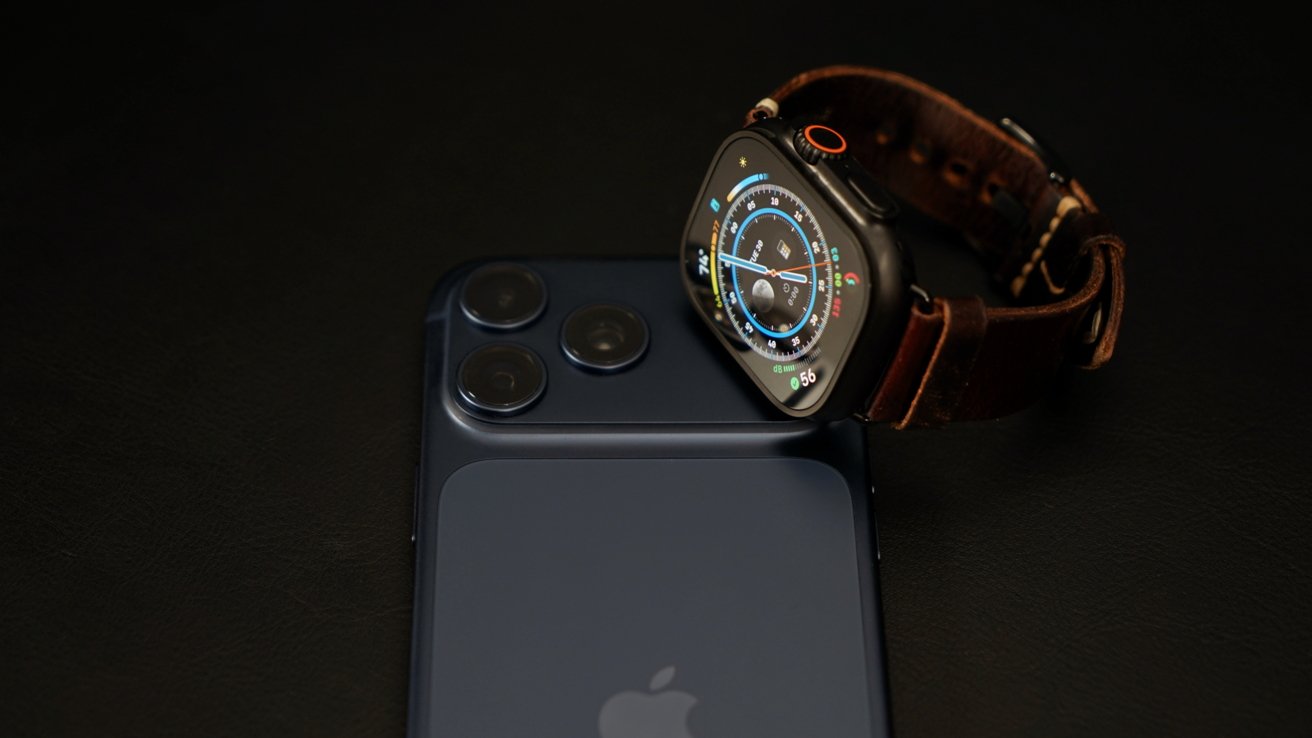
Apple Watch Ultra 3 review: a divide between 'Ultra' and 'Pro'
I get it, the extreme sports options of this smartwatch aren't targeted at me, and Apple should absolutely operate in this space. However, it seems odd that this doesn't do more for standard consumers as well.
When you purchase an iPhone 17 Pro, you're getting a pile of additional features that benefit any user, not just videographers or gamers. With Apple Watch Ultra 3, I'm not seeing much benefit for standard consumers beyond battery life.
Maybe that's okay for potential buyers, but I'd like Apple to spend more time in the Ultra space. Like iPhone Pro, Apple Watch Ultra should be the flagship device that gets all of the latest and most powerful features first, exclusively.
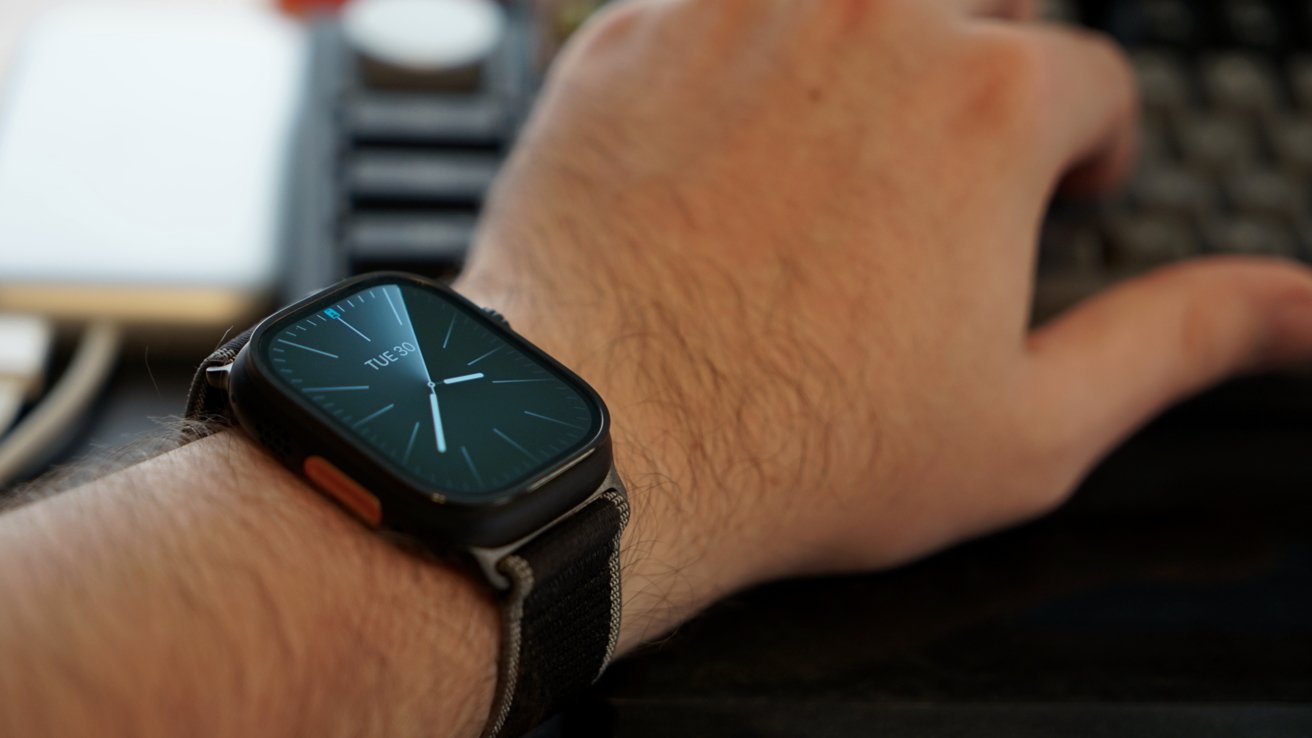
Apple Watch Ultra 3 review: big, but not too big on the wrist
Today, there's nothing I can personally do with Apple Watch Ultra 3 that isn't possible on Apple Watch Series 11. It has a rugged design, bigger display, longer battery life, extreme environment specs, and even a siren, but those feel like table stakes in a rugged "Ultra" product.
Satellite connectivity is a nice-to-have that's just cool. But outside of that obvious upgrade, Apple has done almost nothing to address the "Ultra" feature set since the first generation.
Since this is my first Apple Watch Ultra, I'm happy with the device. These limited additional features that impact my use of Apple Watch are worth moving up from the titanium Apple Watch for a $100 premium.
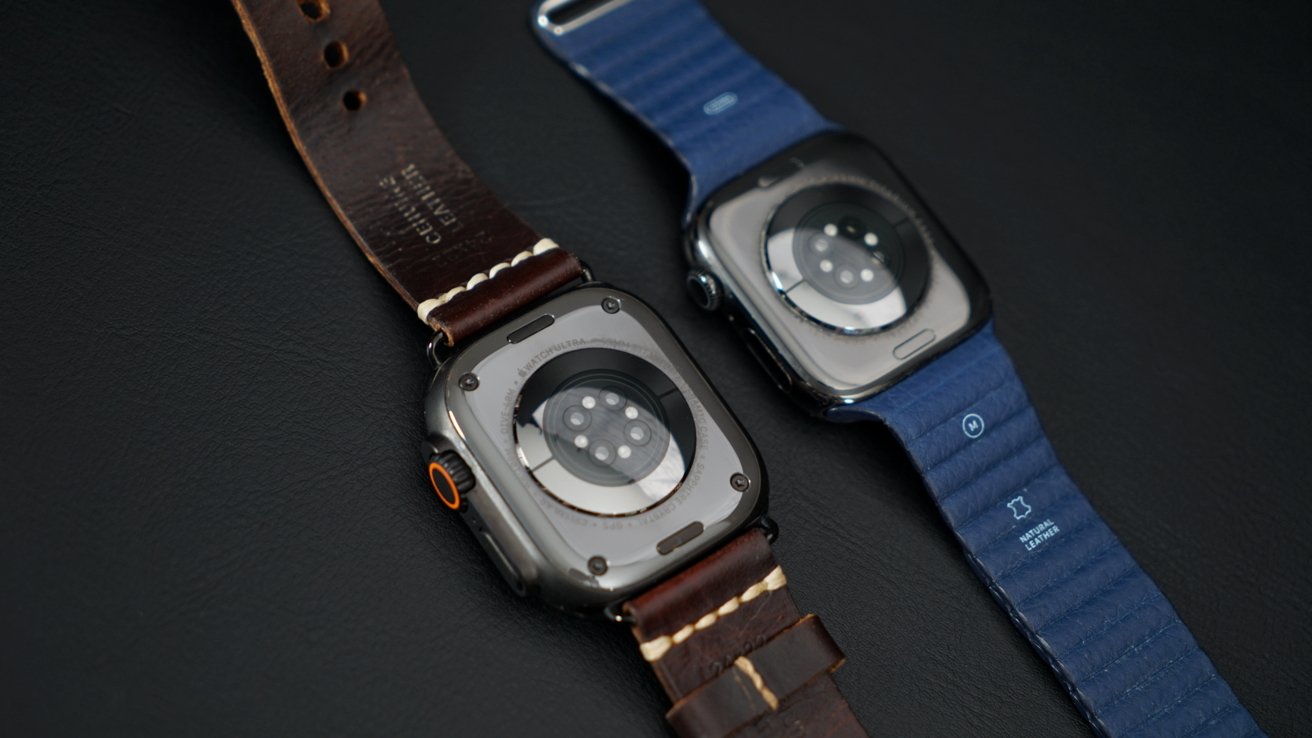
Apple Watch Ultra 3 review: not a big gap in functionality, but in battery life
I'm very interested in what Apple might possibly do with a fourth-generation model and when it could come out. There's always the chance Apple might add a color in 2026 and wait until 2027 for a true update.
I would be fine with that, and so would my wallet.
Apple Watch Pro
As Apple redefines what "pro" means for iPhone, it isn't doing much to push Apple Watch Ultra higher. This prosumer device sits at the height of aspirational purchases.
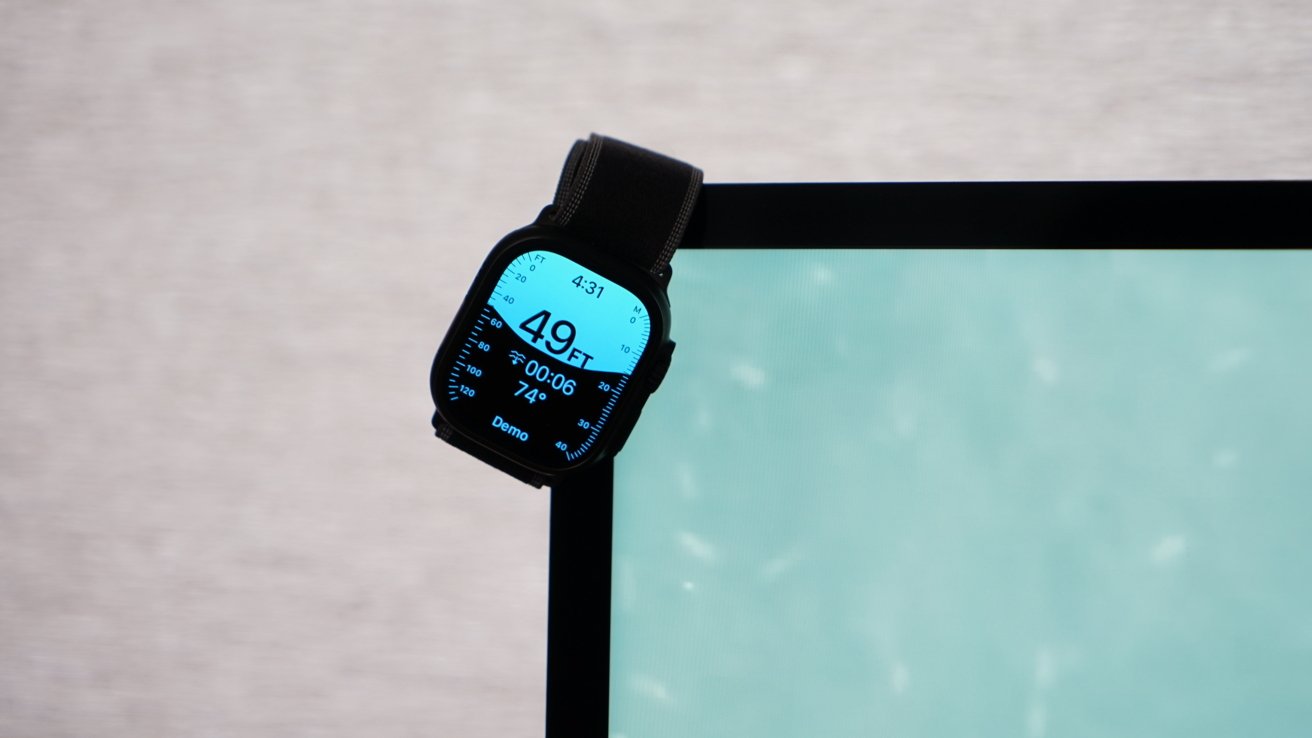
Apple Watch Ultra 3 review: an aspirational purchase
Most of the people buying large trucks will never actually use it as a truck, but the truck owners like knowing they might. The same can be said for Apple Watch Ultra.
I expect most Apple Watch Ultra buyers won't be hiking extreme trails, exploring frigid tundras, or diving in the ocean. But the idea that the user could with the Apple Watch Ultra is enough.
That's all well and good. I'm not knocking those people — aspirational purchases are valid.
However, Apple may be alienating a significant portion of its potential user base by not doing better advertising Apple Watch Ultra as one anyone can own. Apple would also be smart to introduce a smaller Ultra with all the same features with slightly less battery for those that can't wear such a big watch.
Apple Watch Ultra 3 review: needs more Ultra features
This is the third generation in four years without any new "Ultra" features. The line has kept pace with standard Apple Watch features, but nothing in Apple Watch Ultra 3 is new and exclusive to the model beyond satellite connectivity.
That's a big feature for sure, but one that will hopefully only be needed sparingly for most users, if ever. I don't know what else should be introduced, but I know Apple Watch Ultra doesn't do everything these competing rugged watches can, so Apple should be introducing something new from time to time.
If you've been wondering about an Apple Watch Ultra, I think I can say you'll be fine with one. It's not notably bigger than a large Apple Watch Series 11, and you get a bunch of extra features for only a bit more than the titanium Series model.
Apple Watch Ultra 3 - Pros
- Extensive battery life is almost too much battery life
- Larger, brighter display welcome, if not entirely noticeable
- SOS via Satellite is a great addition if you ever need it
- Still the most rugged and durable Apple Watch
Apple Watch Ultra 3 - Cons
- Apple isn't releasing regular "Ultra" feature upgrades
- Experience doesn't differ much, if at all, from regular Apple Watch for most users
- What makes Apple Watch Ultra unique applies to incredibly small niches
- Could use a smaller size that's still more rugged than Series models
Rating: 4 out of 5
Apple Watch Ultra 3 is a 5 out of 5 for those seeking a heavy-duty Apple Watch that likes the size and extra features. For everyone else, it's probably not for you.
Apple should make a smaller Ultra since it feels more like "Apple Watch Pro" than this "extreme" model we have today. It's a prosumer model with less mass appeal thanks to its much higher price and large size.
Also, the lack of new Ultra-focused features beyond satellite connectivity seems odd for a flagship device.
Where to buy the Apple Watch Ultra 3
Amazon is already discounting the Apple Watch Ultra 3, with double-digit markdowns at press time. Wireless providers T-Mobile, AT&T, and Verizon are all offering incentives on the high-end wearable.
You can also compare prices across retailers in our Apple Watch Ultra 3 Price Guide, and find our top picks for the best Apple Watch deals in our dedicated roundup.