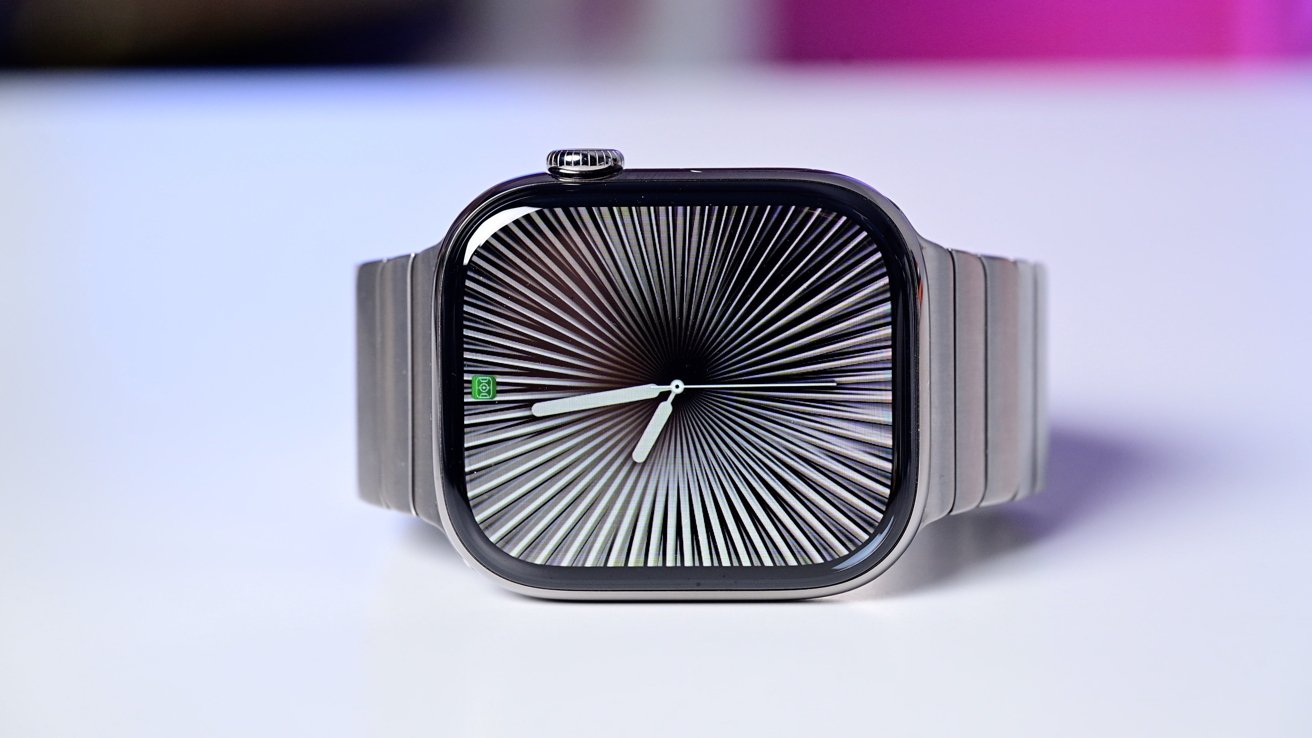
About six weeks after its major overhaul, Apple has released watchOS 26.1 as a maintenance update focused on stability and refinement.
Apple has addressed early bugs, improved responsiveness, and tightened security. While there are no sweeping new features, the update refines what Apple introduced in watchOS 26.
These features include better handling of gestures, smarter widgets, and improved syncing across devices. Apple emphasized that watchOS 26.1 focuses on bug fixes and performance improvements.
Liquid Glass gets a polish
Apple's new Liquid Glass design language, which debuted in watchOS 26, now looks cleaner and performs better. The translucent interface is easier on the eyes and more consistent.
Animations and readability have improved, reducing jitter and contrast issues some users noticed. The iPhone version of this update lets users adjust transparency, but Apple Watch keeps the same default translucent look for now.
Gestures introduced in watchOS 26 feel more reliable in watchOS 26.1. Swiping to access widgets or change faces now registers more accurately, making one-handed navigation more natural.
The Notes app, added to Apple Watch in the last update, syncs more reliably and updates faster between watch and iPhone. Messages and Smart Stack suggestions are also better tuned, showing more relevant widgets and fewer glitches when switching apps or workouts.
Apple has expanded its on-device intelligence features to more regions and languages. Siri now supports Danish, Dutch, Norwegian, Swedish, Turkish, Portuguese (Portugal), Traditional Chinese, and Vietnamese.
Voice recognition and dictation feel faster and more accurate, especially on newer Apple Watches paired with iPhones running Apple Intelligence. Features like Live Translation in Messages also gain broader language support, improving usability for international users.
Health and fitness updates
Apple's fitness tracking features see small but meaningful fixes. Bugs affecting data sync from external blood pressure monitors have been resolved, and hypertension alerts are now more reliable.
The AI-powered Workout Buddy, which offers spoken motivation during workouts, has been recalibrated to avoid interrupting music or other audio. Ending workouts now works smoothly, fixing a logging glitch from the previous release.
Sleep tracking and workout stats also update more consistently, helping users trust their fitness data.
Performance optimizations are noticeable even on older models. Background processes have been tuned for efficiency, potentially improving battery life and reducing lag when switching between apps.
The watchOS 26 update introduces the Wrist Flick gesture for dismissing calls, timers, and notifications, and adds Hold Assist for waiting on hold with a live agent.
A quiet but essential update
It may not make headlines, but watchOS 26.1 delivers what users need most: a faster, safer, and more reliable Apple Watch. The update shows Apple refining its major software redesign while expanding AI-driven features to more users worldwide.
For most people, the takeaway is simple — install the update. Your Apple Watch will feel smoother, smarter, and more stable, keeping Apple's wearable experience dependable day after day.