A bit later in the day than normal, Apple has moved on to its fifth round of developer betas and probably the last one for iOS 26.1, iPadOS 26.1, macOS 26.1 Tahoe, watchOS 26.1, tvOS 26.1, and visionOS 26.1.
The release candidate betas arrive after the fourth, which turned up on October 20. The third were seeded on October 13, the second round arrived on October 6, and the first round landed on September 22.
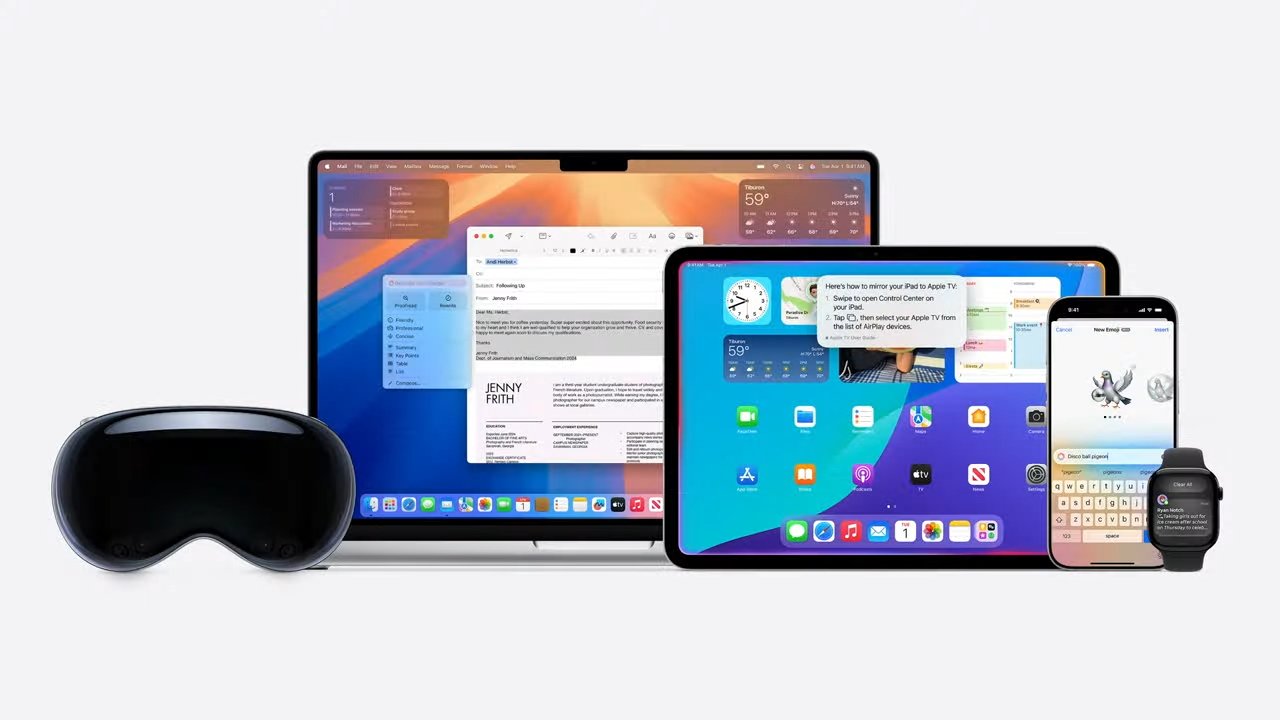
The betas are for the first major update of Apple's milestone operating system versions, which consist of iOS 26, iPadOS 26, watchOS 26, macOS 26 Tahoe, visionOS 26, and tvOS 26.
- iOS 26.1 beta 4 is build 23B82, replacing 23B5073a
- iPadOS 26.1 beta 4 is build 23B82, replacing 23B5073a
- watchOS 26.1 beta 4 is build 23S36, replacing 23S5031a, replacing 23S5022e
- macOS Tahoe 26.1 beta 4 is build 25B77, replacing 25B5072a
- visionOS 26 26.1 beta 4 is build 23N48, replacing 23N5042a
- tvOS 26 26.1 beta 4 is build 23J580, replacing 23J5571a
In the first beta build of iOS 26.1, Apple updated Apple Intelligence with support for more languages, including Live Translation in Chinese (Traditional and Simplified), Japanese, and Korean. The first signs of Model Context Protocol (MCP) support were also spotted, which could eventually help AI systems to interact with data on the device more effectively, through a single standard interface.
There were also "Background Security Improvements" instead of "Rapid Security Response" updates, a Liquid Glass improvement to the dialer's keypad and the Photos video scrubber, full-color tags in Calendar, a wider tab bar in Safari, and swiping to change tracks in Apple Music.
The third developer beta for iOS 26.1 included a new Apple TV icon, settings for a Notification Forwarding feature, and references to unreleased wallpaper. There were also references to expanded support of third-party AI services beyond ChatGPT, as well as an expansion of Local Capture from iPadOS to iOS.
The fourth developer beta added more customization to Liquid Glass in the form of a transparency toggle, as well as a new Lock Screen Camera Swipe toggle.
AppleInsider and Apple strongly warn against users installing test operating systems or beta software onto "mission-critical" hardware, due to the persistent risk of data loss. beta participants should use secondary or less critical hardware for beta testing, and have sufficient backups of their data at all times.
Apple usually releases a public beta version of its updates shortly after the developer counterpart. A more battle-hardened versiion of the update with potentially fewer bugs or issues, it is the version that interested members of the public should try, not the developer build.
Find any changes in the new builds? Reach out to us on Twitter at @AppleInsider or @Andrew_OSU, or send Andrew an email at [email protected].