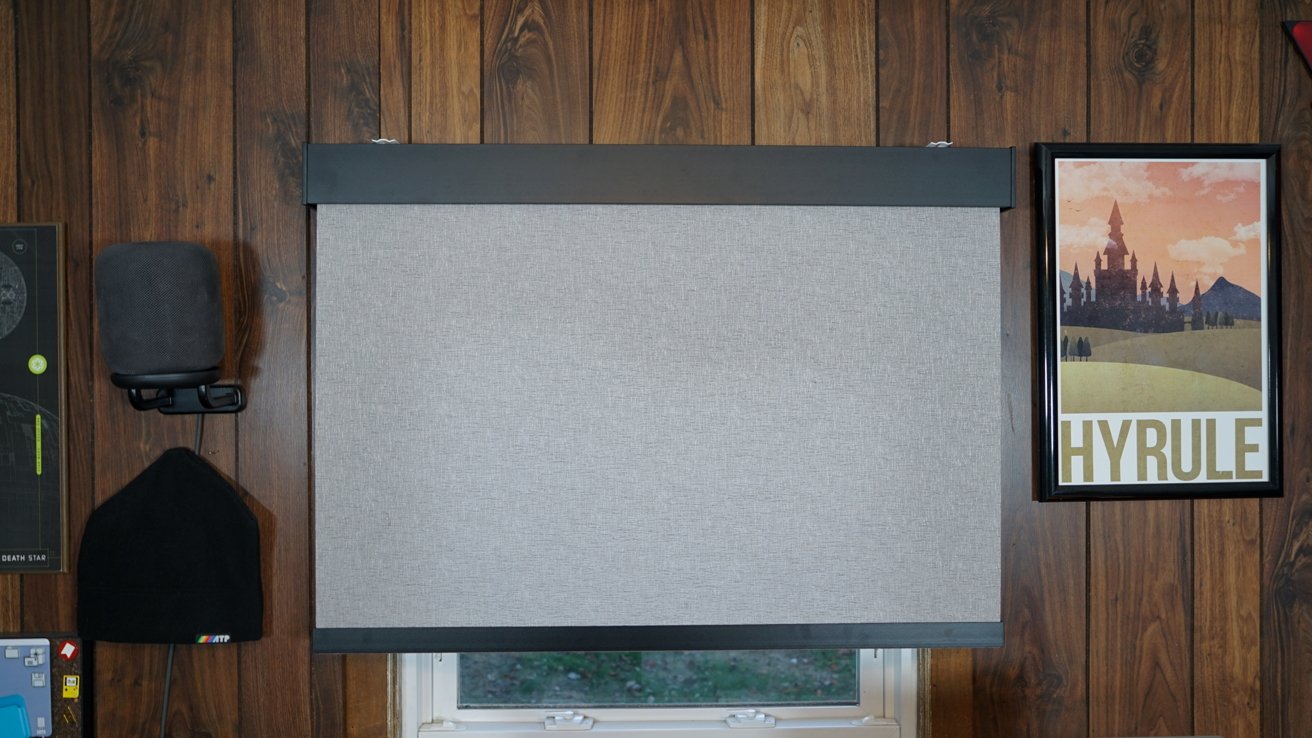
Smart shades from SmartWings connect via the Matter over Thread protocol, which makes them responsive, energy-efficient, and Apple Home compatible. Plus, they're a beautiful addition to any home.
There are a lot of gadgets you can add to your smart home like lights, locks, and sensors, but there's one category that's often overlooked. Window shades and blinds are a more luxurious addition to a smart home, but they're quite useful.
I have cats, so my first thought was ensuring I put the blinds somewhere they wouldn't get destroyed. My office is cat-free, and the windows are difficult to access, so they were the perfect option.
I'm reviewing a pair of the SmartWings Motorized Light Filtering Roller Shades 70% Blackout Safari. That's a mouth full, but they're the new Matter over Thread option and have a nice design that will blend into the background of my office well.
The 70% blackout option was to ensure I could let some light into my office in the day, but not too much. I had overcompensated before with full blackout curtains, which made my office too dim and reminiscent of spending days without sunlight in the belly of an aircraft carrier.
Let's get into the design and features of these smart shades from SmartWings.
SmartWings smart roller shades review: Design
There are a lot of options to choose from when building your shades for order. There are other material options, but we're going to focus on the safari shades I've selected.
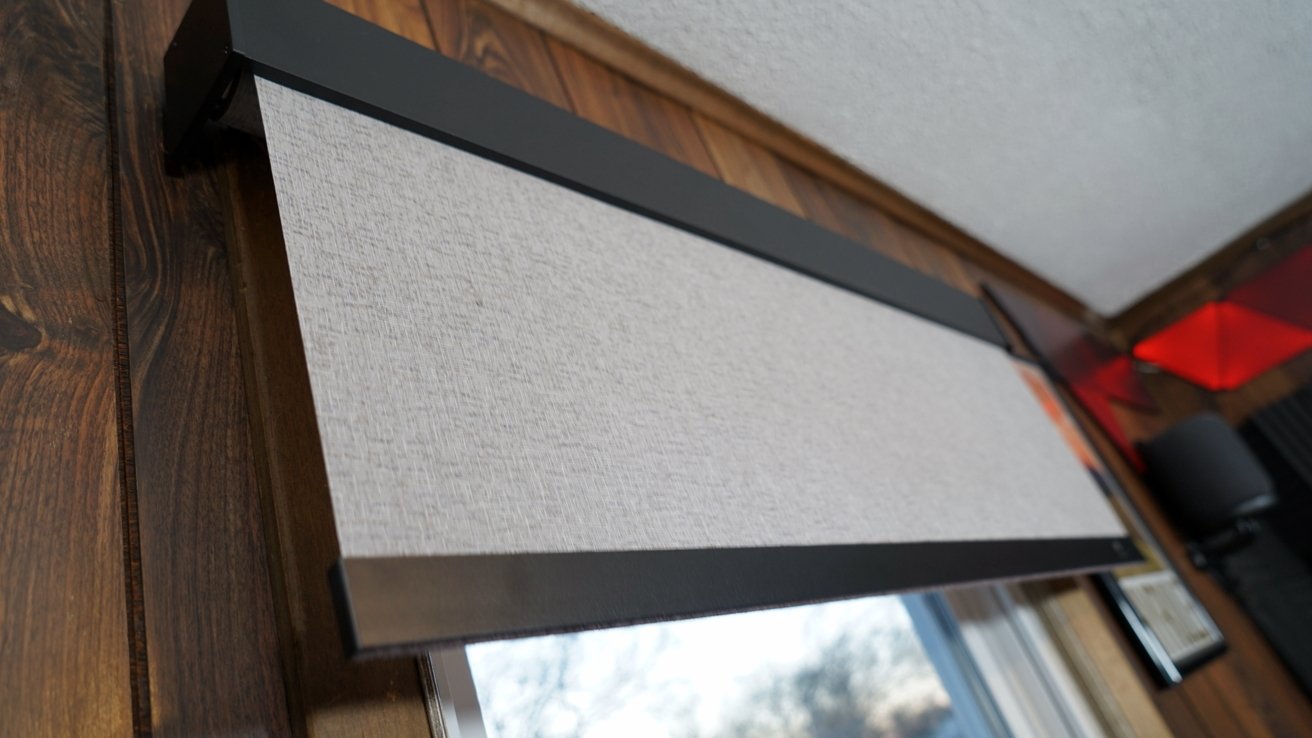
SmartWings smart roller shades review: good looking shades with several style options
Choose between one of six options that are gradually darker from ivory to midnight. I chose the midnight option, and it's more gray than anything, so don't worry about it being too dark a shade.
The shades can be mounted inside or outside of the window depending on how your window is installed and shaped. You can also pick between different styles for the hanging equipment and the bottom bar.
I also chose to order the solar panel so the shades would always have power without any need to worry about outlets or cables. The shade motor is powered via USB-C and the solar panel sticks to the window, so place it wherever you'd like.
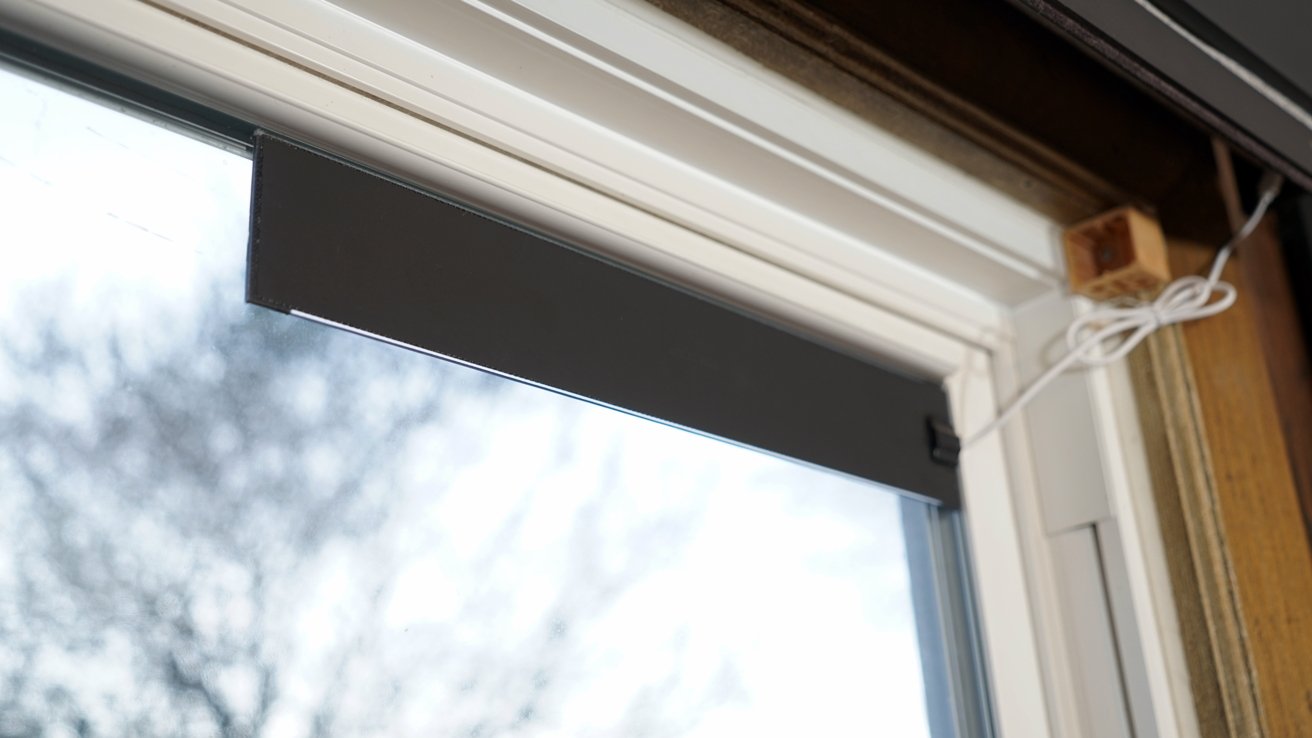
SmartWings smart roller shades review: get power via a tiny solar panel
The safari fabric is textured and patterned, and the 70% blackout is perfect, even against direct sunlight. One of my windows is baked by the sun for half of the day across most of the year, so the shade pulls double duty helping keep light and heat from coming through.
Some products I review are covered in all kinds of design details, so this section can get quite long. These are shades, so there's really not much more to say about a piece of cloth that hangs over a window.
SmartWings smart roller shades review: Features
The most interesting part of the SmartWings smart roller shades is the Matter over Thread motor. It is the star of the show and is what makes these shades quite useful.
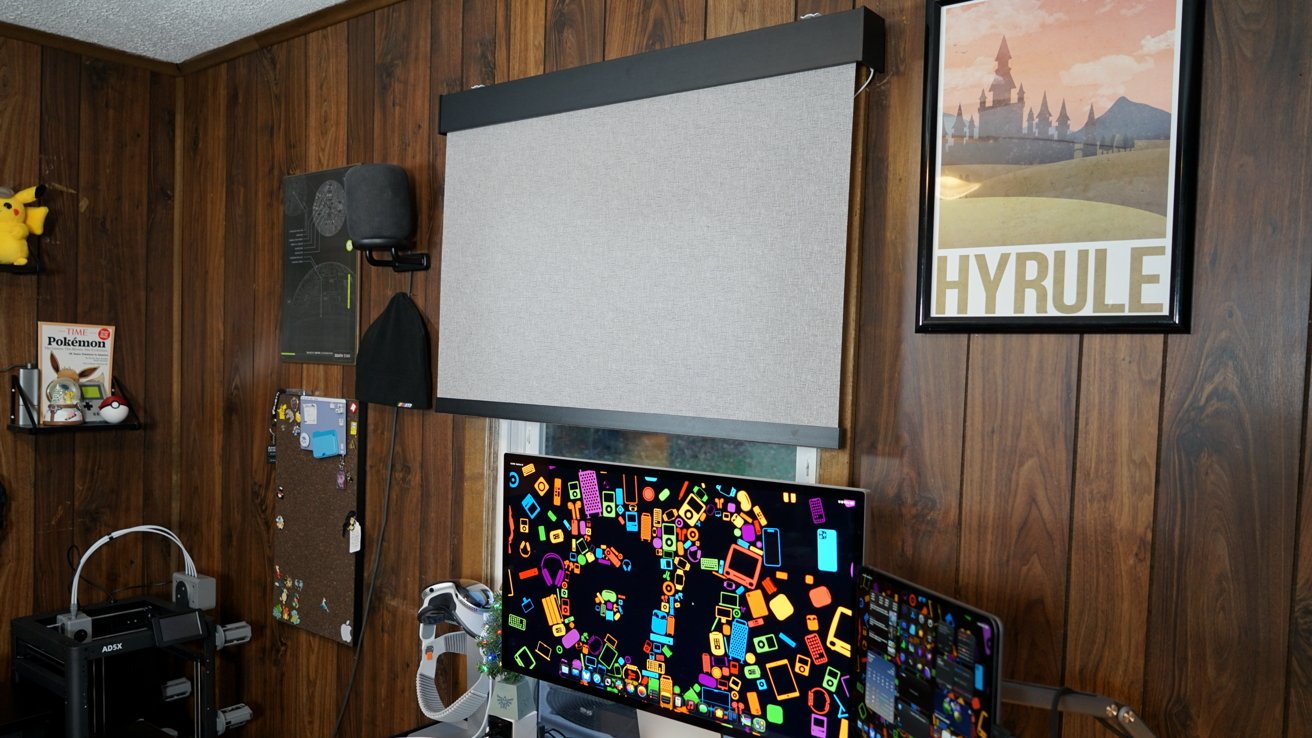
SmartWings smart roller shades review: an affordable luxury that improves my office
Matter is a universal protocol that lets the shades connect across any compatible ecosystem, like Google, Alexa, or Apple Home. Thread is a mesh network separate from your home network that allows smart home devices to communicate quickly and securely while using little energy.
The combination of these systems result in a universally-compatible set of smart shades that sip power and work quickly. I can use the Apple Home app or Siri to control the shades and in moments they're moving quietly to their position.
Previously, I'd have to fight my heavy blackout curtains to get light into my office for product photos. The windows are both just out of reach behind my L-shaped desk, so it was a chore every time.
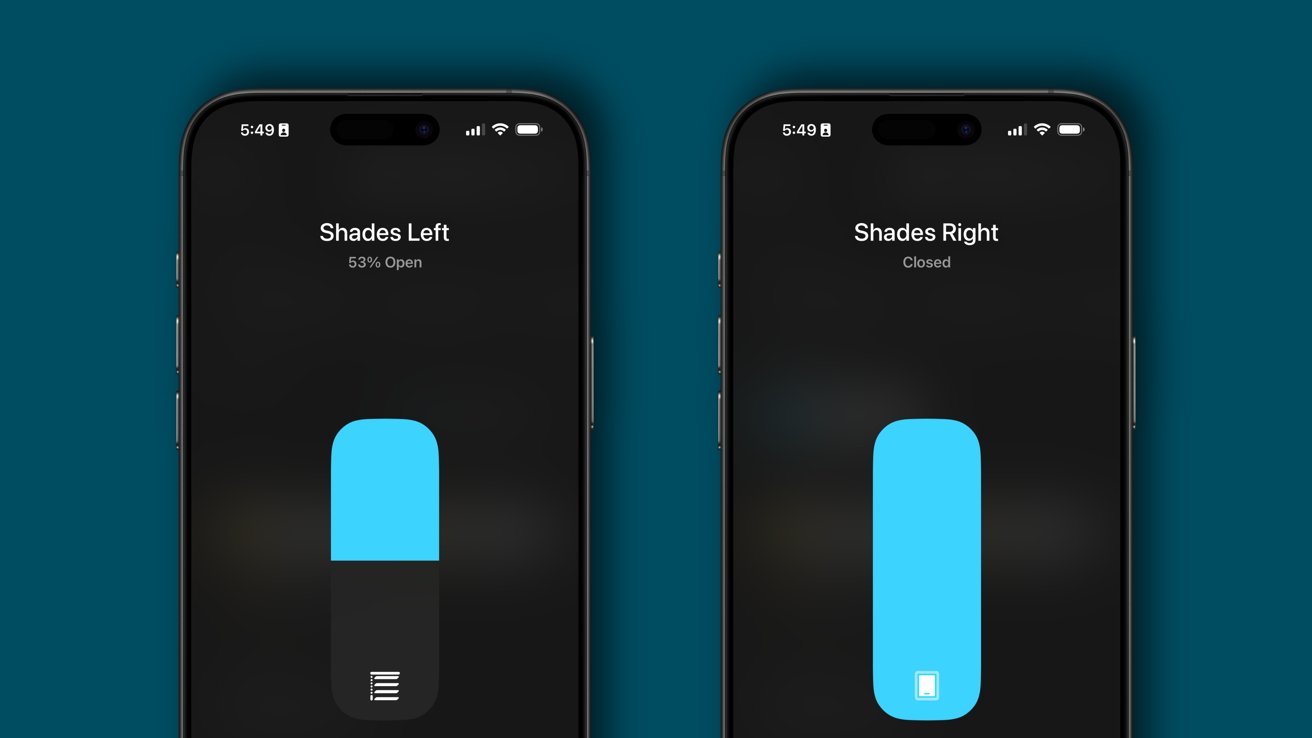
SmartWings smart roller shades review: easy controls in the Apple Home app
Now, I can set the shades to open to a select amount or activate a HomeKit Scene to achieve an exact result. The shades can be combined into a single pane to operate them in tandem, or they can be left separate to move them to different points.
Also, each shade ships with a remote for use if the Home app isn't responding. Only one remote is needed to control up to 15 shades.
Using the SmartWings smart roller shades
It may be an obvious statement to some people, but I'll say it anyway — sunlight is important. Locking ourselves into blacked out rooms surrounded by screens isn't exactly healthy in any respect.
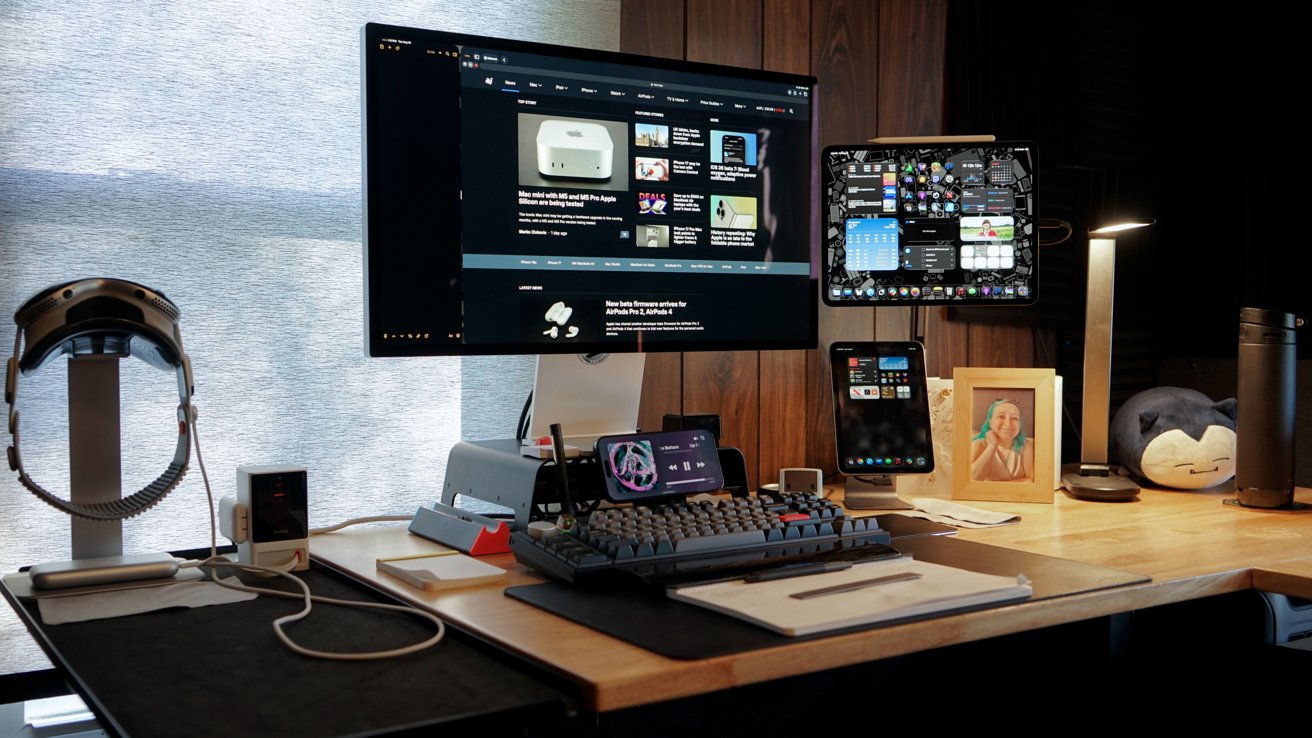
SmartWings smart roller shades review: let some light in with the 70% blackout option
Having 70% blackout shades up in my office means I get some sunlight in my office all day. Then, when I want to see outside or let more natural light in, I can open the shades some percentage.
This cave of an office benefits from some sunlight, especially when I'm taking product photos. It's also nice when there's rain or snow to watch outside to just hit a button and see out of the window.
It's silly, but that reduction of friction goes a long way. Having to get up and open my curtains was always such a chore, I'd never do it. If I'm feeling especially lazy, the Siri command "open the left office shade 75%" works just fine.
I've written 1,000 words about window shades, so let's not get too poetic here. These are excellent shades that are easy to install and work flawlessly.
One last note is on the price. These aren't what you'd call inexpensive, but they're much more affordable than other smart shades brands I've researched.
Like any smart home upgrade, it is best to take things slow. Don't try to outfit your whole house with smart shades at once, go room by room or even window by window.
SmartWings smart roller shades review - Pros
- Stylish shades made to fit your window
- Quiet and fast operation
- Simple HomeKit integration thanks to Matter over Thread
- Easy installation
- Solar power keeps the blinds maintenance free
SmartWings smart roller shades review - Cons
- These are pure luxury as a product and a retrofit option would be less expensive and more practical
Rating 5 out of 5
Sometimes simple is best. SmartWings focused on the basics of what a good window covering might need and nailed those down while adding Matter over Thread compatibility.
These shades work, their motors aren't too loud, and even if your network fails, you have a remote to fall back on. Even the selection of fabrics, shades, and styles are widely varied.
Where to buy SmartWings smart roller shades
Get the SmartWings smart roller shades from the SmartWings website. There's a lot to choose from and each order will be customized for your window.
The specific model I reviewed is the SmartWings Motorized Light Filtering Roller Shades 70% Blackout Safari. These start at $179.99 on the SmartWings website.