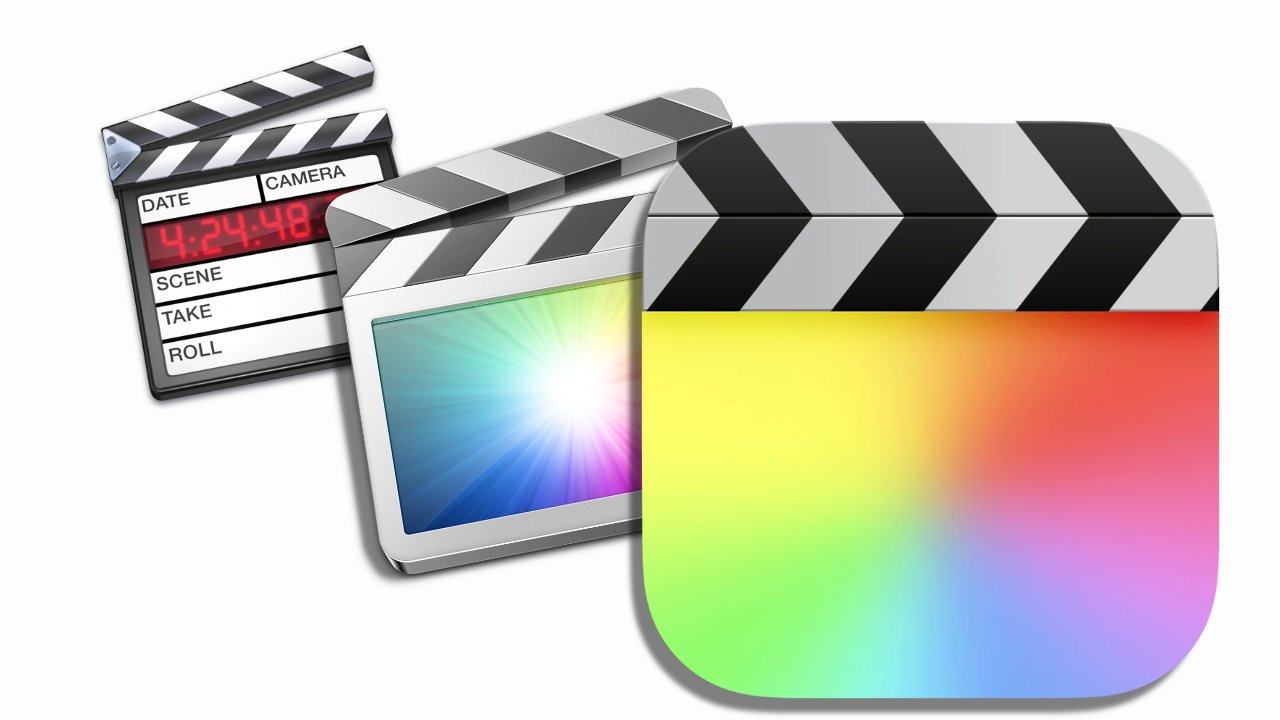
Final Cut Pro for the Mac became a favorite video editing app of Hollywood about 20 years ago, but then Apple made a radical update that lost it filmmakers forever. Here's where it started, and what happened to make it fall out of favor.
No question, Final Cut Pro for the Mac is an extraordinarily superb app. It has faults, users have criticisms, but if you use it, you tend to become a fan.
The only problem is getting people to use it. For this is a tale of two different Final Cut Pro apps, and how Apple managed to make a bold and brilliant move — but dropped the ball at the same time.
Final Cut Pro's history is long and involves unexpected players from its rival Adobe to its legendary fans.
But the short version of what happened and what went wrong can be pinned down to one month and one decision. Before June 2011, there was Final Cut Pro version 7.0.3, which was an absolute darling of film editors. Final Cut Pro for the Mac had become a favorite video editing app of Hollywood, but then Apple made this radical update that lost it filmmakers forever.
After June 2011, there was Final Cut Pro X, which was totally different. It was the same idea, but it was a revolutionary change that was absolutely, definitely, in all ways, brilliant.
Except.
That initial version of Final Cut Pro X added all these new features and new ways of doing key tasks. But it dropped many, many features that were just mandatory for professional film editors, as "Off the Tracks," an excellent 2018 documentary reveals.
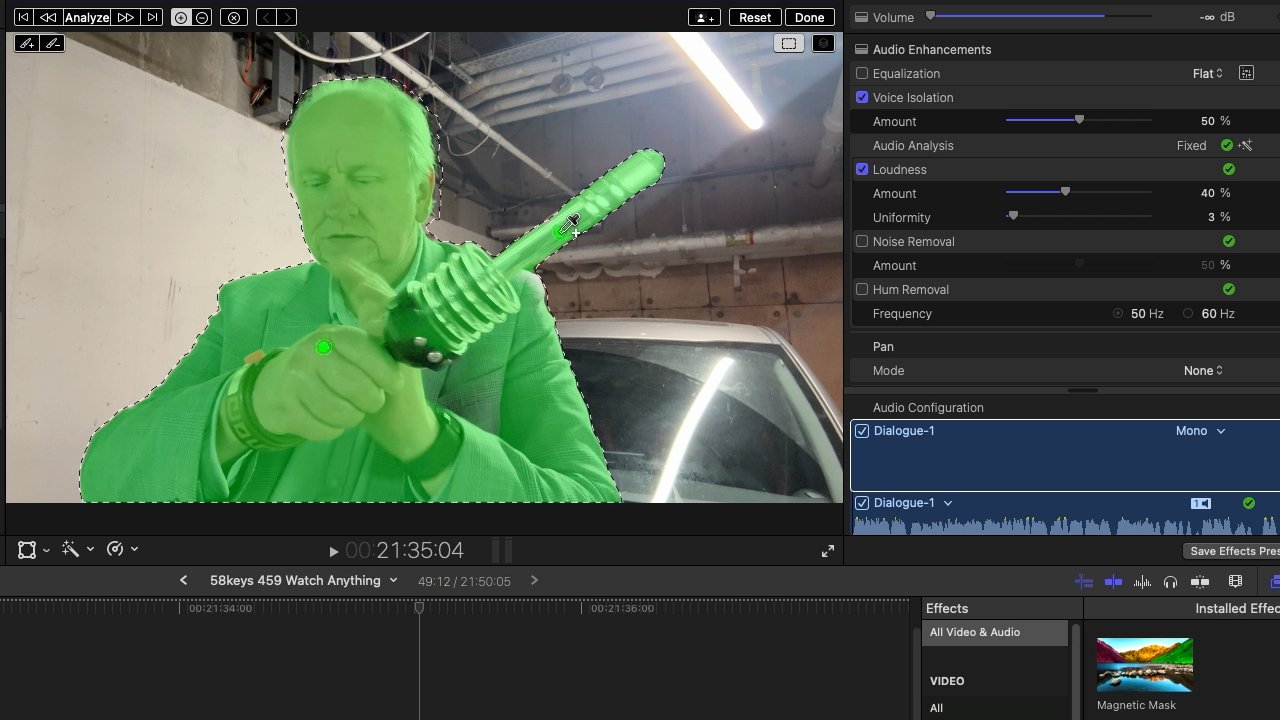
The green area is a mask, created just by dragging and clicking, which then lets you separate out elementts
Those editors could not move to the new app because it would not do what they need. It was similar to how Apple stripped back Pages to make one version that worked across Mac and iPad, before slowly returning core features to it.
And Apple's mistake with Final Cut Pro was that it ceased selling or supporting the old version immediately. There was no overlap, there was no slow fade from one version to the next, there was a hard cut.
Studios who had invested in the original Final Cut Pro and now just needed an extra site licence because they'd hired more editors, were out of luck.
So for strong, practical and undeniable reasons, filmmakers had to switch to rival editing apps. They were very vocal about quitting Apple, and it's fair to say that few have ever come back.
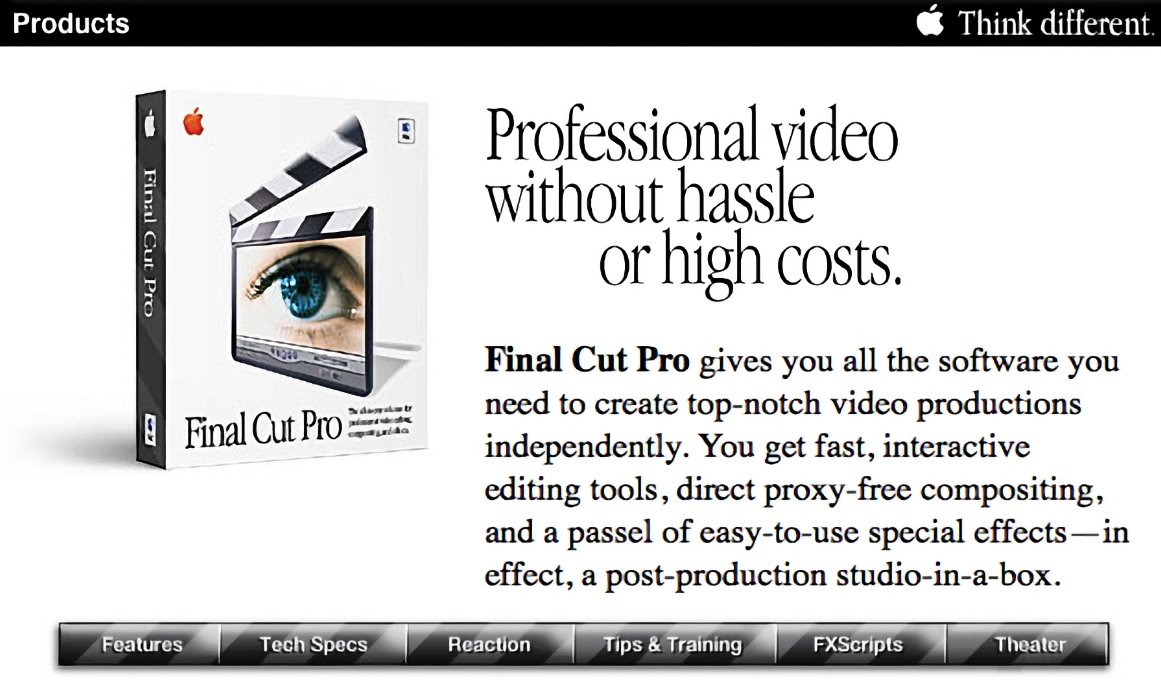
Final Cut Pro on Apple's website in 1999 — image credit: Apple
Which is simply a tragedy because what Final Cut Pro's radical revamp brought was the future. Where the original version was replicating old film and TV systems that used tape, the new was made for the streaming video we have today.
What Final Cut Pro is and does
Final Cut Pro was — and the newer version still is — an NLE: a Non-Linear Editor. Instead of physically cutting celluloid, you had everything on screen.
Really today it's less that you have to be told what an NLE is, than it is you have to be persuaded anyone ever worked in any other way.
But speaking of persuasion, once the reworked Final Cut Pro finally got back all the features it had lost, there was still one thing that tended to put people off. It's what's called the magnetic timeline, and it is little short of insane that the entire film industry didn't grab this to their hearts.
You'll understand what it does, but you need to use it to really feel the difference. With the magnetic timeline, if you cut a scene out of a video, everything following it immediately snaps forward to close the gap.
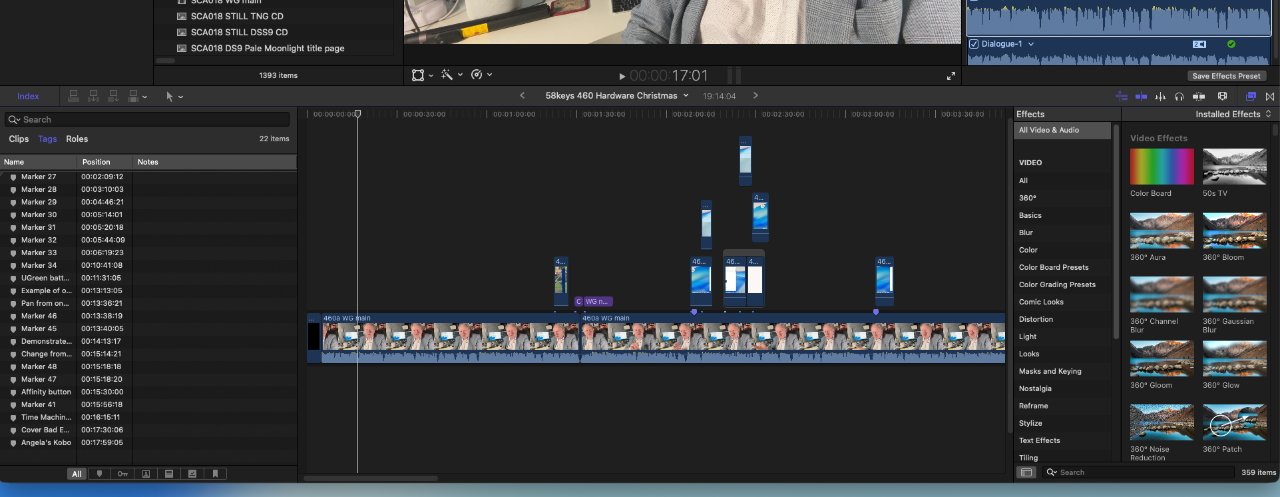
You can add layers of video and audio on top of your main footage and Final Cut Pro handles moving them
Imagine having to remove a few moments from the opening title sequence of a two-hour movie. Without the magnetic timeline, every single frame for the entire rest of the film has to be manually dragged along.
Now, you could of course manually select all of that footage, but you would have to be sure to not miss any of it.
Plus videos are made up of layers. You might have the main footage plus cutaways to other angles, or you have effects like color grading overlaid, and you might have a separate music track.
All of them have to be moved correctly and even if you do that, you can find you bump one music track up against another.
With Final Cut Pro, everything moves and if anything is going to bump, anything is going to overlap, it is intelligently arranged so you can see it.
It's so useful that rival apps like Avid and Adobe Premiere have introduced features that are a little like it. But it's a Final Cut Pro invention, and it is done best there.
How Apple got into video editing
Apple created that new version, which for a long time was called Final Cut Pro X. And it created the much more recent iPad edition.
But the origins of Final Cut lie back with an Adobe employee. Developer Randy Ubillos was instrumental in Adobe's first versions of its Premiere NLE app, and he was asked by Macromedia to make a new video editor.
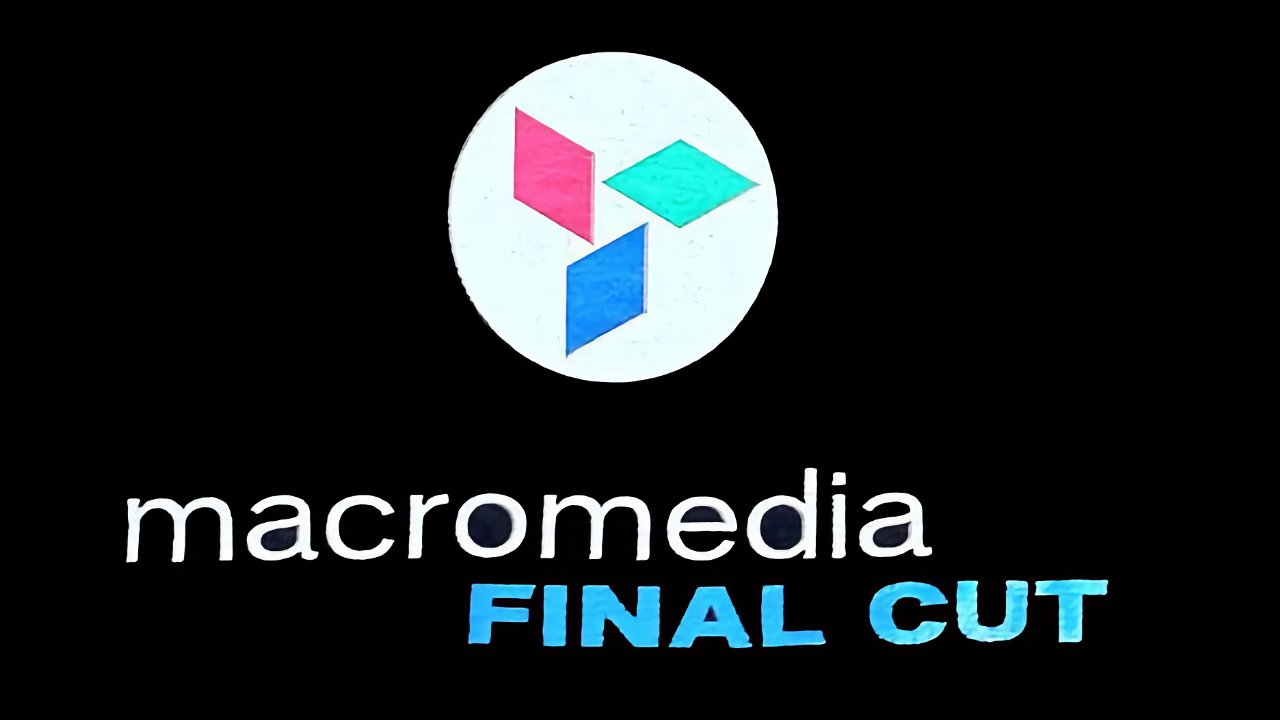
What could have been and briefly was. Logo via Apple Wiki
That was sometimes called KeyGrip, sometimes Macromedia Final Cut, and at the time, back in the mid-1990s, the idea was that it would be more of a pro video editing app than a consumer one. And central to it was that it would be based on Apple's QuickTime video technology.
If Macromedia had held on to KeyGrip until the company was acquired by Adobe in 2005, Final Cut Pro would probably have died.
For it seems unlikely that Adobe would have continued developing both Final Cut Pro and its own Premiere video editor. More than unlikely: Adobe tried to shut down Final Cut Pro even after Apple had bought it.
Adobe actually asked Apple to drop the app. It asked that despite having only just turned Steve Jobs down when wanted them to make a consumer version of Premeire for the iMac DV.
But apparently Jobs was in a political or maybe just counseling move. He did refuse, but said that Final Cut Pro was different to Premiere, and that the two together would help grow the video editing market.
Final Cut Pro is born
Apple had originally seen a version of Final Cut demonstrated at the 1999 National Association of Broadcasters (NAB) show. To this day, NAB remains the place where Apple will launch its biggest updates to the app.
It's fair to say that Apple and Final Cut Pro were a huge element of NAB for many years. There were Final Cut Pro devotees in attendance, they were serious filmmakers, and they were fans enough to take homemade videos of presentations like they were bootlegging concerts.
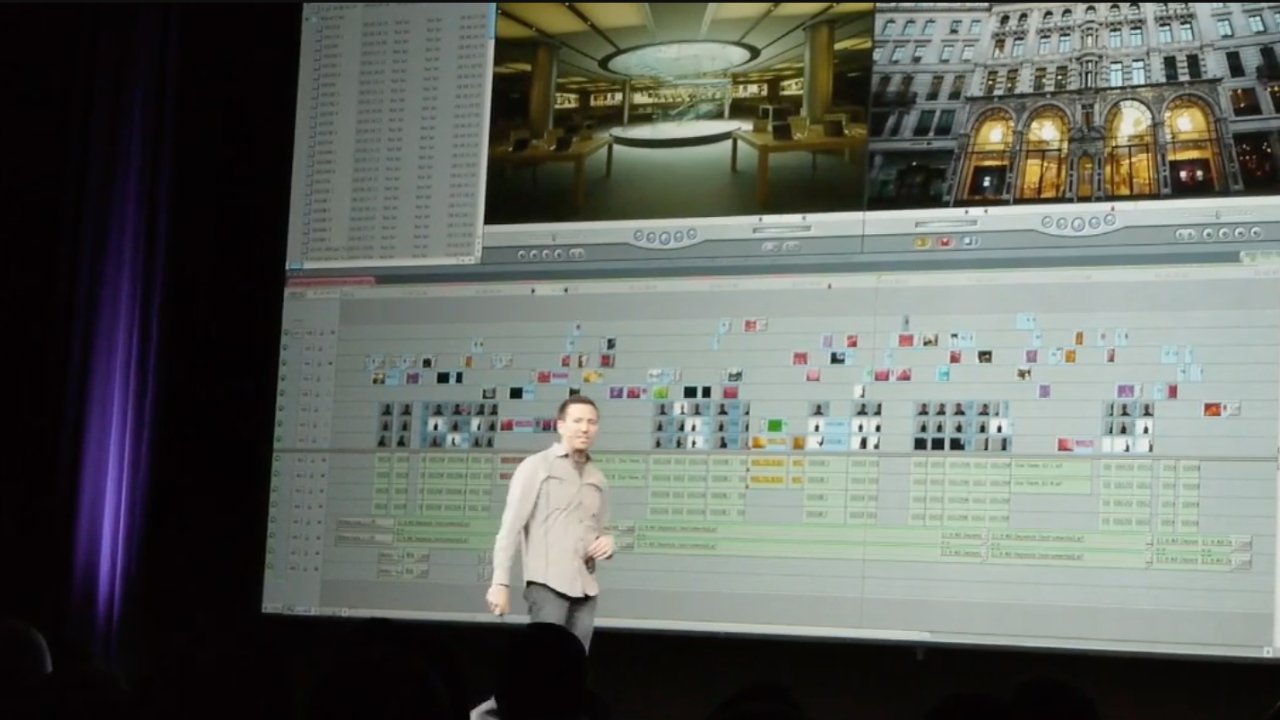
Before: a video made in Final Cut Pro 7 — image credit: Emmanuel Pampuri
When Peter Steinauer, Apple's Final Cut Pro architect, gave NAB a sneak peek at the update, the crowd cheered and kept on cheering. The magnetic timeline got applause, as did very many improvements that solved problems for those filmmakers.
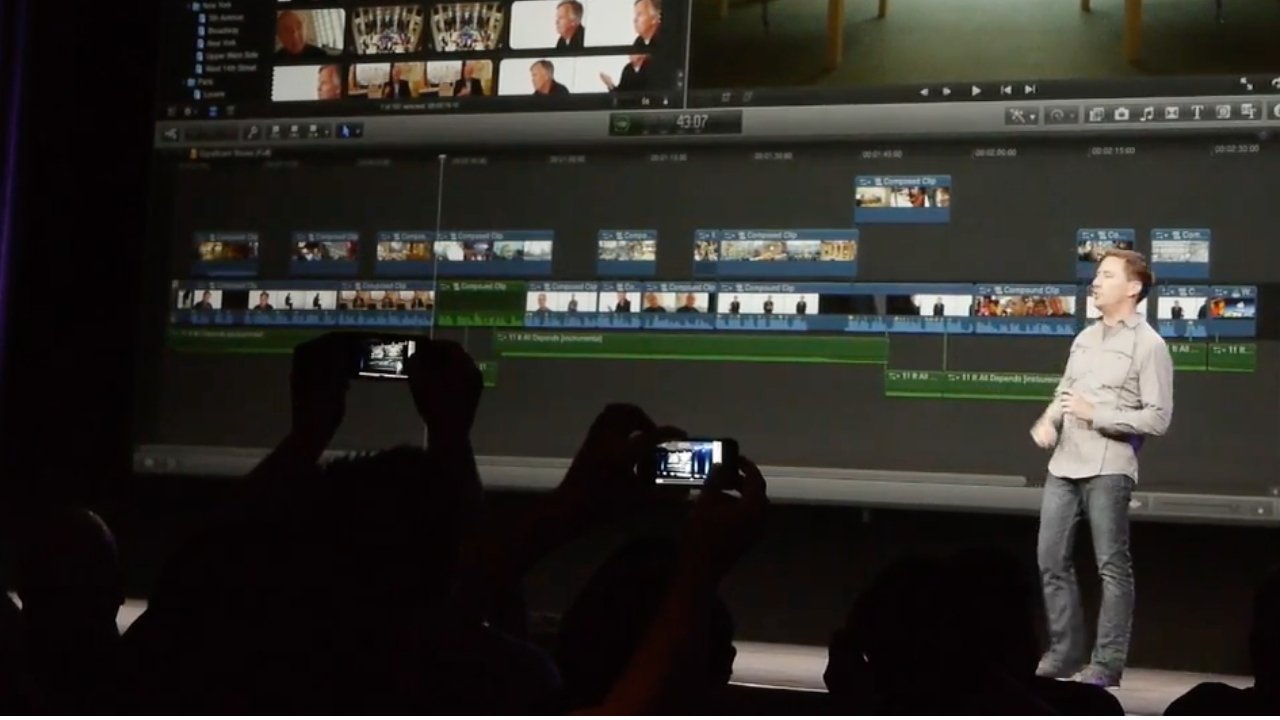
After: the same video made in Final Cut Pro X — image credit: Emmanuel Pampuri
Steinauer must have left that stage feeling fantastic, because the reaction was every bit as excited and delighted as could possible be hoped for. It was only as people asked questions, as eventually people got to use the new app, that the problems became apparent.
For example, film editor and industry legend Walter Murch had been an absolute fan up to this moment, to the extent of using it even when Apple asked him not to.
Murch had edited "Cold Mountain" — written and directed by Anthony Minghella — back in 2003, and at that point the very prospect scared Apple. Here was a major Hollywood movie solely using its software, so of course the fear was that it would fail.
Instead, it was a success and Murch was even saying he had "a symbiotic relationship" with the software.
You can't overstate how important Murch is to film editing. While he also directs, he is famous for his books on editing, and to this day he lectures on the topic to filmmakers who eat up anything he says.
So Walter Murch and "Cold Mountain" were an enormous deal for Apple. And losing him was at least as big a blow.
"In retrospect, you understand the issues that Apple was dealing with," Murch said later in 2015, although he didn't detail them. "The trauma was that Apple discontinued support of the Final Cut editing system that we, collectively, had been using for eight or ten years."

"Suddenly, [they] replaced it with Final Cut X... which at that time was underpowered compared to where Final Cut 7 had been," he continued. "Since then... I have not used Final Cut X in any real-world situation."
Murch does compare the situation to the old Ford versus GM partisan feelings held by car owners. He says that eventually he thinks that will go away.
But he personally went from Final Cut to Avid, and then on to Adobe Premiere, which he appears to still be using today.
He should be right about the partisan way people continue to stay away from Final Cut Pro. It is now a genuinely superb application.
But switching production systems is a huge expense and takes an enormous amount of time in training. People left Final Cut because they had no choice, and today they'd have to have exceptional reasons to come back to it.
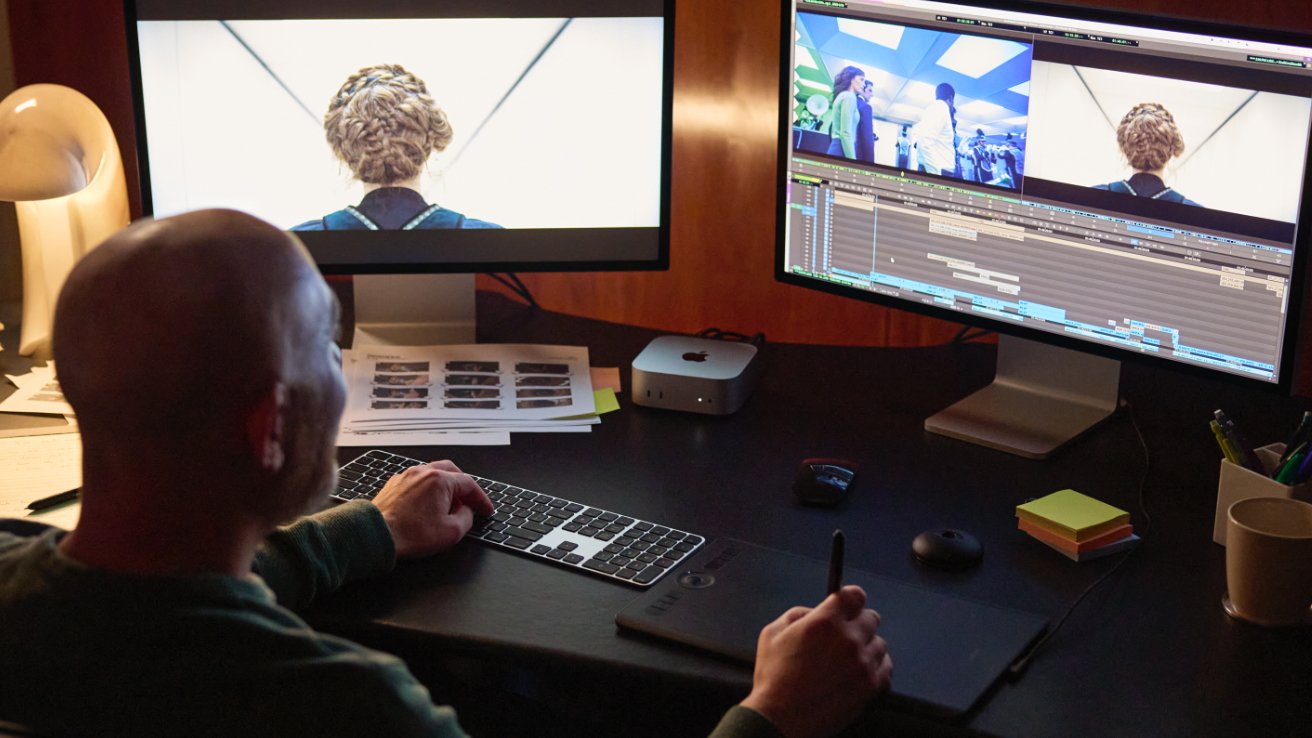
Geoffrey Richman editing "Severance," but not on Final Cut Pro — image credit: Apple
So there are filmmakers using it, but tellingly, not even all editors working on Apple TV shows don't. "Severance," for instance, used just about every Apple device and technology you can think of, but not Final Cut.
New devices
Conceivably, one thing that might bring more filmmakers back to Final Cut Pro is the fact that it is now also on the iPad. It's hard to see major motion pictures being edited on that, but then it's easy to see new filmmakers trying it out and getting hooked.
There isn't an Avid video editor for iPad, though there is a version of Premiere. There's also DaVinci Resolve and LumaFusion, each of which are powerful video editing apps.
But Final Cut Pro for iPad has the quite brilliant feature that lets you record video live from multiple devices into one main one.
It's another example of how Apple repeatedly takes something complex and makes it easy. So now you can have Final Cut Pro on the iPad connected to a couple of different iPhones or iPads, and they all work in concert.
From your main iPad, you can start recording on all of the devices. You can change settings, you can alter the zoom.
And when you're done shooting, all of that footage from all of those devices is already in Final Cut Pro for editing. Immediately.
What's there is really a proxy version, a cut down kind of thumbnail instead of the full video. But that full quality video will automatically make its way over, it's just that the proxy is so good you can be editing your film while you wait.
Only, this is superb on the iPhone. On the iPad, you get the iPhone version of the Final Cut Camera app.
It's like the olden days when you'd have to push a button to get a 2 x sized iPhone app on your iPad. And I've seen people hold their iPads in landscape as they shoot with Final Cut Camera, but I haven't managed to do it.
Final Cut Pro on the iPad is exciting
I clearly remember reading on AppleInsider when Final Cut Pro was announced for the iPad. I was overseas, I had barely enough Wi-Fi to read the news, but I went wide-eyed.
And the instant I got back home to the UK, I downloaded Final Cut Pro to my iPad and spent the whole trial period using it.
I dropped it after the trial and didn't come back until late 2025 when I bought an M5 iPad Pro and figured I could do a lot of my video work on it. As it turns out, I can do more than I thought because Apple has been steadily updating the iPad version of Final Cut Pro.
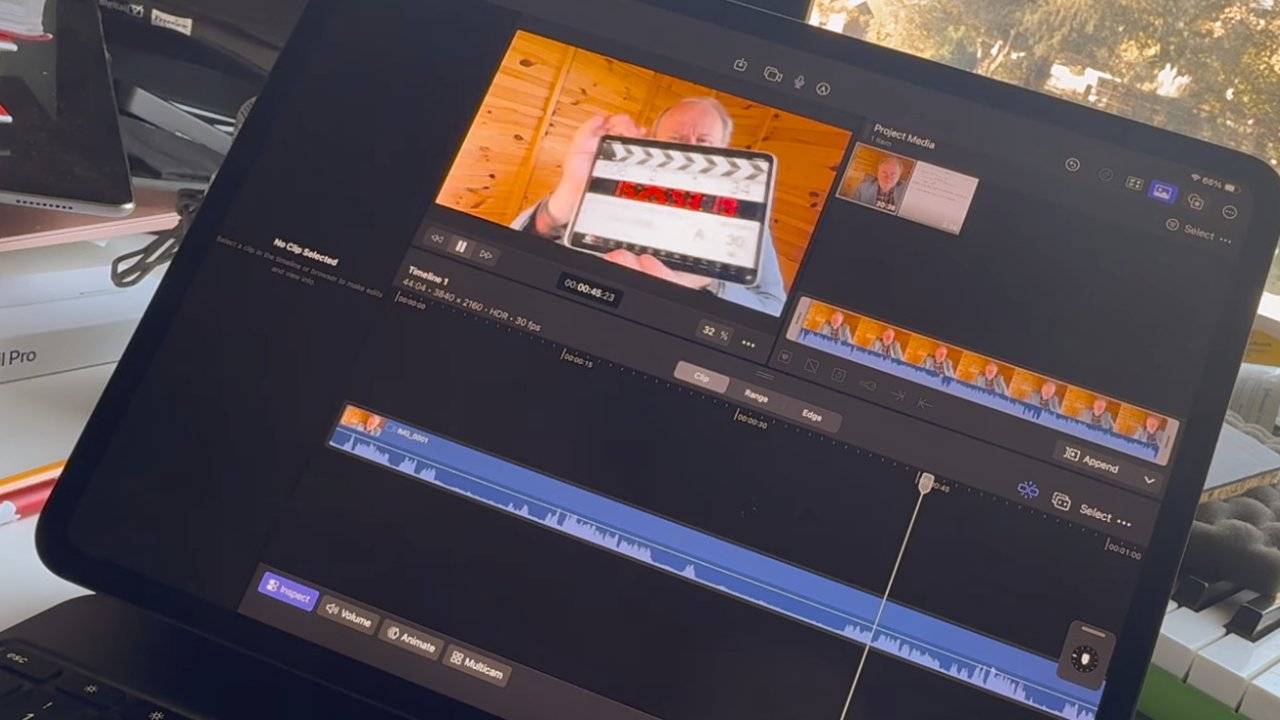
Editing a very simple video in Final Cut Pro on the iPad
It's still not on a par with the Mac version. In a way this is just like it was with the move to Final Cut Pro X in how there are key features missing.
This time it's not such a calamitous thing because anyone who was going to be driven away from Final Cut Pro has already gone.
But even at my level, I do hit the limits of Final Cut Pro on the iPad. There's a thing in film editing where it's good to have the audio of the next scene come in just a beat before you switch the video, and it's easy enough to do in both versions of Final Cut Pro.
Only, with the iPad version, I had to think it through. On the Mac, I just split the audio off and cut the video where I want. On the iPad, I have to think about overlapping tracks and what can or can't be seen when.
That's my summary of the whole Final Cut Pro for iPad experience. It does so much, you can make it do more, but you have to really think through the workflow.
Still, there is something ridiculously fun about editing video on the iPad, and on the Mac it now feels as if Final Cut Pro is there to speed up everything possible.
It's just such a shame that Hollywood filmmakers are no more likely to go back to Final Cut Pro now than they are to adopt iMovie.