
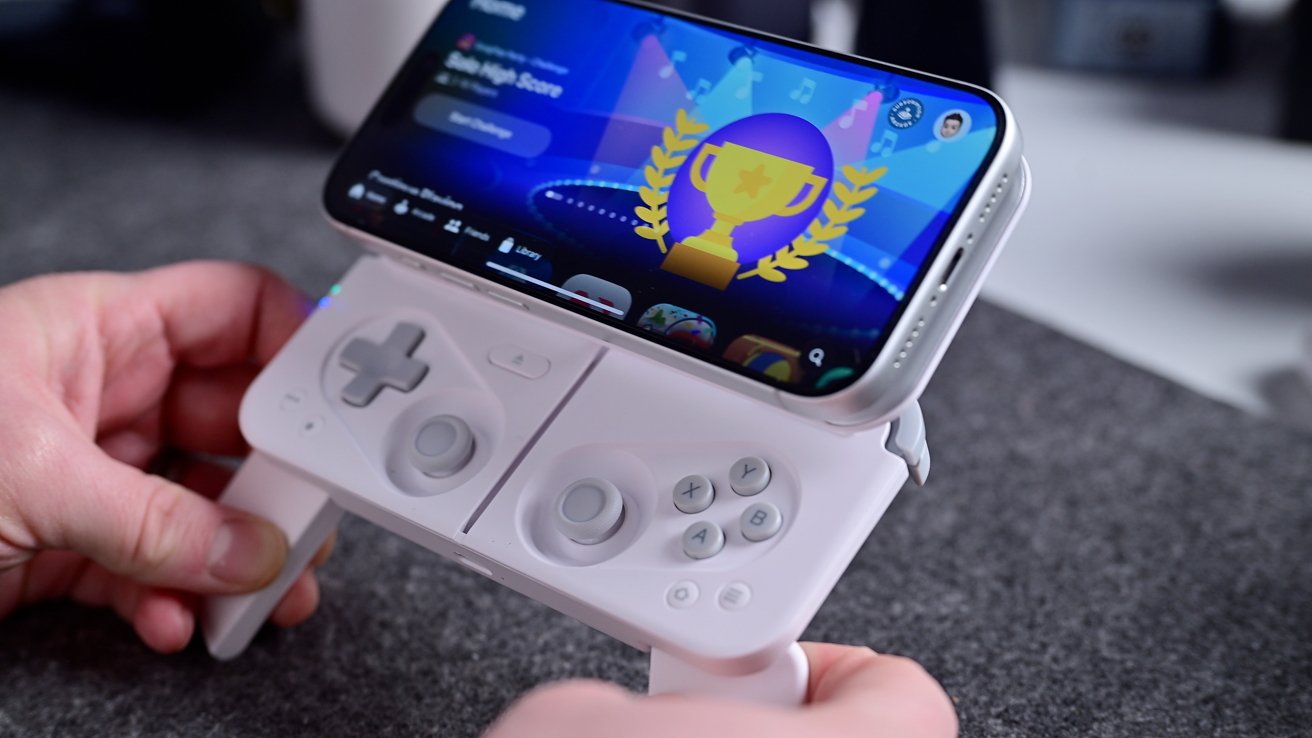
The new Mcon controller balances portability and performance in a compact, MagSafe-compatible design for iPhone gamers.
Gaming controllers usually come in two flavors. You'll find ones that are extremely comfortable and capable, as well as those that are small and portable.
Finding a controller that is both portable and capable is a rarity, to say the least. The OhSnap Mcon is the first one I've tested that makes good choices on compromises and uses MagSafe for easy connection to iPhone.

Mcon mobile gaming controller review: Design
Mcon has a very cool design. It's roughly the size of my iPhone 17 Pro, but a bit thicker.
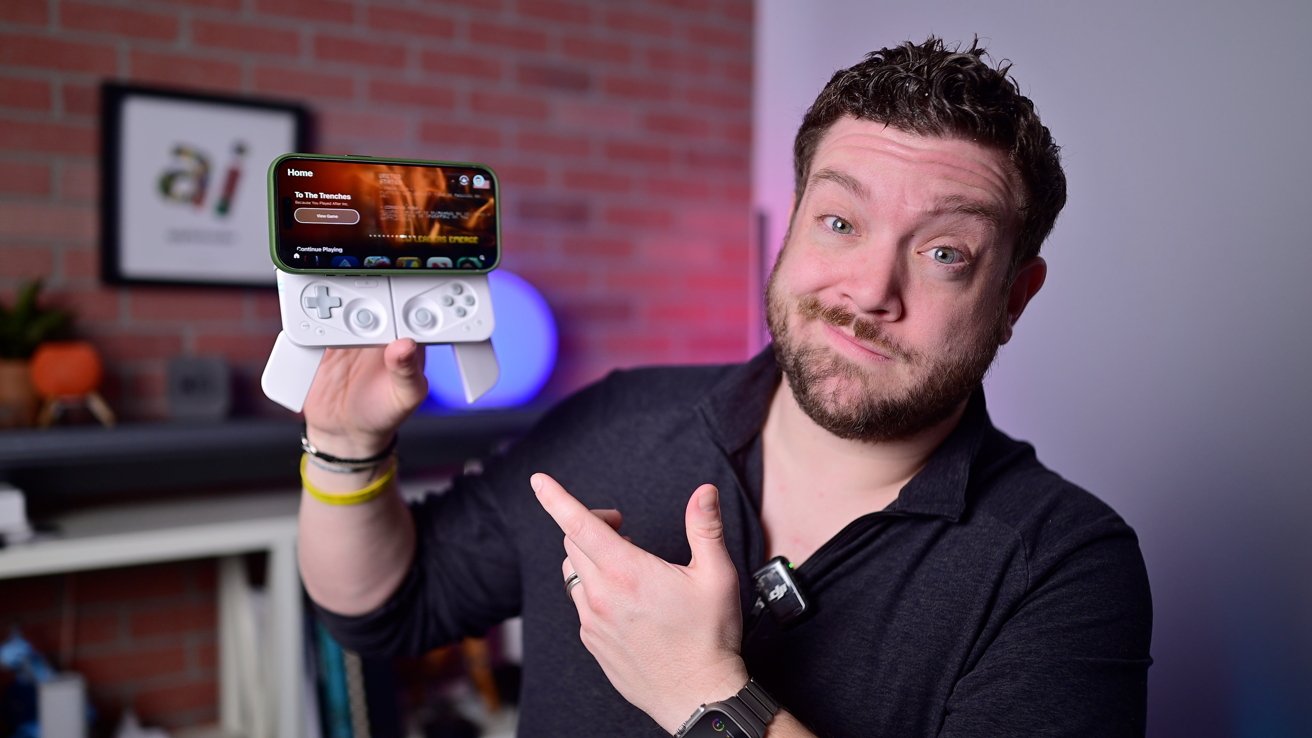
Mcon mobile gaming controller review: It's fun to open the Mcon controller
It connects to your iPhone with MagSafe and has a solid hold. When you're ready to game, you just press the silver button that sits right where your fingers rest.
When the button is pressed, the controller springs open. The Bluetooth is turned on, and the iPhone gets positioned just above the controller buttons.
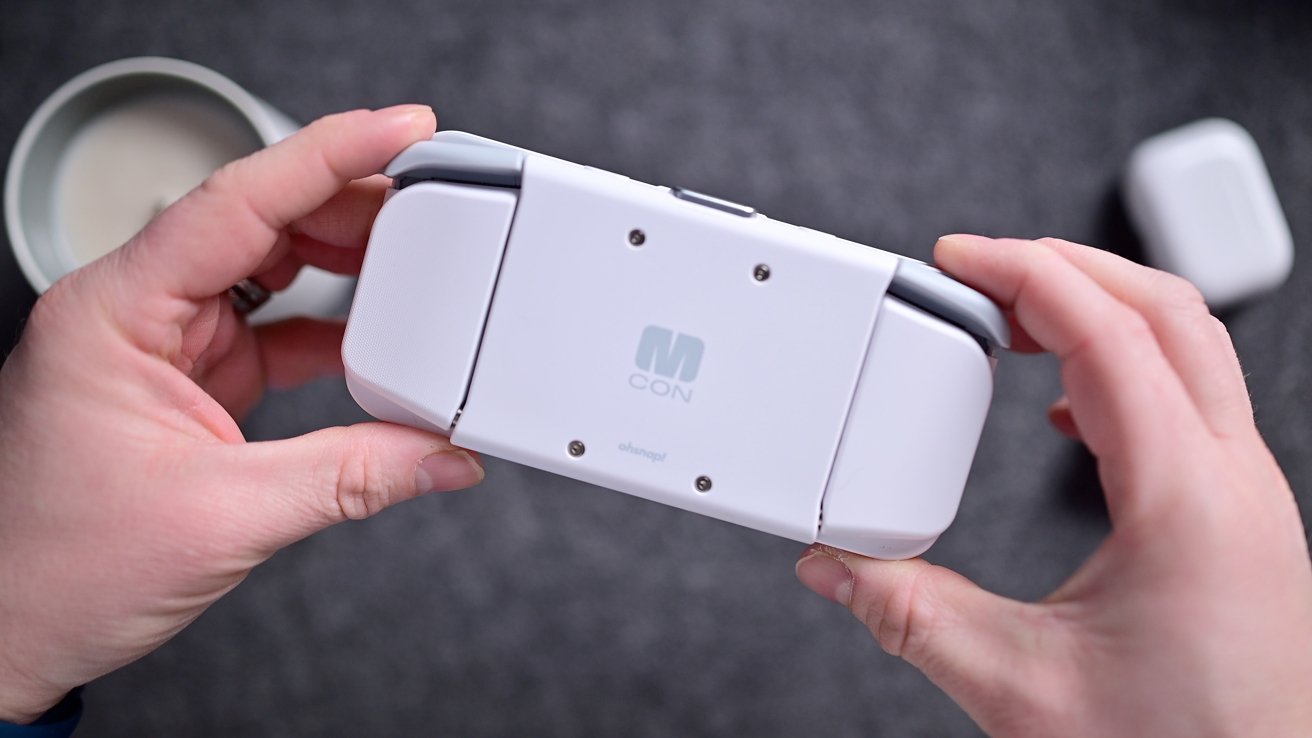
Mcon mobile gaming controller review: The grips fold flat to the controller
It's just fun to do and has a satisfying whoosh and click. I also appreciate that the phone doesn't just slide forward; it angles upward slightly to make it more comfortable.
With the controller open, you can then rotate out two extra palm grips from around the back. This puts you in a natural gaming position with access to the joysticks, triggers, and all the other buttons.
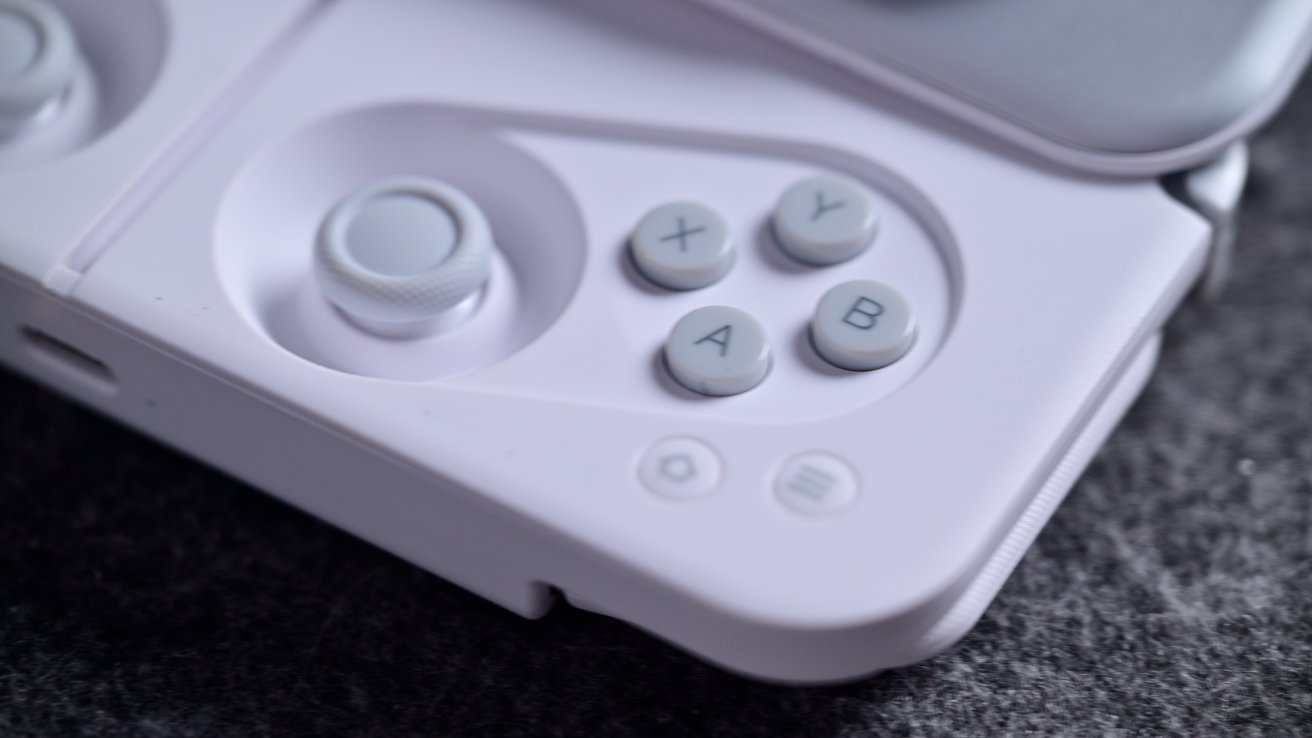
Mcon mobile gaming controller review: The buttons use XYAB labels
Speaking of the buttons, they're in a bit of an interesting layout. It's like a combination of a PlayStation controller and an Xbox controller.
It uses the XYAB buttons that Xbox uses, but it uses dual, center-justified joysticks as PlayStation does. The button labels are mostly irrelevant, and I vastly prefer this joystick setup to the Xbox's.
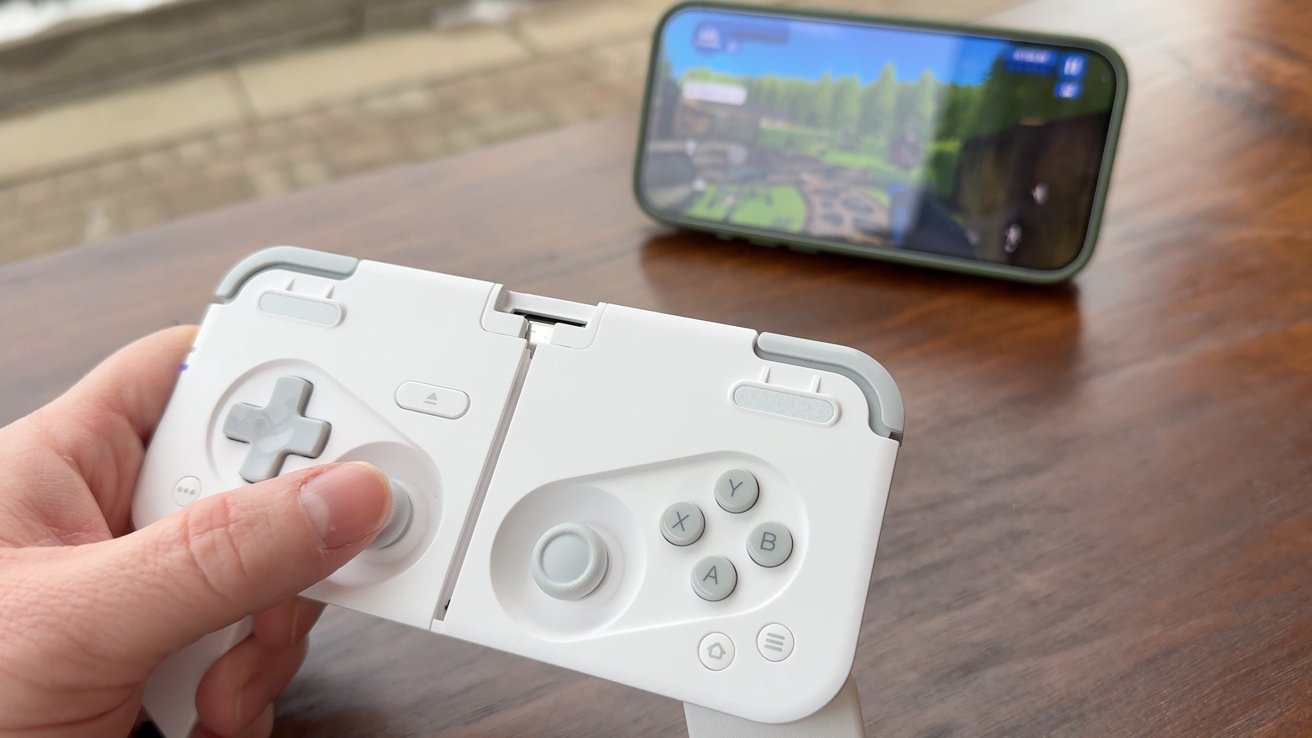
Mcon mobile gaming controller review: The top comes off to use as a stand
Those joysticks use what OhSnap calls MagRes technology that promises to be ultra-accurate, lag-free, and drift-free. OhSnap even claims it is superior to the well-respected Hall-effect mechanics.
You can use the controller via Bluetooth, or you can use it wired via USB-C. If you go wireless, you can enter "kickback mode" by pressing the eject button and removing the MagSafe module.
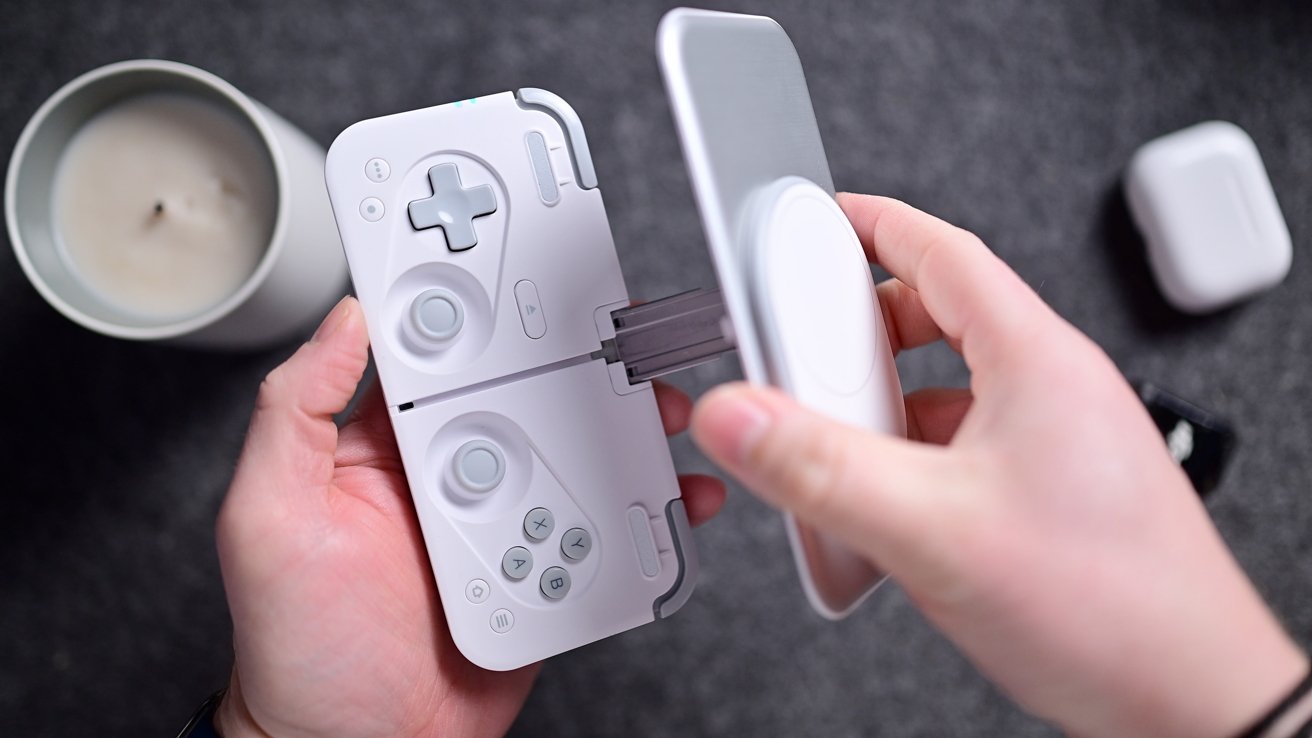
Mcon mobile gaming controller review: It's easy to reassemble and snaps into place
This gives you a magnetic stand for your phone that you can place anywhere you want and then relax with the wireless controller. It's very clever how the metal arm that works as the stand also doubles as the central guide and stabilizer as it opens and closes.
Mcon mobile gaming controller review: Gaming performance
I wouldn't consider myself a professional gamer by any means, but I'm certainly an avid one. I've long been a proponent of more console-level games making their way to iPhone, iPad, and Mac.
Quickly after launch, I eagerly downloaded Assassin's Creed Mirage, Hitman World of Assassination, and Red Dead Redemption. Not to mention many more mobile-specific games like PowerWash Simulator, Thronefall, Call of Duty Mobile, or Alto's Odyssey.
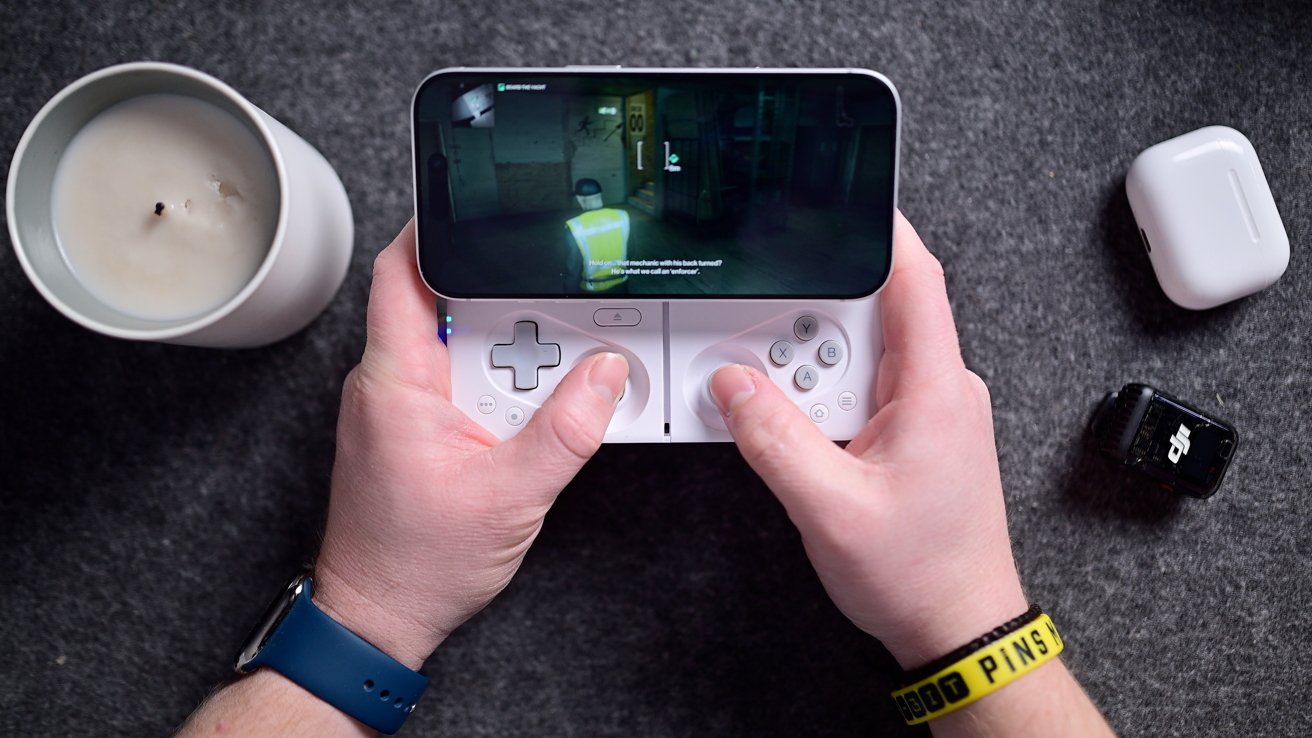
Mcon mobile gaming controller review: Playing Hit Man on iPhone with the Mcon controller
I tested the Mcon controller with most of these games over the course of the last several weeks. While it wasn't perfect, it's very reliable to use.
All of the buttons were incredibly tactile, providing a solid click each time they are pressed. The bumpers and triggers also felt reliable, though they were skinny, leaving my finger feeling a bit unsupported.
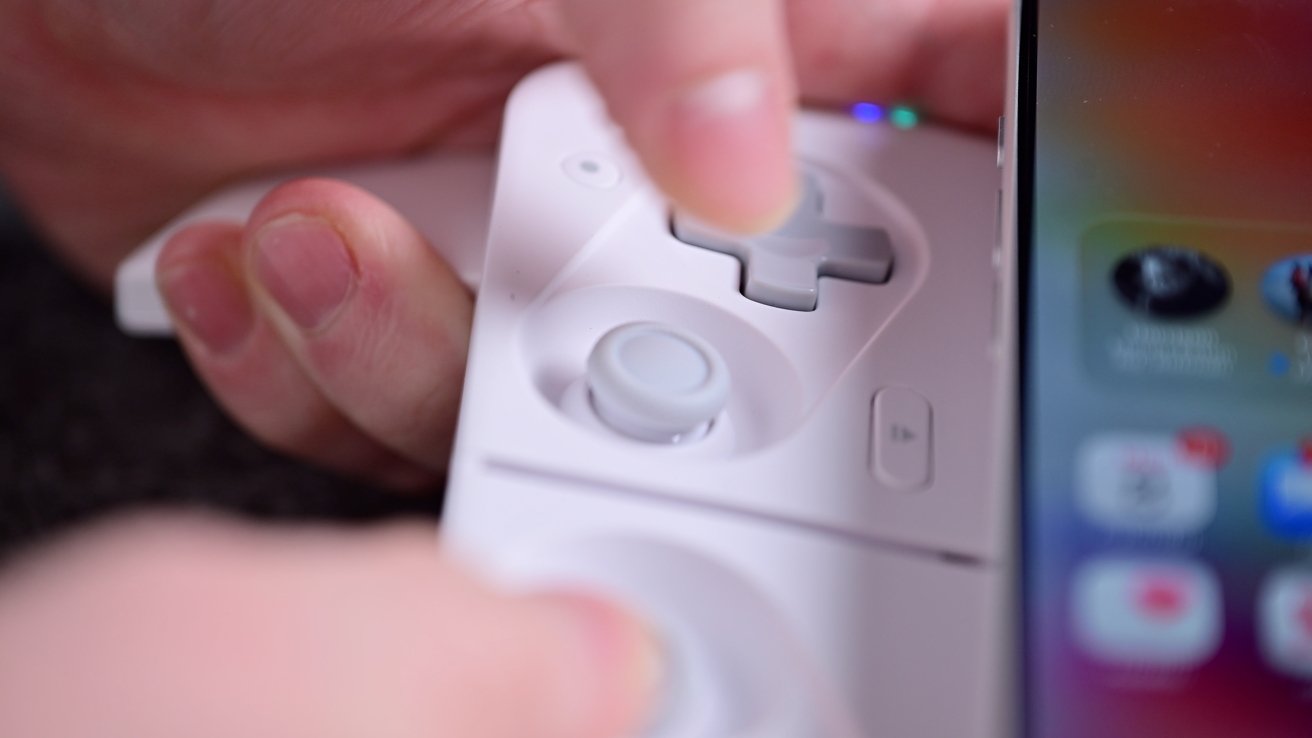
Mcon mobile gaming controller review: The joysticks are very accurate and responsive
To me, the joysticks are the most important control, and OhSnap did a great job with these ones. They're absolutely on the small side, but there was basically no dead zone in the middle, and they were very reactive when using them.
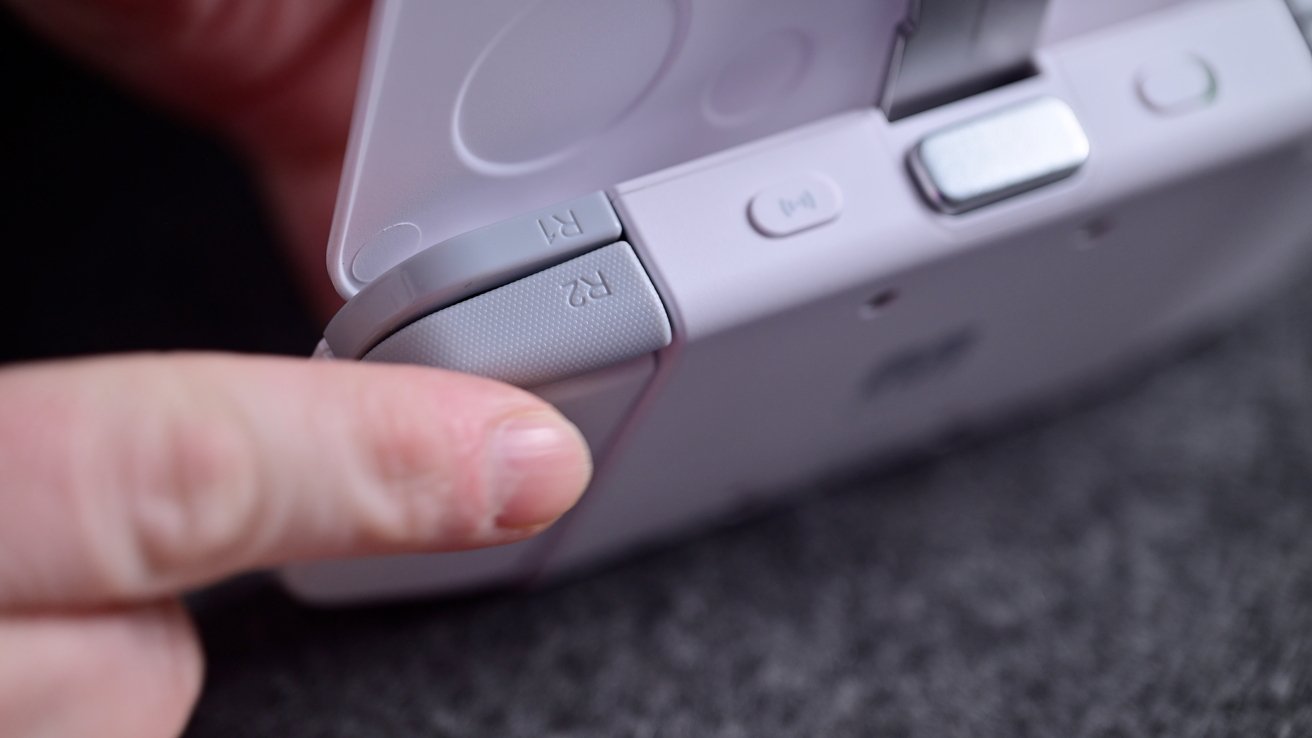
Mcon mobile gaming controller review: The bumper and trigger buttons feel good, but are somewhat thin
I think all of these buttons are premium in design and performance, but are slightly smaller to accommodate the portable footprint.
Mcon mobile gaming controller review: Should you buy it?
With mobile gaming being as popular as it is, there is no shortage of controllers on the market. We've reviewed several here at AppleInsider.
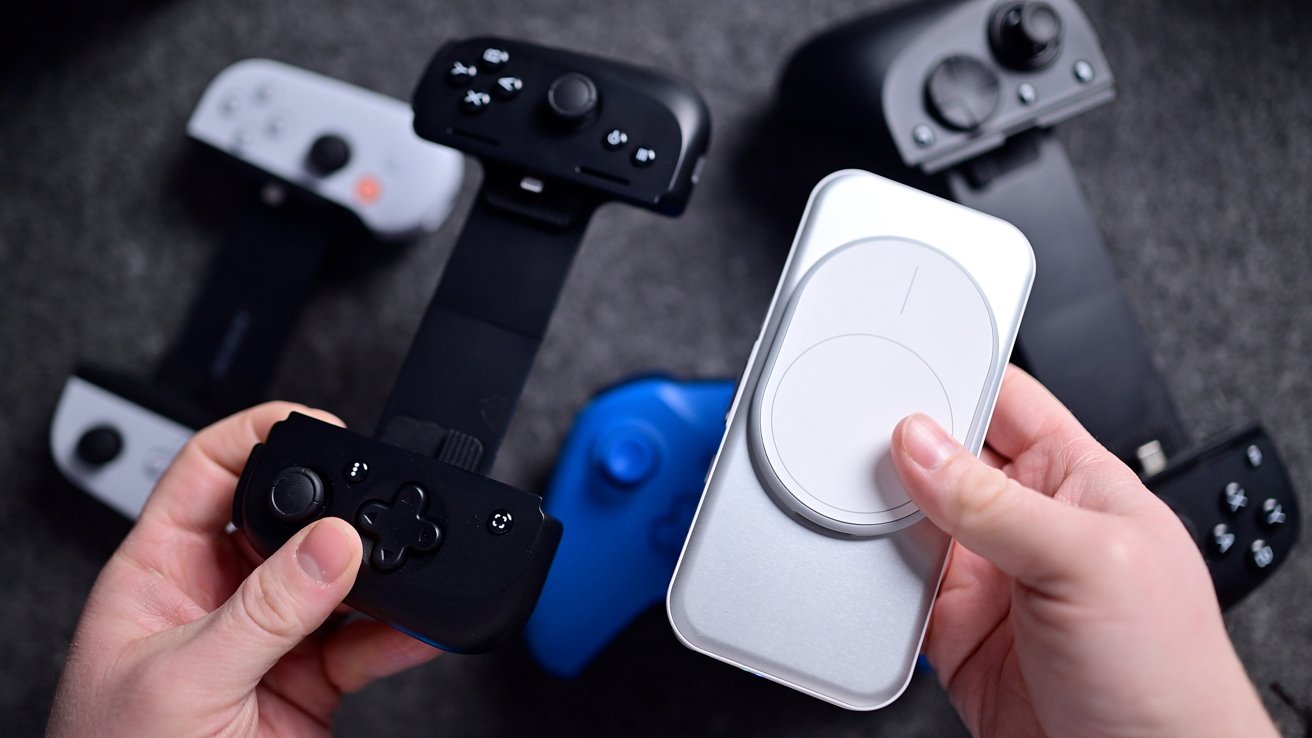
Mcon mobile gaming controller review: There are lots of controllers out there, but none as compact and premium
For standalone controllers, I'm still the biggest fan of the DualSense controller that is MFi certified and even has a streamlined pairing process with iOS 26. The Razer Kishi Ultra is also an excellent option.
Both of them are inarguably more comfortable than the Mcon is. They fit your hand better, and the buttons are bigger.
Neither of those, nor the equally popular Backbone, will fit in your pocket, though. That portability is ultimately what matters most with the Mcon.
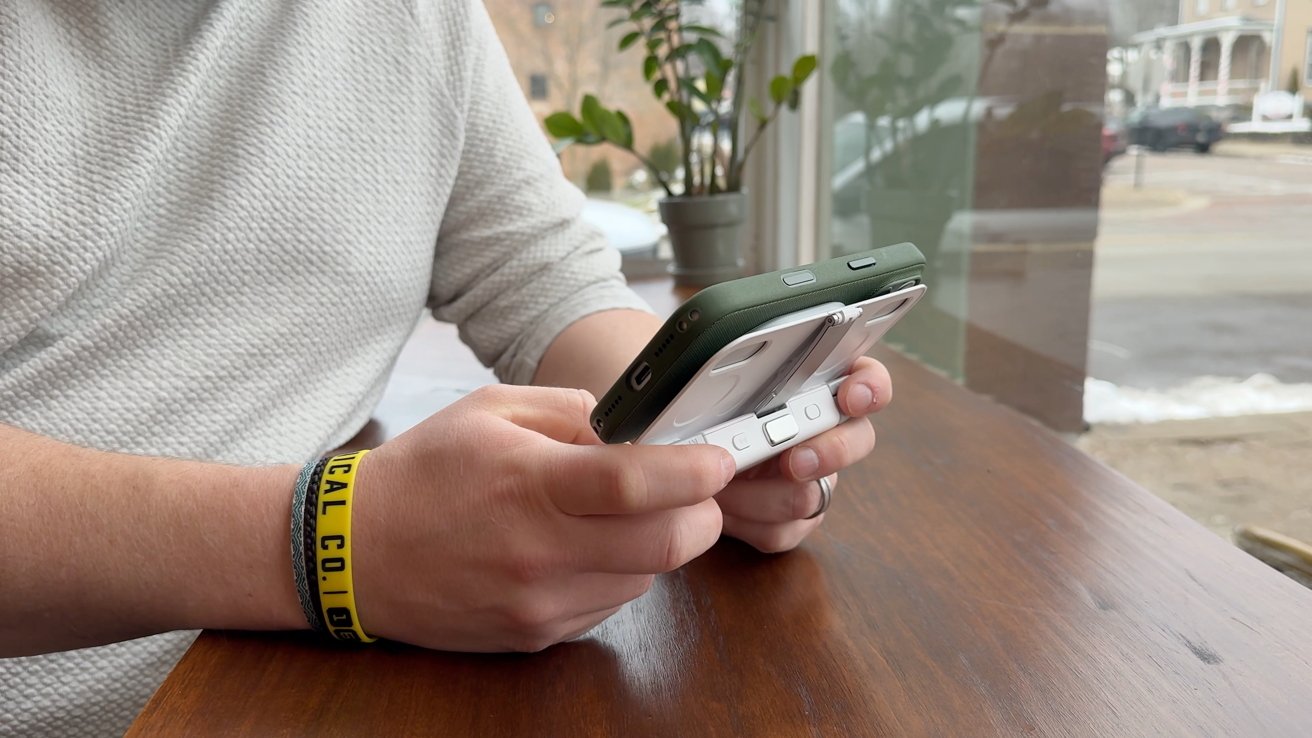
Mcon mobile gaming controller review: You can play the Mcon controller anywhere
You can find more comfortable controllers, but you'd be hard-pressed to find a portable one that is as solid as this one is.
Mcon mobile gaming controller review: Pros
- Premium construction with metal parts
- Hall-effect triggers and mag-res joysticks
- Simple MagSafe connection
- Works wired or wireless
Mcon mobile gaming controller review: Cons
- Not the most comfortable controller out there
- Relatively expensive
Rating: 4.5 out of 5
Where to buy the OhSnap Mcon controller
Preorder from the next batch of Mcon controllers for $144 with shipping resuming in mid-January.







