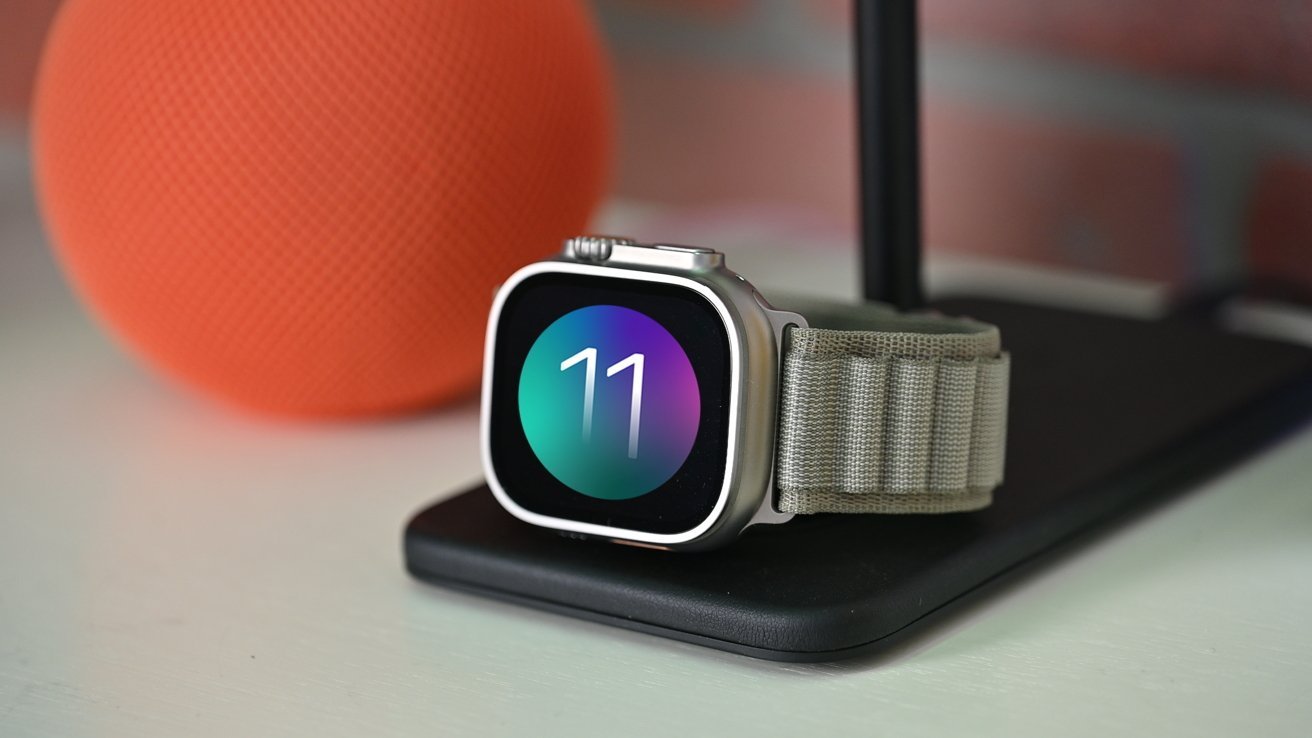
Those who have not upgraded to watchOS 26 can now install watchOS 11, which fixes an issue that prevented calls to emergency services in Australia.
Following the debut of the iOS 26.3 release candidate and minor updates for older operating systems, a new watchOS update has been made available for select Apple Watch models.
watchOS 11.6.2 resolves a cellular network issue that occurs "when establishing a connection to emergency services in Australia," according to Apple.
Thursday's watchOS 11 update is only for Apple Watch users who have not upgraded to watchOS 26 or cannot update to the new operating system, meaning the software is not needed for the Apple Watch Ultra 3 or Apple Watch Series 11.
Instead, as MacRumors points out, the new watchOS 11.6.2 update is intended for the Apple Watch Series 6 through Apple Watch Series 10, as well as the Apple Watch SE 2, Apple Watch Ultra 2, and the original Apple Watch Ultra.
AppleInsider recommends installing the update, especially if you're using an Apple Watch in Australia and haven't yet updated to watchOS 26.
How to update to watchOS 11.6.2
- Ensure the Apple Watch is charged to at least 50% and connected to Wi-Fi
- On your Apple Watch, open the Settings app
- Tap General
- Tap Software Update
- Tap Install if a software update is available
- Follow the on-screen instructions
How to update to watchOS 11.6.2 via iPhone
- Ensure your watch is charged to 50% and connected to Wi-Fi
- On your iPhone, open the Apple Watch app
- Tap General
- Tap Software Update
- Download the update if it is available
- Follow the on-screen instructions