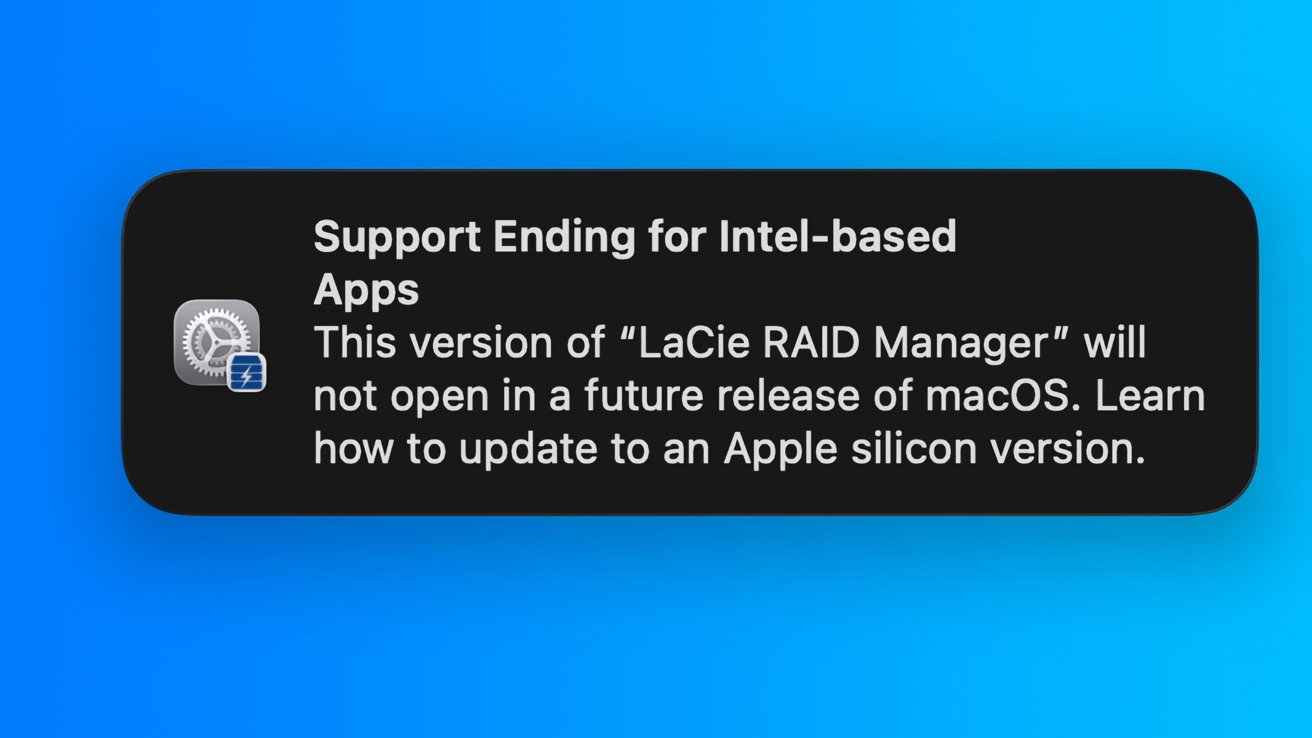
Beta testers of the new macOS Tahoe 26.4 are getting warned that their favorite Intel-only apps won't work in macOS 28, because Rosetta 2 is getting killed.
Rosetta 2 was introduced as a way to allow apps made for Intel chips to continue working on Apple Silicon. Over five years after its introduction in November 2020, Apple's warning users that it is going away.
As part of Monday's first developer beta build of macOS Tahoe 26.4, Apple has included a warning that tells users that some apps on their Mac will eventually stop working. In cases where users launch an app that relies on Rosetta 2, a warning will appear, advising that the app won't work when it pulls support for the translation layer.
As it stands, macOS 26 Tahoe is the last major release of macOS to include support for Intel Macs, with macOS 27 usable only on Apple Silicon Macs. However, Rosetta 2 will still be usable on Apple Silicon Macs running macOS 27, with support ending one year later with macOS 28.
The warning gives users more than a year to get their software affairs in order, and to replace their apps with alternatives or updated versions that support Apple Silicon. Developers, after already having five years to update their software, similarly have about a year and a half to get the job done.
While most support for Rosetta 2 will be pulled, it will still be available in a limited fashion. It will only be used to support legacy apps, such as old games, which won't be updated again.
A typical transition timeline
While some may feel like Apple's eventual removal of Intel support from macOS is too soon, it's really about the same timescale as its other major architecture transitions.
For the move to PowerPC from 68K, Apple's first Power Macintosh model shipped in March 1994. Support for 68K apps ended in October 1998, making it a transition of 4 years and seven months.
From PowerPC to Intel, the transition started with the WWDC 2005 announcement, followed by the first Intel Mac launch in January 2006. Rosetta was available until it was pulled in July 2011 in Mac OS X Lion. The full transition took about 5.5 years from the first Intel Mac sale, six if you count the WWDC address.
Apple Silicon's announcement in WWDC 2020 and first shipment of M1 hardware in November of that year puts the transition at five years and eight months so far. By the time macOS 28 should be available in fall 2027, the transition will have taken over seven years to conclude.
Apple says that a subset of Rosetta 2 for games that won't be updated will remain in macOS 28. What that is, and how it will be practically executed remains to be seen.
Checking your software
End users concerned about their apps and games can check the status by clicking the Apple menu icon in the top left of the screen, then open About This Mac, then clicking More Info. In the About window that appears, click System Report, then scroll down to Software and click Applications.
The list of installed apps has a column marked "Kind," which states the kind of architecture the app is made for. Apps that are Universal or listed as using Apple Silicon are already run without needing Rosetta 2.
Users will also be notified by the system unprompted. Keep an eye out for those notifications about your software becoming unusable, as you'll need to replace it all soon.
Apps identified as Intel are not made to run natively under Apple Silicon and need to be updated or replaced.